


abalso AI ssh – SSH Client
Eduard Mehrtens
Category
Content Rating
4+
Developer
Eduard Mehrtens
Version
1.0
Updated
Oct 23, 2026
Requires
iOS 15.0 or later
Price
Free
Size (iOS)
25.9 MB
Screenshots



Editor Reviews
abalso AI ssh – SSH Client is an action game developed by Eduard Mehrtens for iPhone & iPad.
abalso AI ssh – SSH Client is free to download. The latest version 1.0 was released on Oct 23, 2026. Content rating: 4+.
About abalso AI ssh – SSH Client
abalso AI ssh for iPhone and iPad is the mobile companion of the secure SSH client for macOS and Windows.
• Terminal with tabs, snippets, port knocking and network tools
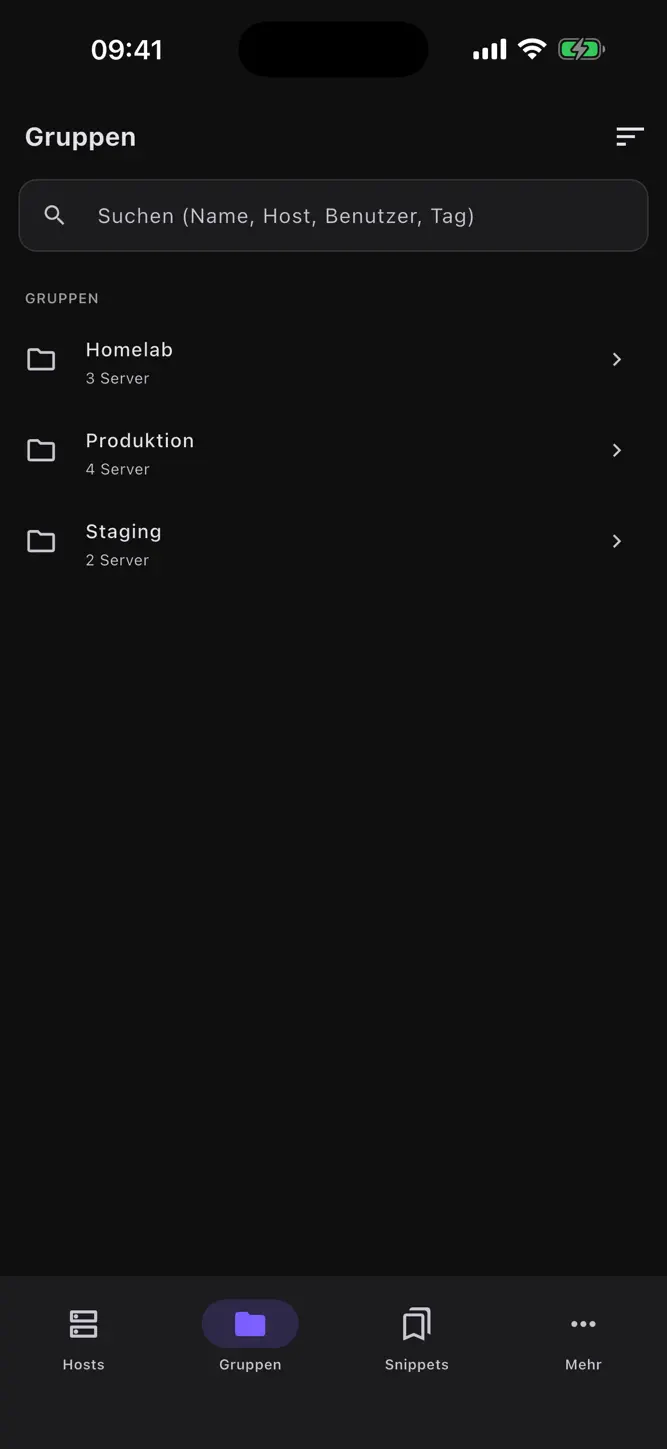
• Server profiles, SSH keys, known hosts and 2FA codes — stored securely in the device keychain
• AI agent in the terminal: describe a task, get commands proposed, confirm them or let them run automatically — you stay in control
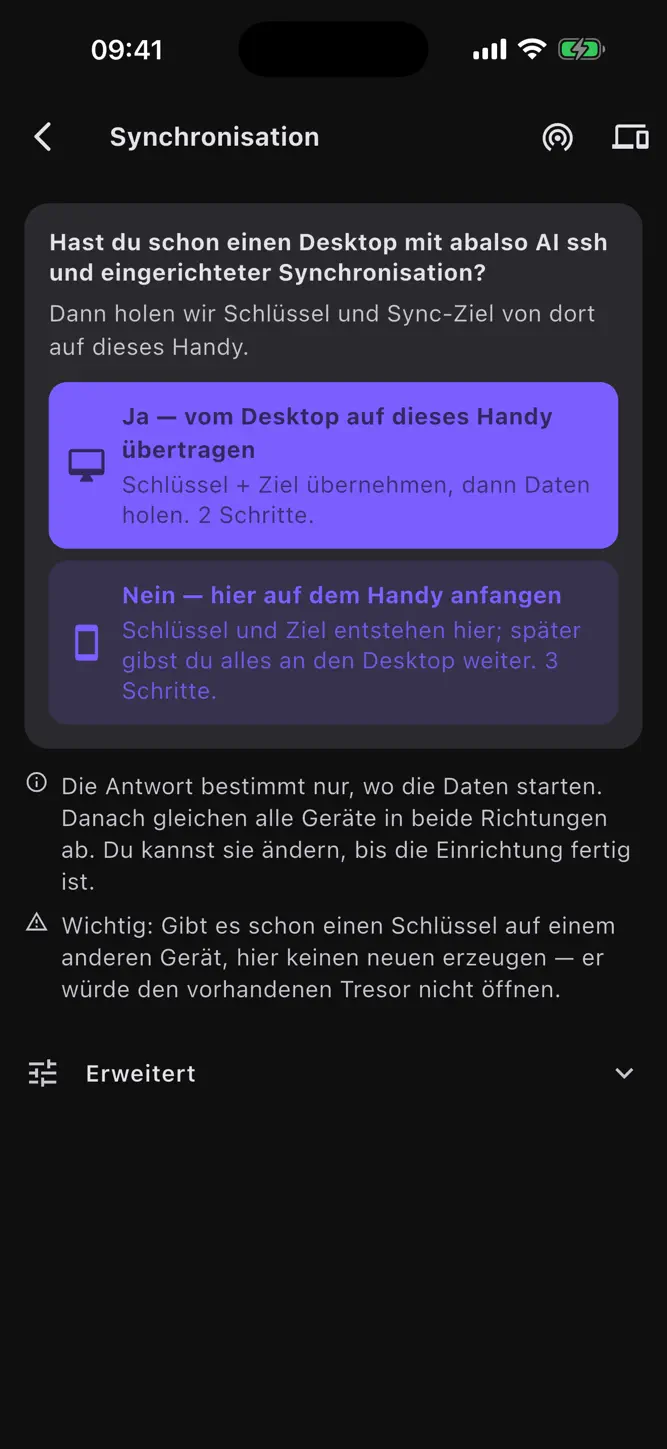
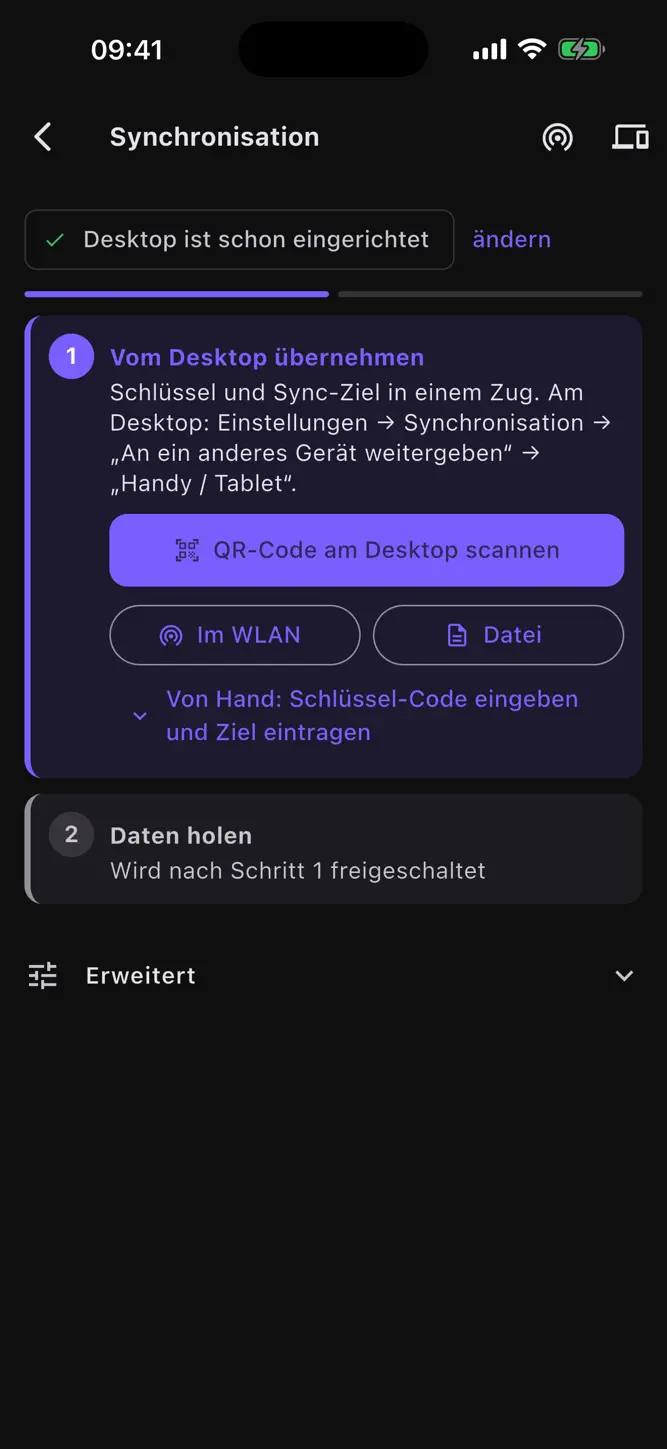
• Sync with the desktop app: end-to-end encrypted to your own server (SFTP or WebDAV), no cloud service
• Direct Wi‑Fi transfer between your devices via QR code — no server involved
• SFTP file browser, groups, favorites, search
• App lock with Face ID or Touch ID
AI: use the built-in abalso AI model (Plus subscription) or bring your own API key for OpenAI or Anthropic, entered directly in the app. The AI only receives your prompt and redacted terminal context; keys and passwords are scrubbed.
Privacy: no telemetry, no ads. Credentials never leave the device; sync runs encrypted on your own server.
SUBSCRIPTION
abalso AI ssh Plus — Monthly: €14.99/month (or the equivalent in your local currency), with a 7-day free trial for new subscribers. It unlocks the built-in AI model (1,000,000 tokens per month). Payment is charged to your Apple ID at confirmation of purchase. The subscription renews automatically for one month unless auto-renew is turned off at least 24 hours before the end of the current period. You can manage or cancel it anytime in your App Store account settings. Any unused portion of a free trial is forfeited when you purchase a subscription.
Terms of Use (EULA): https://www.ssh.abalso.de/terms
Privacy Policy: https://www.ssh.abalso.de/privacy
How to download abalso AI ssh – SSH Client?
- Tap the Google Play button (Android) or the App Store button (iPhone / iPad) in the download section.
- The official store page of abalso AI ssh – SSH Client opens in a new tab.
- Tap Install or Get and wait until the download finishes.
- Open abalso AI ssh – SSH Client from your home screen and start playing.
FAQ
Is abalso AI ssh – SSH Client free to play?
Yes, abalso AI ssh – SSH Client is free to download.
Is abalso AI ssh – SSH Client available for iPhone?
Yes, abalso AI ssh – SSH Client is available on the Apple App Store and needs iOS 15.0 or later.
Is it safe to download abalso AI ssh – SSH Client?
Yes. GameZone does not host any files — the download buttons open the official Google Play and App Store pages.
Download the App
Similar Games


Disclaimer
1. GameZone does not represent any developer, nor is it the developer of any app or game listed on this website.
2. Game details such as icons, screenshots, ratings and descriptions are collected from the public Google Play and App Store listings so players can compare games before installing.
3. All trademarks, registered trademarks, product names, company names and logos are the property of their respective owners.
4. GameZone does not host APK or IPA files. Every download button opens the official Google Play Store or Apple App Store page of the game.
5. GameZone respects the Digital Millennium Copyright Act (DMCA). If you are the owner of any content shown here and want it removed, please contact us at contact@shresult.com.