


AI Video with Omni Clips
GEDIMEX, UAB
Category
Content Rating
4+
Developer
GEDIMEX, UAB
Version
1.0.0
Updated
Aug 30, 2026
Requires
iOS 17.0 or later
Price
Free
Size (iOS)
53.8 MB
Advertisement
Screenshots


Advertisement
Editor Reviews
AI Video with Omni Clips is an action game developed by GEDIMEX, UAB for iPhone & iPad.
AI Video with Omni Clips is free to download. The latest version 1.0.0 was released on Aug 30, 2026. Content rating: 4+.
About AI Video with Omni Clips
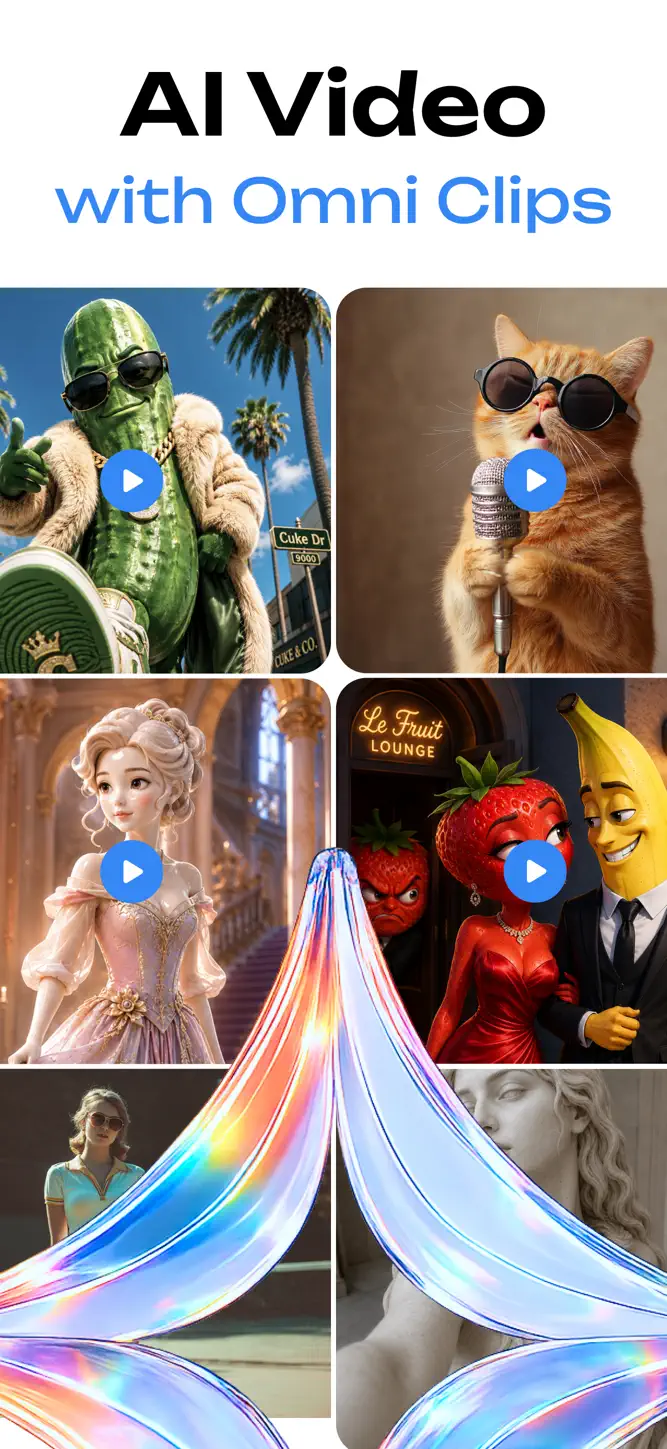
AI Video with Omni Clips is a creative app for producing visually engaging videos from text descriptions or images. Turn ideas into motion, experiment with dynamic transformations, and explore different styles through an intuitive workflow.
GENERATE VIDEOS
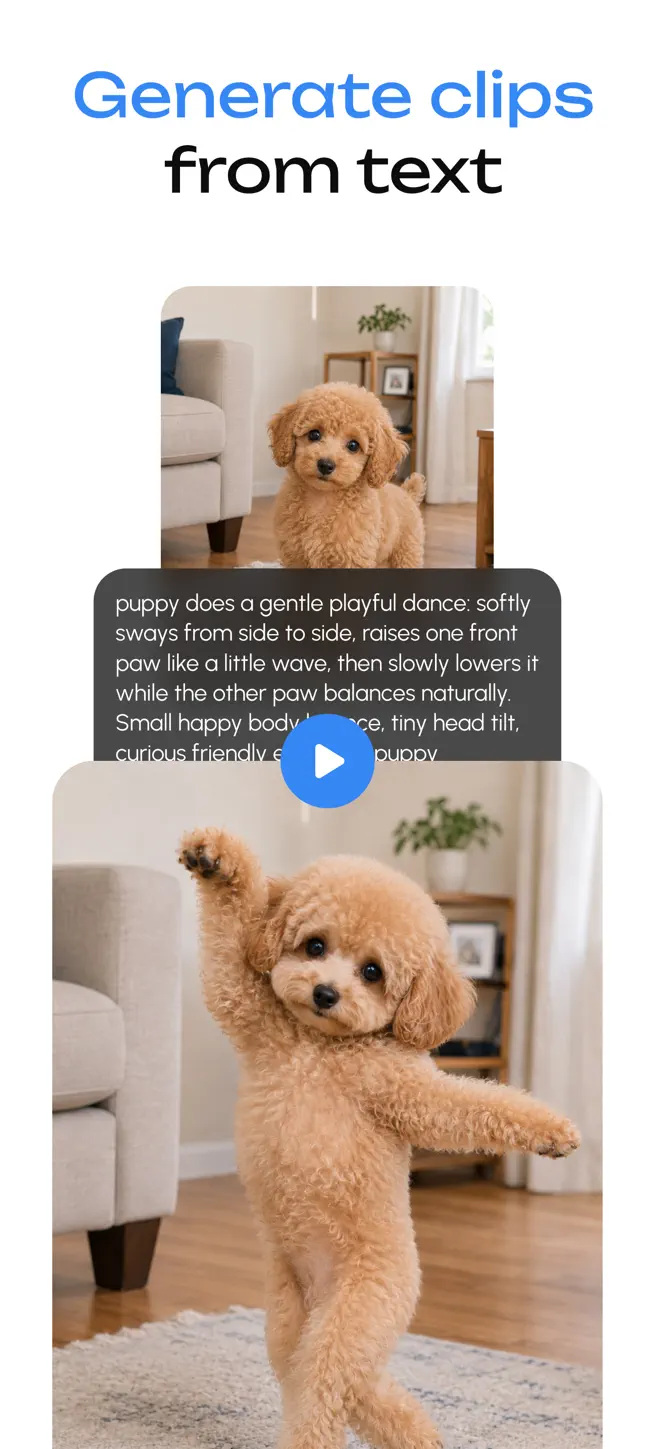
Text to Video
Describe a scene, concept, or mood, and generate a video based on your prompt. You can write in any language and combine your own text with effect presets to shape the final result.
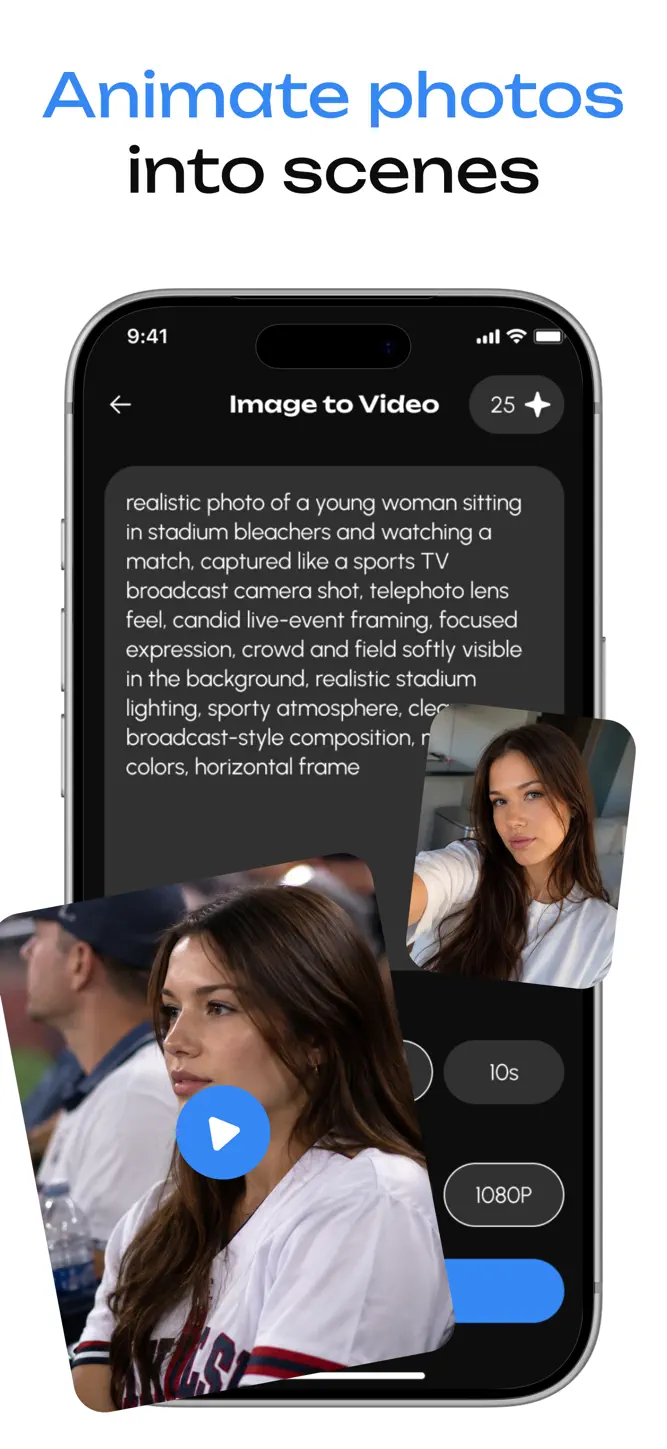
Image to Video
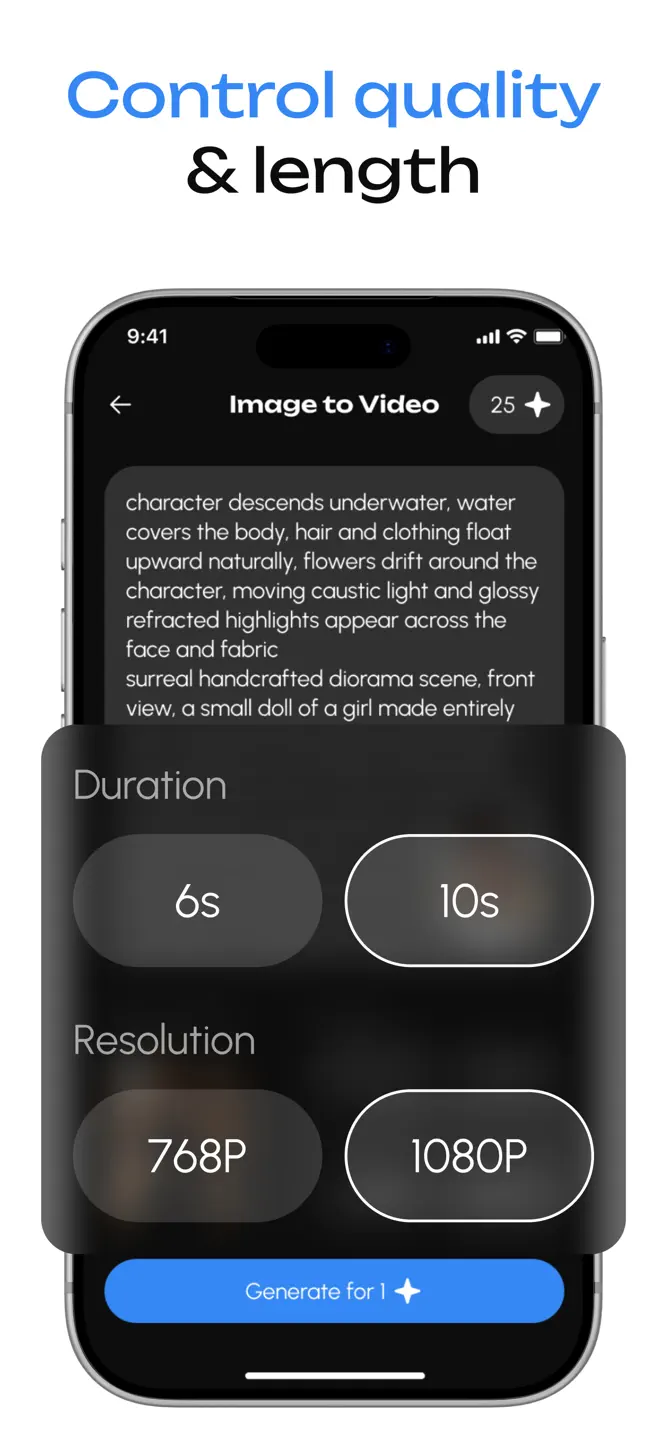
Upload a picture and transform the content into an animated clip. Define motion, atmosphere, or changes within the scene to create a dynamic sequence.
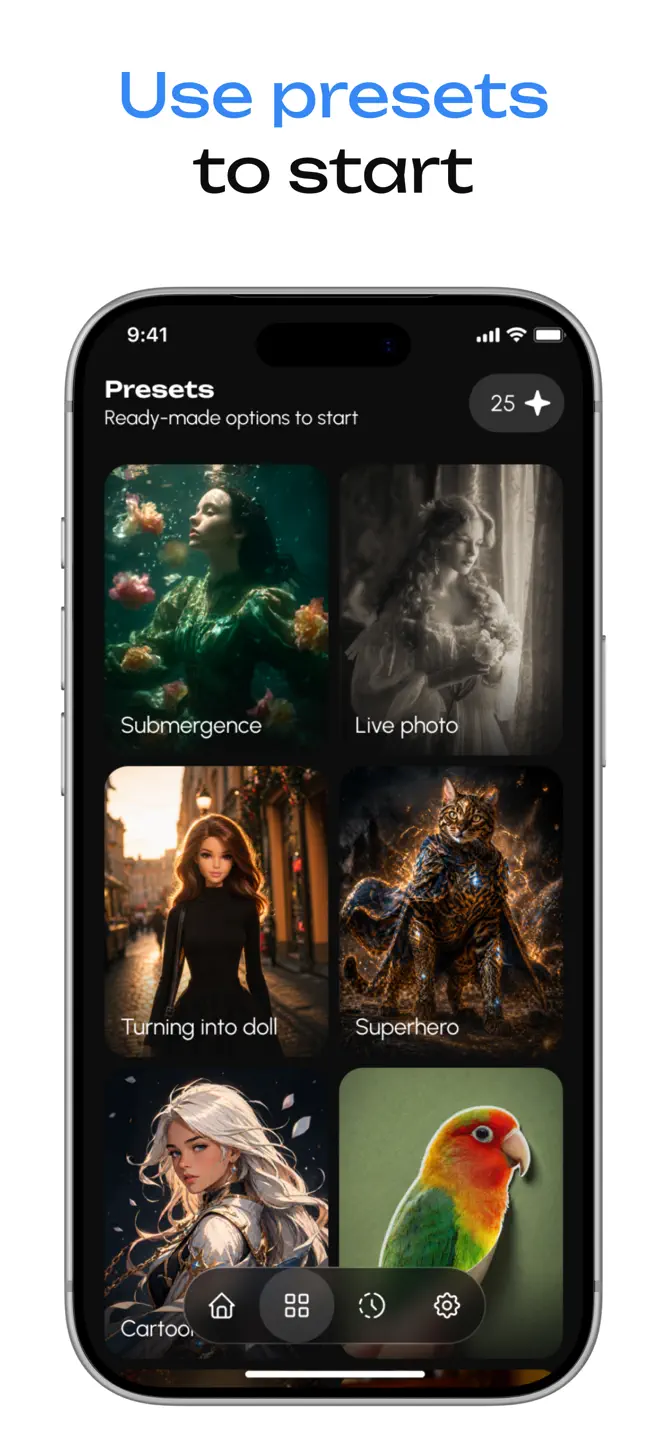
EFFECTS AND PRESET PROMPTS
- Explore a variety of transformations and motion effects
- Modify objects, reshape elements, or introduce dramatic changes within a scene
- Use preset prompts designed to enhance results and expand creative options
Predefined prompt collections act as additional elements that add more detail to your input and influence the final output.
CREATION FLOW
1. Choose a generation mode
2. Enter a text prompt
3. Optionally upload an image
4. Select video duration and quality
5. Start the generation process and track progress
6. Preview your latest video directly on the main screen
VIDEO HISTORY
Access a dedicated section with previously generated videos. Browse earlier results, look through them again, and organize your content when needed.
PLANS AND AVAILABILITY
Free Version
- 1 video generation with a watermark applied
- Download and sharing are not included
Premium Subscription
- More video generations per week
- Download videos to your device
- Share videos externally
Generate expressive and original video content with AI Video with Omni Clips.
Privacy Policy: https://docs.google.com/document/d/1CGFgDikIXHM0j7rlh0M2M5tbqhs9THAsSEGdu-XyGcw/edit?usp=sharing
Term of Use: https://docs.google.com/document/d/1b5Lp6uyn12P8EkyPu_3ZBZrdV7xOfuJERrY0lq6Ypcw/edit?usp=sharing
How to download AI Video with Omni Clips?
- Tap the Google Play button (Android) or the App Store button (iPhone / iPad) in the download section.
- The official store page of AI Video with Omni Clips opens in a new tab.
- Tap Install or Get and wait until the download finishes.
- Open AI Video with Omni Clips from your home screen and start playing.
FAQ
Is AI Video with Omni Clips free to play?
Yes, AI Video with Omni Clips is free to download.
Is AI Video with Omni Clips available for iPhone?
Yes, AI Video with Omni Clips is available on the Apple App Store and needs iOS 17.0 or later.
Is it safe to download AI Video with Omni Clips?
Yes. GameZone does not host any files — the download buttons open the official Google Play and App Store pages.
Download the App
Similar Games


Disclaimer
1. GameZone does not represent any developer, nor is it the developer of any app or game listed on this website.
2. Game details such as icons, screenshots, ratings and descriptions are collected from the public Google Play and App Store listings so players can compare games before installing.
3. All trademarks, registered trademarks, product names, company names and logos are the property of their respective owners.
4. GameZone does not host APK or IPA files. Every download button opens the official Google Play Store or Apple App Store page of the game.
5. GameZone respects the Digital Millennium Copyright Act (DMCA). If you are the owner of any content shown here and want it removed, please contact us at contact@shresult.com.