


Areaplane
Lightplane Inc.
Category
Content Rating
4+
Developer
Lightplane Inc.
Version
1.1
Updated
Sep 30, 2026
Requires
iOS 26.2 or later
Price
Free
Size (iOS)
4.8 MB
Advertisement
Screenshots
Advertisement
Editor Reviews
Areaplane is an action game developed by Lightplane Inc. for iPhone & iPad.
Areaplane is free to download. The latest version 1.1 was released on Sep 30, 2026. Content rating: 4+.
About Areaplane
Measure the spaces you're planning.
Areaplane turns floor plans and maps into clear area and distance measurements. Trace a room, outline a property, or measure a path — then keep your results organised in one place on iPhone and iPad.
MEASURE YOUR FLOOR PLANS
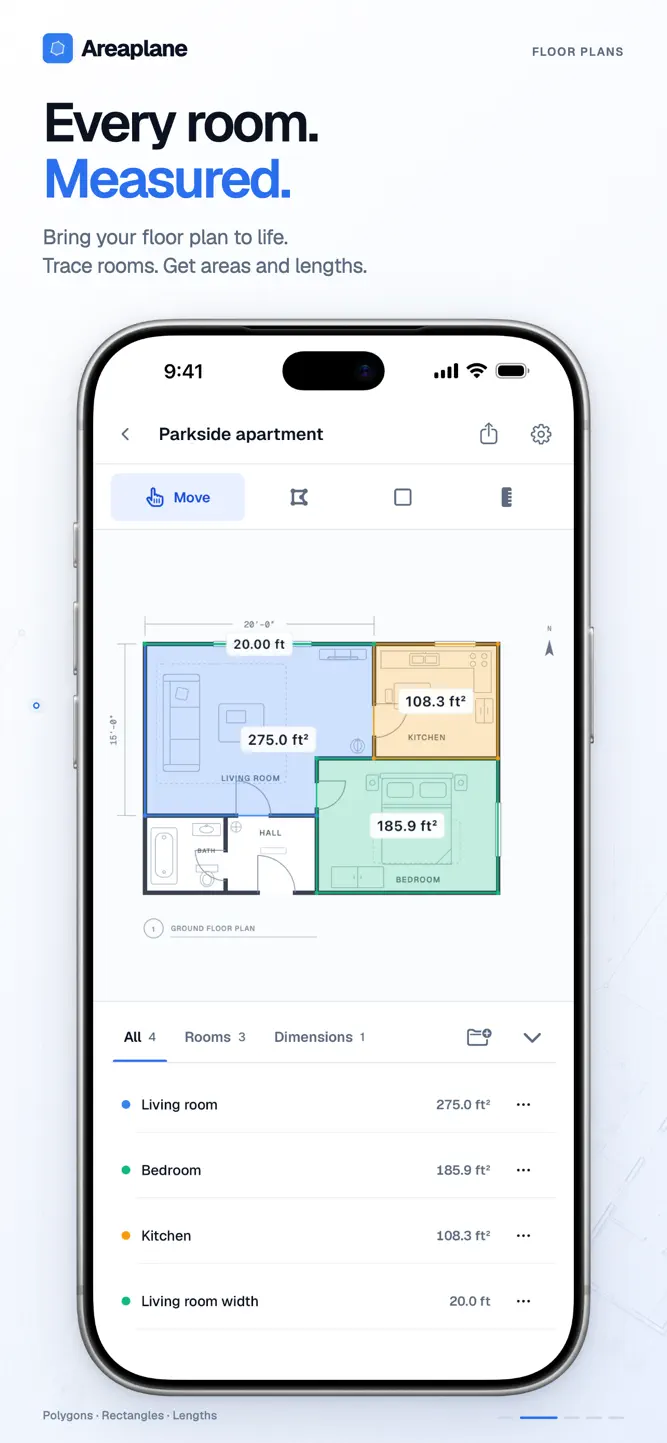
Import a floor plan or blueprint from an image or PDF. Set the scale using a known distance, then draw polygons, rectangles, and length lines. See measurements directly on the plan as you work.
MEASURE ON THE MAP
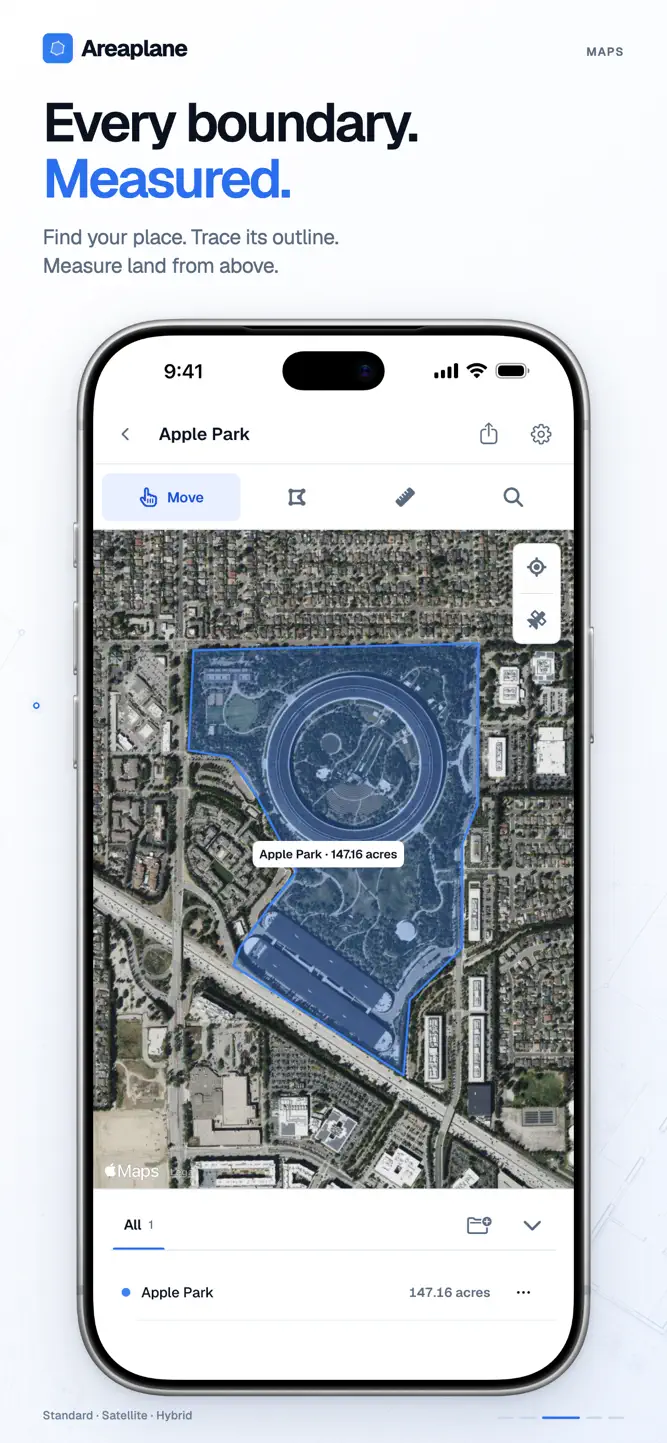
Find an address and trace areas or distances on standard, satellite, or hybrid maps. Outline gardens, buildings, and outdoor spaces, with measurements calculated from real-world map coordinates.
PLACE POINTS WITH MORE CONTROL
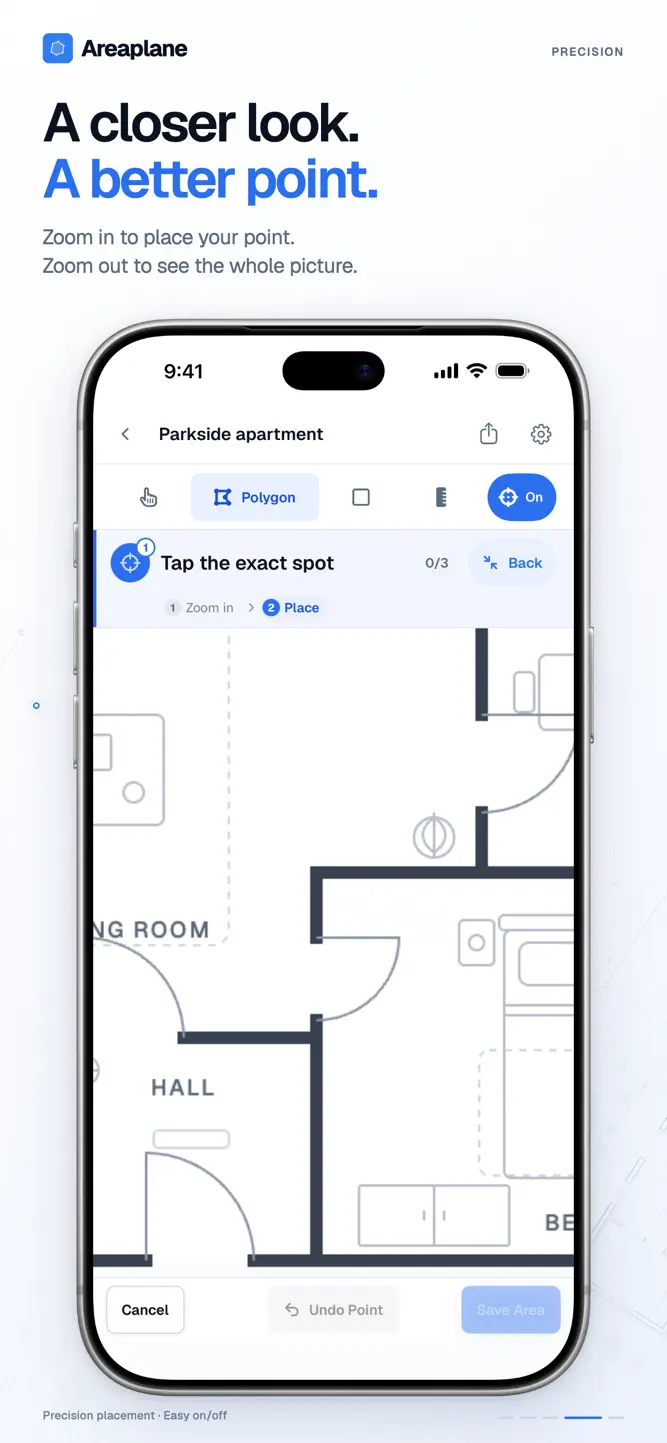
Precision placement zooms in so you can choose the exact spot, then returns to your overview. Prefer drawing directly? Switch Precision off. Select a saved measurement to highlight it, then edit its corners or move the shape, with Undo, Cancel, and Save close at hand.
USE UNITS THAT MAKE SENSE
Work in feet or metres, with automatic display rules for larger measurements. Switch from feet to miles or square feet to acres, and from metres to kilometres or square metres to hectares. Choose your own thresholds or turn automatic units off.
KEEP YOUR WORK TOGETHER
Name your measurements, revisit your saved view, and find projects with search, filters, and a compact list. Duplicate or delete multiple projects together. Exchange compatible project files with the Areaplane web app.
START WITH A SAMPLE
Explore the included Floor Plan and Map Plan samples to try the tools before starting your own project. Samples don't use your free project allowance.
GO FURTHER WITH AREAPLANE PRO
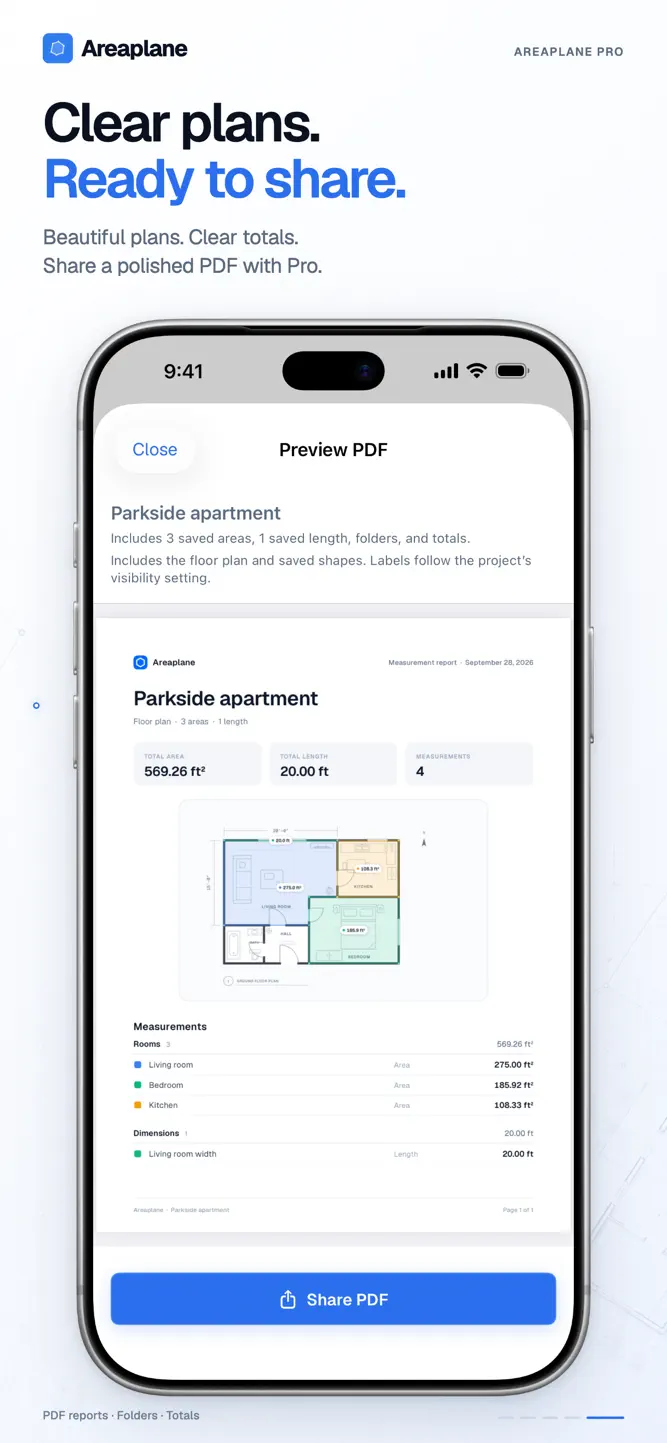
Unlock unlimited projects and measurements, measurement folders, PDF reports with plans and totals, iCloud sync, additional units, and appearance options.
Free includes 2 personal projects and up to 10 measurements per project. Pro features require an in-app purchase.
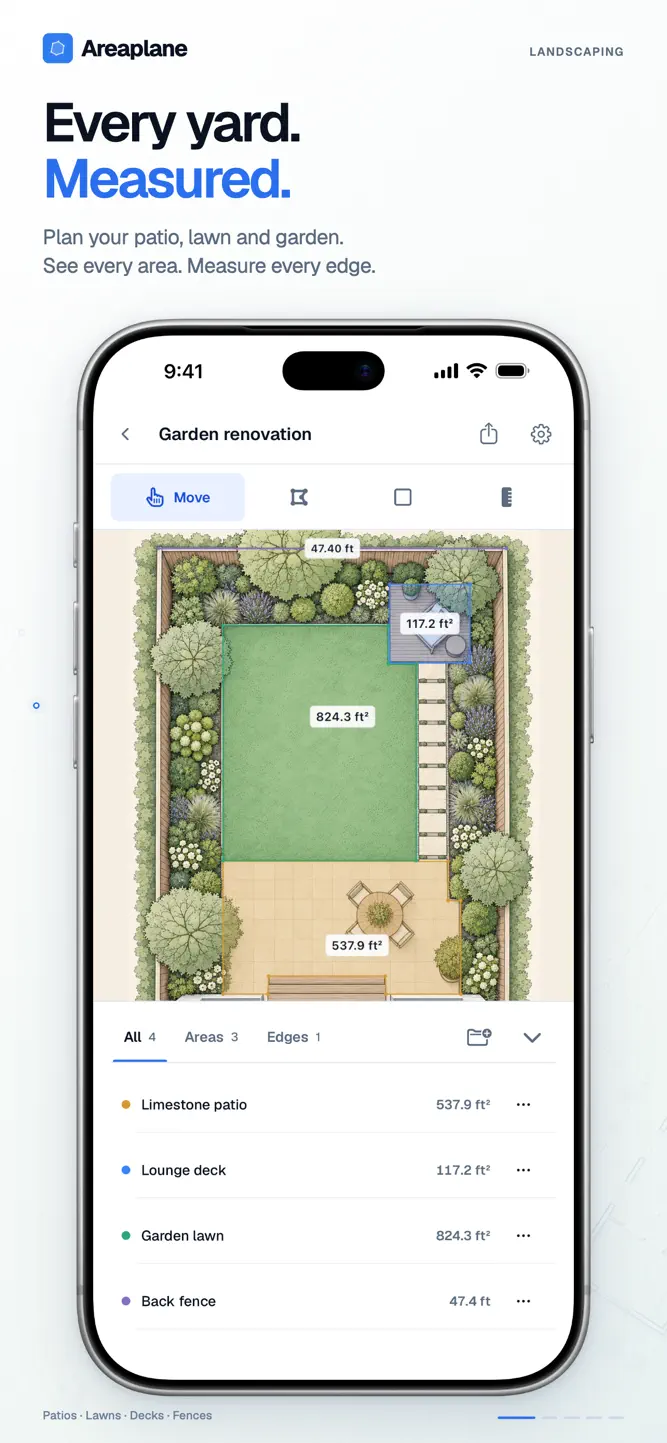
For renovations, landscaping, property planning, and everyday measuring — from the first outline to a report you can share.
EULA: https://areaplane.com/ios/terms
What's New
• Redesigned iPhone and iPad workspaces with cleaner tools and measurement panels. • Precision placement: zoom in to place a point, then return to your overview. • Edit saved shapes by moving corners or the whole shape, with undo. • A clearer drawing flow with live measurements and a name prompt before saving. • Floor Plan and Map Plan samples that don't count toward your free projects. • Automatic units: miles, acres, kilometres and hectares, with custom thresholds. • Faster project organisation with search and bulk duplicate or delete.
How to download Areaplane?
- Tap the Google Play button (Android) or the App Store button (iPhone / iPad) in the download section.
- The official store page of Areaplane opens in a new tab.
- Tap Install or Get and wait until the download finishes.
- Open Areaplane from your home screen and start playing.
FAQ
Is Areaplane free to play?
Yes, Areaplane is free to download.
Is Areaplane available for iPhone?
Yes, Areaplane is available on the Apple App Store and needs iOS 26.2 or later.
Is it safe to download Areaplane?
Yes. GameZone does not host any files — the download buttons open the official Google Play and App Store pages.
Download the App
Similar Games


Disclaimer
1. GameZone does not represent any developer, nor is it the developer of any app or game listed on this website.
2. Game details such as icons, screenshots, ratings and descriptions are collected from the public Google Play and App Store listings so players can compare games before installing.
3. All trademarks, registered trademarks, product names, company names and logos are the property of their respective owners.
4. GameZone does not host APK or IPA files. Every download button opens the official Google Play Store or Apple App Store page of the game.
5. GameZone respects the Digital Millennium Copyright Act (DMCA). If you are the owner of any content shown here and want it removed, please contact us at contact@shresult.com.