


ASCII Cam - Photo & Video
Lim Sangjin
Category
Content Rating
4+
Developer
Lim Sangjin
Version
1.0.1
Updated
Oct 23, 2026
Requires
iOS 17.0 or later
Price
Free
Size (iOS)
2.1 MB
Screenshots

Editor Reviews
ASCII Cam - Photo & Video is an action game developed by Lim Sangjin for iPhone & iPad.
ASCII Cam - Photo & Video is free to download. The latest version 1.0.1 was released on Oct 23, 2026. Content rating: 4+.
About ASCII Cam - Photo & Video
See the world in characters.
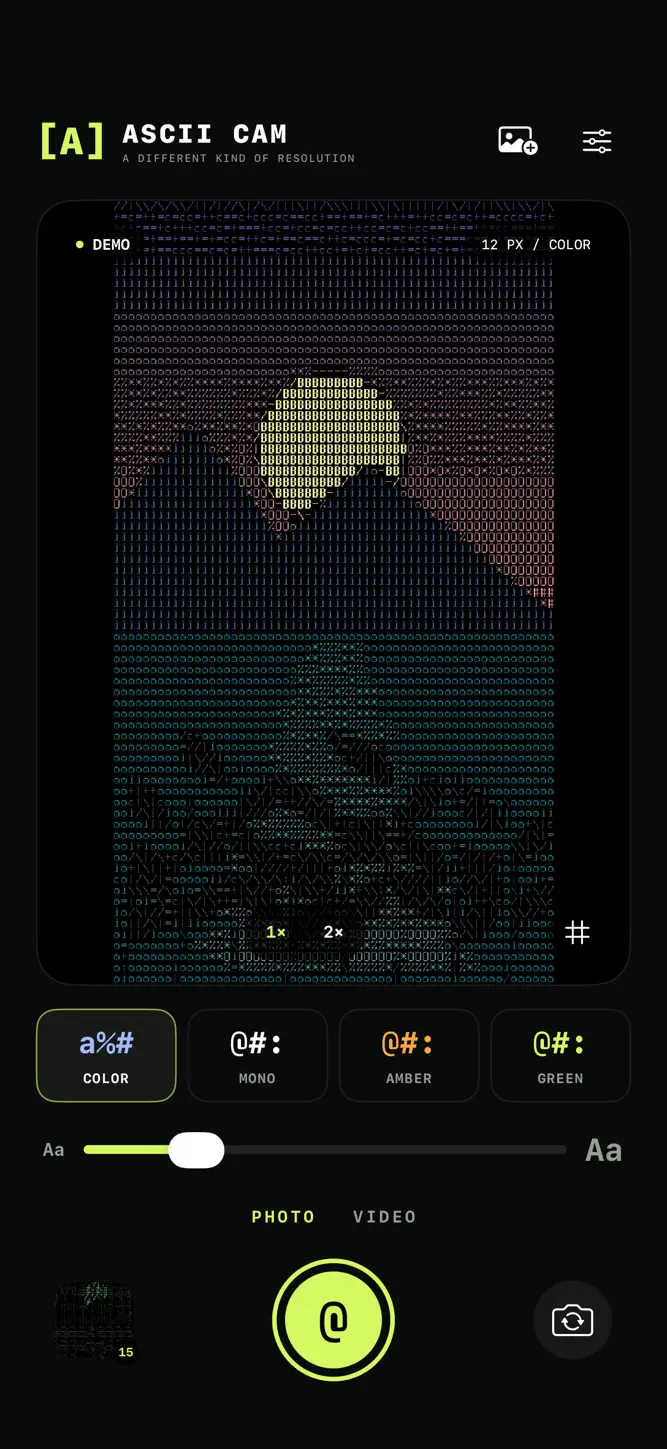
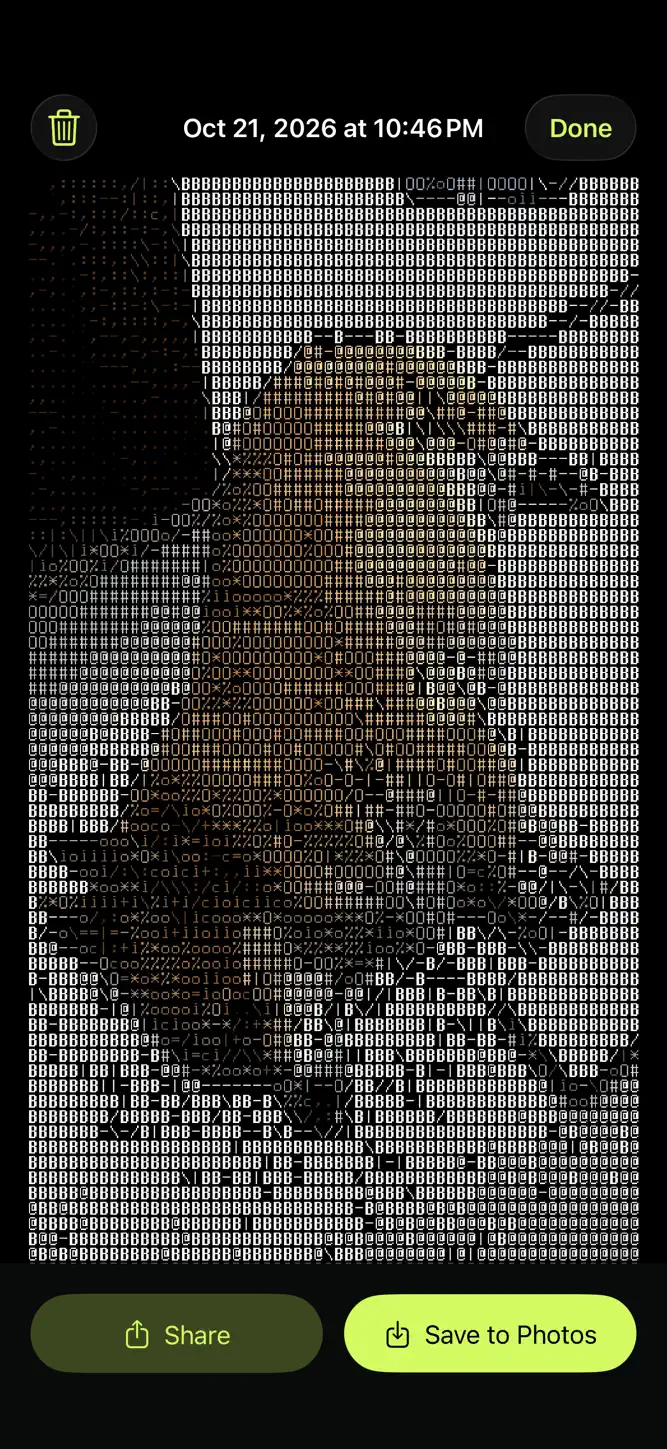
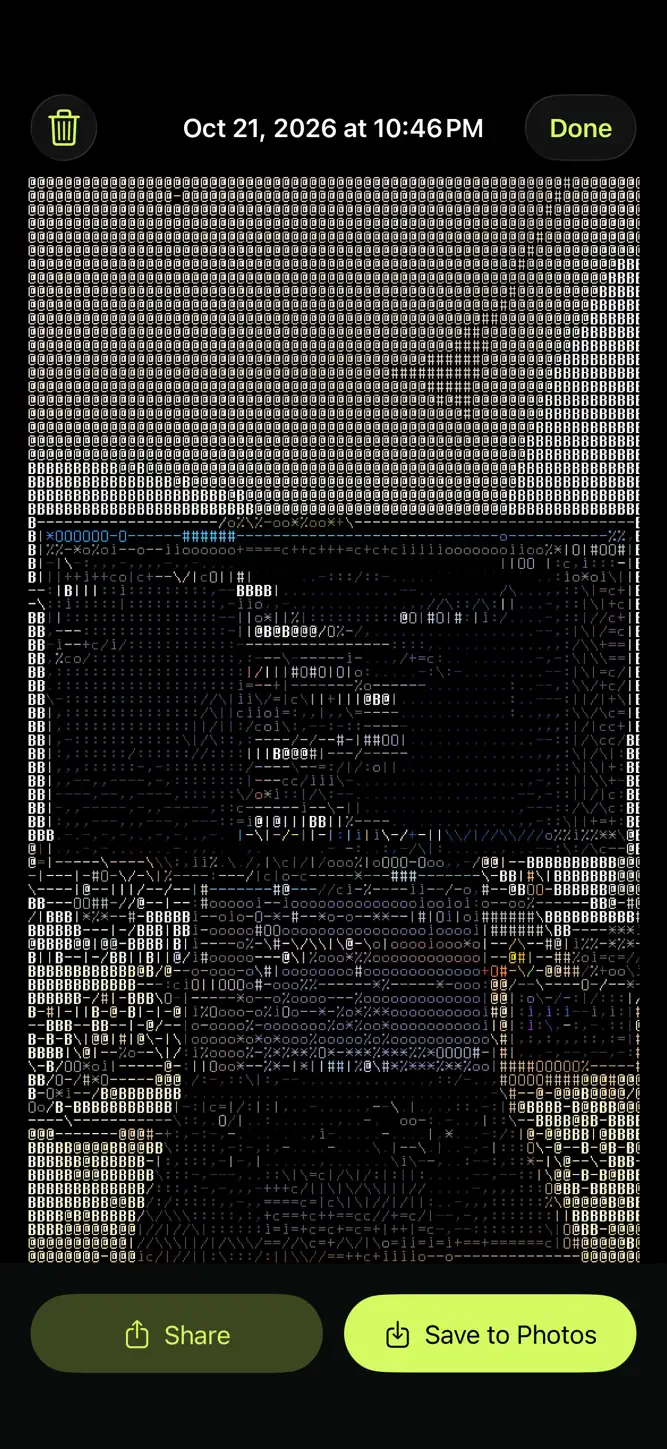
ASCII Cam turns your live camera into ASCII art and captures the same look in photos and videos. Shape light and color with character styles and density controls. Your captures are automatically saved together in the ASCII Cam album in Photos.
Choose existing photos or videos from Photos, preview the ASCII effect, and adjust character style and density before conversion. Selected media is processed on your device and saved as a new copy in the ASCII Cam album. Your originals stay unchanged.
• Live ASCII camera preview
• Photos and videos with the ASCII effect
• Front and rear camera support
• Character styles and density controls
• Optional audio for video
• Automatic photo and video saving to the ASCII Cam album
• Local capture gallery and sharing
All image processing happens on your iPhone or iPad. No account, ads, analytics, or tracking. Microphone permission is optional. Photo Library read/write access is requested to find or create the ASCII Cam album and save your captures. If access is limited or saving is unavailable, your capture remains in the app.
Requires iOS 17 or later.
What's New
Updated the App Store screenshots to show the camera and ASCII photo examples more clearly.
How to download ASCII Cam - Photo & Video?
- Tap the Google Play button (Android) or the App Store button (iPhone / iPad) in the download section.
- The official store page of ASCII Cam - Photo & Video opens in a new tab.
- Tap Install or Get and wait until the download finishes.
- Open ASCII Cam - Photo & Video from your home screen and start playing.
FAQ
Is ASCII Cam - Photo & Video free to play?
Yes, ASCII Cam - Photo & Video is free to download.
Is ASCII Cam - Photo & Video available for iPhone?
Yes, ASCII Cam - Photo & Video is available on the Apple App Store and needs iOS 17.0 or later.
Is it safe to download ASCII Cam - Photo & Video?
Yes. GameZone does not host any files — the download buttons open the official Google Play and App Store pages.
Download the App
Similar Games


Disclaimer
1. GameZone does not represent any developer, nor is it the developer of any app or game listed on this website.
2. Game details such as icons, screenshots, ratings and descriptions are collected from the public Google Play and App Store listings so players can compare games before installing.
3. All trademarks, registered trademarks, product names, company names and logos are the property of their respective owners.
4. GameZone does not host APK or IPA files. Every download button opens the official Google Play Store or Apple App Store page of the game.
5. GameZone respects the Digital Millennium Copyright Act (DMCA). If you are the owner of any content shown here and want it removed, please contact us at contact@shresult.com.