


AutoGrAIde: AI Grader
Felicia Annabel Ruriyanto
Category
Content Rating
12+
Developer
Felicia Annabel Ruriyanto
Version
1.0
Updated
Oct 9, 2026
Requires
iOS 15.1 or later
Price
Free
Size (iOS)
44.6 MB
Advertisement
Screenshots

Advertisement
Editor Reviews
AutoGrAIde: AI Grader is an educational game developed by Felicia Annabel Ruriyanto for iPhone & iPad.
AutoGrAIde: AI Grader is free to download. The latest version 1.0 was released on Oct 9, 2026. Content rating: 12+.
About AutoGrAIde: AI Grader
AutoGrAIde: AI Grader helps teachers and students save time with AI-powered grading and feedback.
FOR TEACHERS
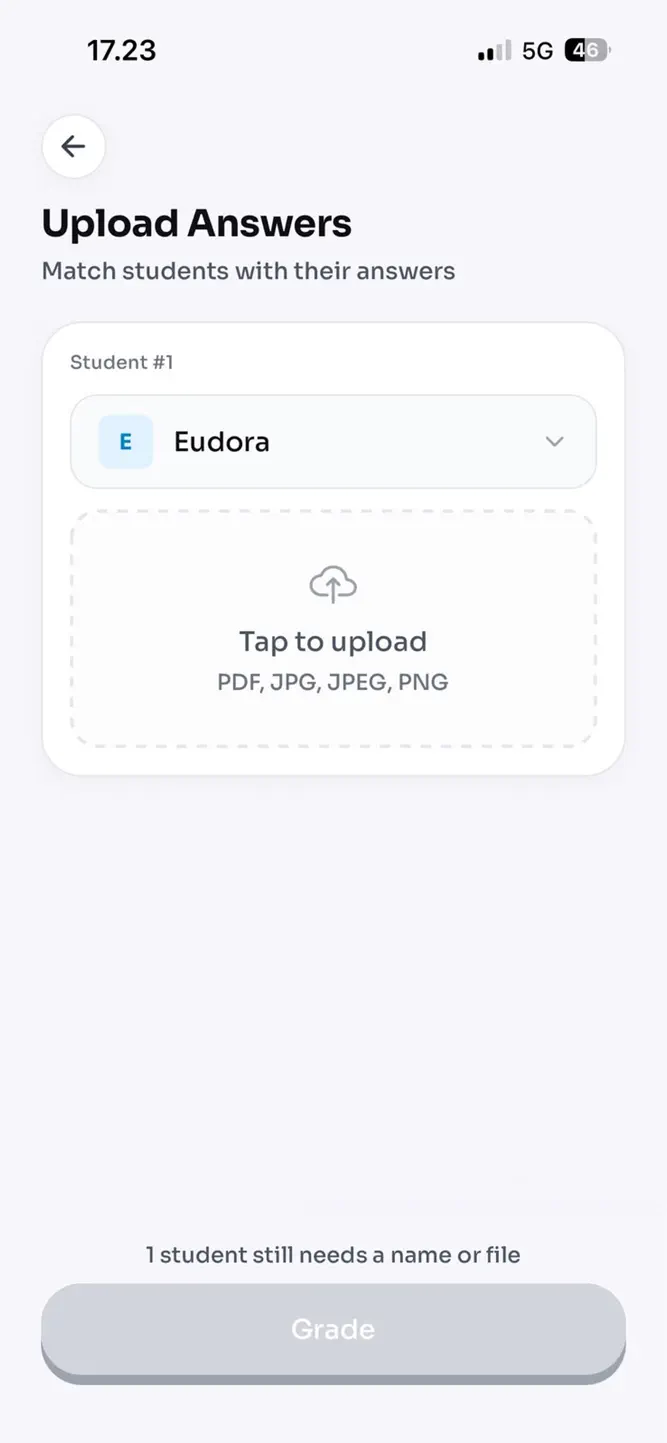
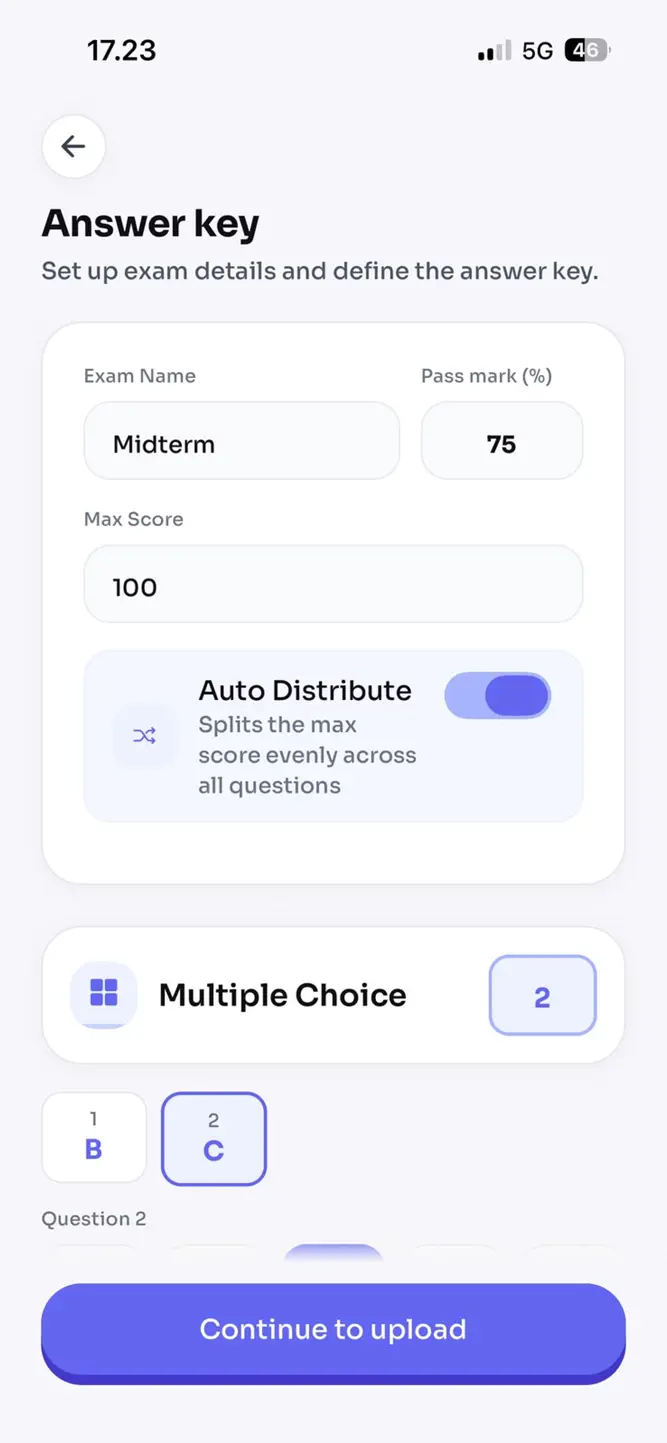
Grade multiple-choice and essay exams in a fraction of the time. Upload photos of handwritten answer sheets and let AI-powered OCR read and score them automatically. Get consistent, detailed feedback for every student, backed by rubric-based grading you can review and adjust before it's finalized.
FOR STUDENTS & JOB SEEKERS
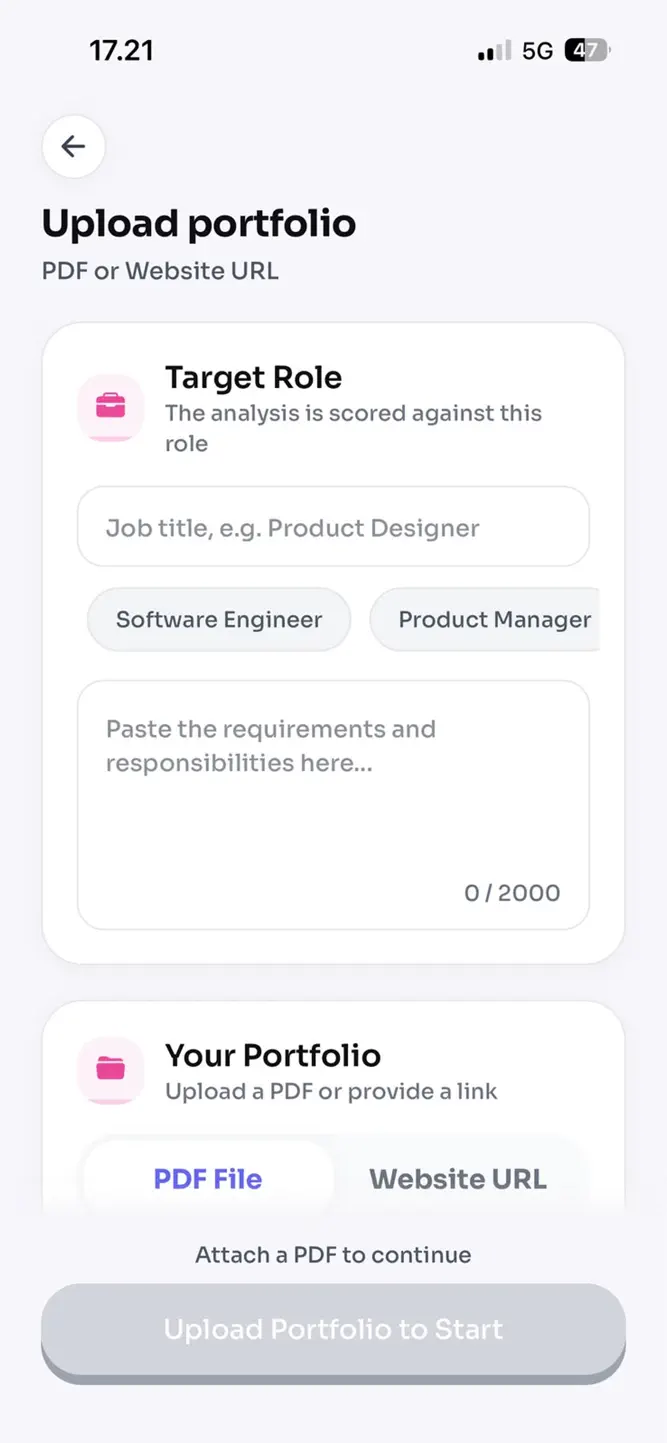
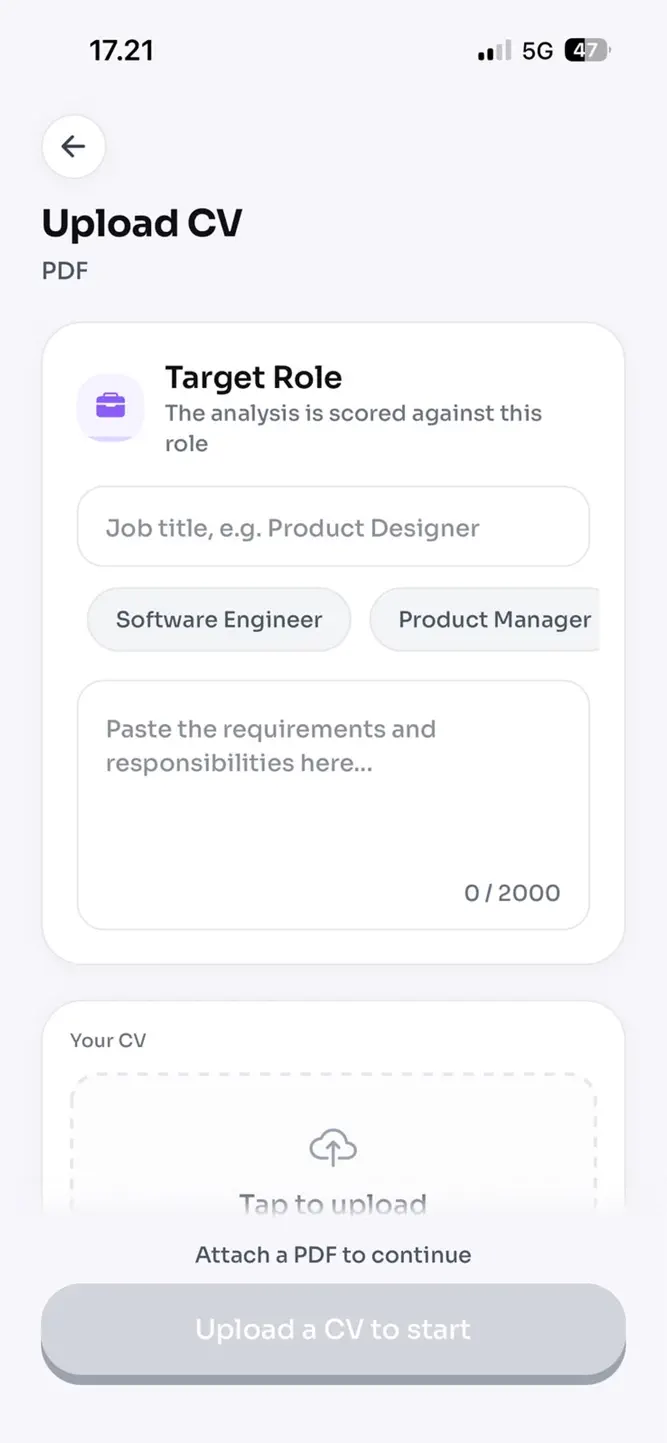
Get instant AI feedback on your CV and portfolio. Understand what's working, what's missing, and how to improve before a human ever sees it.
FOR SCHOOLS
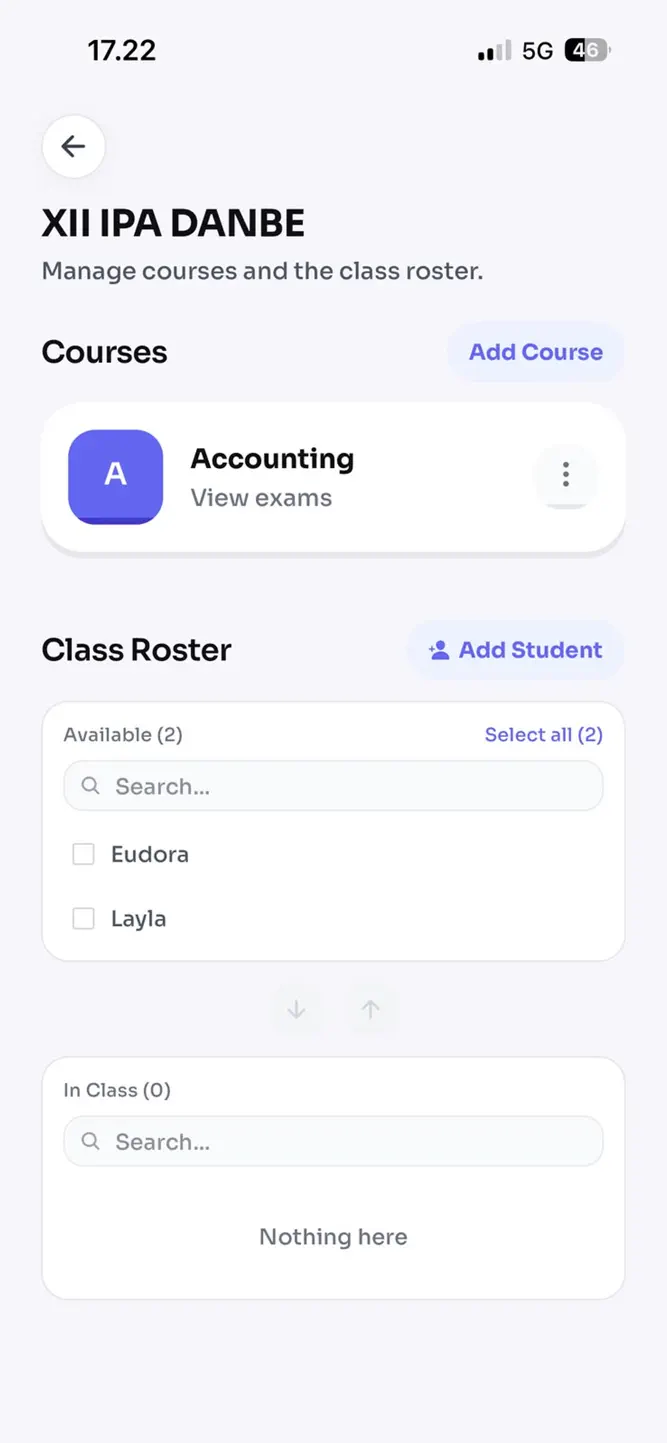
Manage your entire teaching staff under one School plan. Give every teacher access to exam grading tools, centralize classes and results, and roll out AI grading across your institution.
KEY FEATURES
• AI-powered essay and multiple-choice grading
• Photo/OCR scanning of handwritten answer sheets
• CV and portfolio review with actionable feedback
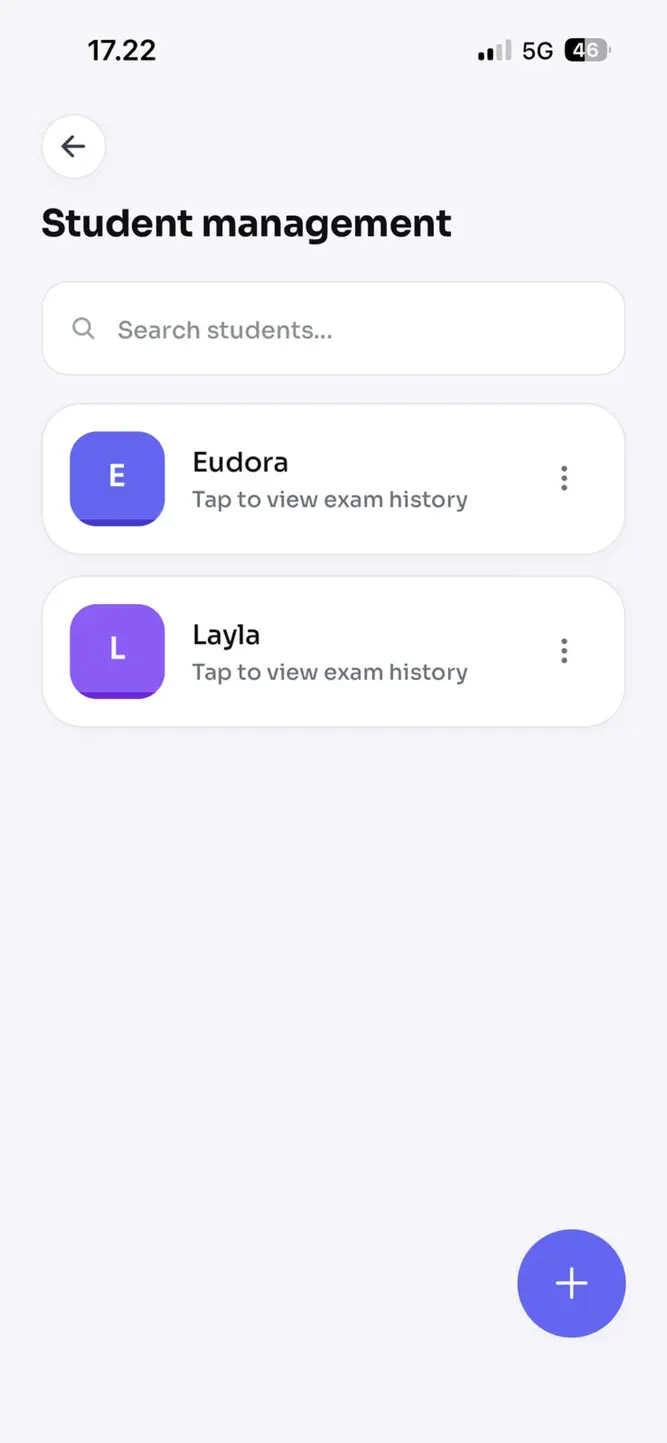
• Class and exam management for teachers
• Organization-wide plans for schools
• Detailed, rubric-based feedback reports
SUBSCRIPTIONS
• Teacher Pro: exam grading for individual teachers
• Personal Pro: CV and portfolio grading for students and job seekers
• School: organization-wide access for teaching staff
• Pay-per-review credits available for occasional use
Subscriptions auto-renew and can be managed or cancelled anytime in your App Store account settings.
How to download AutoGrAIde: AI Grader?
- Tap the Google Play button (Android) or the App Store button (iPhone / iPad) in the download section.
- The official store page of AutoGrAIde: AI Grader opens in a new tab.
- Tap Install or Get and wait until the download finishes.
- Open AutoGrAIde: AI Grader from your home screen and start playing.
FAQ
Is AutoGrAIde: AI Grader free to play?
Yes, AutoGrAIde: AI Grader is free to download.
Is AutoGrAIde: AI Grader available for iPhone?
Yes, AutoGrAIde: AI Grader is available on the Apple App Store and needs iOS 15.1 or later.
Is it safe to download AutoGrAIde: AI Grader?
Yes. GameZone does not host any files — the download buttons open the official Google Play and App Store pages.
Download the App
Similar Games
Toca Boca World
Toca Boca Jr: Fun Kids Games
Coloring Games: Color & Paint
Aha World & Gabby's Dollhouse
Baby Panda's School Bus
Coloring & Learn
Fluvsies - Cute Virtual Pets
ABC Kids - Tracing & Phonics
Dentist games
Kids Games: For Toddlers 3-5
Toca Boca Hair Salon 4
Math Kids: Math Games For Kids
Cooking Mama: Let's cook!
Baby Games: Piano & Baby Phone
PBS KIDS Games
Disclaimer
1. GameZone does not represent any developer, nor is it the developer of any app or game listed on this website.
2. Game details such as icons, screenshots, ratings and descriptions are collected from the public Google Play and App Store listings so players can compare games before installing.
3. All trademarks, registered trademarks, product names, company names and logos are the property of their respective owners.
4. GameZone does not host APK or IPA files. Every download button opens the official Google Play Store or Apple App Store page of the game.
5. GameZone respects the Digital Millennium Copyright Act (DMCA). If you are the owner of any content shown here and want it removed, please contact us at contact@shresult.com.