


Bifolio: Private Journal
Canopus Labs Ltd
Category
Content Rating
4+
Developer
Canopus Labs Ltd
Version
1.0.1
Updated
Oct 23, 2026
Requires
iOS 26.0 or later
Price
Free
Size (iOS)
12.6 MB
Screenshots



Editor Reviews
Bifolio: Private Journal is an action game developed by Canopus Labs Ltd for iPhone & iPad.
Bifolio: Private Journal is free to download. The latest version 1.0.1 was released on Oct 23, 2026. Content rating: 4+.
About Bifolio: Private Journal
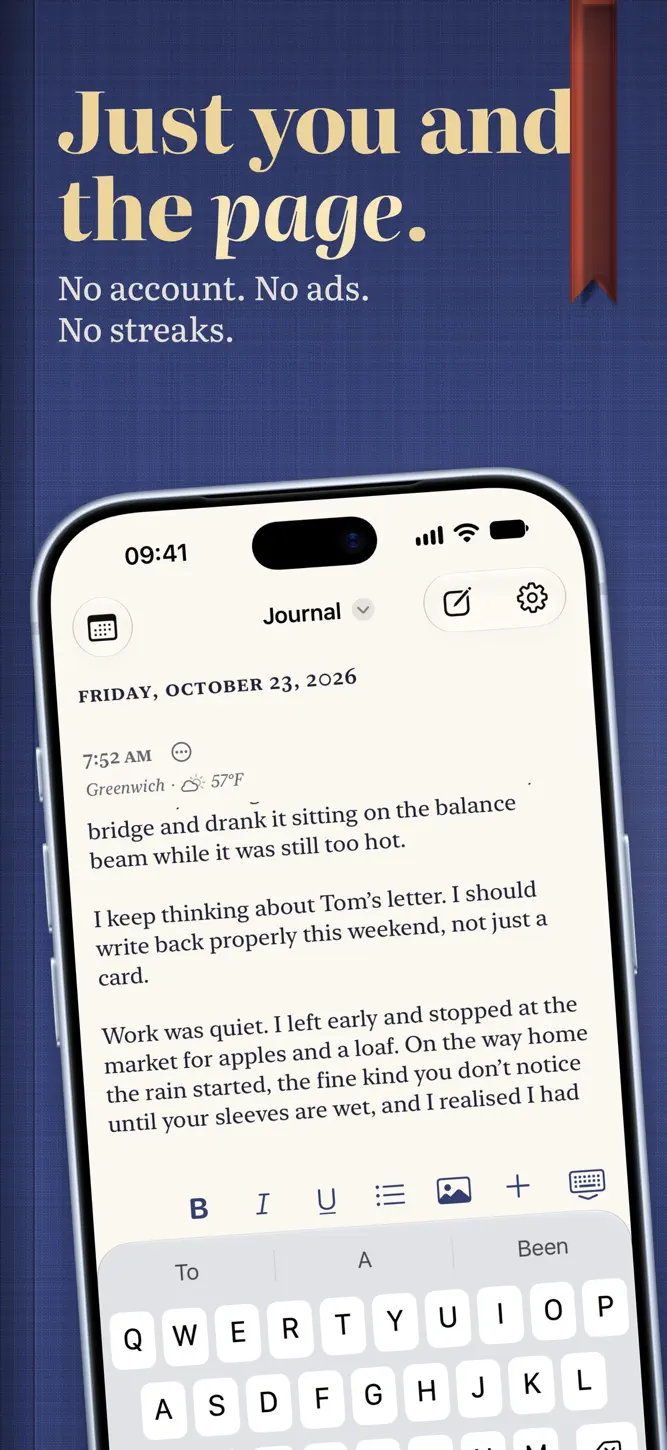
Bifolio is a private journal that opens like a book.
YOURS, AND SEALED
What you write, and every photo, video, recording and drawing with it, is encrypted on your iPhone before it syncs to your iCloud. The keys travel between your devices in iCloud Keychain, and an optional recovery key of your own lets you back in if they can't. There is no Bifolio account, no server of ours and no tracking of any kind. Settings shows whether iCloud is up to date.
YOUR WORDS STAY YOURS
Bifolio never writes your entries. If a blank page is hard to start, it offers a question. Where Apple Intelligence is available, it can suggest questions drawn from your recent entries, worked out on your iPhone. Journaling Suggestions can start an entry from a moment your iPhone remembers, and Apple's Writing Tools are there when you want them. One switch in Settings turns all of it off.
JOURNALS LIKE BOOKS
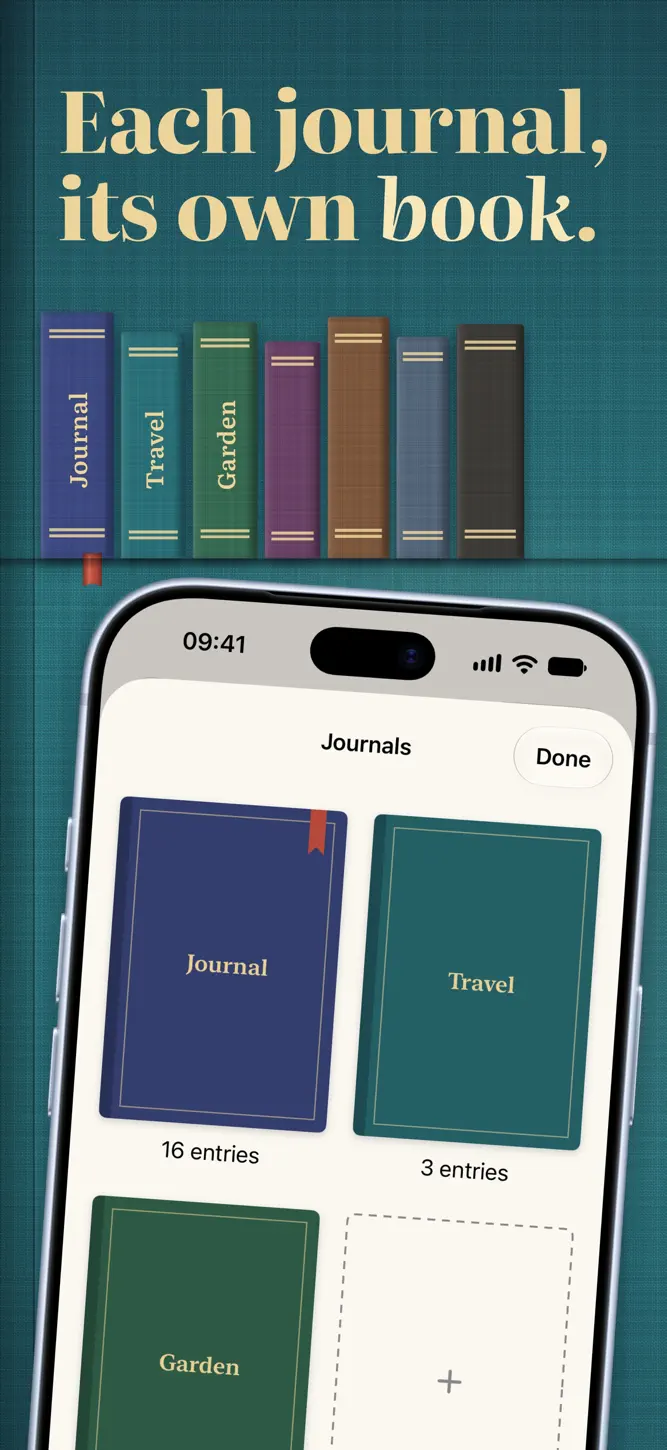
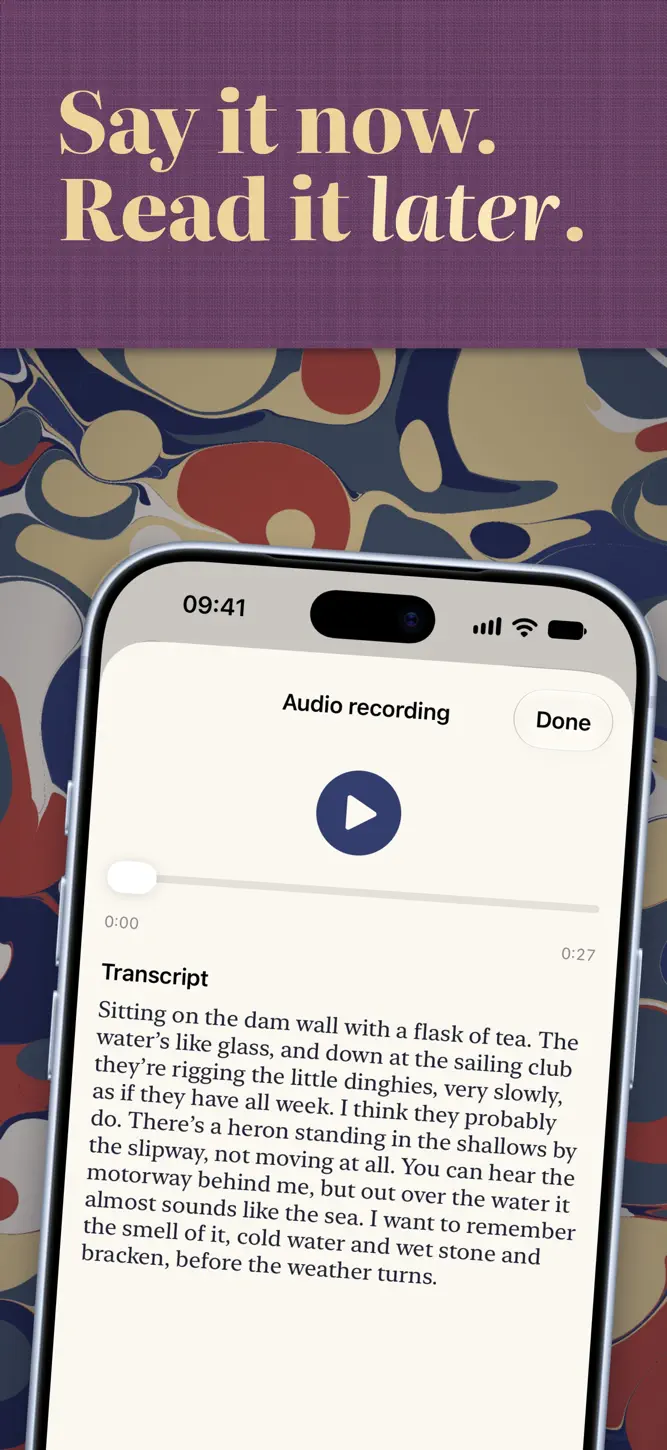
Keep as many journals as you like, each a book on your shelf in its own cloth. Write as many entries a day as you want, and add photos (several at once, or straight from the camera), video, audio transcribed on your iPhone where your language is supported, and drawings or handwriting. Mark how you felt, and let Bifolio note where you were and the weather. An entry's own menu moves it to another journal or shares it.
LOOK BACK
Search everything you have written, even what you said in your recordings. The calendar marks the days you wrote, and On This Day brings back the same date in earlier years.
YOURS TO TAKE WITH YOU
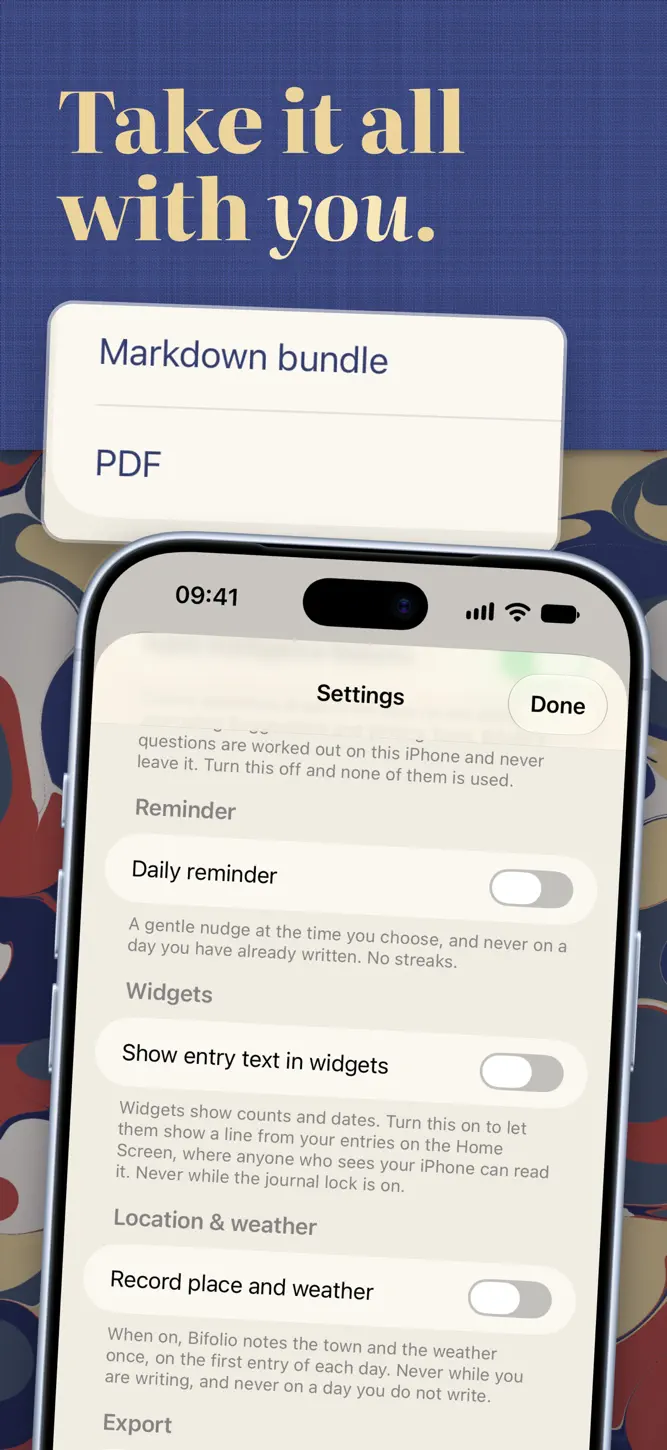
Export everything, one journal or one day as a PDF, or as a ZIP of Markdown files with the original photos, video, audio and drawings. Share a single entry as a PDF. Bring journals in from Day One, Apple Journal or an earlier Bifolio export, and undo an import that wasn't what you wanted. A weekly backup can keep copies in a folder you choose. Exports and backups are plain files, not encrypted, and Bifolio says so wherever it makes one.
QUIET BY DESIGN
No streaks, no badges, no congratulations. A few lines is a full entry, and so is a single photograph. An optional daily reminder stays quiet on days you have already written.
AROUND YOUR IPHONE
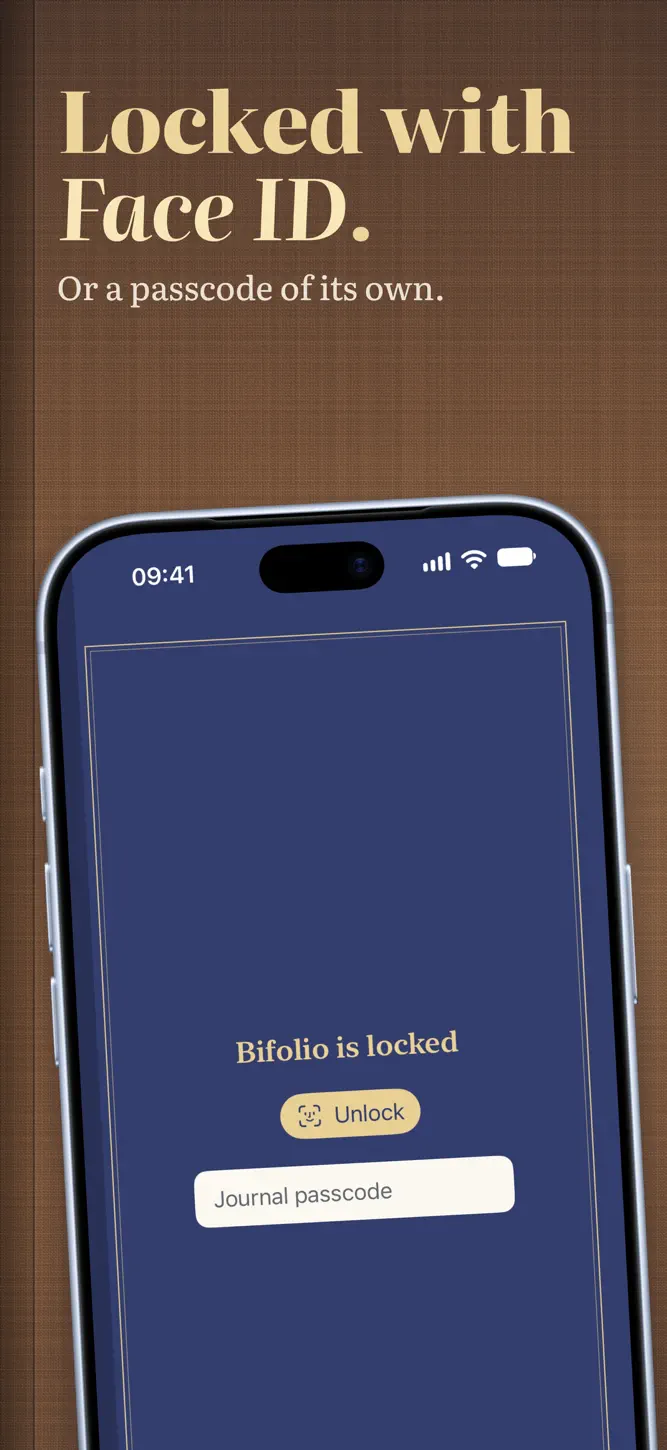
Widgets for today, On This Day and the month, and a New Entry control for Control Center. Siri and Shortcuts can start an entry, open today, record audio or search. Lock the journal with Face ID, Touch ID or a passcode of its own: after several wrong passcodes it makes you wait, longer each time, and with the lock on, widgets never show what you wrote.
AN OPEN BOOK ON IPHONE DUO
Folded, Bifolio is a pocket journal for a quick note. Unfolded, it becomes a spread: your days on one side, the page you are writing on the other. Read your journal as a book and the crease becomes its spine, with two facing pages that turn like paper, one day after another. On other iPhones it is the same journal in a single, unhurried column.
Terms of Use (EULA): https://www.apple.com/legal/internet-services/itunes/dev/stdeula/
How to download Bifolio: Private Journal?
- Tap the Google Play button (Android) or the App Store button (iPhone / iPad) in the download section.
- The official store page of Bifolio: Private Journal opens in a new tab.
- Tap Install or Get and wait until the download finishes.
- Open Bifolio: Private Journal from your home screen and start playing.
FAQ
Is Bifolio: Private Journal free to play?
Yes, Bifolio: Private Journal is free to download.
Is Bifolio: Private Journal available for iPhone?
Yes, Bifolio: Private Journal is available on the Apple App Store and needs iOS 26.0 or later.
Is it safe to download Bifolio: Private Journal?
Yes. GameZone does not host any files — the download buttons open the official Google Play and App Store pages.
Download the App
Similar Games


Disclaimer
1. GameZone does not represent any developer, nor is it the developer of any app or game listed on this website.
2. Game details such as icons, screenshots, ratings and descriptions are collected from the public Google Play and App Store listings so players can compare games before installing.
3. All trademarks, registered trademarks, product names, company names and logos are the property of their respective owners.
4. GameZone does not host APK or IPA files. Every download button opens the official Google Play Store or Apple App Store page of the game.
5. GameZone respects the Digital Millennium Copyright Act (DMCA). If you are the owner of any content shown here and want it removed, please contact us at contact@shresult.com.