


Blinken: Homelab Updates
MATTEO BRICCI
Category
Content Rating
4+
Developer
MATTEO BRICCI
Version
1.0
Updated
Oct 23, 2026
Requires
iOS 18.0 or later
Price
Free
Size (iOS)
12.2 MB
Screenshots
Editor Reviews
Blinken: Homelab Updates is an action game developed by MATTEO BRICCI for iPhone & iPad.
Blinken: Homelab Updates is free to download. The latest version 1.0 was released on Oct 23, 2026. Content rating: 4+.
About Blinken: Homelab Updates
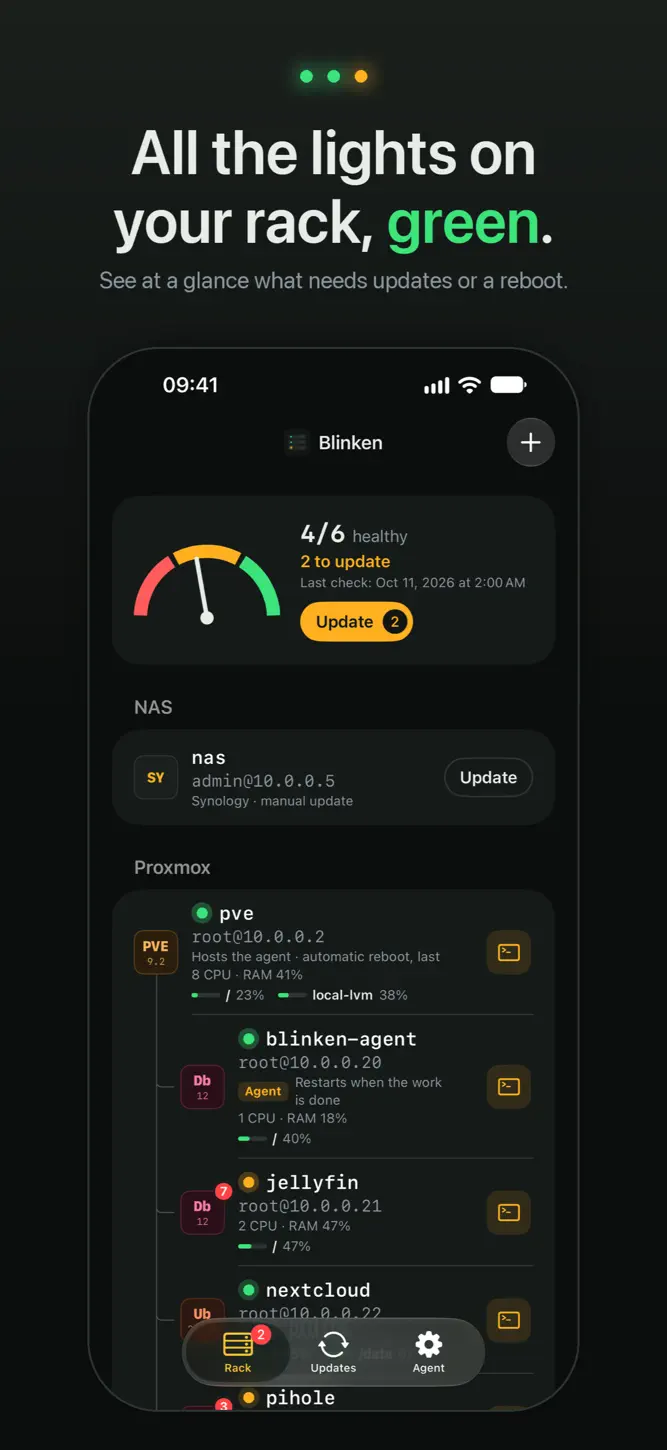
Blinken keeps your homelab up to date from your iPhone. A small agent runs on one of your machines and updates Proxmox hosts, VMs, containers and Linux servers in order, one at a time. When something needs a look, a guided SSH terminal is one tap away.
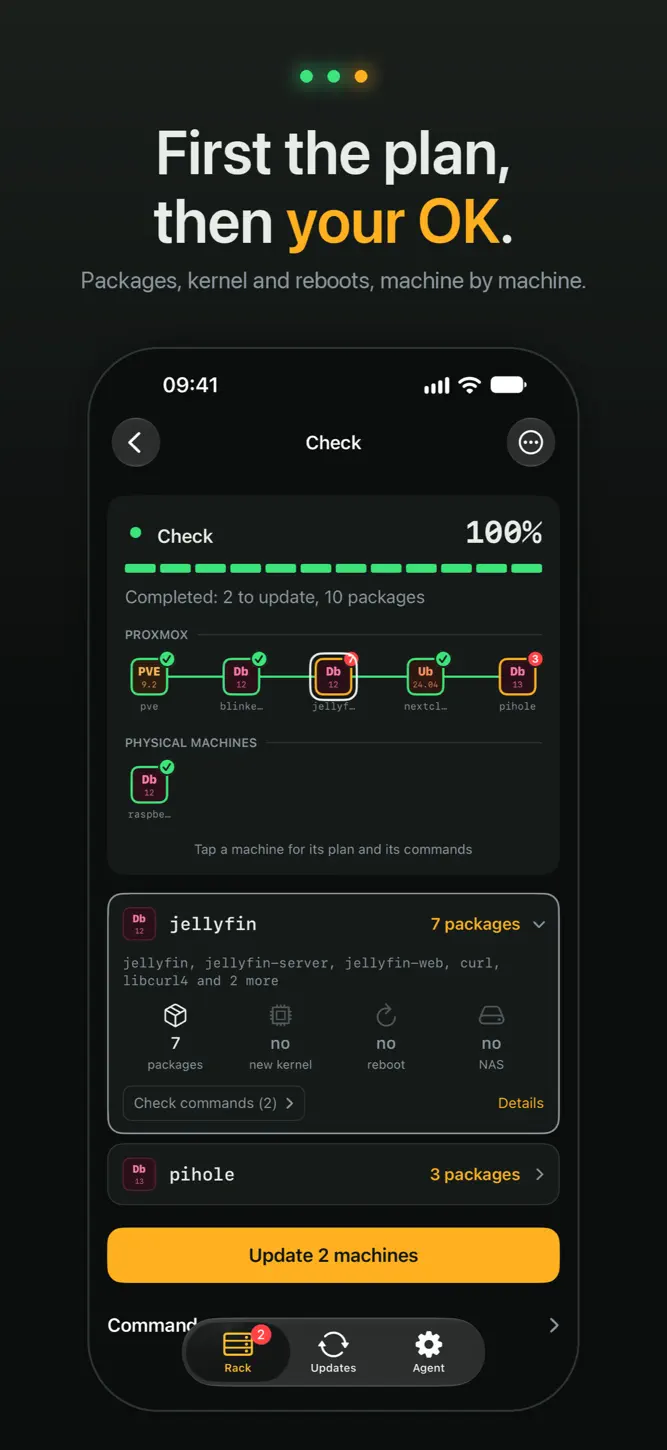
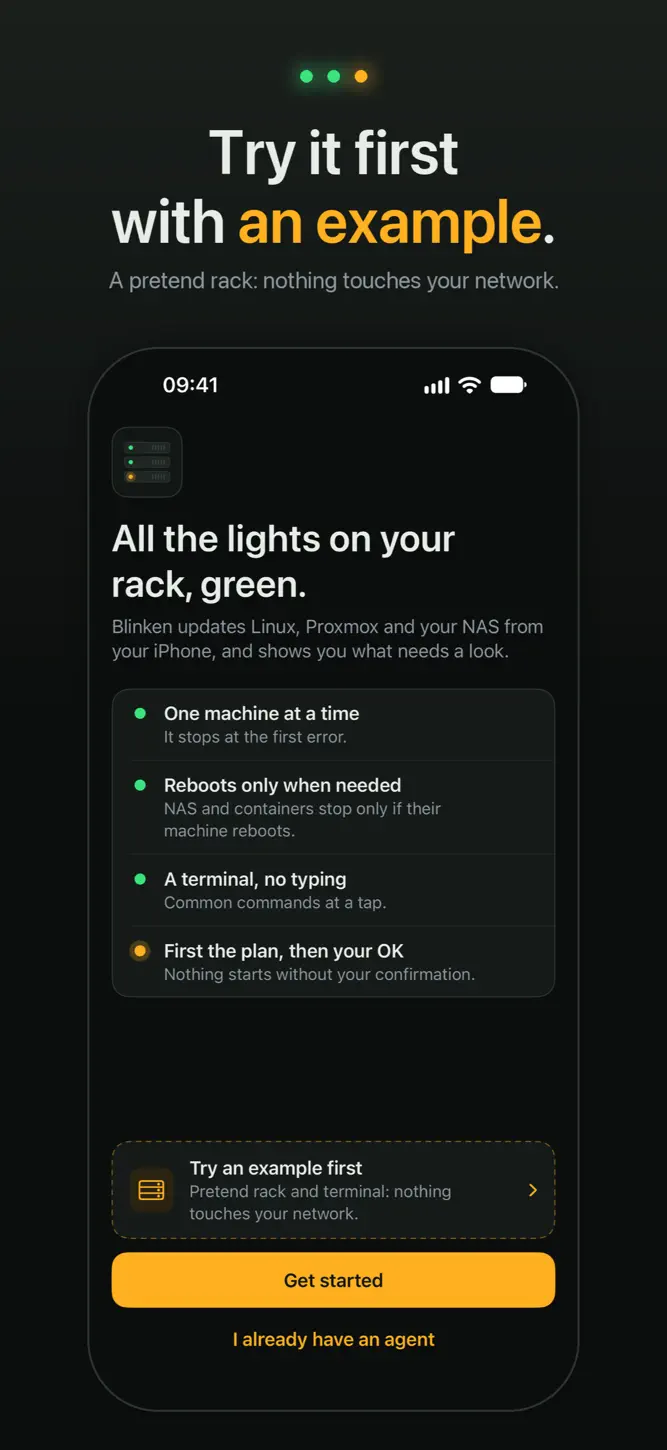
FIRST THE PLAN, THEN YOUR OK
• A check finds what needs updating or rebooting, without installing anything.
• You see the plan machine by machine, with the commands it will run.
• Nothing starts without your confirmation.
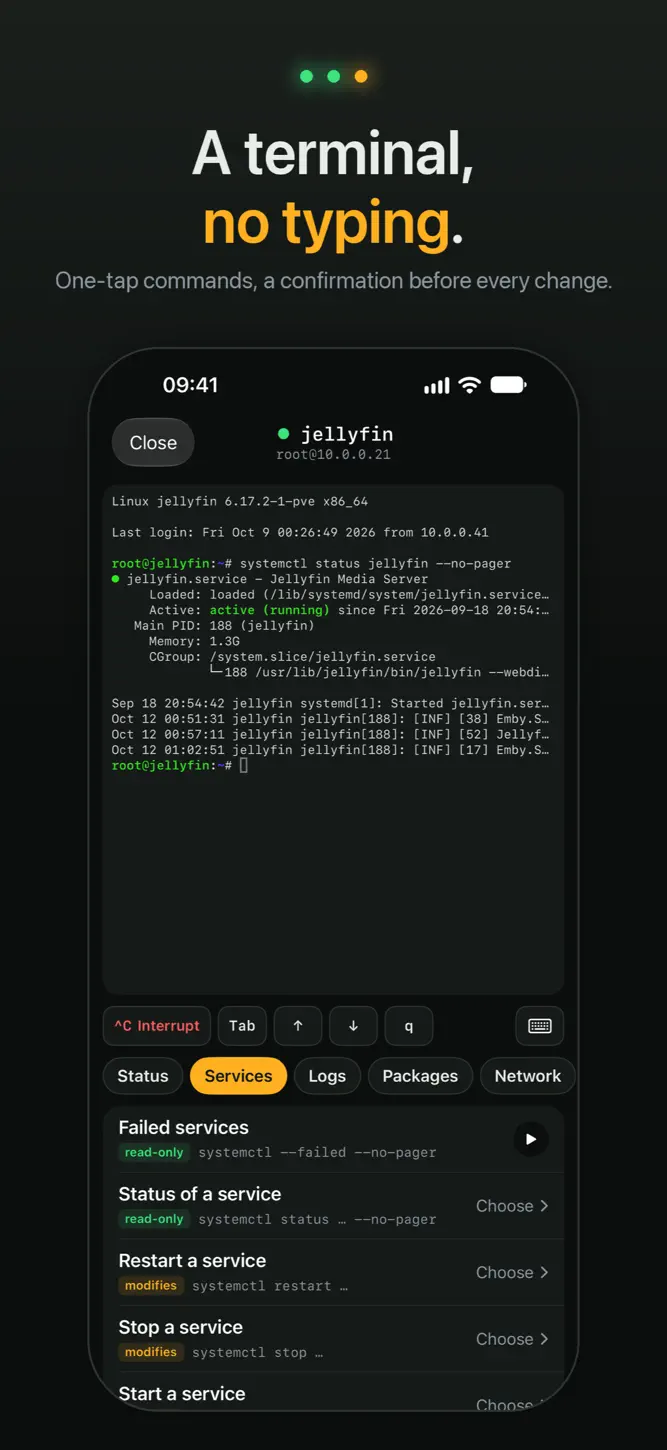
A TERMINAL, NO TYPING
• Next to every machine in the rack, a button opens a real SSH shell, through your agent.
• Instead of the keyboard, a panel of common commands: status, services, logs, Docker, Proxmox, packages, network.
• Arguments come from a list read on the machine: pick the service or the container instead of typing its name.
• Commands that change something show the exact line and wait for your OK; risky ones, like a reboot, come with a clear warning.
• If an update stops on an error, open the terminal right from that step, with the commands for that error.
• The keyboard is still one tap away.
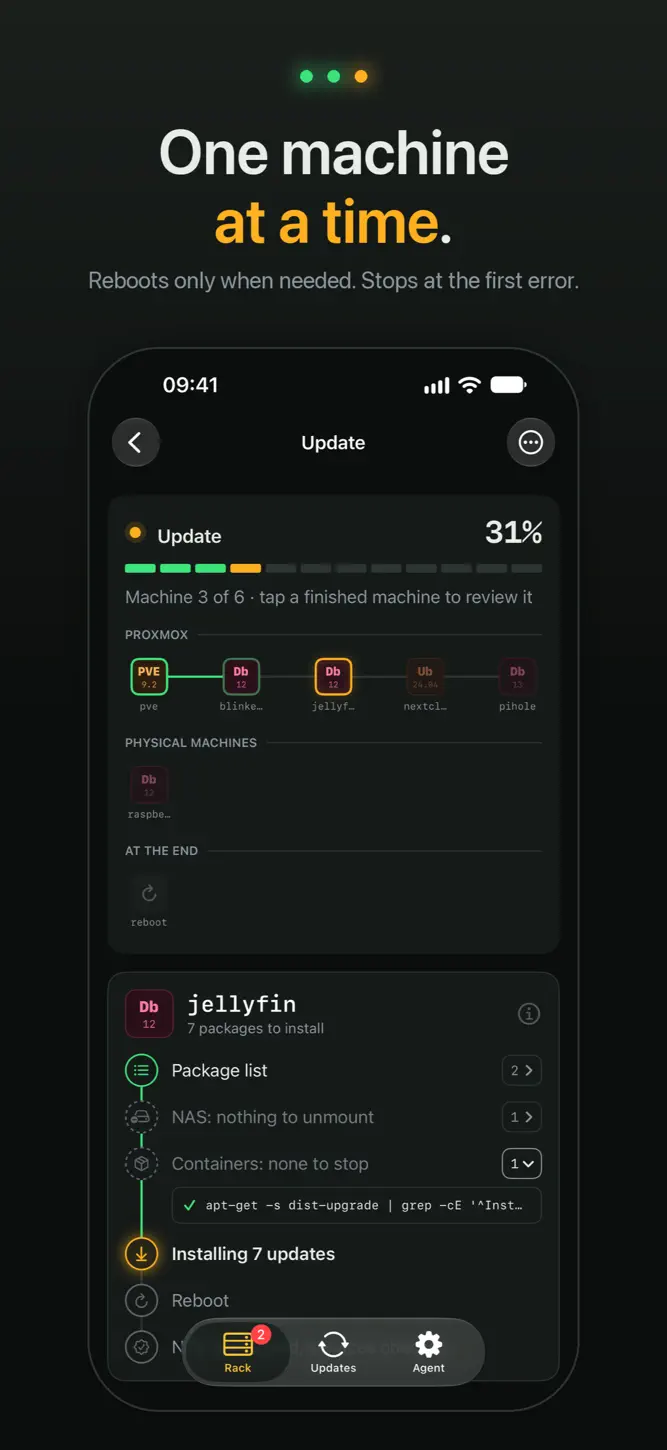
UPDATES IN THE RIGHT ORDER
• One machine at a time, in your rack order. It stops at the first error.
• Machines that are already up to date are skipped.
• Reboots only when needed: the NAS and the containers using it stop only if their machine reboots, then come back.
• Proxmox hosts reboot last, after their guests. In clusters, Ceph and HA are checked before every reboot.
• The agent keeps working with the app closed.
YOUR RACK AT A GLANCE
• Every machine with its light: up to date, to update, unreachable.
• CPU, memory and every disk, Proxmox storages included.
• Automatic check on the days and at the time you choose.
• History of checks and updates, with every command run on each machine.
NAS INCLUDED
QNAP, Synology, TrueNAS and others: Blinken unmounts the NAS from your machines, waits while you update its firmware and mounts it again when it's back online.
QUICK SETUP
Blinken can create the agent's container on Proxmox for you, or install it over SSH on a Debian, Ubuntu or Raspberry Pi machine. It finds your machines on the network and authorizes its SSH key. Passwords are only used for that and are never saved.
TRY IT FIRST
"Try an example first" opens a pretend rack: check, update and terminal are simulated, nothing touches your network.
FREE AND PRO
Free for up to 5 machines (the agent's machine and NAS devices don't count), terminal included. Blinken Pro removes the limit with a one-time purchase, no subscription.
PRIVATE BY DESIGN
No account, no analytics, no tracking. The app only talks to your agent and your machines, on your network. The terminal goes through your agent too: commands and output never leave your network.
Requires Proxmox VE and/or Linux machines with SSH (Debian, Ubuntu, Raspberry Pi OS, Fedora, RHEL, Rocky Linux, AlmaLinux 9 or later), an always-on machine for the agent, and an iPhone on the same network or a VPN.
How to download Blinken: Homelab Updates?
- Tap the Google Play button (Android) or the App Store button (iPhone / iPad) in the download section.
- The official store page of Blinken: Homelab Updates opens in a new tab.
- Tap Install or Get and wait until the download finishes.
- Open Blinken: Homelab Updates from your home screen and start playing.
FAQ
Is Blinken: Homelab Updates free to play?
Yes, Blinken: Homelab Updates is free to download.
Is Blinken: Homelab Updates available for iPhone?
Yes, Blinken: Homelab Updates is available on the Apple App Store and needs iOS 18.0 or later.
Is it safe to download Blinken: Homelab Updates?
Yes. GameZone does not host any files — the download buttons open the official Google Play and App Store pages.
Download the App
Similar Games


Disclaimer
1. GameZone does not represent any developer, nor is it the developer of any app or game listed on this website.
2. Game details such as icons, screenshots, ratings and descriptions are collected from the public Google Play and App Store listings so players can compare games before installing.
3. All trademarks, registered trademarks, product names, company names and logos are the property of their respective owners.
4. GameZone does not host APK or IPA files. Every download button opens the official Google Play Store or Apple App Store page of the game.
5. GameZone respects the Digital Millennium Copyright Act (DMCA). If you are the owner of any content shown here and want it removed, please contact us at contact@shresult.com.