


Bober Baby Tracker
Brian Ceccato
Category
Content Rating
4+
Developer
Brian Ceccato
Version
1.1
Updated
Oct 4, 2026
Requires
iOS 26.0 or later
Price
Free
Size (iOS)
23.3 MB
Advertisement
Screenshots



Advertisement
Editor Reviews
Bober Baby Tracker is an action game developed by Brian Ceccato for iPhone & iPad.
Bober Baby Tracker is free to download. The latest version 1.1 was released on Oct 4, 2026. Content rating: 4+.
About Bober Baby Tracker
At three in the morning only one question matters: when did she last feed and was that me or you? Bober is the baby diary for two: breastfeeding, bottles, sleep and diapers logged in seconds, on iPhone and Apple Watch.
BOTH OF YOU SEE THE SAME THING, AT THE SAME TIME Everything syncs automatically between your iPhones. What one of you logs is there for the other. If a timer is running on your phone, it runs on theirs. And when you are not sure whether the baby has been fed, you ask with one tap: the partner ping is answered with OK or No no phone call, nobody woken up.
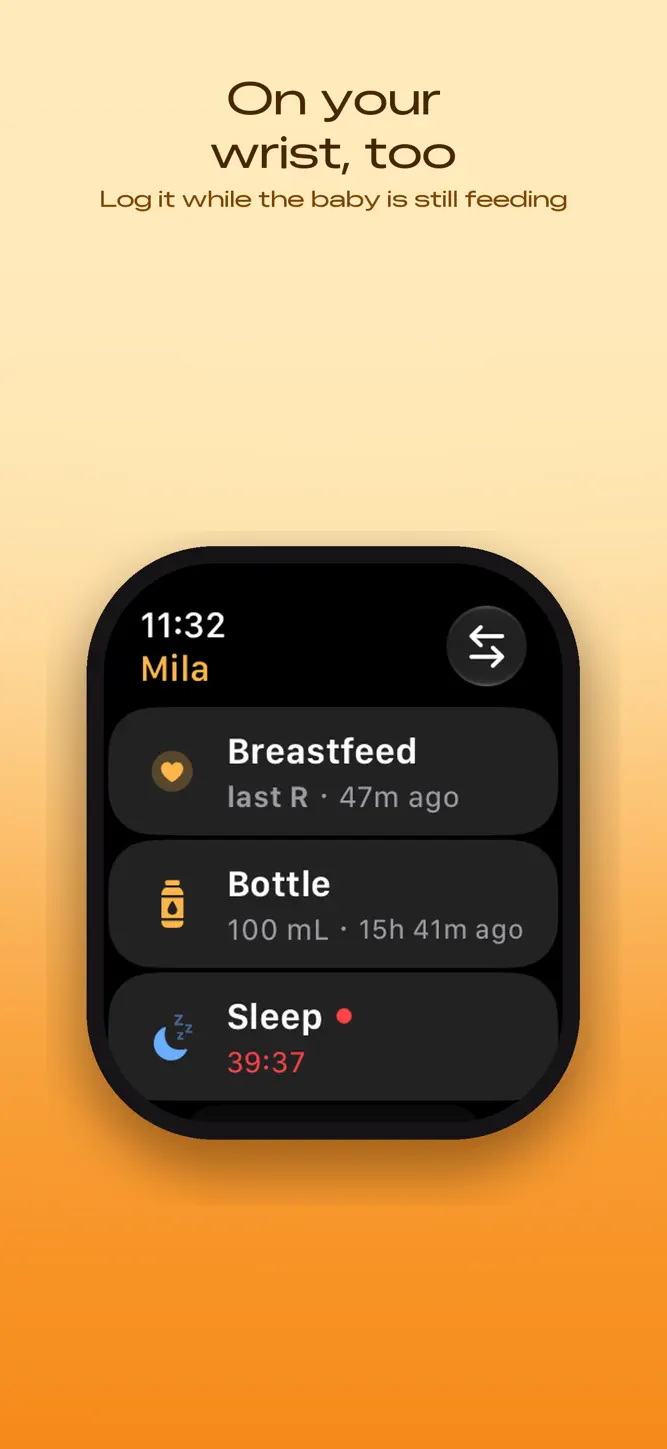
ON YOUR WRIST, TOO The Apple Watch does the things that matter: start, stop and log breastfeeding, bottles, sleep, pumping and diapers without reaching for your phone. Plus complications on the watch face and running timers in the Smart Stack.
WITHOUT LOOKING Live Activities show running timers on the Lock Screen and in the Dynamic Island. Widgets open the right entry from the Home Screen with one tap. And Siri understands phrases like "Mila woke up in Bober".
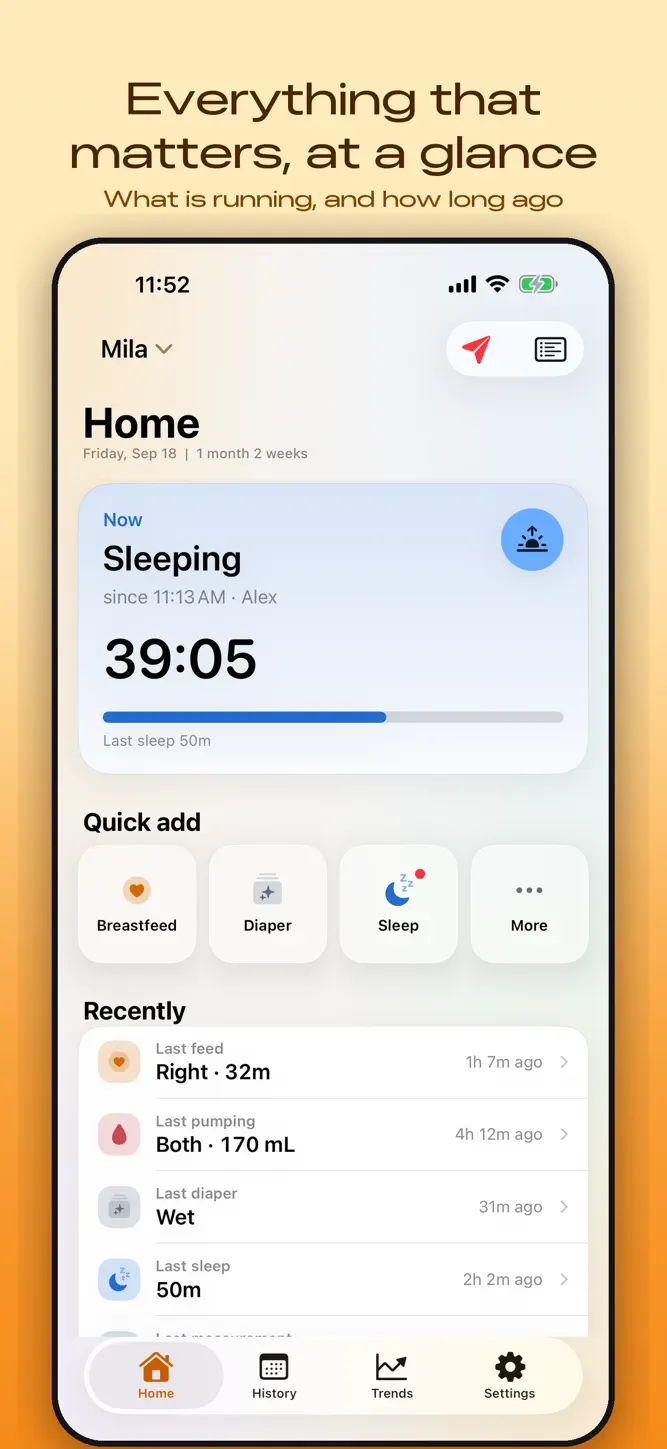
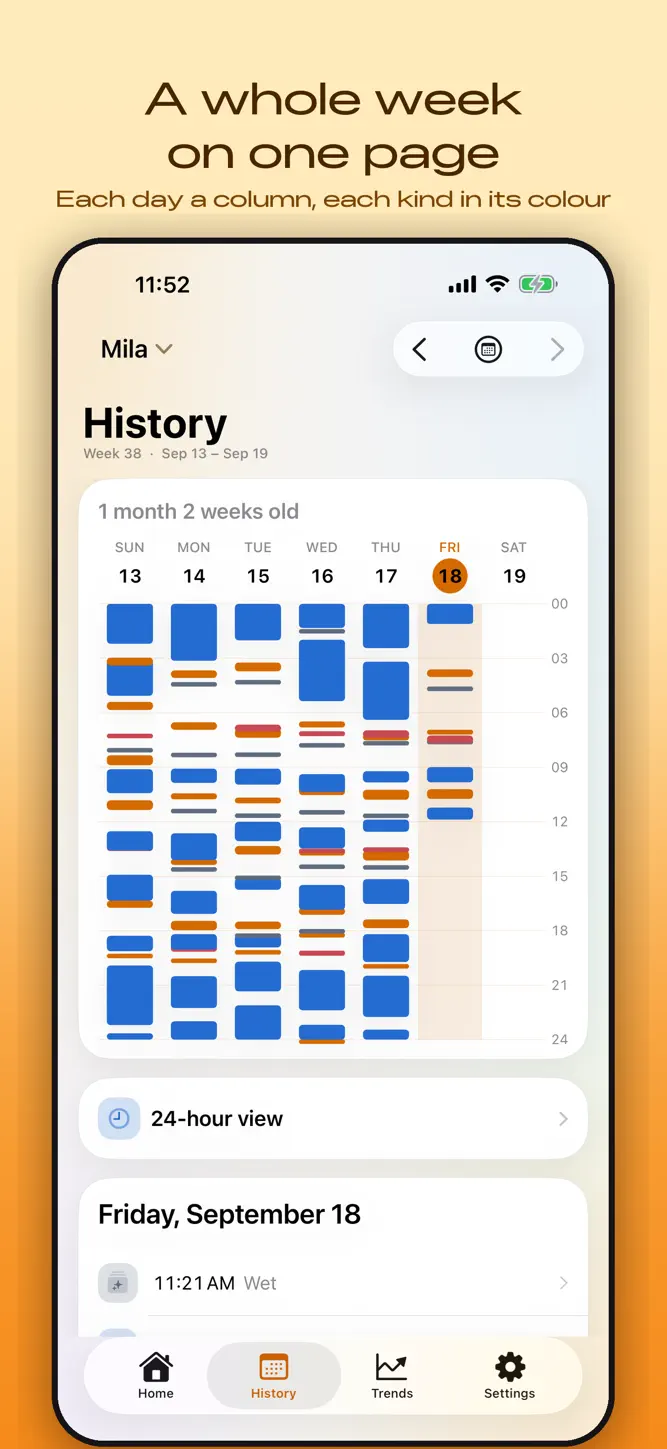
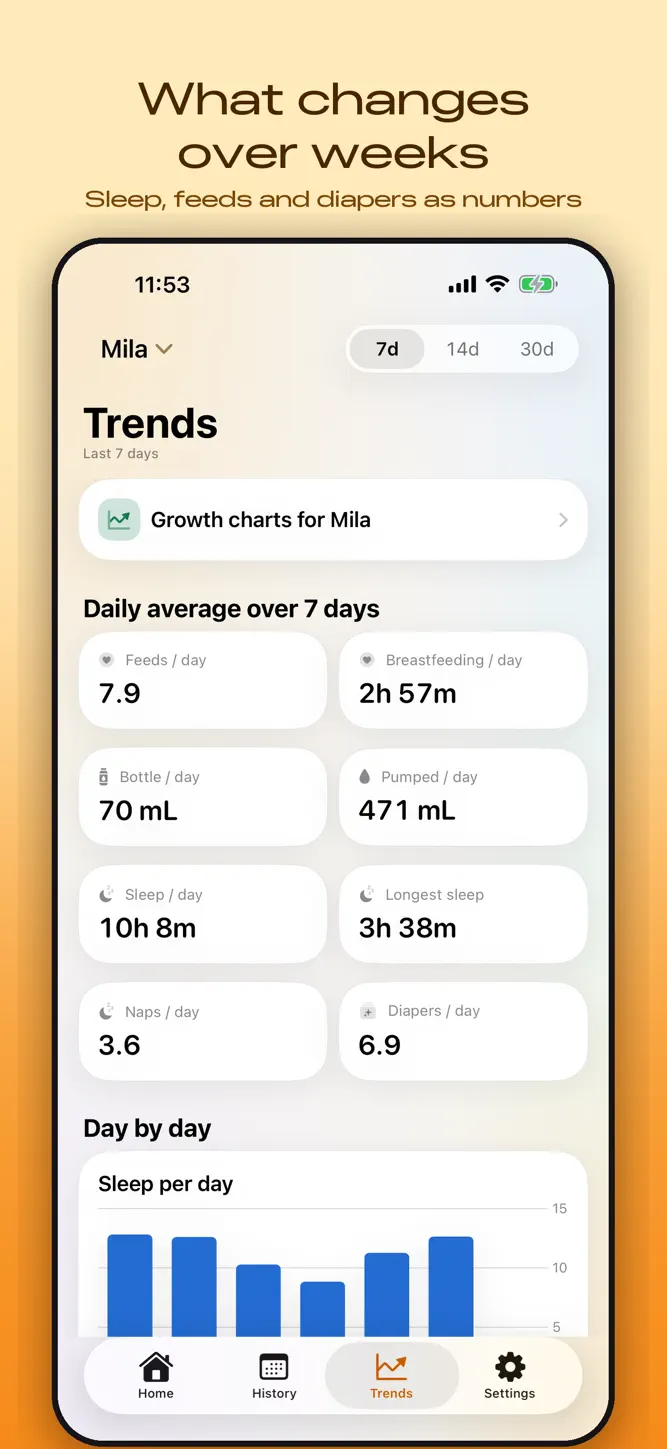
ANSWERS, NOT SPREADSHEETS How long has she been awake? When did she last eat? The home screen shows what is running now and how long ago the last one was. The 24-hour view makes the rhythm of a day visible; over weeks it turns into a heat map. Growth charts follow the WHO standards and show where your child sits on the curve.
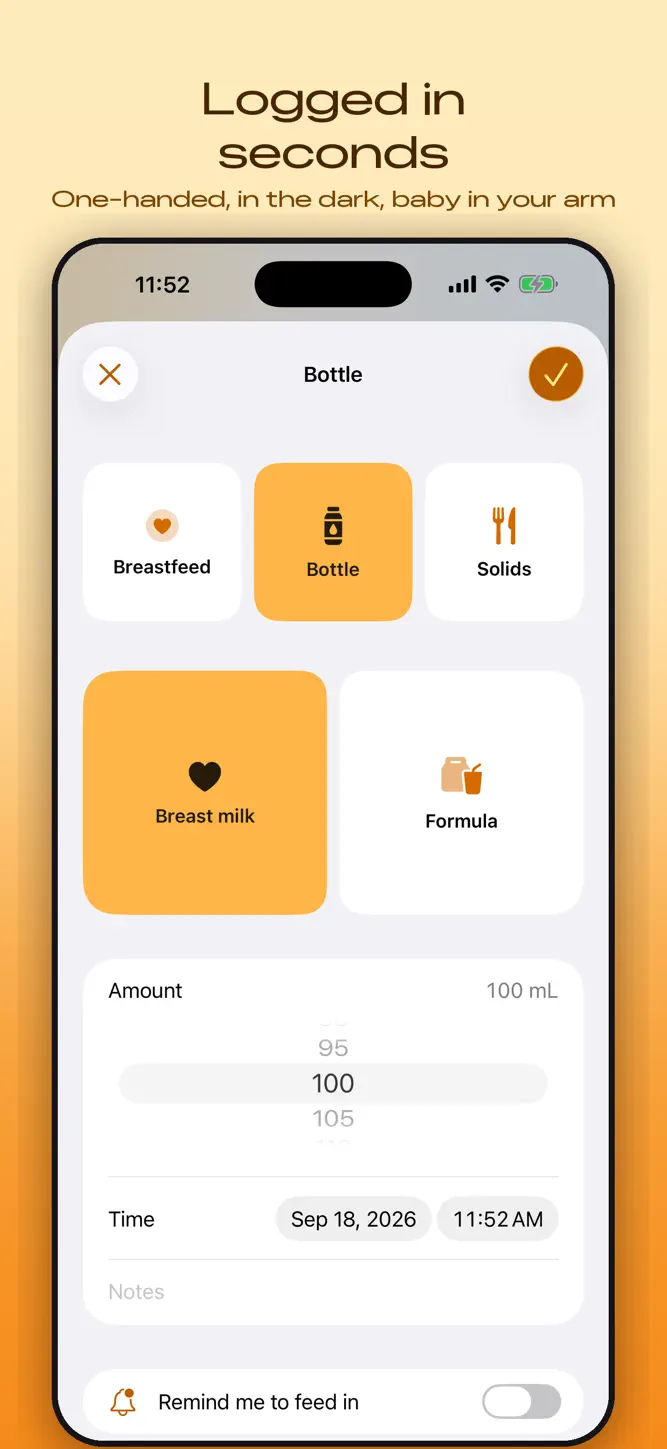
WHAT YOU CAN LOG Breastfeeding with separate timers for left and right, bottles with amount and milk type, solids, pumping, diapers including rash, sleep and naps, weight, height and head circumference, medication and temperature, vaccinations, routines, firsts. Several children, several caregivers.
MOVING IN IS EASY Coming from another baby tracker? Bober reads CSV exports and brings your whole history along, one file per child. Not every format is supported yet; currently: Nara Baby and Huckleberry. More will follow. (Nara and Huckleberry are trademarks of their owners. Bober is not affiliated with, endorsed by or connected to either.) Getting out is just as easy: CSV export whenever you want.
IN YOUR LANGUAGE German, English, French, Italian, Spanish, Portuguese, Japanese, Korean the whole app, not just the buttons: the explanations, the reminders and what Siri says, too. At three in the morning nobody wants to translate as well.
YOUR DATA STAYS YOURS Everything lives on your devices and, with family sync, in your own iCloud. No account, no sign-up, no server of ours. No ads, no subscription, no in-app purchases. Bober is free.
WHY IT EXISTS We built Bober for ourselves two parents, two daughters, and no app that did what we needed day to day. It is shaped around exactly that. We hope it helps you too.
No registration, no subscription. Open it and start logging.
What's New
Version 1.1, much of it from your feedback: • Partner pings arrive right away, even when Bober is closed on your partner's phone, with sender and message on the Lock Screen. • Open pings disappear after half an hour. New: "Ignore", and you can withdraw a ping you sent. • New in History: a summary under each day, e.g. breastfeeding total, left and right, bottles with breast milk and formula, pumping total, left and right. • Apple Watch: two pages, "New entry" with big tiles on top and "Recent" with the latest entries below. • A breastfeed started on iPhone can be continued on Apple Watch, including switching sides. • Turn Live Activities on or off per type, or show only the timers you started. • Importing and joining a family ask what to do with existing entries. Duplicate children can be merged. • Only one timer per child at a time, Siri included. Fixed: • Starting the timer on an old sleep, feed or pumping no longer overwrites it: Bober asks whether to start a new entry. • A crash when tapping a notification on the Lock Screen. • A stopped timer sometimes stayed on the other iPhone as a Live Activity. • The Watch app was stopped during large background syncs. • Pumping: the total counts both sides, even when only one side is selected. • Text in History and Partner ping is no longer cut off. • "Reset app" sometimes left children or demo data behind, and caregivers appeared several times.
How to download Bober Baby Tracker?
- Tap the Google Play button (Android) or the App Store button (iPhone / iPad) in the download section.
- The official store page of Bober Baby Tracker opens in a new tab.
- Tap Install or Get and wait until the download finishes.
- Open Bober Baby Tracker from your home screen and start playing.
FAQ
Is Bober Baby Tracker free to play?
Yes, Bober Baby Tracker is free to download.
Is Bober Baby Tracker available for iPhone?
Yes, Bober Baby Tracker is available on the Apple App Store and needs iOS 26.0 or later.
Is it safe to download Bober Baby Tracker?
Yes. GameZone does not host any files — the download buttons open the official Google Play and App Store pages.
Download the App
Similar Games


Disclaimer
1. GameZone does not represent any developer, nor is it the developer of any app or game listed on this website.
2. Game details such as icons, screenshots, ratings and descriptions are collected from the public Google Play and App Store listings so players can compare games before installing.
3. All trademarks, registered trademarks, product names, company names and logos are the property of their respective owners.
4. GameZone does not host APK or IPA files. Every download button opens the official Google Play Store or Apple App Store page of the game.
5. GameZone respects the Digital Millennium Copyright Act (DMCA). If you are the owner of any content shown here and want it removed, please contact us at contact@shresult.com.