


Brainrot Blocker
Deborah Eze
Category
Content Rating
4+
Developer
Deborah Eze
Version
1.1
Updated
Oct 10, 2026
Requires
iOS 16.0 or later
Price
Free
Size (iOS)
51.4 MB
Advertisement
Screenshots


Advertisement
Editor Reviews
Brainrot Blocker is an action game developed by Deborah Eze for iPhone & iPad.
Brainrot Blocker is free to download. The latest version 1.1 was released on Oct 10, 2026. Content rating: 4+.
About Brainrot Blocker
Stop doomscrolling and take back your time with a cute focus cat.
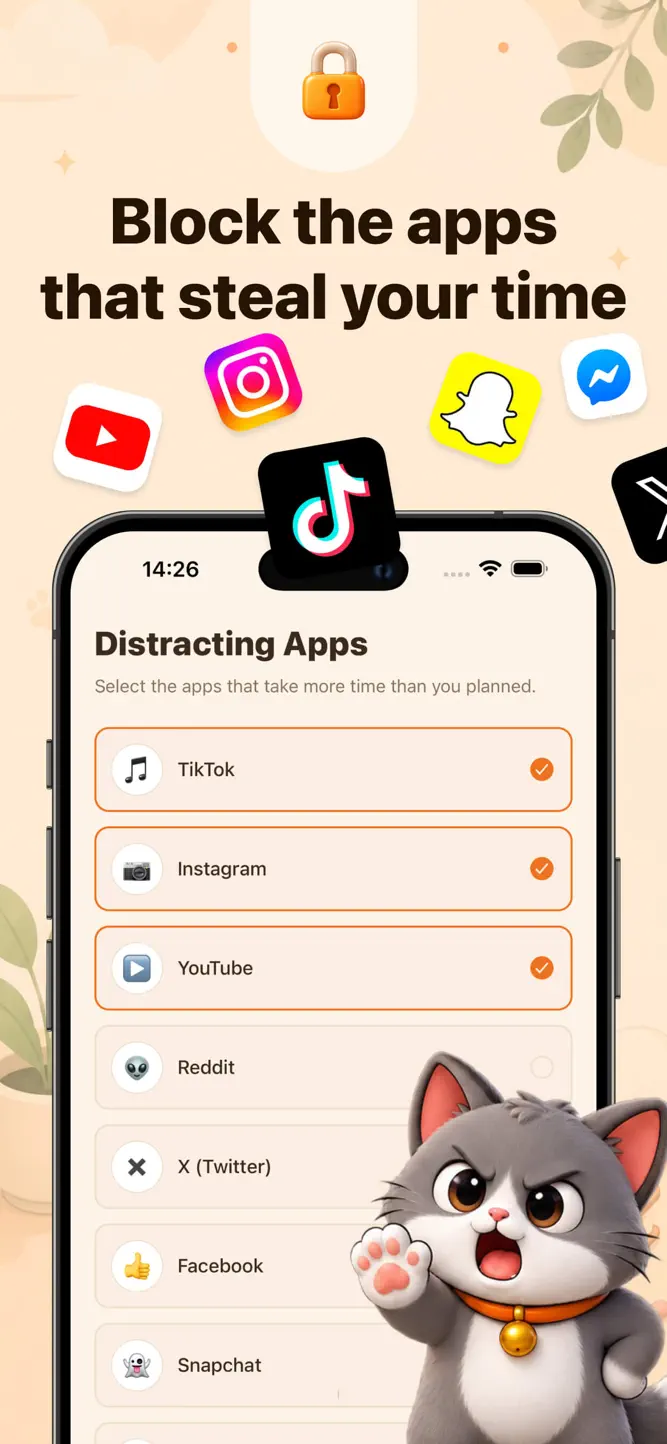
Brainrot Blocker helps you understand and reduce the time you spend in distracting apps. Choose the apps that interrupt your day, set a daily screen time limit, and let your cat show when scrolling starts taking over.
When the daily limit is reached, selected apps are blocked, helping you step away from endless feeds and return to what matters.
BLOCK DISTRACTING APPS
• Choose social media, entertainment, and other distracting apps
• Keep all selected apps under one simple daily limit
• Automatically block access when your time runs out
• Open a blocked app temporarily when you genuinely need it
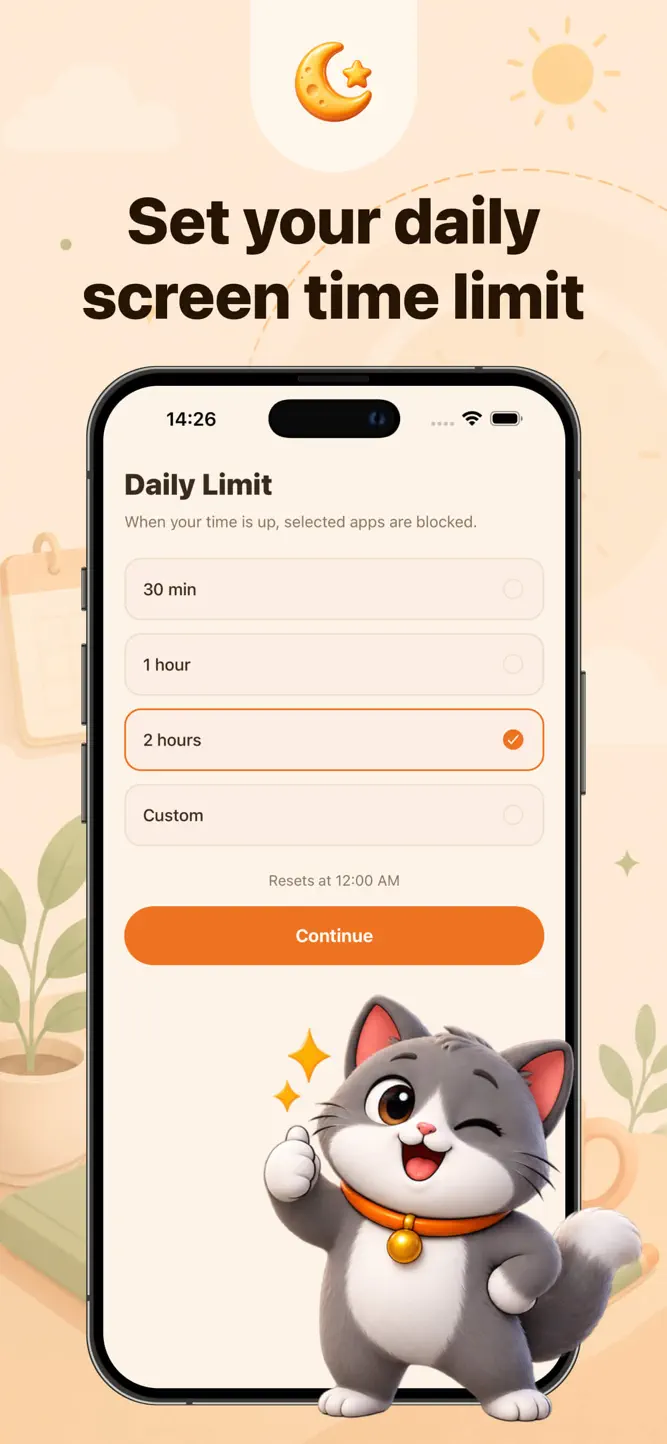
SET A DAILY SCREEN TIME LIMIT
Choose a limit that works for you and easily see:
• Screen time used today
• Time remaining before blocking
• Current progress toward your limit
• When the daily limit will reset
START A FOCUS SESSION
Need to work, study, read, or take a break from your phone? Start a focus session to temporarily block selected apps.
Choose a 15, 25, or 45-minute session, or set a custom duration that fits your plans.
MEET YOUR FOCUS CAT
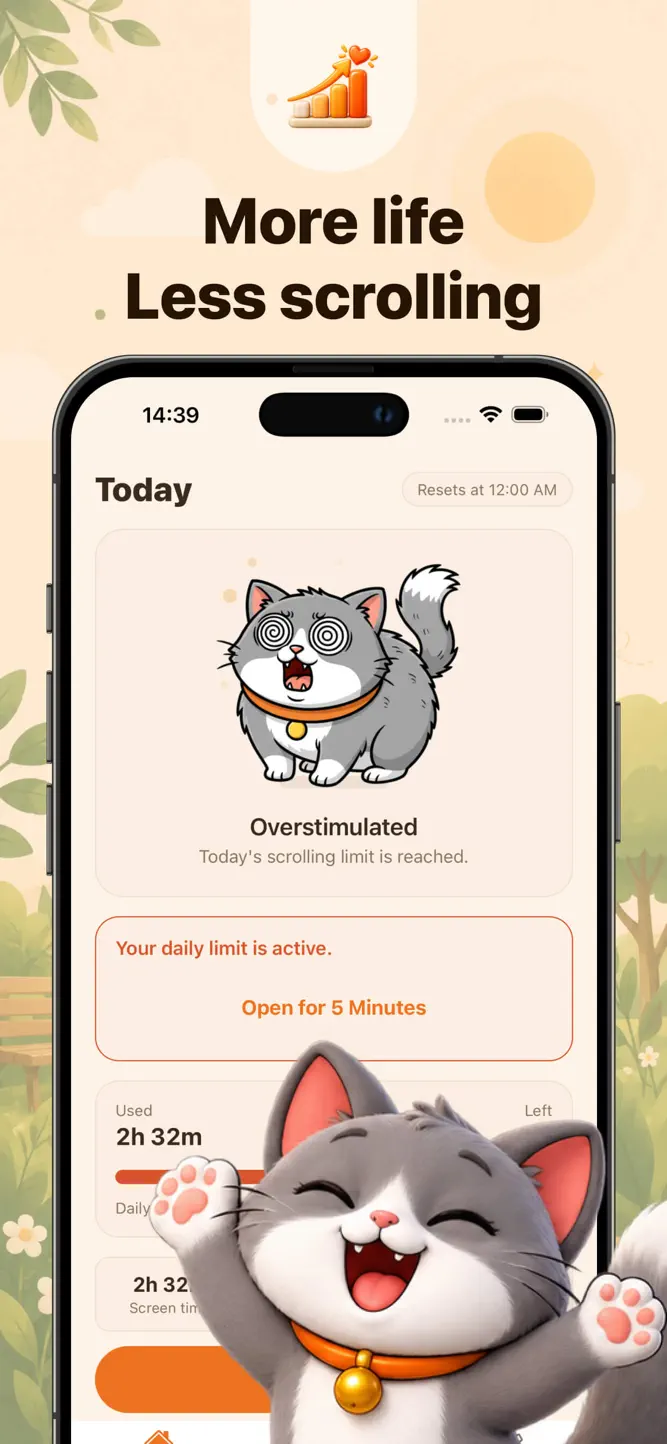
Your cat reacts to your scrolling habits and changes its mood throughout the day:
• Calm while you stay within your limit
• Restless when you are close to reaching it
• Overstimulated when the limit is reached
• Recovering while a focus session is active
TRACK TODAY’S PROGRESS
See your daily screen time, completed focus minutes, and temporary app opens in one clear view. No complicated reports, scores, or productivity systems.
PRIVATE BY DESIGN
Your selected apps and Screen Time activity are handled using Apple’s privacy-preserving Screen Time system. No account is required, and your app activity is not used for advertising.
Screen Time access is required for app blocking and activity-based cat reactions.
Brainrot Blocker gives you a simple limit, a distraction-free focus timer, and a friendly reminder to put your phone down.
How to download Brainrot Blocker?
- Tap the Google Play button (Android) or the App Store button (iPhone / iPad) in the download section.
- The official store page of Brainrot Blocker opens in a new tab.
- Tap Install or Get and wait until the download finishes.
- Open Brainrot Blocker from your home screen and start playing.
FAQ
Is Brainrot Blocker free to play?
Yes, Brainrot Blocker is free to download.
Is Brainrot Blocker available for iPhone?
Yes, Brainrot Blocker is available on the Apple App Store and needs iOS 16.0 or later.
Is it safe to download Brainrot Blocker?
Yes. GameZone does not host any files — the download buttons open the official Google Play and App Store pages.
Download the App
Similar Games


Disclaimer
1. GameZone does not represent any developer, nor is it the developer of any app or game listed on this website.
2. Game details such as icons, screenshots, ratings and descriptions are collected from the public Google Play and App Store listings so players can compare games before installing.
3. All trademarks, registered trademarks, product names, company names and logos are the property of their respective owners.
4. GameZone does not host APK or IPA files. Every download button opens the official Google Play Store or Apple App Store page of the game.
5. GameZone respects the Digital Millennium Copyright Act (DMCA). If you are the owner of any content shown here and want it removed, please contact us at contact@shresult.com.