


Canoz: AI Calorie Tracker
ENSAR BATUHAN UNVERDI
Category
Content Rating
4+
Developer
ENSAR BATUHAN UNVERDI
Version
1.0
Updated
Oct 9, 2026
Requires
iOS 17.5 or later
Price
Free
Size (iOS)
33.9 MB
Advertisement
Screenshots
Advertisement
Editor Reviews
Canoz: AI Calorie Tracker is an action game developed by ENSAR BATUHAN UNVERDI for iPhone & iPad.
Canoz: AI Calorie Tracker is free to download. The latest version 1.0 was released on Oct 9, 2026. Content rating: 4+.
About Canoz: AI Calorie Tracker
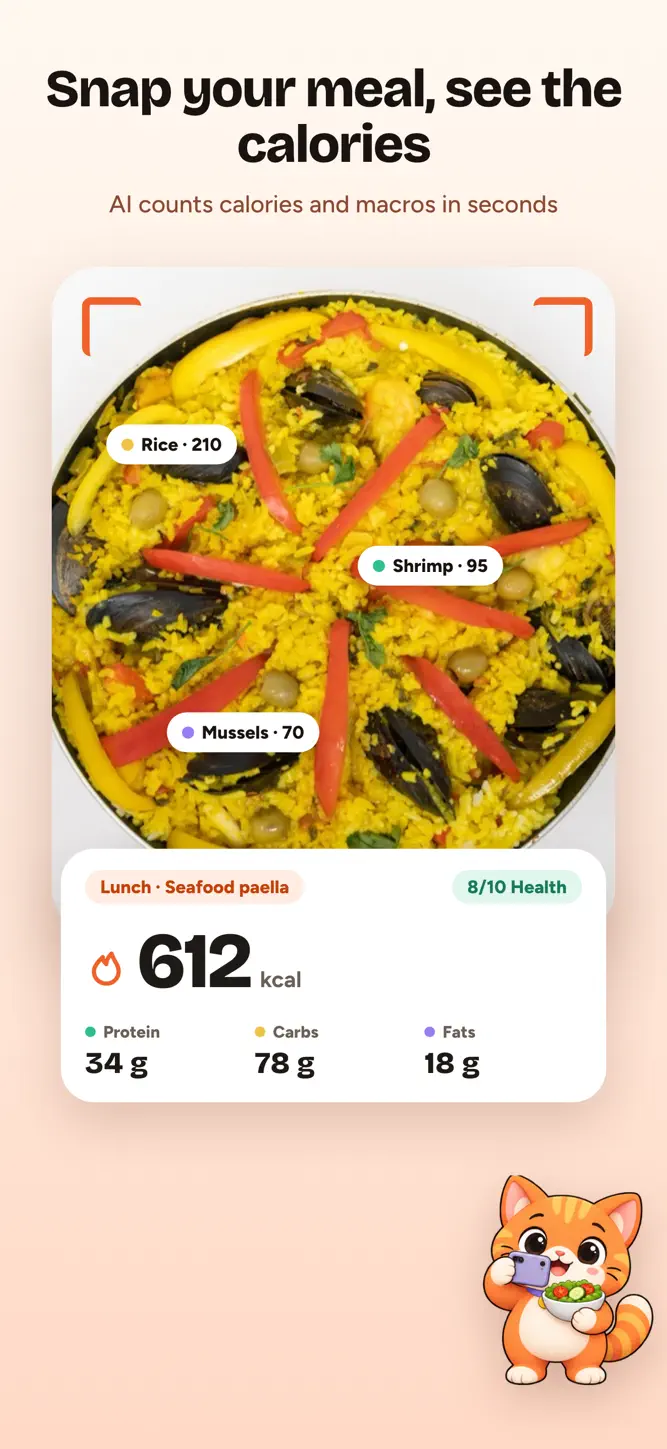
Snap a photo of your meal and get the calories and macros in seconds. Canoz is an AI calorie counter and food tracker.
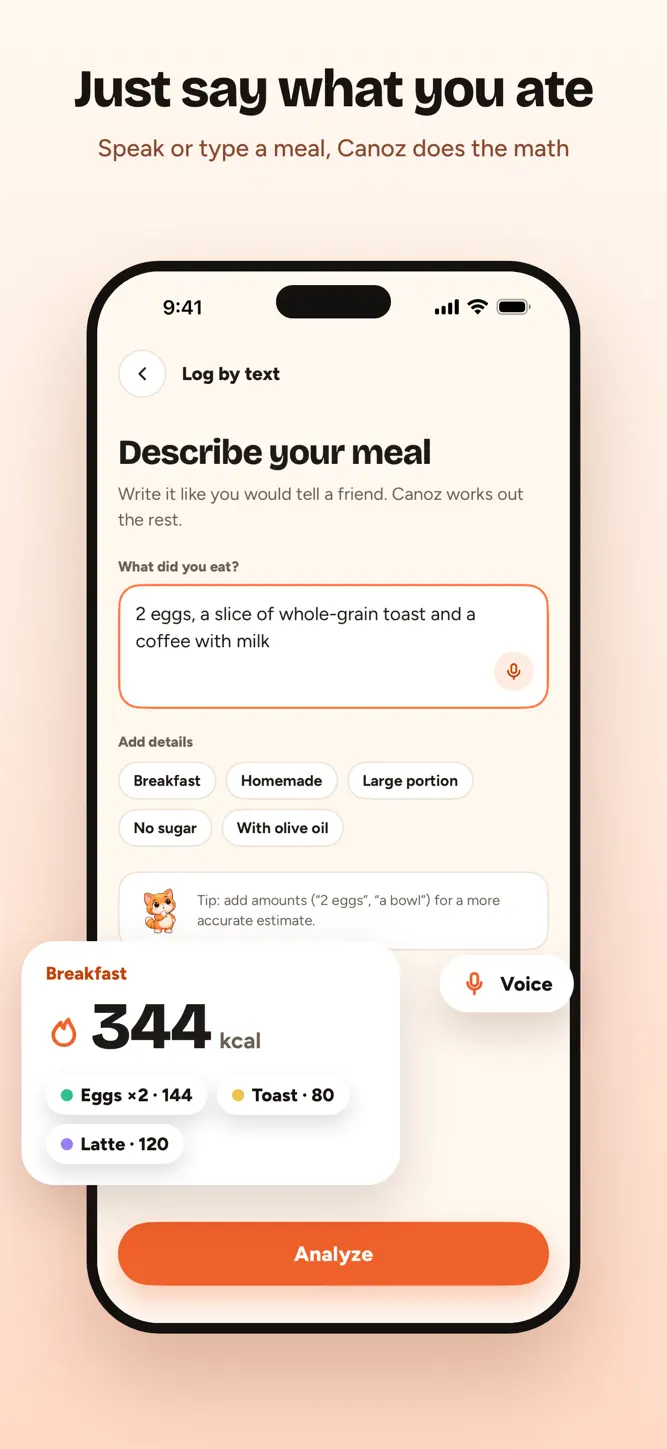
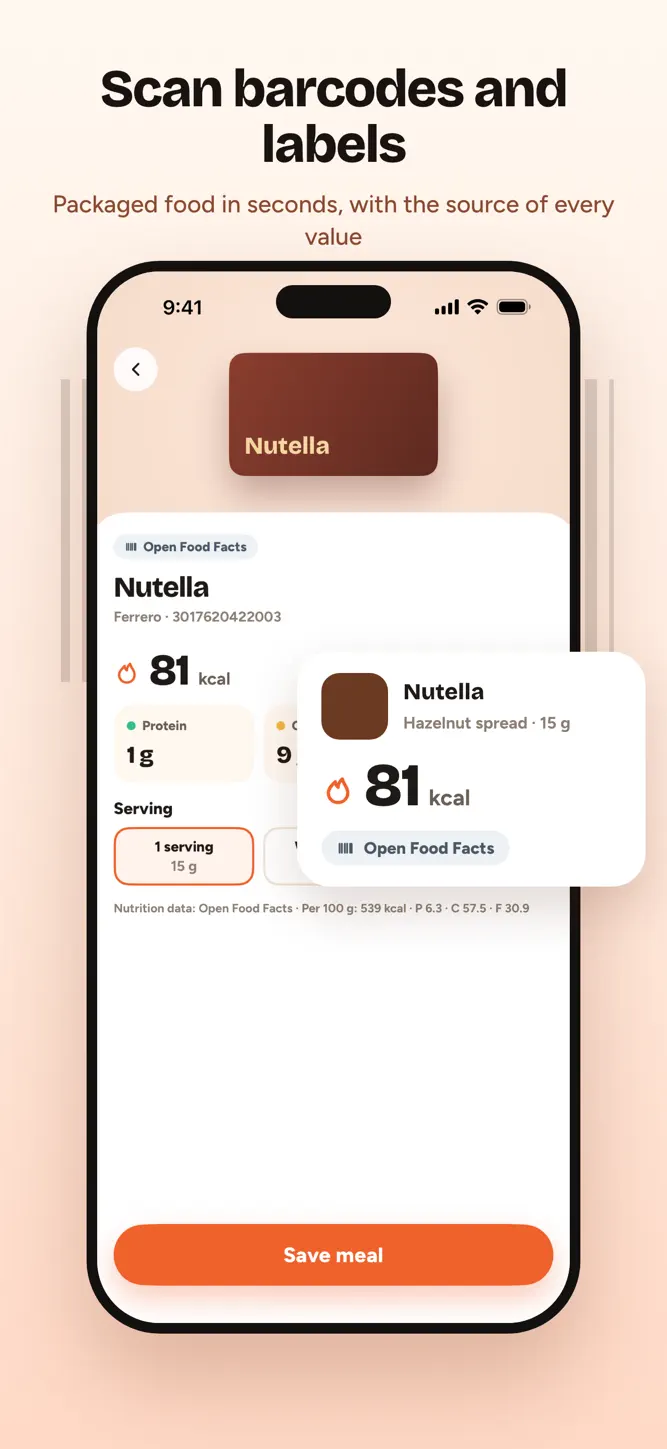
Take a picture of what you eat. Canoz recognizes the dish, estimates the portion and logs calories, protein, carbs and fats for you. No searching through food databases, no weighing every bite. No photo? Just type or say what you ate. Packaged food? Scan the barcode or the nutrition label.
WHY CANOZ
• Photo calorie counter: snap a meal, see calories and macros in seconds
• Barcode and label scanner: scan a packaged food's barcode or photograph its nutrition label, then pick your serving
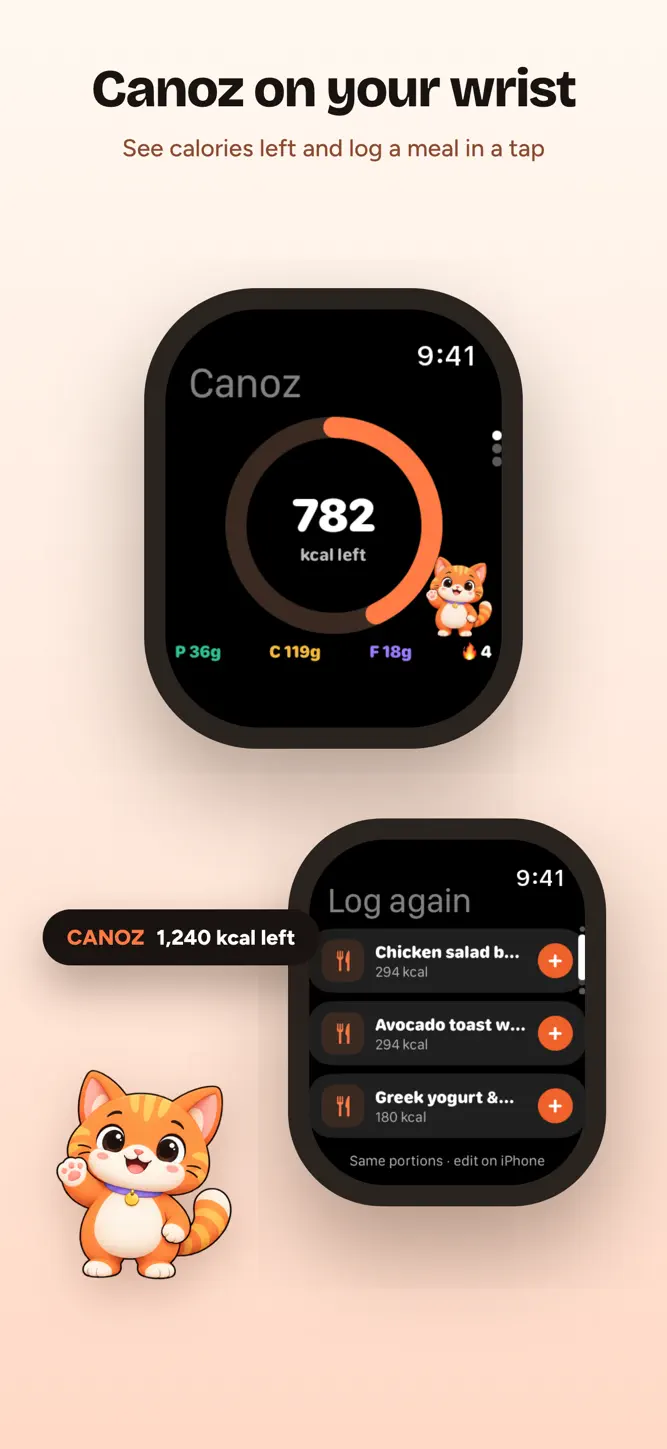
• Log again: favorites and recent meals in one tap, with the same portions
• Describe it: type or dictate your meal in your own words, and Canoz works out the rest
• Knows your cuisine: tell Canoz you eat Turkish, Mediterranean, Latin, Asian or other dishes, and it recognizes them better
• Verified or estimated: values from a label you scanned are marked Verified, AI estimates are marked Estimated, so you know what to check
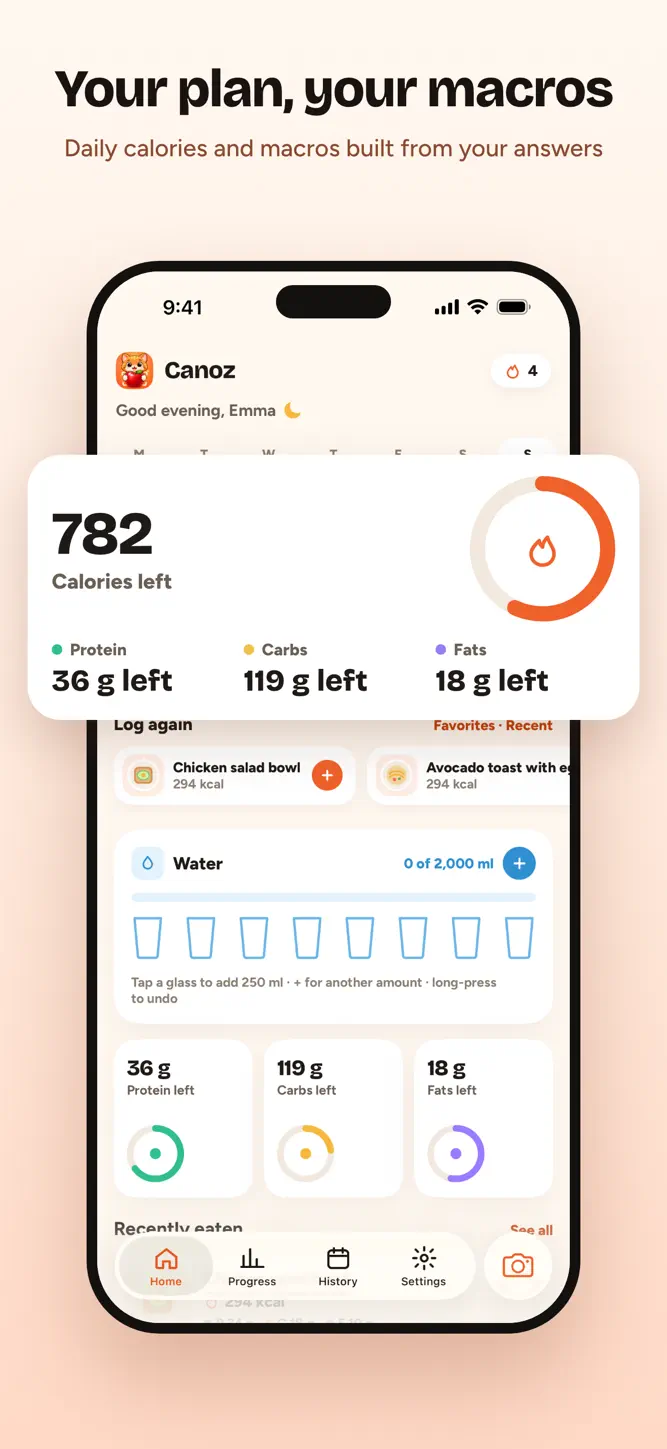
• A plan built for you: daily calorie and macro targets from your height, weight, age, activity and goal
• Lose, maintain or gain weight at a pace you choose
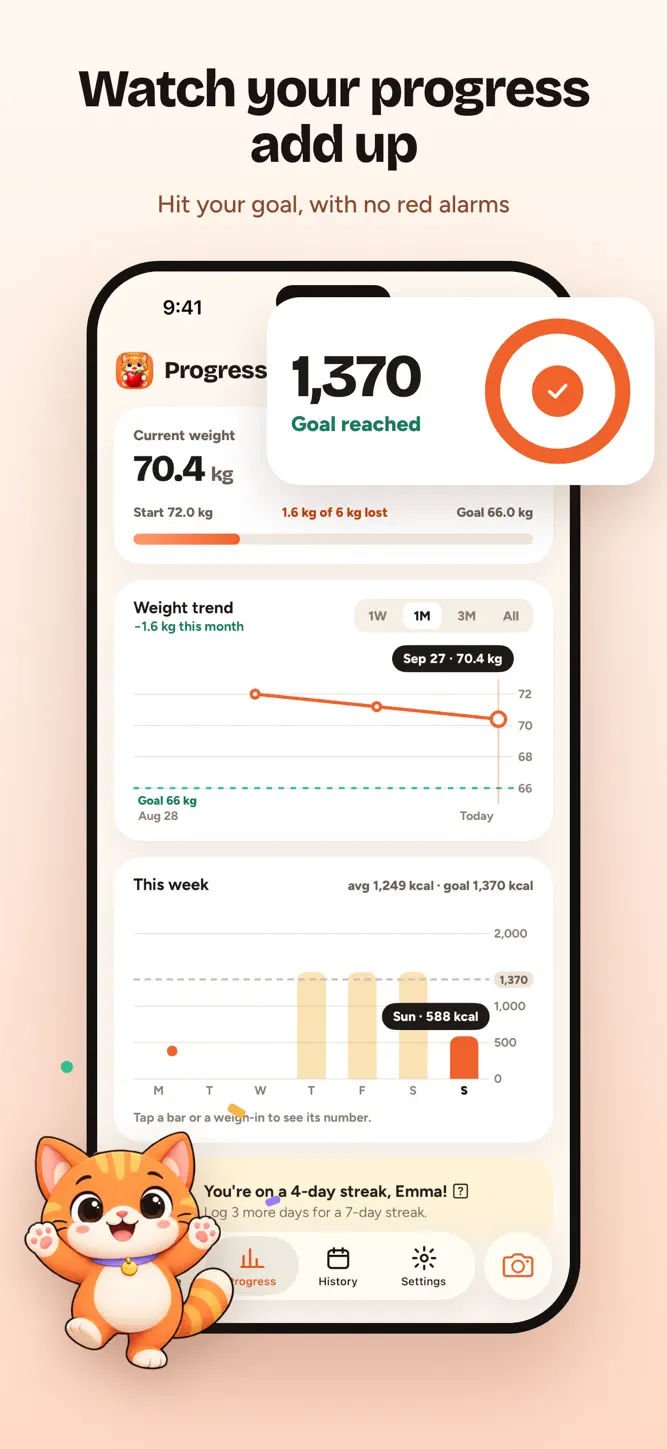
• Macro tracker: protein, carbs and fats for every meal and every day
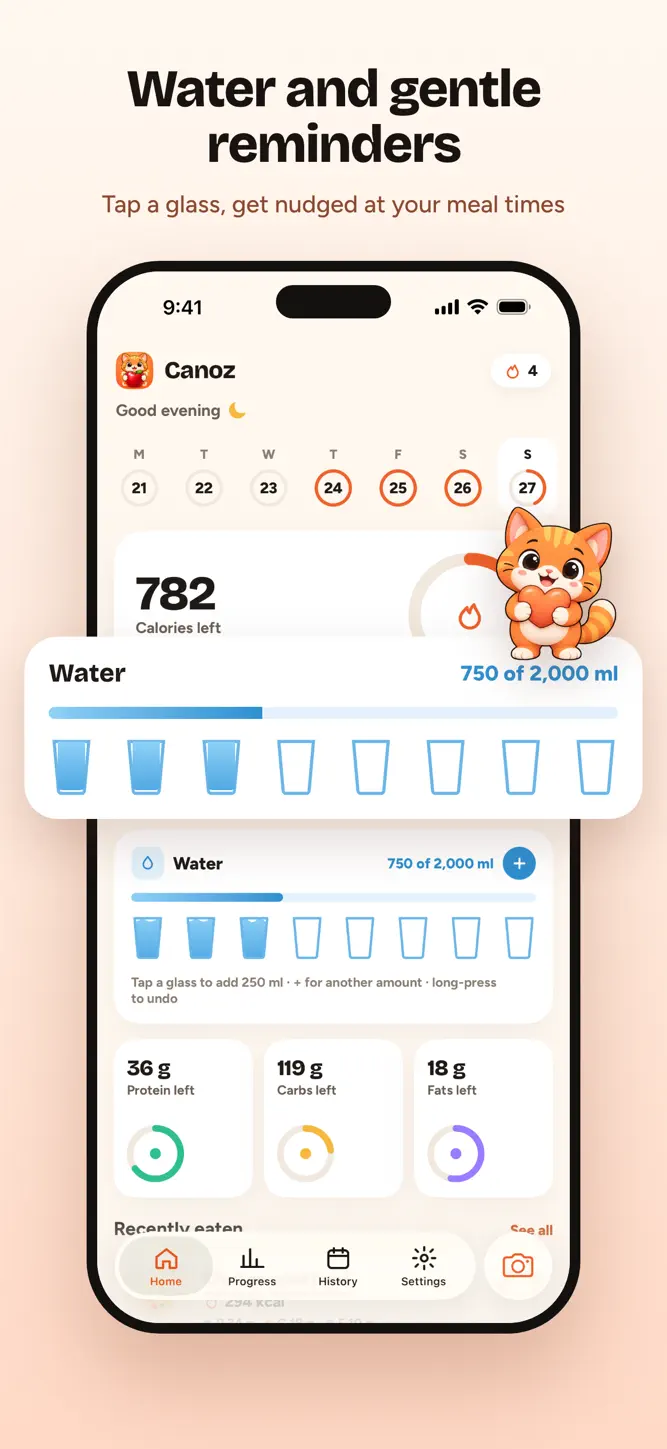
• Water tracker: tap a glass or add any amount toward your daily goal
• Works with Apple Health: your activity adjusts your daily goal
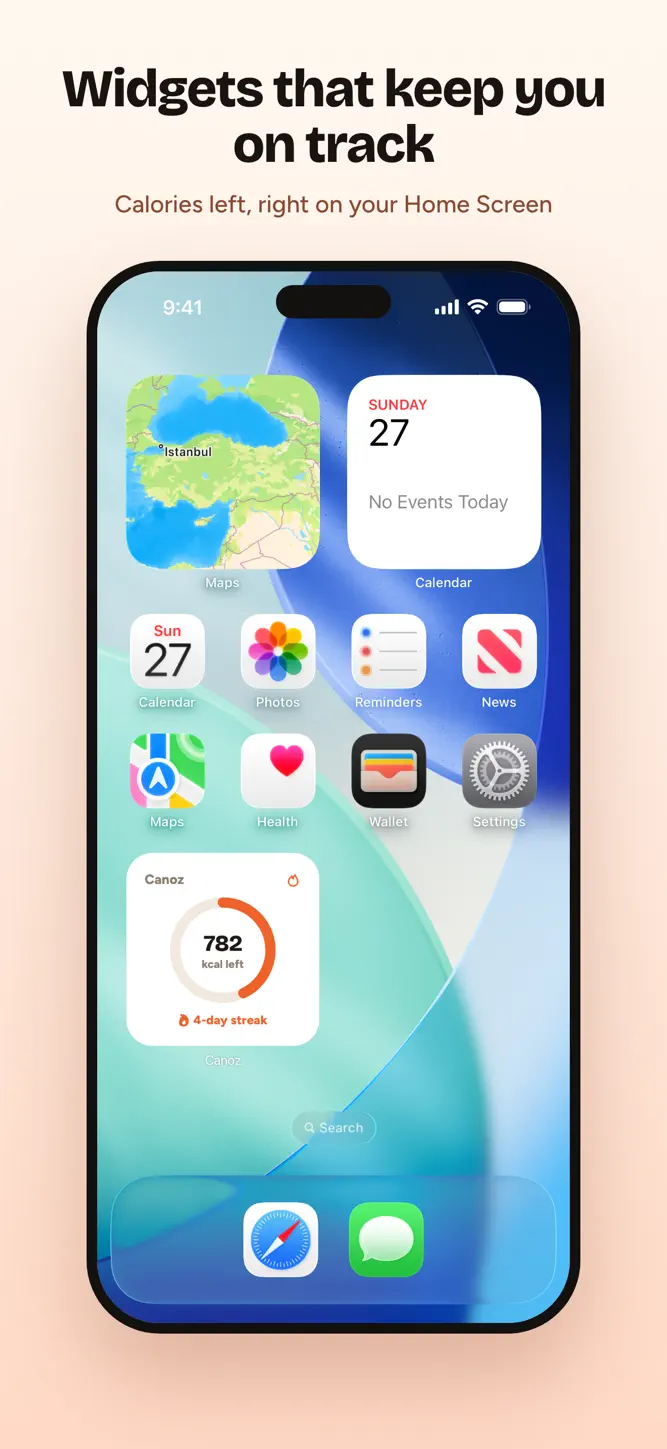
• Apple Watch and widgets: calories left at a glance on your wrist, Home Screen and Lock Screen; log a recent meal again or dictate a new one from your Watch
• See your progress: your weight trend and a weekly check-in reminder
• Gentle reminders: mealtime nudges, a streak reminder and a weekly check-in, at times you choose, with quiet hours and no health numbers on your Lock Screen
• Private by design: meal photos are analyzed, never stored by us, and your data is never sold
HOW IT WORKS
1. Answer a few questions about your body, your goal and the cuisines you eat.
2. Get your personal calorie and macro plan.
3. Snap your meals. Canoz does the math.
CANOZ PREMIUM
Canoz Premium unlocks daily photo, barcode and label scans, logging by text or voice, and your full meal history. Logging from Apple Watch is part of Premium. Weekly and yearly plans are available, and eligible new subscribers can start with a 3-day free trial. Premium includes fair daily limits on scans.
Canoz gives estimates, not medical advice. Talk to a doctor or dietitian before making big changes to your diet.
--- Subscription & Legal ---
Payment is charged to your Apple Account when you confirm the purchase or when the free trial ends. Subscriptions renew automatically unless canceled at least 24 hours before the end of the current period, and your account is charged for the renewal within 24 hours before the period ends. Manage or cancel anytime in your App Store account settings.
Terms of Use: https://canoz.app/terms/
Privacy Policy: https://canoz.app/privacy/
Support: support@canoz.app
How to download Canoz: AI Calorie Tracker?
- Tap the Google Play button (Android) or the App Store button (iPhone / iPad) in the download section.
- The official store page of Canoz: AI Calorie Tracker opens in a new tab.
- Tap Install or Get and wait until the download finishes.
- Open Canoz: AI Calorie Tracker from your home screen and start playing.
FAQ
Is Canoz: AI Calorie Tracker free to play?
Yes, Canoz: AI Calorie Tracker is free to download.
Is Canoz: AI Calorie Tracker available for iPhone?
Yes, Canoz: AI Calorie Tracker is available on the Apple App Store and needs iOS 17.5 or later.
Is it safe to download Canoz: AI Calorie Tracker?
Yes. GameZone does not host any files — the download buttons open the official Google Play and App Store pages.
Download the App
Similar Games


Disclaimer
1. GameZone does not represent any developer, nor is it the developer of any app or game listed on this website.
2. Game details such as icons, screenshots, ratings and descriptions are collected from the public Google Play and App Store listings so players can compare games before installing.
3. All trademarks, registered trademarks, product names, company names and logos are the property of their respective owners.
4. GameZone does not host APK or IPA files. Every download button opens the official Google Play Store or Apple App Store page of the game.
5. GameZone respects the Digital Millennium Copyright Act (DMCA). If you are the owner of any content shown here and want it removed, please contact us at contact@shresult.com.