


CanvasToGlobe
Christian Faur
Category
Content Rating
4+
Developer
Christian Faur
Version
1.0
Updated
Oct 5, 2026
Requires
iOS 17.0 or later
Price
Free
Size (iOS)
4.4 MB
Advertisement
Screenshots
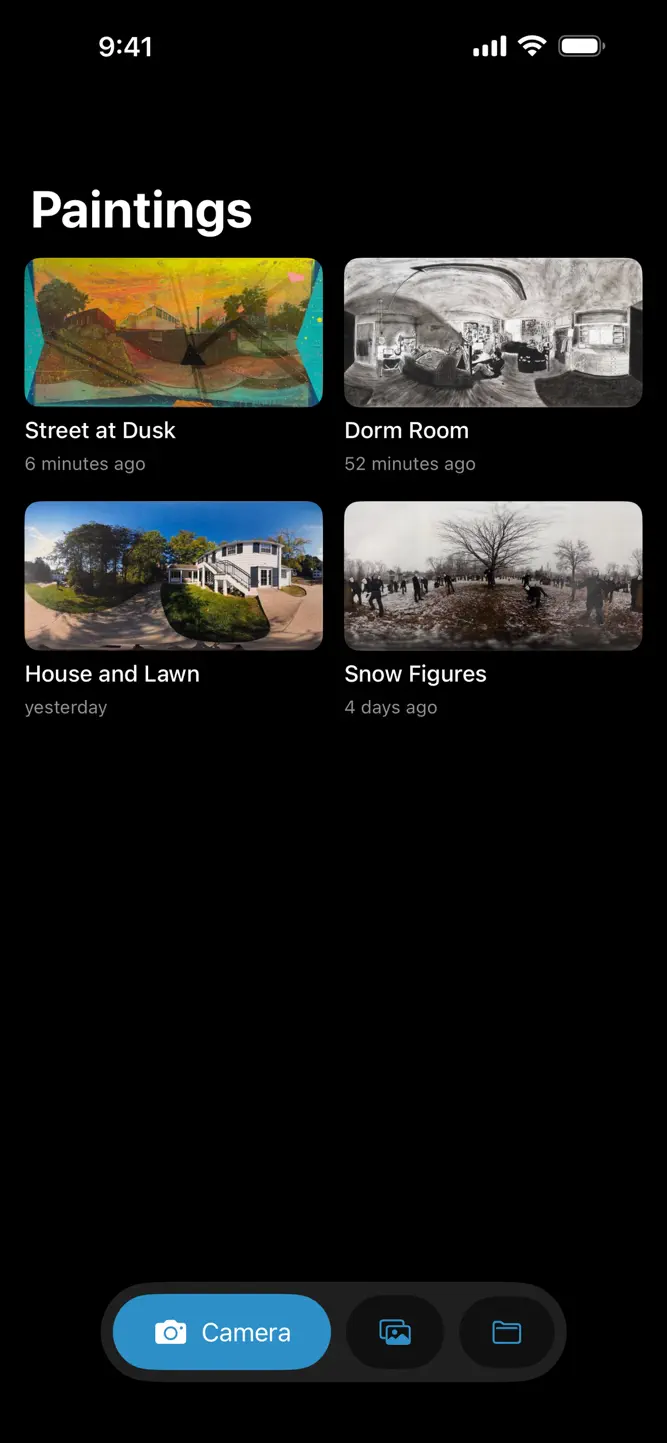


Advertisement
Editor Reviews
CanvasToGlobe is an educational game developed by Christian Faur for iPhone & iPad.
CanvasToGlobe is free to download. The latest version 1.0 was released on Oct 5, 2026. Content rating: 4+.
About CanvasToGlobe
CanvasToGlobe is a studio tool for artists painting 360° panoramas by hand.
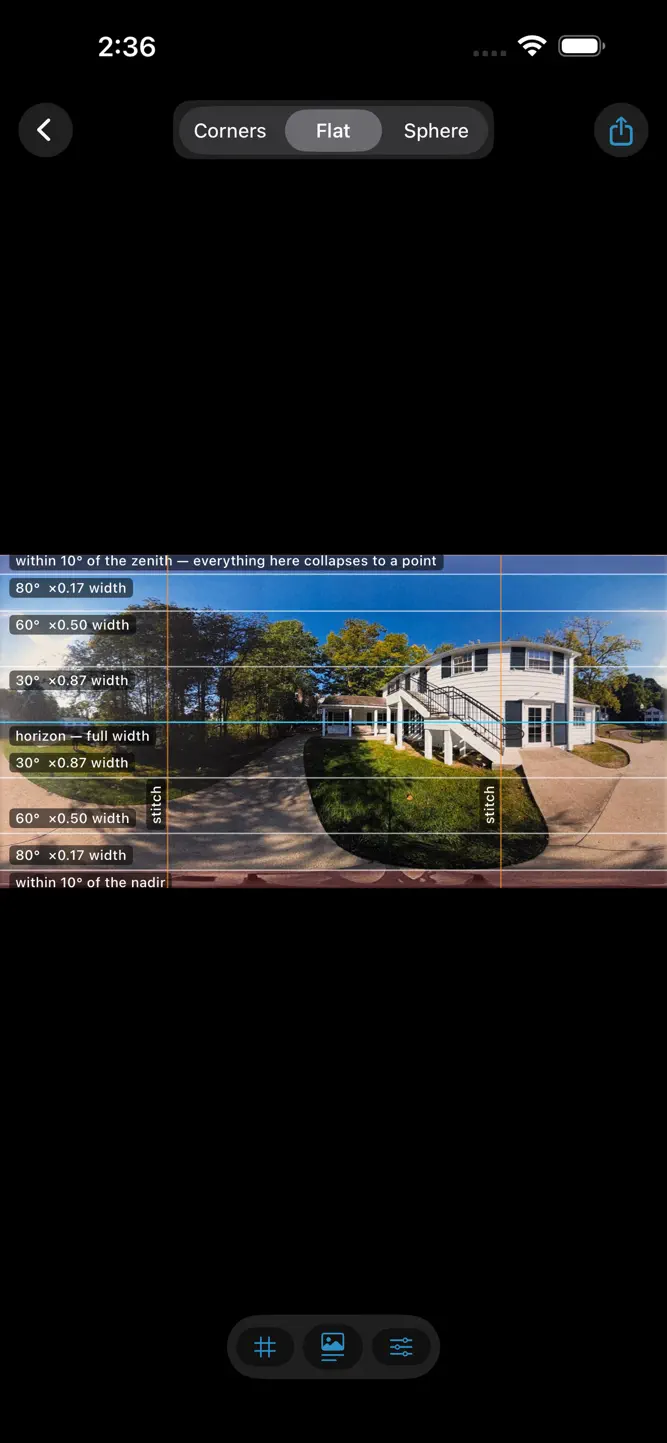
An equirectangular painting is a flat 2:1 sheet that wraps into a sphere, the format VR headsets and 360° viewers use. What looks right on paper often doesn't on the sphere: the top and bottom pinch to a point, and the left and right edges have to meet. CanvasToGlobe shows you while you are still painting.
PHOTOGRAPH
Take a photo of your painting in the app, or import one. The outline of the paper is found for you.
CORNERS
Drag four pins onto the corners of the paper, with a magnifier for precise placement. The photo is straightened into an exact 2:1 image.
SPHERE
Hold up your iPhone or iPad and turn around: the motion sensors put you inside your painting. Drag and pinch work too, and a little-planet view looks straight at each pole.
CORRECT
Converge the poles so the zenith doesn't spin into a starburst, blend the seam, roll the image, and even out uneven lighting from the photograph. Latitude guides show how much of each band of the painting survives on the sphere.
SHARE
Export a full-resolution panorama with 360° metadata, ready for headsets and panorama viewers.
Every painting stays in your library on your device. No account, no tracking, no data collected.
How to download CanvasToGlobe?
- Tap the Google Play button (Android) or the App Store button (iPhone / iPad) in the download section.
- The official store page of CanvasToGlobe opens in a new tab.
- Tap Install or Get and wait until the download finishes.
- Open CanvasToGlobe from your home screen and start playing.
FAQ
Is CanvasToGlobe free to play?
Yes, CanvasToGlobe is free to download.
Is CanvasToGlobe available for iPhone?
Yes, CanvasToGlobe is available on the Apple App Store and needs iOS 17.0 or later.
Is it safe to download CanvasToGlobe?
Yes. GameZone does not host any files — the download buttons open the official Google Play and App Store pages.
Download the App
Similar Games
Toca Boca World
Toca Boca Jr: Fun Kids Games
Baby Panda's School Bus
Coloring & Learn
Coloring Games: Color & Paint
Aha World & Gabby's Dollhouse
Fluvsies - Cute Virtual Pets
Pepi City: Hospital Life
ABC Kids - Tracing & Phonics
Toca Boca Hair Salon 4
Kids Games: For Toddlers 3-5
Cooking Mama: Let's cook!
Dentist games
Miga Town: My World
Math Kids: Math Games For Kids
Disclaimer
1. GameZone does not represent any developer, nor is it the developer of any app or game listed on this website.
2. Game details such as icons, screenshots, ratings and descriptions are collected from the public Google Play and App Store listings so players can compare games before installing.
3. All trademarks, registered trademarks, product names, company names and logos are the property of their respective owners.
4. GameZone does not host APK or IPA files. Every download button opens the official Google Play Store or Apple App Store page of the game.
5. GameZone respects the Digital Millennium Copyright Act (DMCA). If you are the owner of any content shown here and want it removed, please contact us at contact@shresult.com.