


CDE CAD
Sharp Blade Holdings LLC
Category
Content Rating
12+
Developer
Sharp Blade Holdings LLC
Version
1.0
Updated
Oct 1, 2026
Requires
iOS 15.0 or later
Price
Free
Size (iOS)
3.2 MB
Advertisement
Screenshots




Advertisement
Editor Reviews
CDE CAD is a role playing game developed by Sharp Blade Holdings LLC for iPhone & iPad.
CDE CAD is free to download. The latest version 1.0 was released on Oct 1, 2026. Content rating: 12+.
About CDE CAD
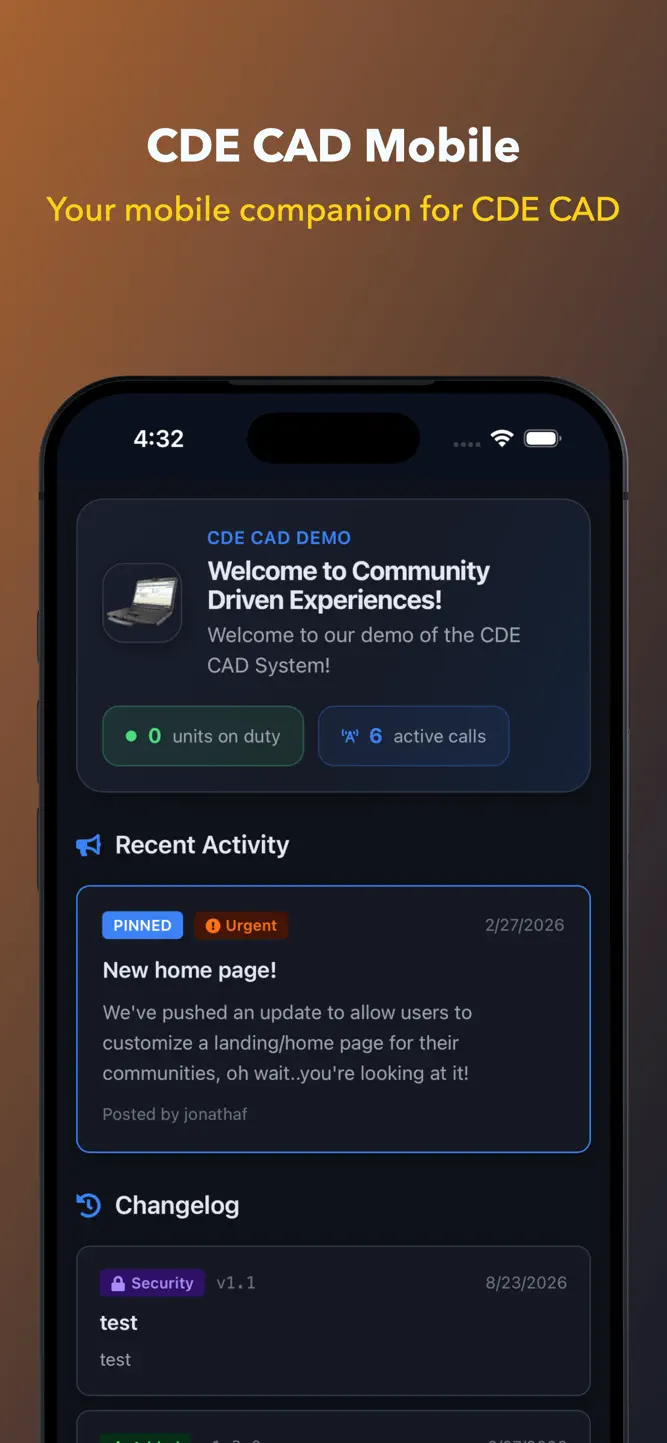
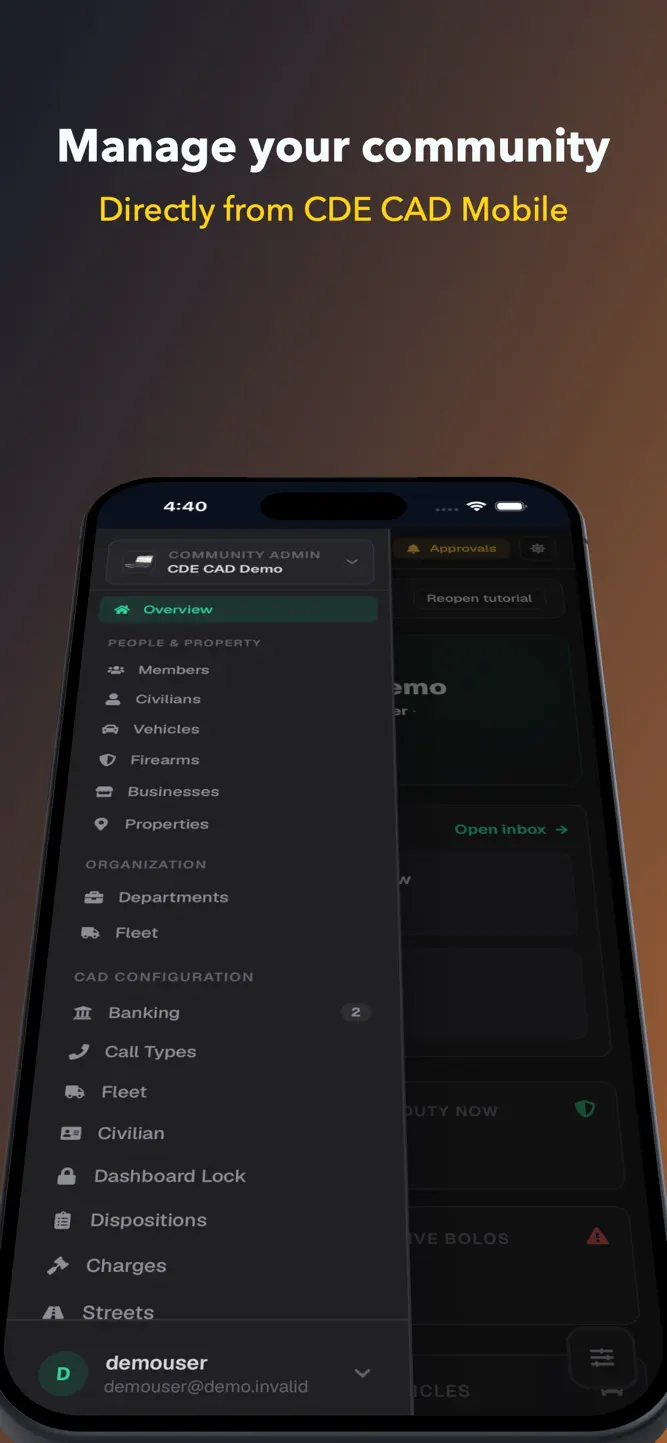
CDECAD Mobile puts your community's computer-aided dispatch system on your phone. It is built for roleplay community servers; everything in it is fictional, in-character record keeping for a game.
If your community runs CDE CAD, this is the same data your desktop MDT shows, laid out for one hand and a small accessible screen.
ON PATROL
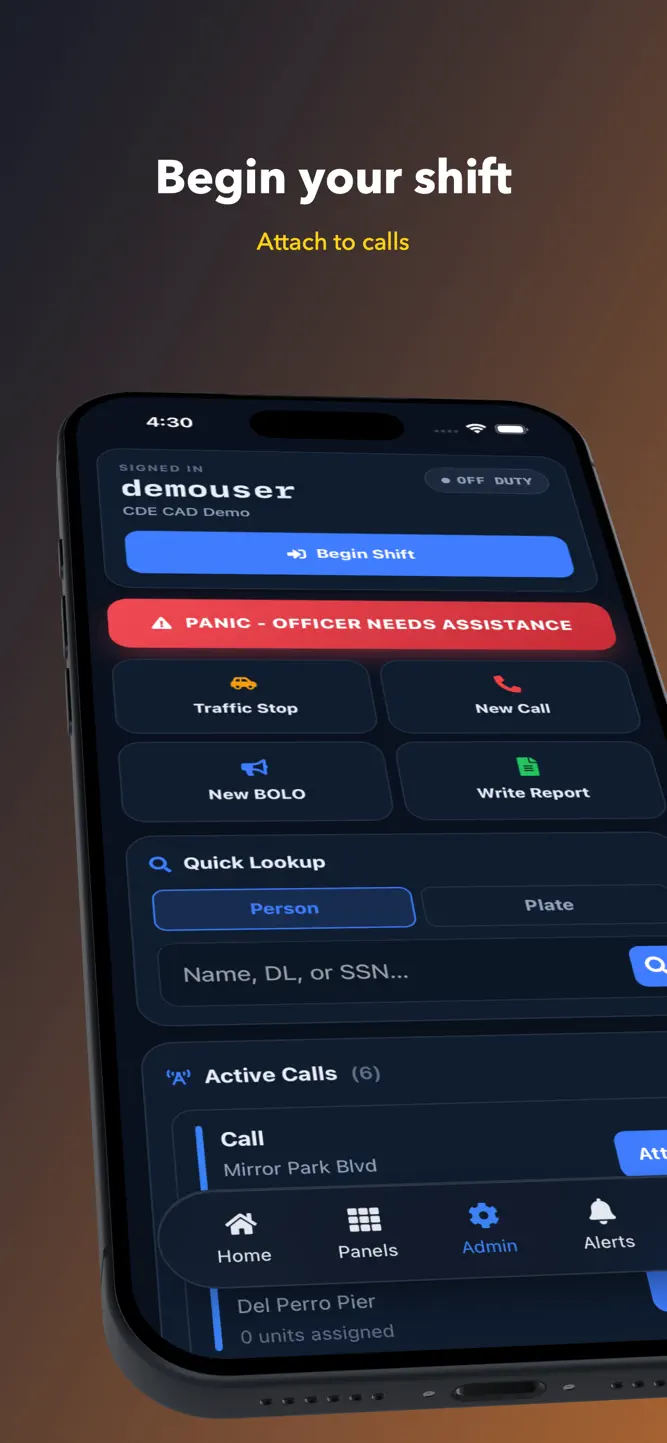
Begin your shift and set your status without leaving the app. The dashboard shows who else is on duty, what they are assigned to, and which calls are open right now.
Three actions sit on the first screen, because they are the ones you need while you are moving: start a traffic stop, create a call, or put out a BOLO.
There is a panic button. It alerts the other virtual officers signed on to your community and nobody else.
RUN PEOPLE AND VEHICLES
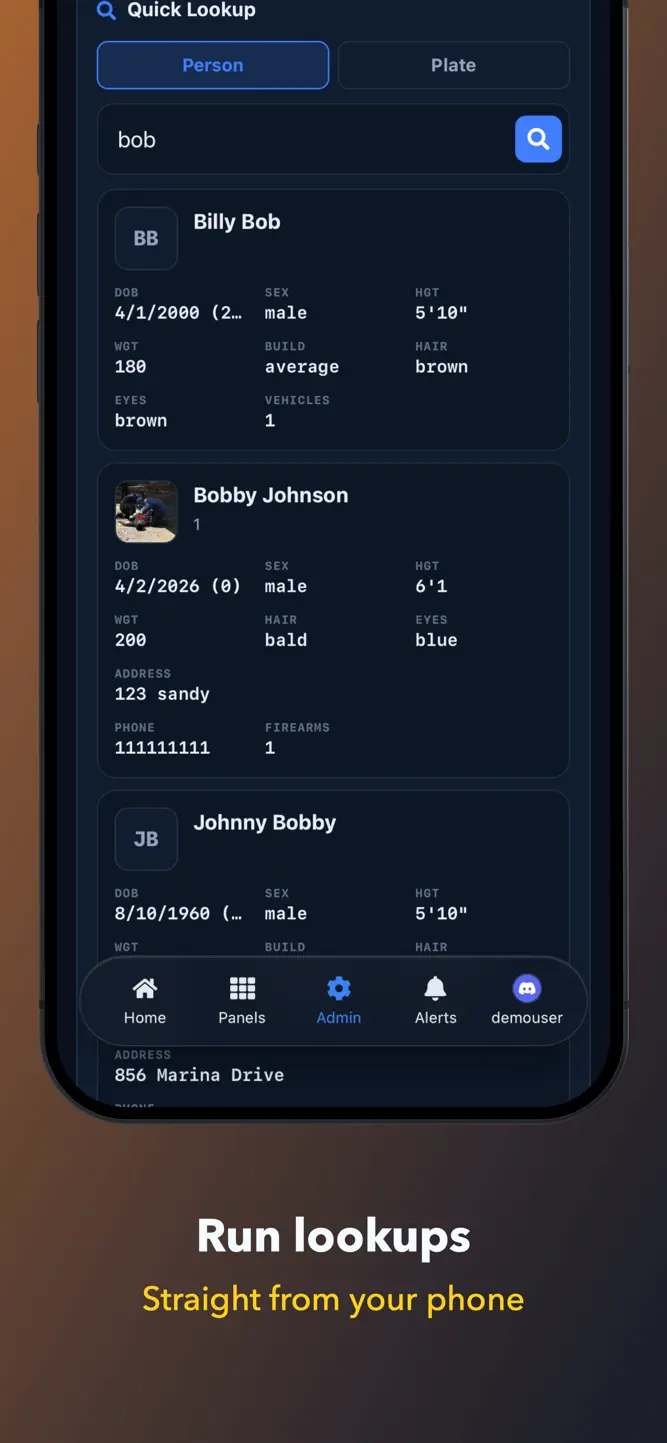
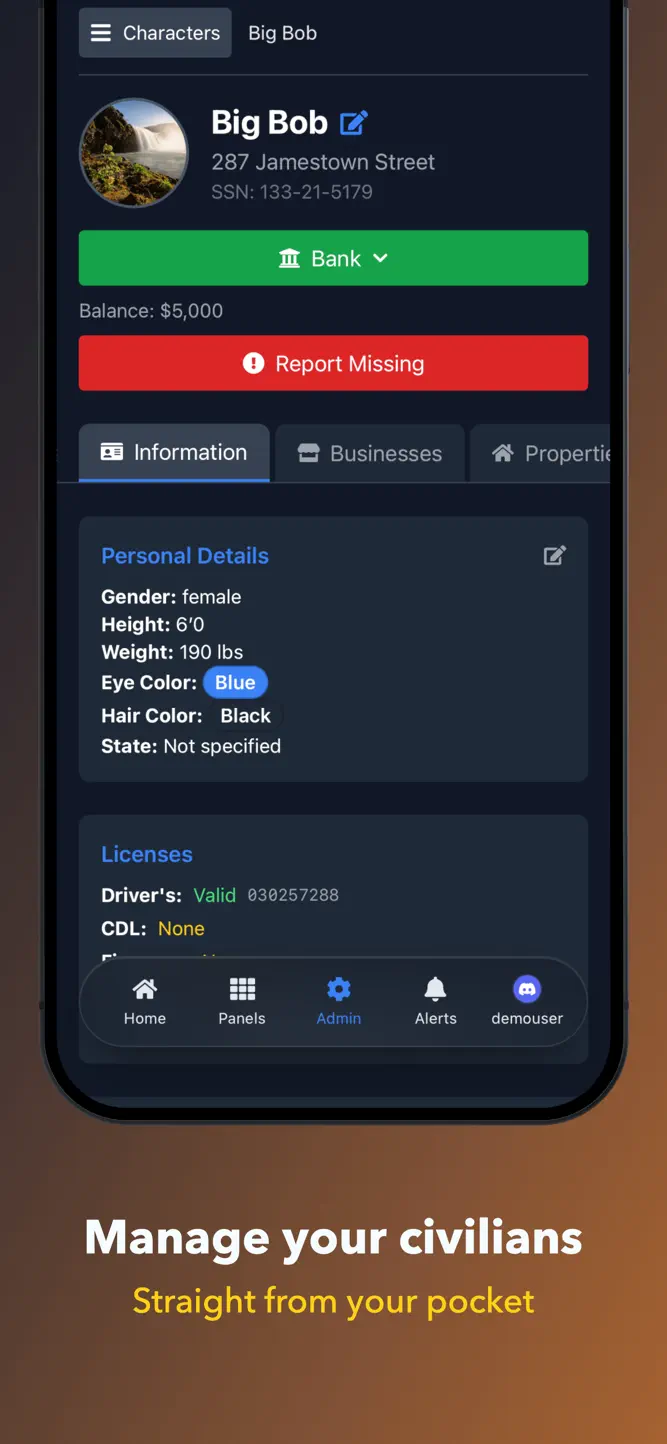
Search by plate, VIN, name or licence number. A result opens a record sheet with the things you actually stopped to find out: warrants, registered vehicles, firearms, licence status, and previous reports.
Tap a registered vehicle to run it. You get the vehicle's own record back, so a stolen flag or an expired registration shows up rather than being left off the virtual civilian's summary.
WRITE REPORTS
File a report from the scene. Start one from a record you just ran and the subject's details carry across, so you are not retyping a plate you read a minute ago.
Open any report as the full document, the way it prints.
DISPATCH AND COMMAND
Dispatchers can work calls, attach and detach units, and change a unit's status or callsign. Supervisors see reports waiting for review. Field training officers, judicial staff, fire and EMS each get their own sections when your rank allows it.
WHAT YOU NEED
A CDE CAD account, and membership of a community that runs it. The app signs in to your community's server automatically it does not host anything of its own, and it will not do anything useful without a community to connect to.
NOT A REAL EMERGENCY SERVICE
This app is a roleplay tool for video games. It does not contact police, fire or ambulance services, it is not connected to any real dispatch system, and no record in it describes a real person or a real incident. In an actual emergency, call your local emergency number.
How to download CDE CAD?
- Tap the Google Play button (Android) or the App Store button (iPhone / iPad) in the download section.
- The official store page of CDE CAD opens in a new tab.
- Tap Install or Get and wait until the download finishes.
- Open CDE CAD from your home screen and start playing.
FAQ
Is CDE CAD free to play?
Yes, CDE CAD is free to download.
Is CDE CAD available for iPhone?
Yes, CDE CAD is available on the Apple App Store and needs iOS 15.0 or later.
Is it safe to download CDE CAD?
Yes. GameZone does not host any files — the download buttons open the official Google Play and App Store pages.
Download the App
Similar Games
Avatar World ®
Hero Wars: Alliance RPG Legend
Super Stylist Fashion Makeover
RAID: Shadow Legends
Monster High™ Beauty Salon
Masha and the Bear Pizza Maker
Shadow Fight 3 - RPG fighting
Fashion Queen: Dress Up Game
Avakin Life - 3D Virtual World
MARVEL Strike Force: Squad RPG
Car Wash: Auto Repair Garage
Shadow Fight 4: Arena
Summoners War
MARVEL Future Fight
Diablo Immortal
Disclaimer
1. GameZone does not represent any developer, nor is it the developer of any app or game listed on this website.
2. Game details such as icons, screenshots, ratings and descriptions are collected from the public Google Play and App Store listings so players can compare games before installing.
3. All trademarks, registered trademarks, product names, company names and logos are the property of their respective owners.
4. GameZone does not host APK or IPA files. Every download button opens the official Google Play Store or Apple App Store page of the game.
5. GameZone respects the Digital Millennium Copyright Act (DMCA). If you are the owner of any content shown here and want it removed, please contact us at contact@shresult.com.