


CFS Pocket
Cloudfusions LLP
Installs
1 ratings
Category
Content Rating
4+
Developer
Cloudfusions LLP
Version
1.0
Updated
Sep 24, 2026
Requires
iOS 16.4 or later
Price
Free
Size (iOS)
45.0 MB
Advertisement
Screenshots



Advertisement
Editor Reviews
CFS Pocket is an action game developed by Cloudfusions LLP for iPhone & iPad. It holds an average rating of 5 out of 5 from 1 players.
CFS Pocket is free to download. The latest version 1.0 was released on Sep 24, 2026. Content rating: 4+.
About CFS Pocket
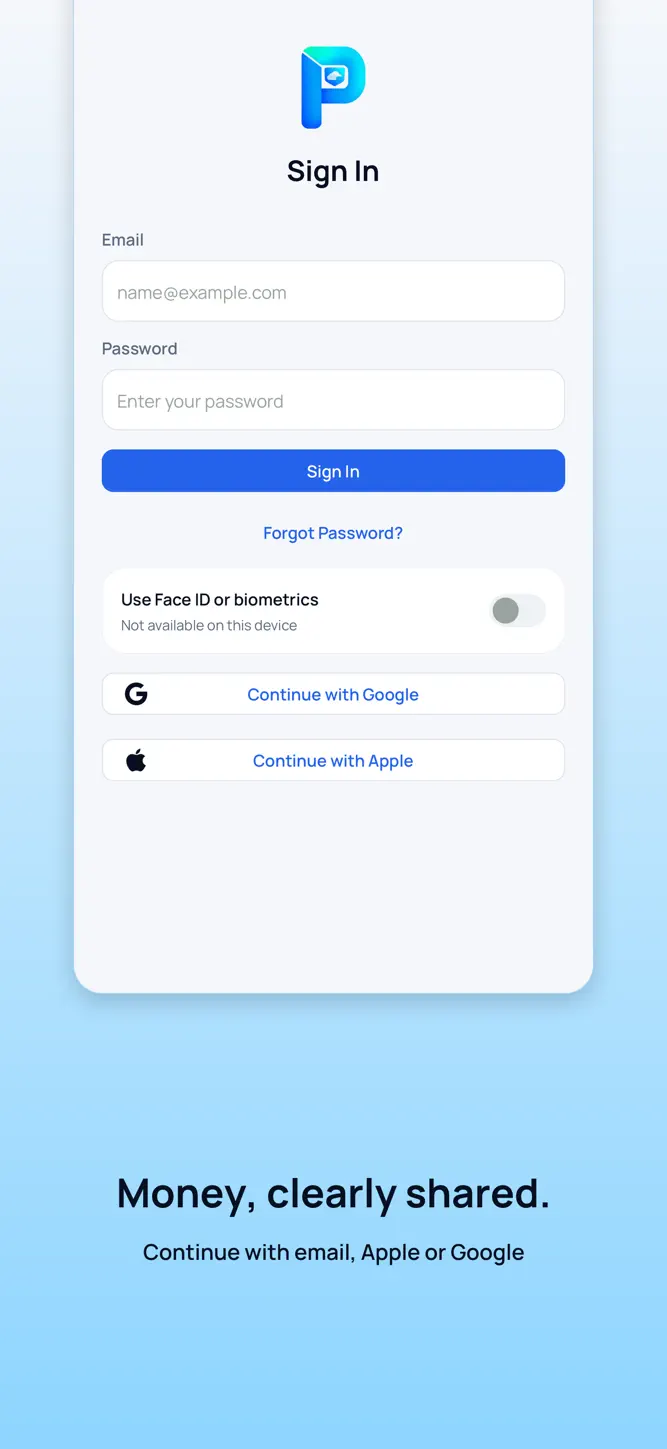
Money, clearly shared.
CFS Pocket brings everyday expenses, receipts, bills and shared household records into one place.
KNOW YOUR SPENDING
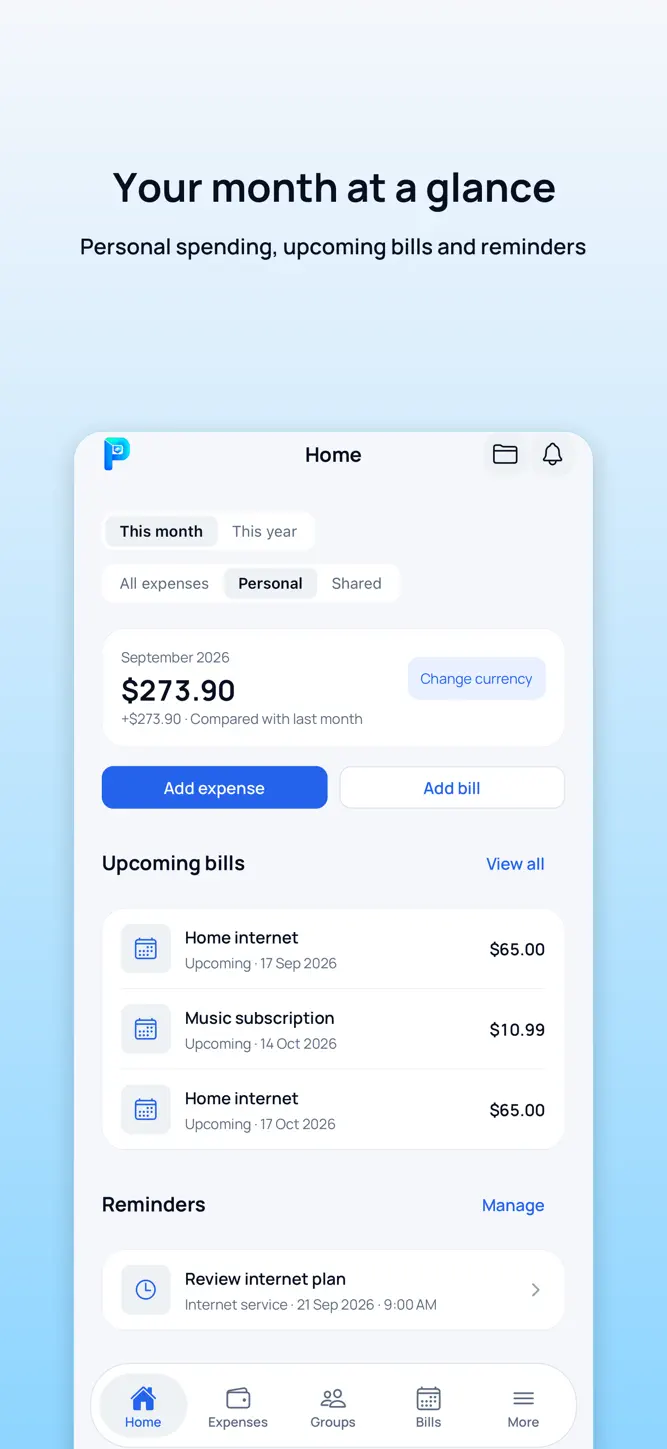
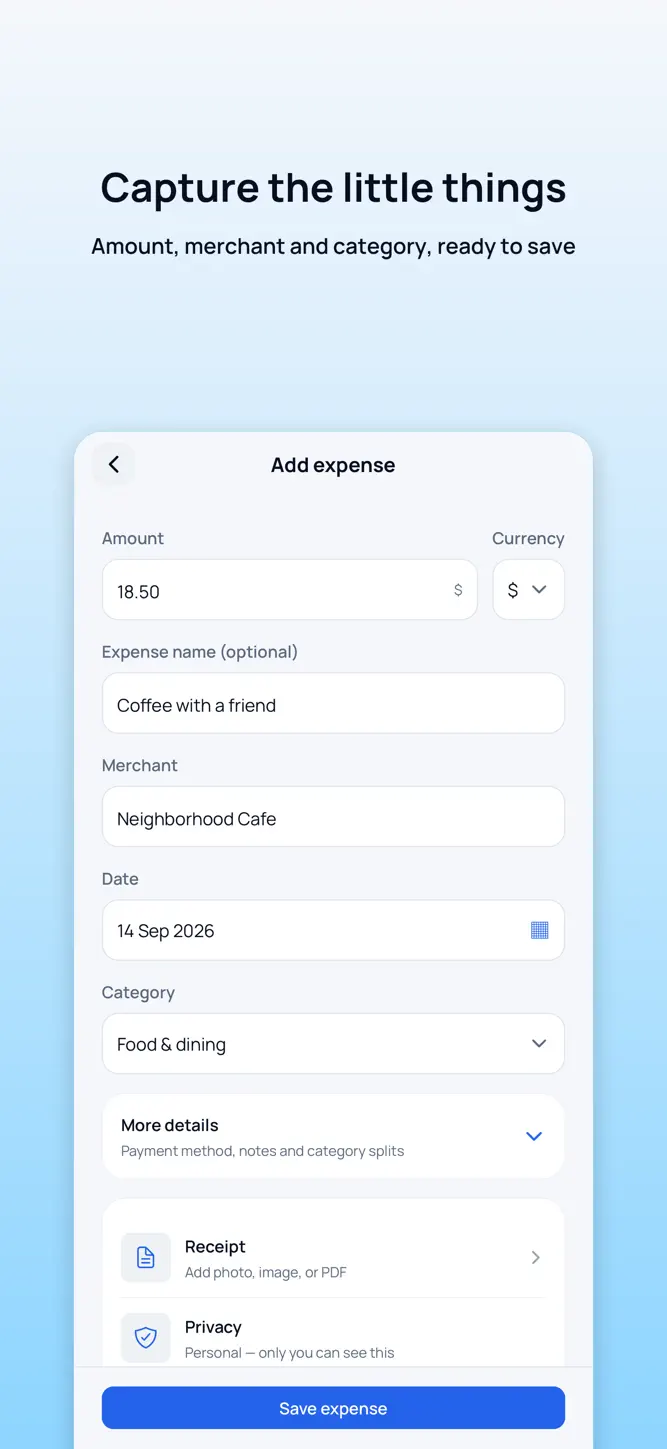
Record an amount, merchant, category and notes. Browse your history, search for a purchase and review monthly or yearly totals. Choose your preferred currency for reporting.
KEEP RECEIPTS TOGETHER
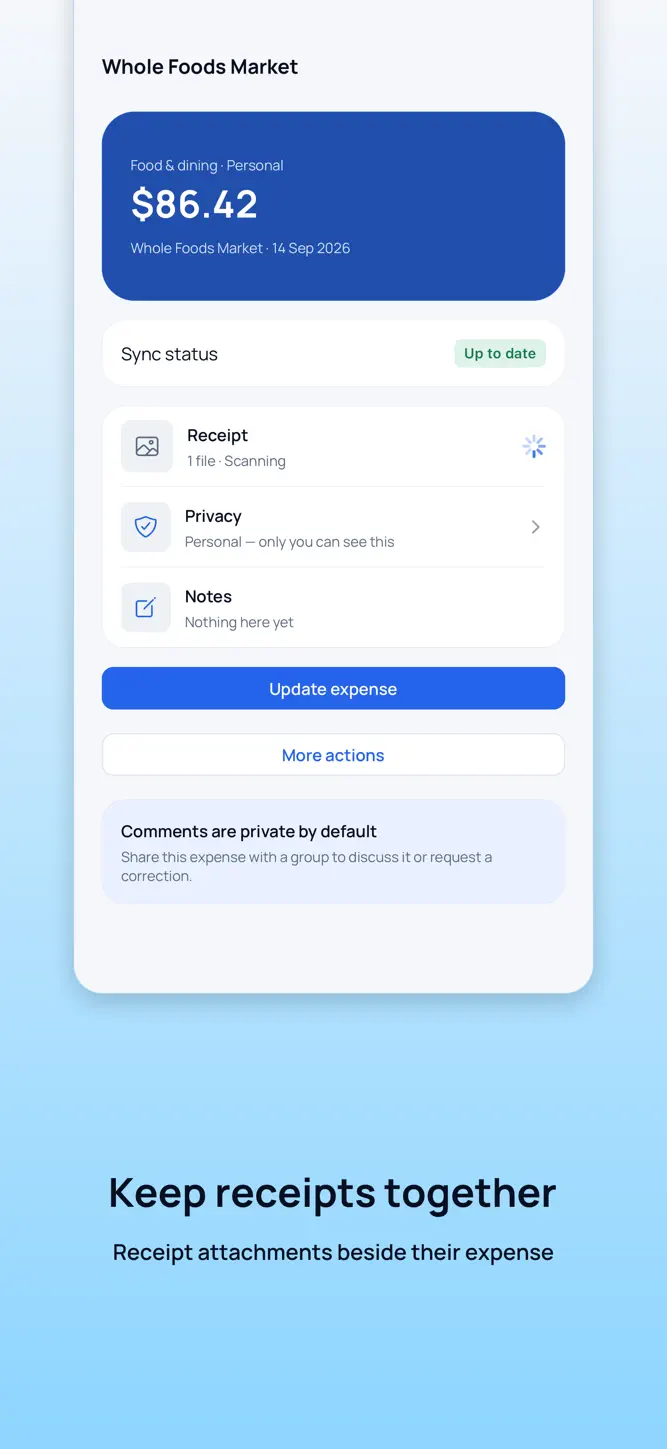
Attach receipt photos or PDFs to an expense. See whether each attachment is still syncing or ready to open.
STAY AHEAD OF BILLS
Organize recurring bills, review upcoming payments and record when an occurrence is paid. Configure reminders around your schedule and time zone.
SHARE ON YOUR TERMS
Create a private group for your household or trusted circle. Share selected expenses and documents, follow comments and search group records. Personal records remain personal until you choose to share them.
KEEP LIFE ORGANIZED
Store documents, contracts and address history. Recover deleted documents from the recycle bin within 30 days, or permanently delete them sooner.
MAKE IT YOURS
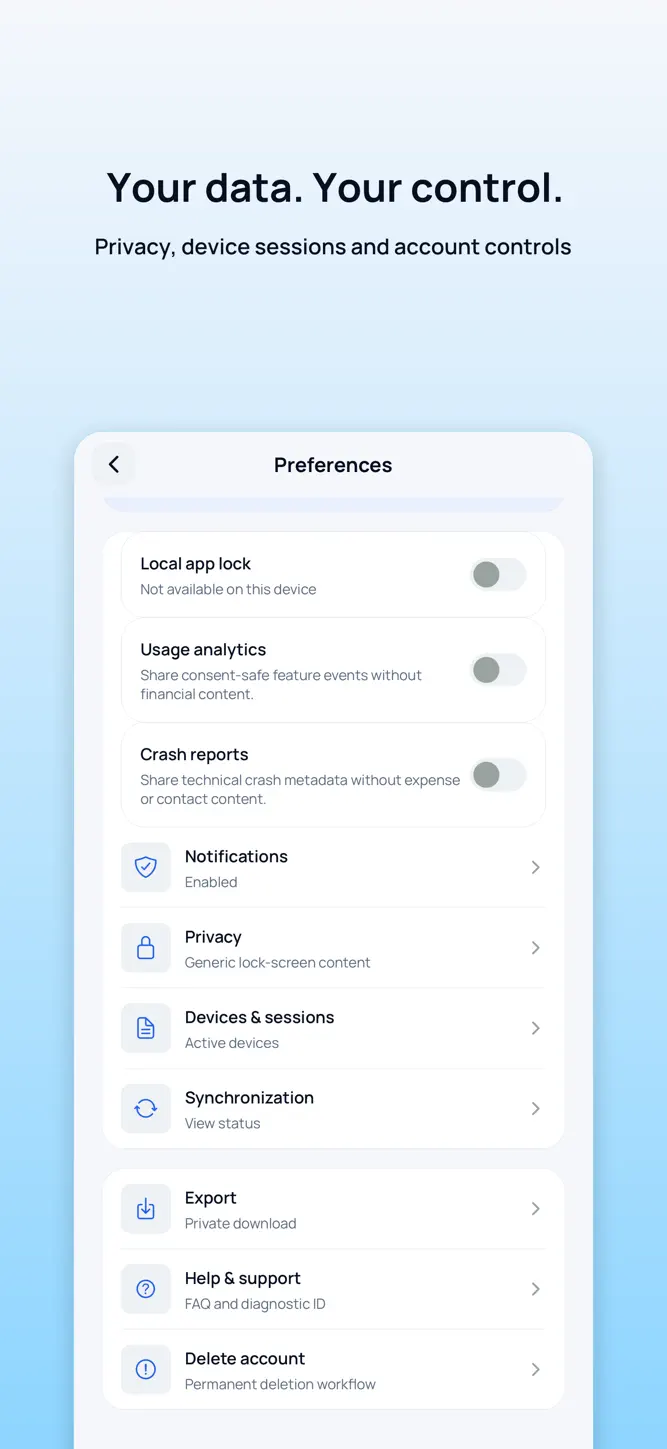
Choose light, dark or system appearance. Use English, Spanish, Hindi or Telugu. Review device sessions, use optional biometric app unlock on supported devices, export your data or request account deletion.
KEEP GOING BETWEEN CONNECTIONS
View previously synchronized information and record expenses offline. Pending changes synchronize when connectivity returns. Some actions require an internet connection.
CFS Pocket is currently invitation-only. Ask your platform administrator for an invitation before signing in. Invited users can sign in with email or a linked Apple or Google account.
CFS Pocket records and organizes information you enter. It does not connect to your bank, move money or provide financial advice.
How to download CFS Pocket?
- Tap the Google Play button (Android) or the App Store button (iPhone / iPad) in the download section.
- The official store page of CFS Pocket opens in a new tab.
- Tap Install or Get and wait until the download finishes.
- Open CFS Pocket from your home screen and start playing.
FAQ
Is CFS Pocket free to play?
Yes, CFS Pocket is free to download.
Is CFS Pocket available for iPhone?
Yes, CFS Pocket is available on the Apple App Store and needs iOS 16.4 or later.
Is it safe to download CFS Pocket?
Yes. GameZone does not host any files — the download buttons open the official Google Play and App Store pages.
Download the App
Similar Games


Disclaimer
1. GameZone does not represent any developer, nor is it the developer of any app or game listed on this website.
2. Game details such as icons, screenshots, ratings and descriptions are collected from the public Google Play and App Store listings so players can compare games before installing.
3. All trademarks, registered trademarks, product names, company names and logos are the property of their respective owners.
4. GameZone does not host APK or IPA files. Every download button opens the official Google Play Store or Apple App Store page of the game.
5. GameZone respects the Digital Millennium Copyright Act (DMCA). If you are the owner of any content shown here and want it removed, please contact us at contact@shresult.com.