


Doendar: To-Do List & Calendar
Koki Fujita
Category
Content Rating
4+
Developer
Koki Fujita
Version
1.0.0
Updated
Oct 9, 2026
Requires
iOS 26.0 or later
Price
Free
Size (iOS)
10.4 MB
Advertisement
Screenshots
Advertisement
Editor Reviews
Doendar: To-Do List & Calendar is an action game developed by Koki Fujita for iPhone & iPad.
Doendar: To-Do List & Calendar is free to download. The latest version 1.0.0 was released on Oct 9, 2026. Content rating: 4+.
About Doendar: To-Do List & Calendar
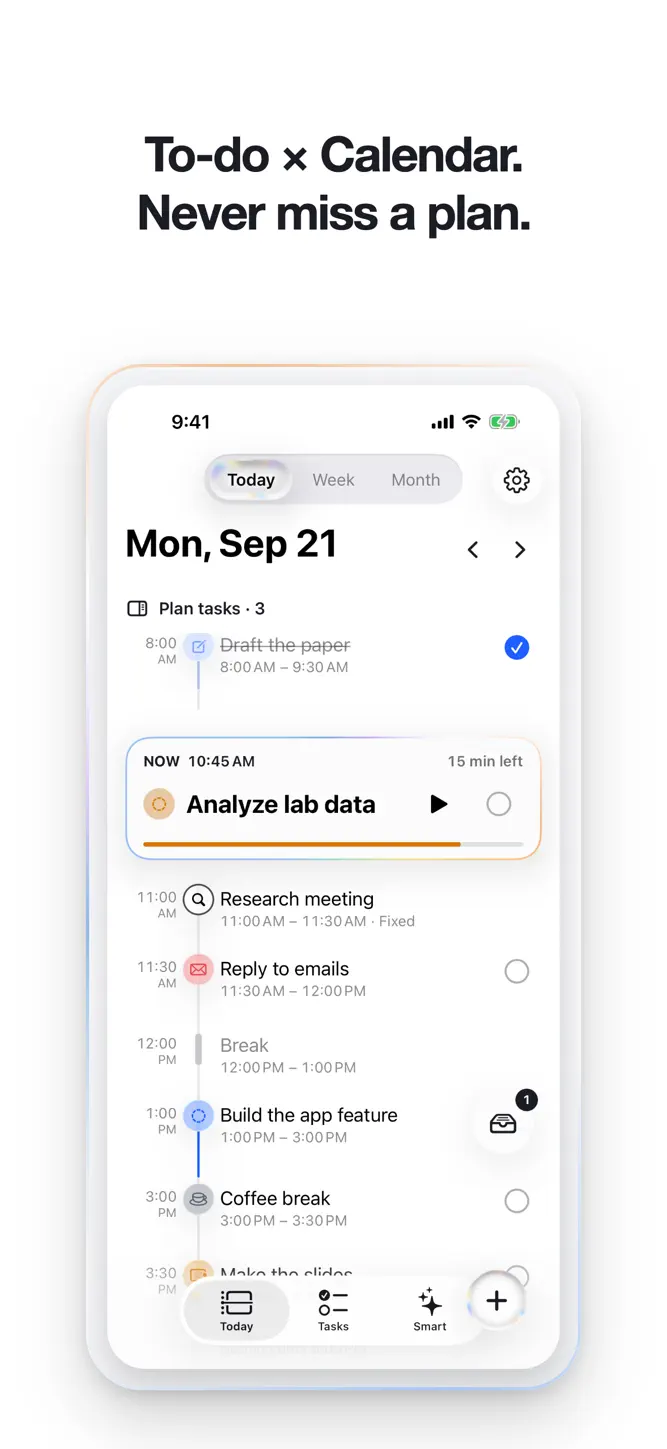
Doendar puts your to-dos and your calendar on one screen. Office work, classes, the thing that just came up — for days that are never quite the same, the pile in your head becomes a day you can actually work through.
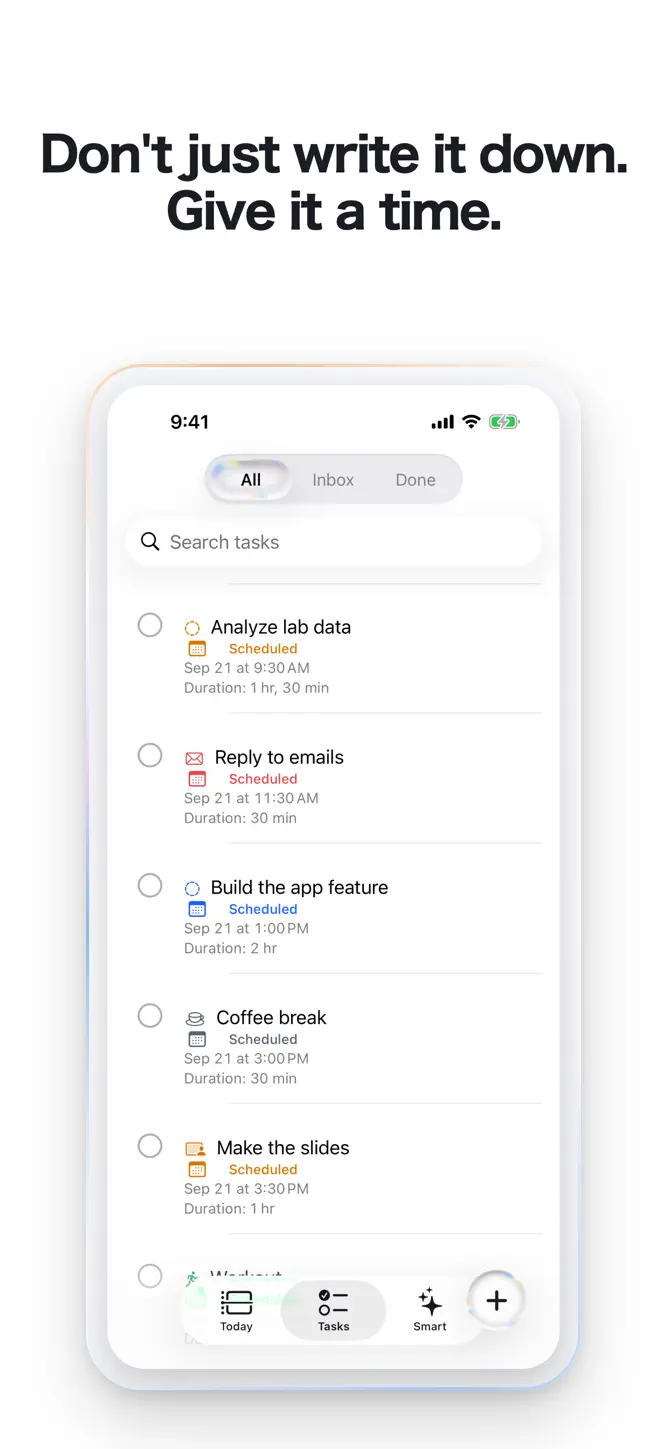
WRITE IT DOWN, THEN GIVE IT A TIME
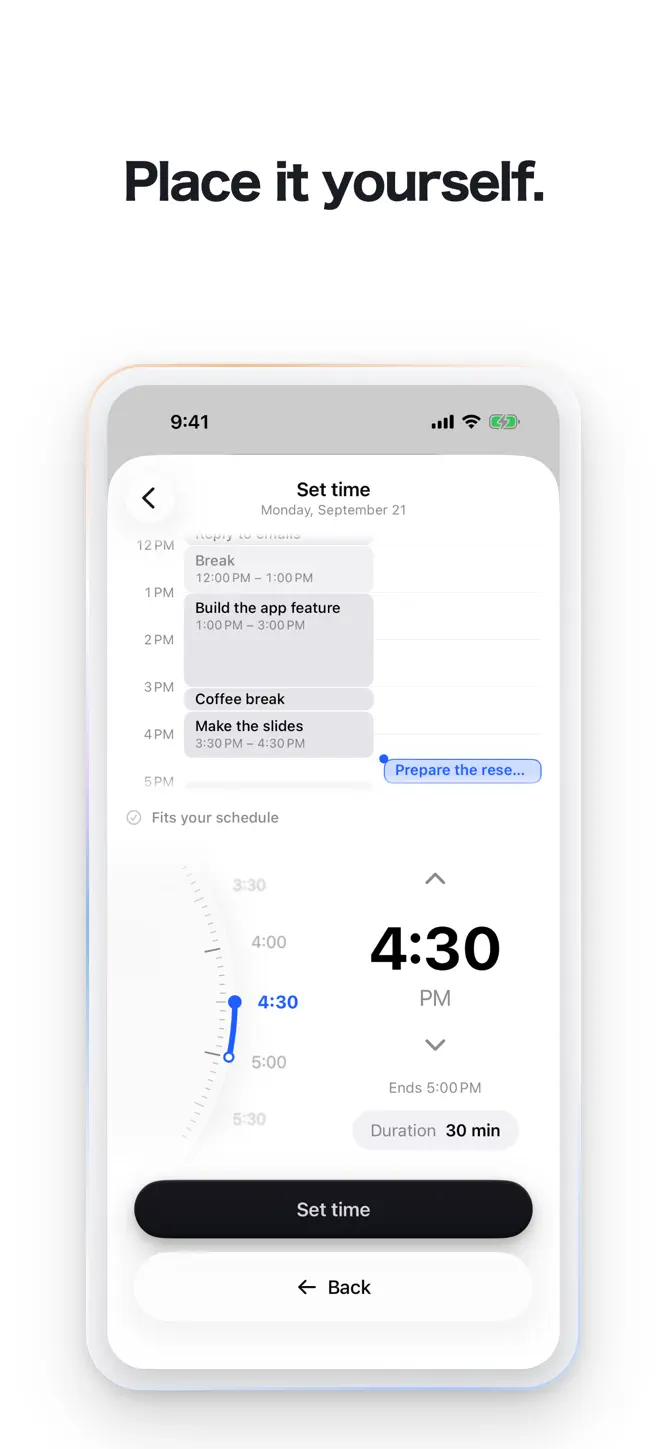
Catch a task the moment you think of it. Put it on the day yourself, or let Doendar find the gap. Every task gets a real start time, not just a checkbox.
ONE THING, RIGHT NOW
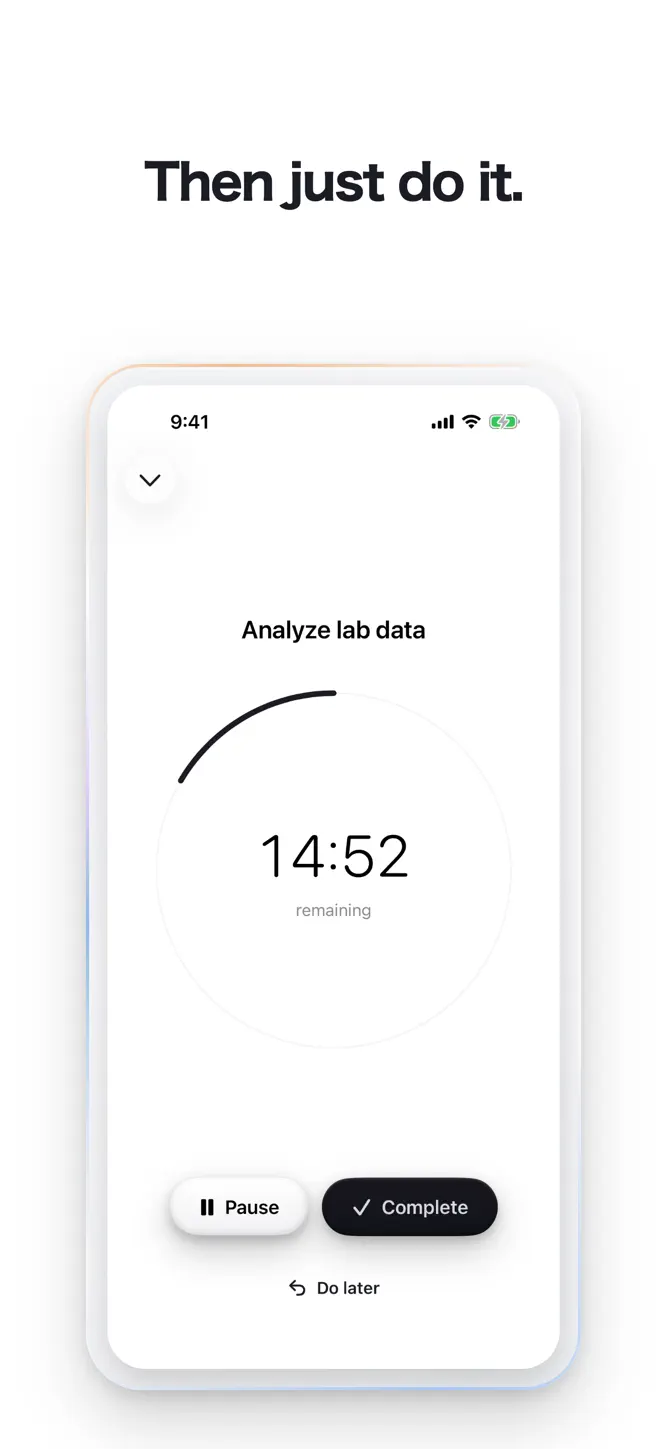
Doendar shows the task that is happening now and holds the rest back. When you are finished you check it off yourself — nothing is ever completed for you.
YOUR WHOLE DAY IN ONE VIEW
Today, Week and Month share one timeline. Tasks and calendar events sit together, and nothing is ever drawn on top of anything else.
FOCUS SESSIONS AND REMINDERS
Start a session for the task in front of you — the time left stays on your Lock Screen — and keep your progress when you stop early. A notification tells you when a plan starts.
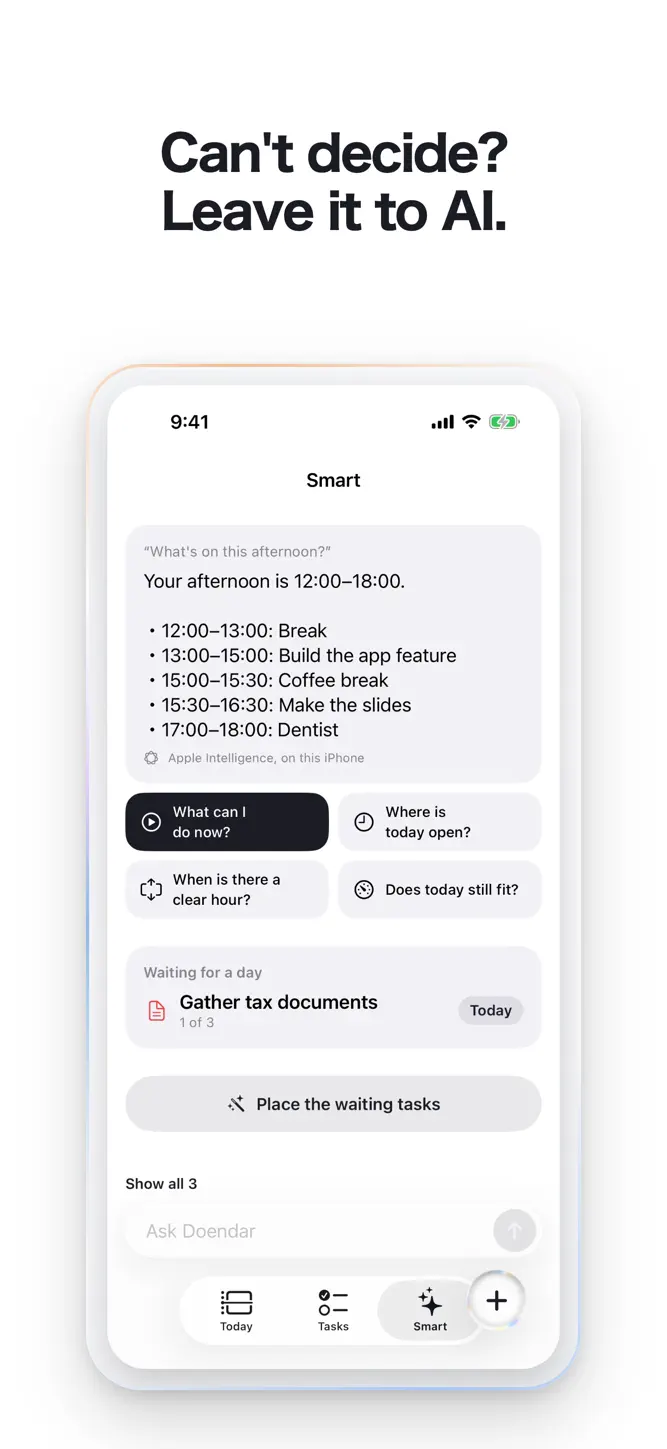
ASK DOENDAR
Type “Where is today free?” or “Plan my tasks” and it answers at once. Open questions are answered by Apple Intelligence on your iPhone, with no network and no fee (iPhones with Apple Intelligence only; on others you choose from set questions).
FREE
• Capture every task
• Place tasks on your day by hand
• Focus sessions
• Ask Doendar
• A reminder as each plan starts
• One repeating task
• The medium Tasks widget
• Automatic planning, three times
DOENDAR PRO
• Automatic planning, whenever you want it
• Replanning when the day slips
• Earlier reminders and a morning summary
• Unlimited repeating tasks
• Apple and Google Calendar: your iPhone calendars inside Doendar, and Doendar's plans exported to your calendar
• The large Tasks widget
Signing in with Apple or Google is optional; everything works without it. Doendar has no server of its own and your tasks stay on your iPhone. Doendar never changes your calendar events by itself — you can edit one in Apple's own editor, and with Export on, Doendar only updates the copies it wrote itself.
SUBSCRIPTION
Doendar Pro is available as a monthly or yearly auto-renewing subscription — the yearly one starting with a 7-day free trial — or as a one-time lifetime purchase. Payment is charged to your Apple Account at confirmation of purchase. A subscription renews automatically unless auto-renew is turned off at least 24 hours before the end of the current period, and your account is charged for renewal within 24 hours before the end of that period. You can manage and cancel subscriptions in Settings on your iPhone after purchase.
Terms of Use: https://doendar.pages.dev/terms/
Privacy Policy: https://doendar.pages.dev/privacy/
How to download Doendar: To-Do List & Calendar?
- Tap the Google Play button (Android) or the App Store button (iPhone / iPad) in the download section.
- The official store page of Doendar: To-Do List & Calendar opens in a new tab.
- Tap Install or Get and wait until the download finishes.
- Open Doendar: To-Do List & Calendar from your home screen and start playing.
FAQ
Is Doendar: To-Do List & Calendar free to play?
Yes, Doendar: To-Do List & Calendar is free to download.
Is Doendar: To-Do List & Calendar available for iPhone?
Yes, Doendar: To-Do List & Calendar is available on the Apple App Store and needs iOS 26.0 or later.
Is it safe to download Doendar: To-Do List & Calendar?
Yes. GameZone does not host any files — the download buttons open the official Google Play and App Store pages.
Download the App
Similar Games


Disclaimer
1. GameZone does not represent any developer, nor is it the developer of any app or game listed on this website.
2. Game details such as icons, screenshots, ratings and descriptions are collected from the public Google Play and App Store listings so players can compare games before installing.
3. All trademarks, registered trademarks, product names, company names and logos are the property of their respective owners.
4. GameZone does not host APK or IPA files. Every download button opens the official Google Play Store or Apple App Store page of the game.
5. GameZone respects the Digital Millennium Copyright Act (DMCA). If you are the owner of any content shown here and want it removed, please contact us at contact@shresult.com.