


Drill: Flashcards
Nguyen Dinh Chung
Category
Content Rating
4+
Developer
Nguyen Dinh Chung
Version
1.0
Updated
Sep 29, 2026
Requires
iOS 17.0 or later
Price
Free
Size (iOS)
4.9 MB
Advertisement
Screenshots
Advertisement
Editor Reviews
Drill: Flashcards is an educational game developed by Nguyen Dinh Chung for iPhone & iPad.
Drill: Flashcards is free to download. The latest version 1.0 was released on Sep 29, 2026. Content rating: 4+.
About Drill: Flashcards
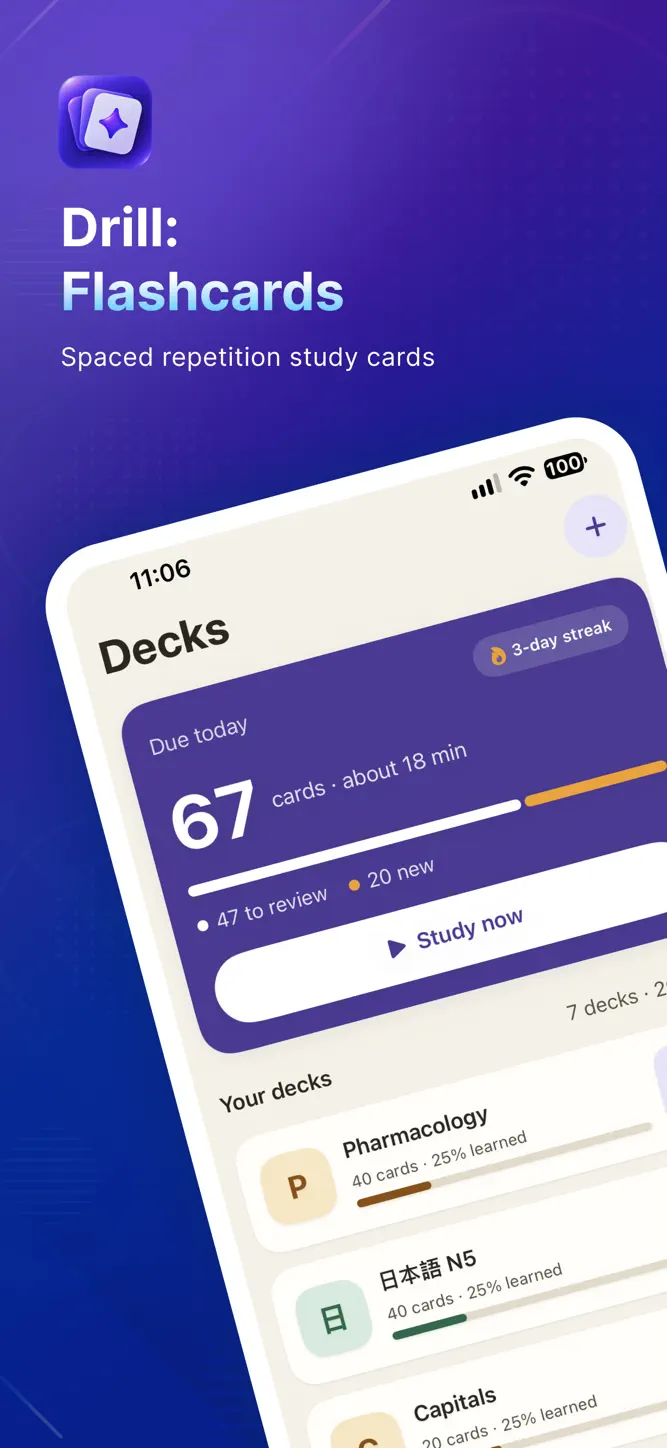
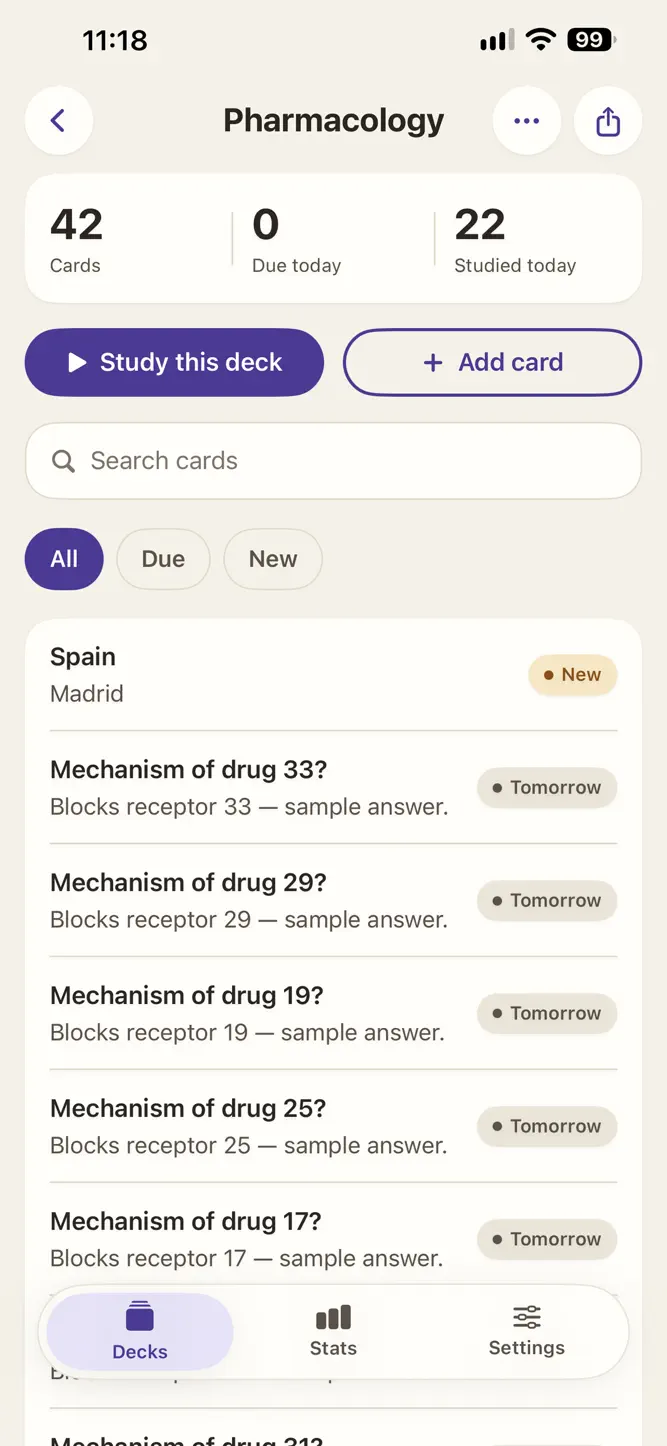
Drill is a flashcard app that schedules each card with spaced repetition, so you review a card right before you would forget it — not every day, not never.
BRING YOUR DECKS
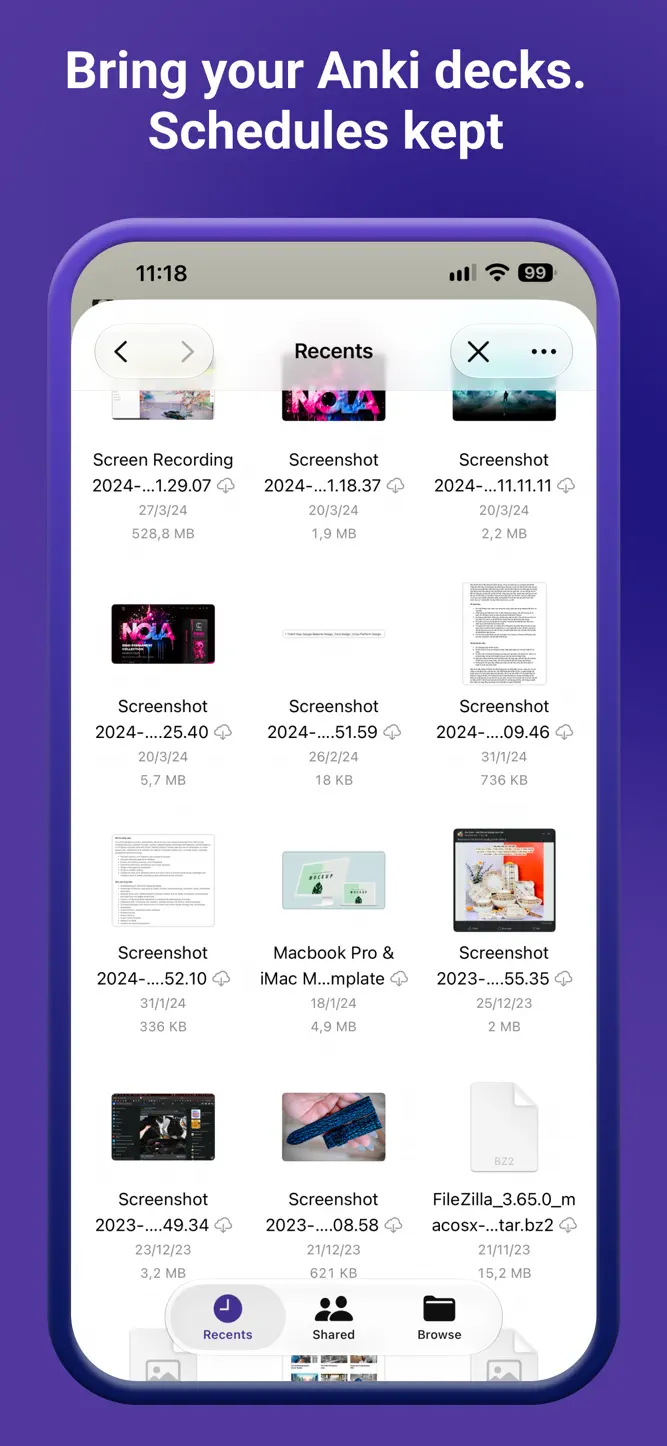
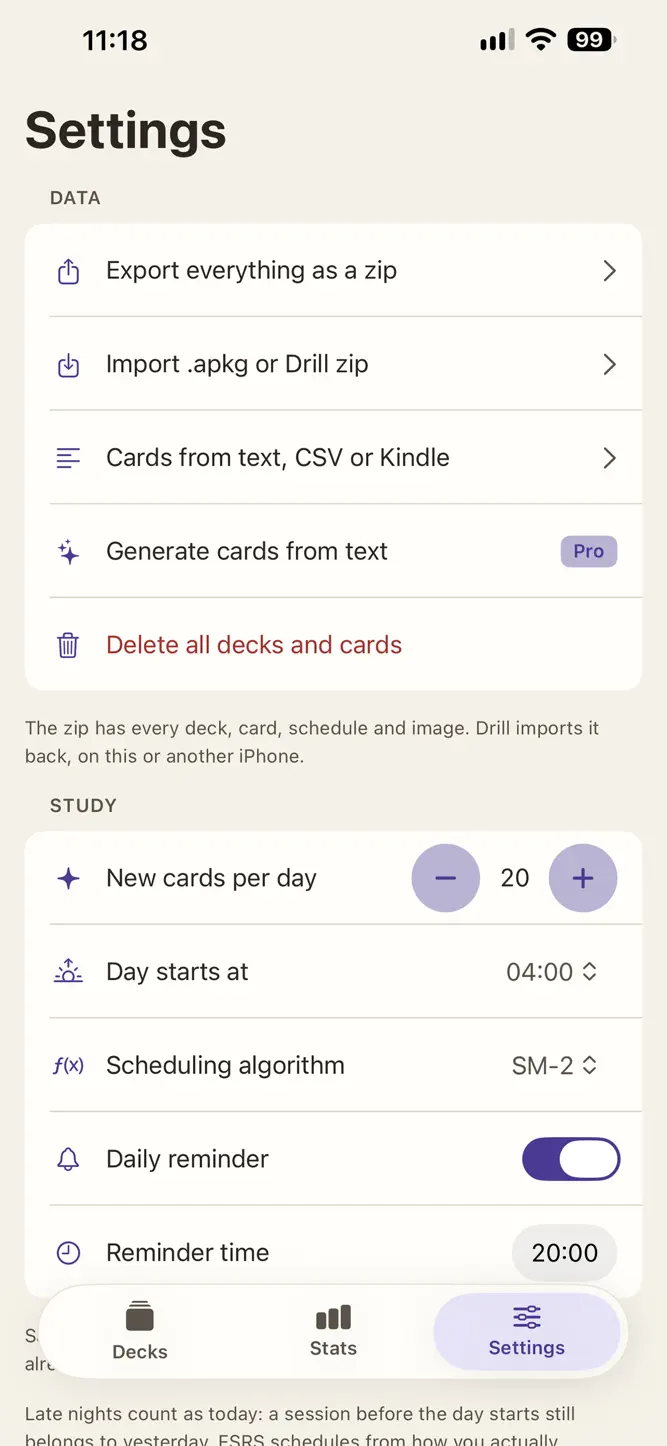
• Import .apkg files (Anki's export format). Decks, cards, images and your existing schedule come along.
• Import the same file again later: cards you already have keep their schedule, edited cards get their new text, nothing is duplicated.
• Turn text into cards: paste a list, a CSV, a Quizlet export or your Kindle highlights, and Drill reads the pairs.
• Export everything as one zip and bring it back on another iPhone — schedules included. Or share a single deck as a file that opens straight in Drill.
• Three sample decks, so you can try the app before importing anything.
STUDY
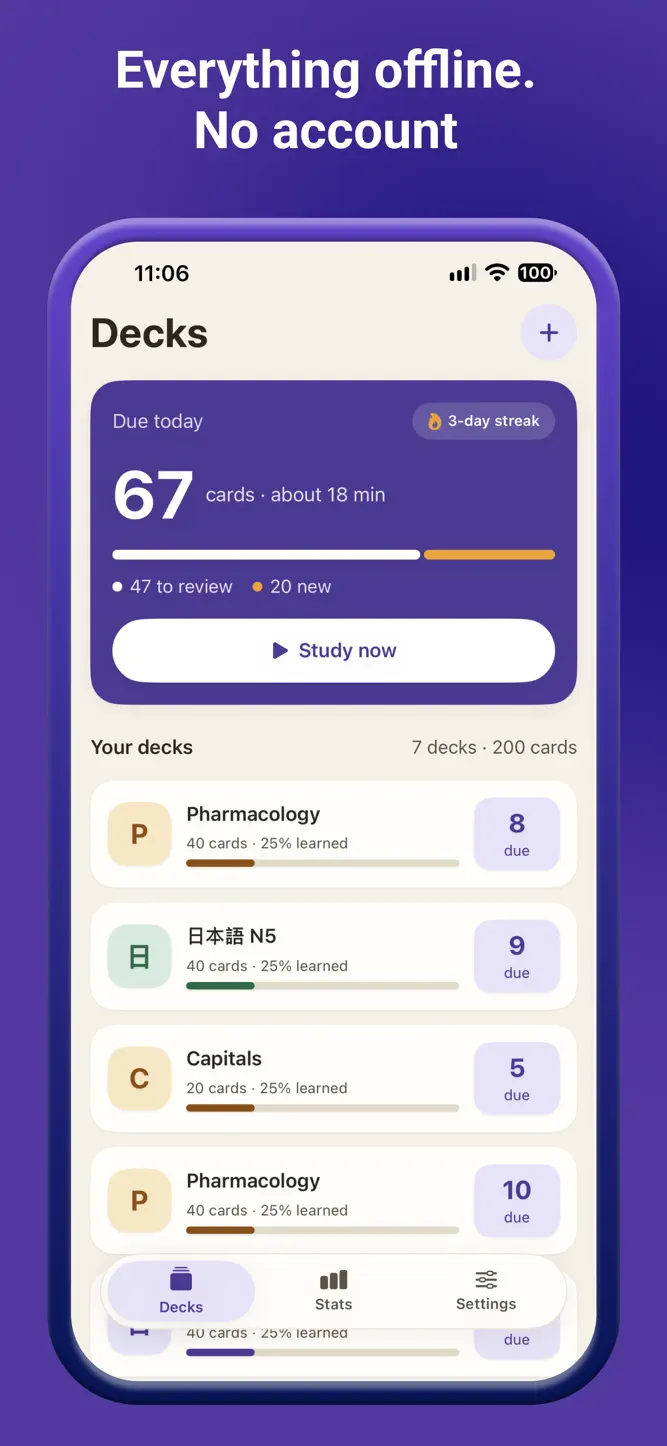
• Open the app, tap Study now: the first card is two taps away.
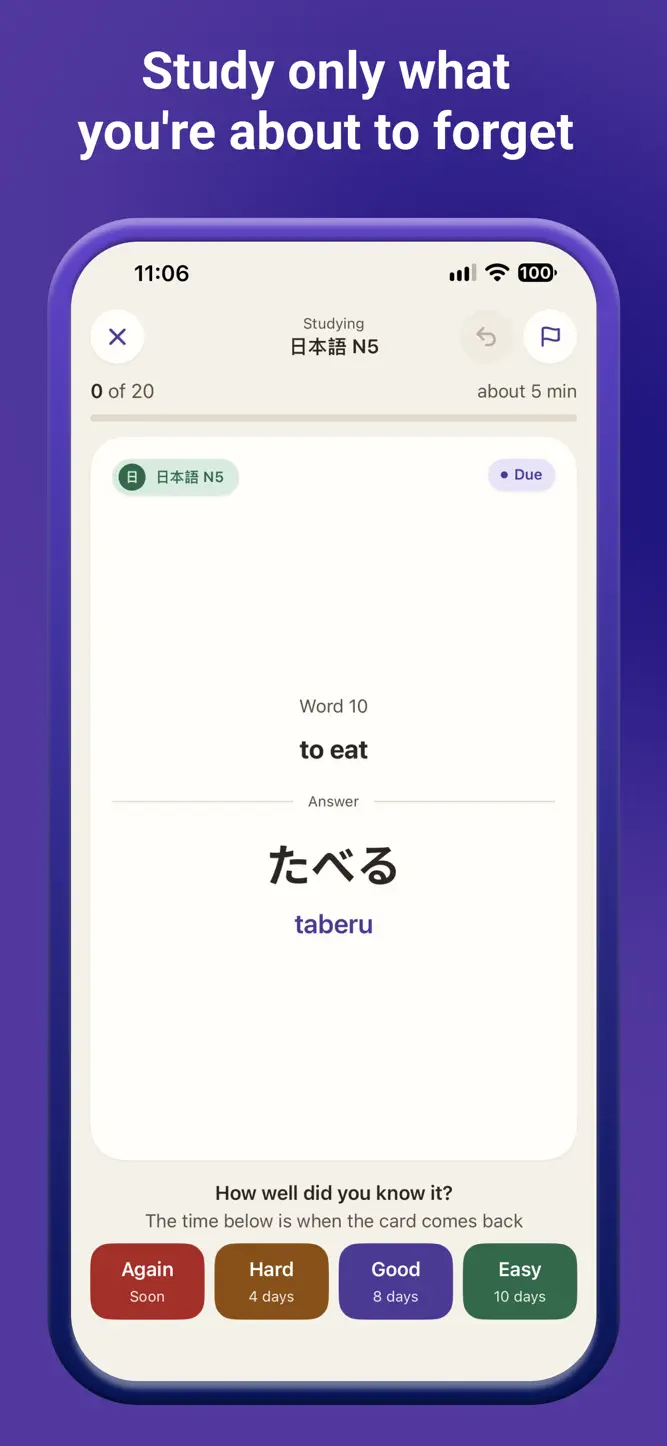
• Again, Hard, Good, Easy — each button shows when you will see the card next.
• Undo the last answer. Flag a card to come back to it later.
• A daily reminder tells you how many cards are waiting — and stays quiet on days you have already studied.
• Every answer is saved the moment you tap it. Quit mid-session, come back, and the same card is waiting.
• The study day rolls over at 04:00, so a late-night session still counts for today.
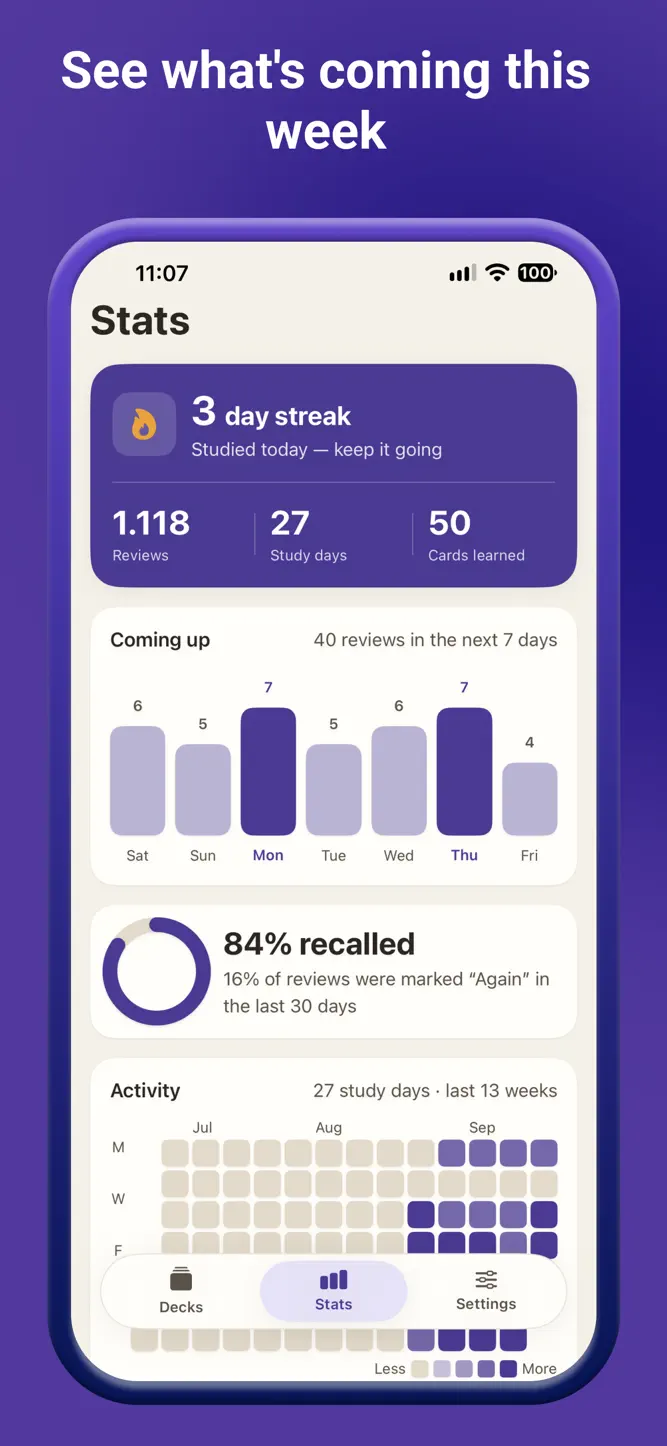
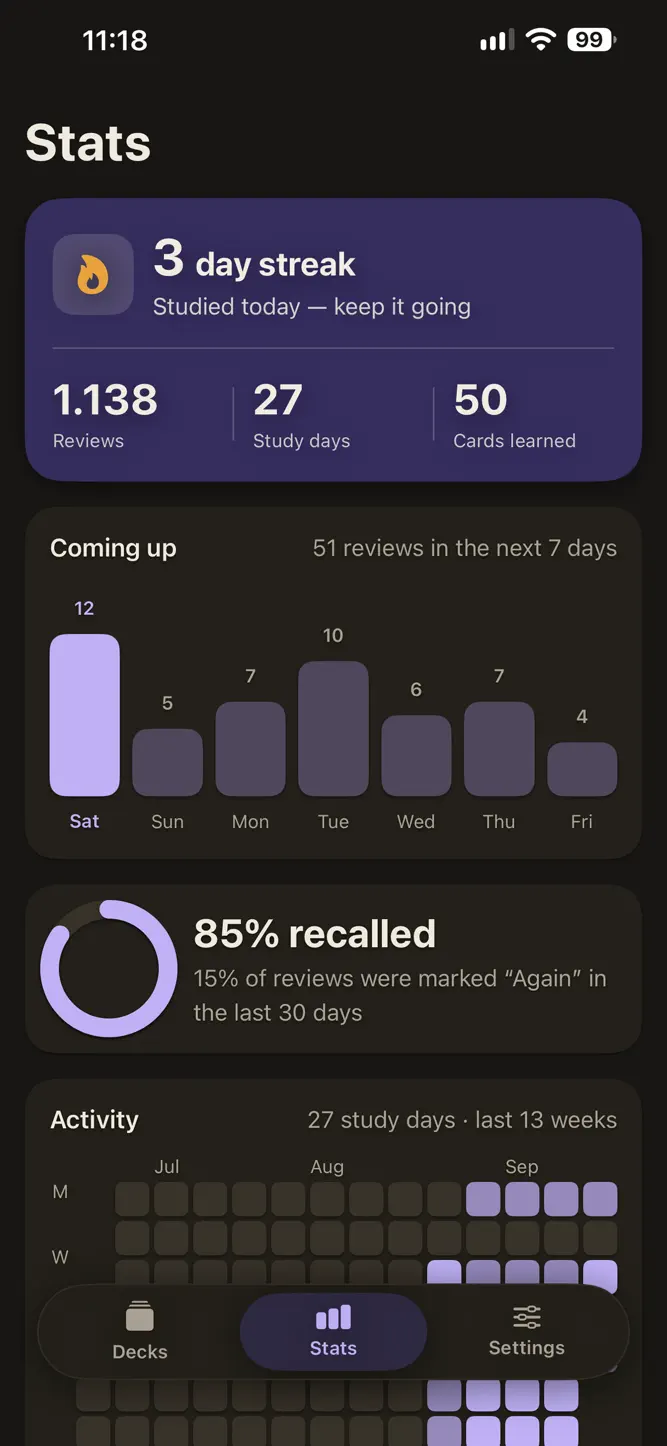
• Your streak, today's numbers, a forecast of upcoming reviews and a review heatmap.
• Works entirely offline. No account. No ads. No server of ours.
MAKE CARDS
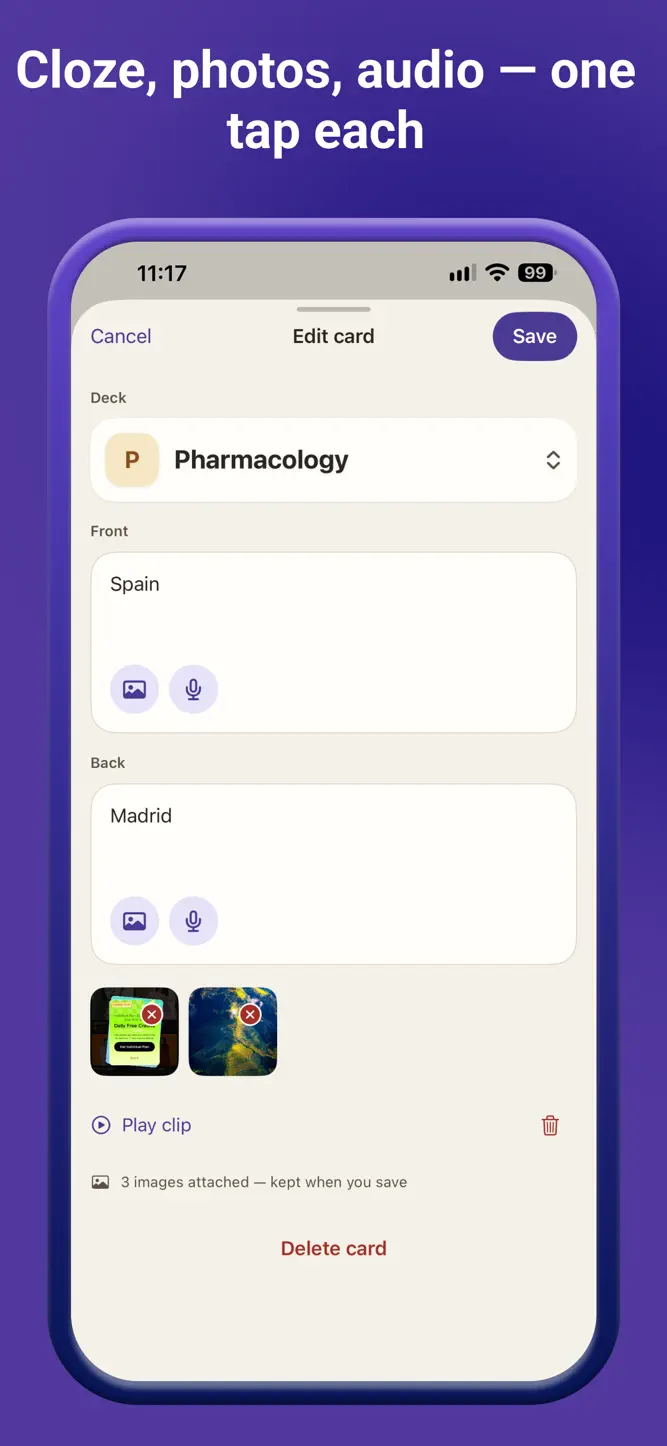
• Question and answer. Reversed pairs (one entry, two cards). Cloze deletions. A picture. A voice clip.
• Or paste a passage — or pick a photo of a page — and let Drill draft question–answer cards on your iPhone with Apple Intelligence. Split a card that tries to say too much into smaller ones the same way. (Drill Pro; needs iPhone 15 Pro or later and iOS 26.)
DRILL PRO — one purchase, not a subscription
• Unlimited decks (three without Pro; every deck you already have stays learnable).
• Cards from a passage or a photo, on device.
• Monthly stats, and a 91-day heatmap instead of 7.
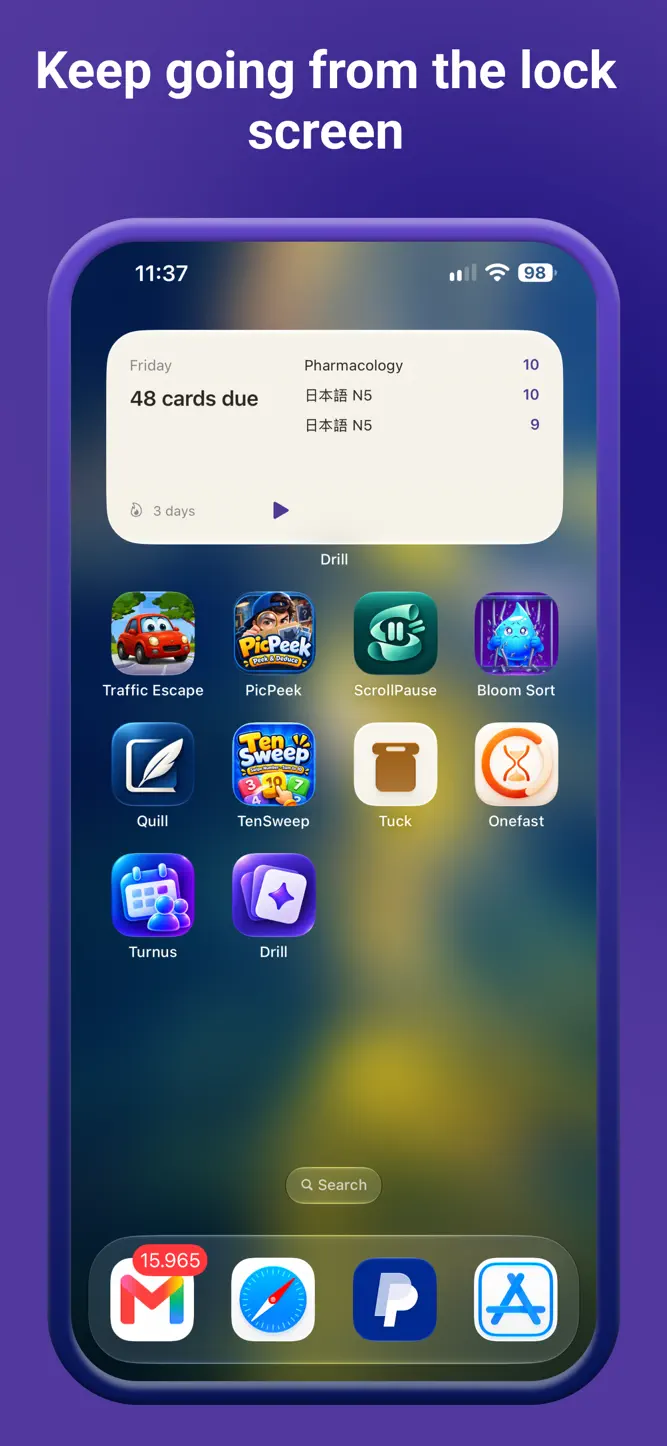
• A home-screen widget with your streak and the decks that are due, and a Live Activity that counts your session on the Lock Screen.
• Session mode, per-deck daily limits, your own rollover hour, and the FSRS scheduler as an alternative to SM-2.
• More than one picture per card.
Importing, exporting and studying — every card, every schedule — are always included.
Privacy Policy: https://primetruthteam.github.io/drill/privacy/
Terms of Use: https://www.apple.com/legal/internet-services/itunes/dev/stdeula/
How to download Drill: Flashcards?
- Tap the Google Play button (Android) or the App Store button (iPhone / iPad) in the download section.
- The official store page of Drill: Flashcards opens in a new tab.
- Tap Install or Get and wait until the download finishes.
- Open Drill: Flashcards from your home screen and start playing.
FAQ
Is Drill: Flashcards free to play?
Yes, Drill: Flashcards is free to download.
Is Drill: Flashcards available for iPhone?
Yes, Drill: Flashcards is available on the Apple App Store and needs iOS 17.0 or later.
Is it safe to download Drill: Flashcards?
Yes. GameZone does not host any files — the download buttons open the official Google Play and App Store pages.
Download the App
Similar Games
Toca Boca World
Toca Boca Jr: Fun Kids Games
Baby Panda's School Bus
Coloring & Learn
Coloring Games: Color & Paint
Fluvsies - Cute Virtual Pets
Aha World & Gabby's Dollhouse
ABC Kids - Tracing & Phonics
Toca Boca Hair Salon 4
Kids Games: For Toddlers 3-5
Cooking Mama: Let's cook!
Dentist games
Pepi City: Hospital Life
Math Kids: Math Games For Kids
PBS KIDS Games
Disclaimer
1. GameZone does not represent any developer, nor is it the developer of any app or game listed on this website.
2. Game details such as icons, screenshots, ratings and descriptions are collected from the public Google Play and App Store listings so players can compare games before installing.
3. All trademarks, registered trademarks, product names, company names and logos are the property of their respective owners.
4. GameZone does not host APK or IPA files. Every download button opens the official Google Play Store or Apple App Store page of the game.
5. GameZone respects the Digital Millennium Copyright Act (DMCA). If you are the owner of any content shown here and want it removed, please contact us at contact@shresult.com.