


Family Camera
国渭 孙
Category
Content Rating
4+
Developer
国渭 孙
Version
1.0
Updated
Oct 23, 2026
Requires
iOS 15.0 or later
Price
Free
Size (iOS)
1.9 MB
Screenshots

Editor Reviews
Family Camera is an action game developed by 国渭 孙 for iPhone & iPad.
Family Camera is free to download. The latest version 1.0 was released on Oct 23, 2026. Content rating: 4+.
About Family Camera
Give a spare phone a new role in everyday family life.
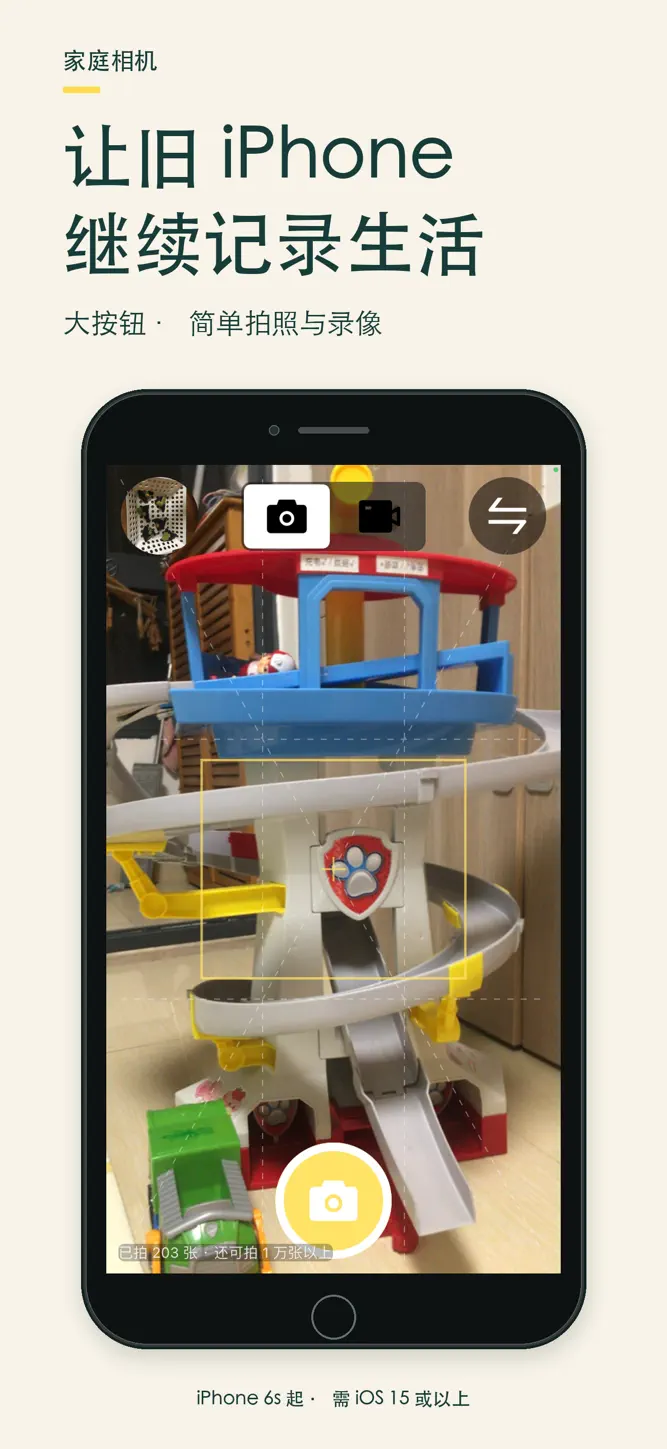
Family Camera is a simple photo and video camera for shared family use. It supports iPhone 6s, iPhone SE (1st generation), and newer models running iOS 15 or later.
Open and capture
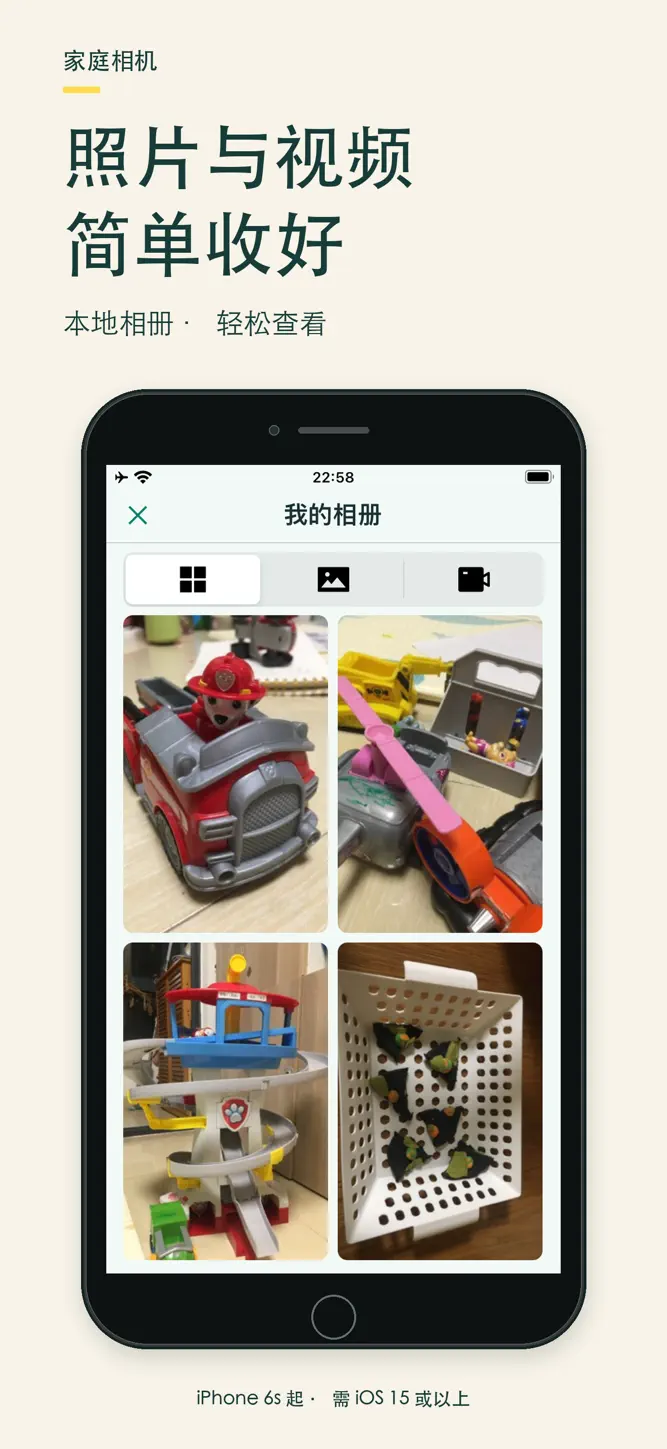
Big buttons and clear icons keep taking photos, recording videos, switching cameras, and browsing your gallery straightforward, with fewer settings in the way.
Capture offline
No account, ads, in-app purchases, analytics, or tracking. Media stays inside the app. The developer does not receive your photos or videos. Device backups are managed by Apple and your system settings.
Recover deleted moments
Swipe through full-screen photos and videos. Deleted items first go to a recycle bin, where you can restore or permanently delete them from Family Settings.
Keep settings together
Hold the center of the camera screen for about two seconds to open Family Settings. Adjust photo quality, preview time, and maximum video length. An optional six-digit settings password reduces accidental access. Instructions explain how to enable iOS Guided Access for focused use.
Export original files
Export selected files through the iOS share sheet, or download originals and ZIP archives in a browser on the same trusted Wi-Fi. Local downloads require you to enable the service and enter a rotating code. This feature uses unencrypted local HTTP; use it only on trusted Wi-Fi and turn it off after transfer.
One purchase. No ads or in-app purchases. Family Sharing supported.
Please note
• Requires iOS 15 or later. Older models cannot install the App Store version.
• Media is not automatically saved to the system Photos library. Export important files before uninstalling.
• Videos can be recorded silently without microphone permission.
• Without a settings password, the center hold opens Family Settings directly. This is not identity or age verification.
• The app interface is in Simplified Chinese. English is provided for the App Store listing only.
How to download Family Camera?
- Tap the Google Play button (Android) or the App Store button (iPhone / iPad) in the download section.
- The official store page of Family Camera opens in a new tab.
- Tap Install or Get and wait until the download finishes.
- Open Family Camera from your home screen and start playing.
FAQ
Is Family Camera free to play?
Yes, Family Camera is free to download.
Is Family Camera available for iPhone?
Yes, Family Camera is available on the Apple App Store and needs iOS 15.0 or later.
Is it safe to download Family Camera?
Yes. GameZone does not host any files — the download buttons open the official Google Play and App Store pages.
Download the App
Similar Games


Disclaimer
1. GameZone does not represent any developer, nor is it the developer of any app or game listed on this website.
2. Game details such as icons, screenshots, ratings and descriptions are collected from the public Google Play and App Store listings so players can compare games before installing.
3. All trademarks, registered trademarks, product names, company names and logos are the property of their respective owners.
4. GameZone does not host APK or IPA files. Every download button opens the official Google Play Store or Apple App Store page of the game.
5. GameZone respects the Digital Millennium Copyright Act (DMCA). If you are the owner of any content shown here and want it removed, please contact us at contact@shresult.com.