


FlowCut - Video Editor & Maker
柳 王
Installs
1 ratings
Category
Content Rating
4+
Developer
柳 王
Version
1.0.0
Updated
Oct 2, 2026
Requires
iOS 15.0 or later
Price
Free
Size (iOS)
186.2 MB
Advertisement
Screenshots


Advertisement
Editor Reviews
FlowCut - Video Editor & Maker is an action game developed by 柳 王 for iPhone & iPad. It holds an average rating of 5 out of 5 from 1 players.
FlowCut - Video Editor & Maker is free to download. The latest version 1.0.0 was released on Oct 2, 2026. Content rating: 4+.
About FlowCut - Video Editor & Maker
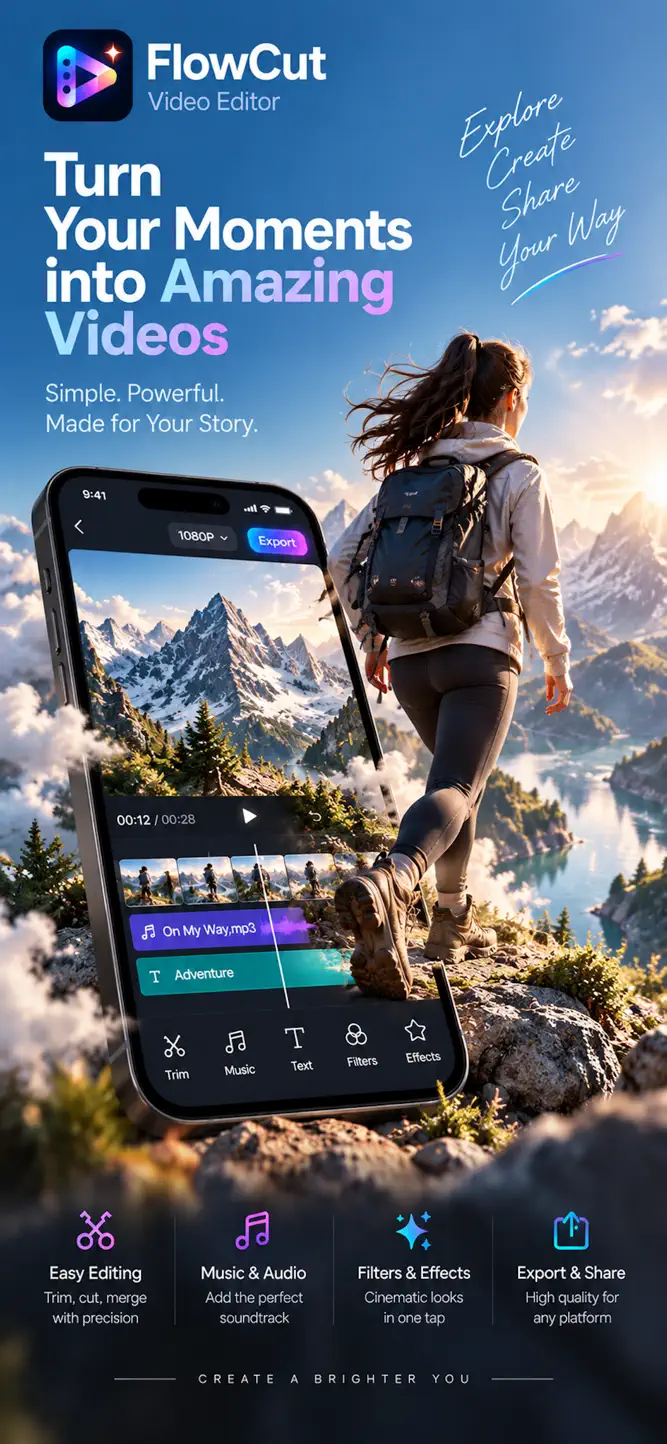
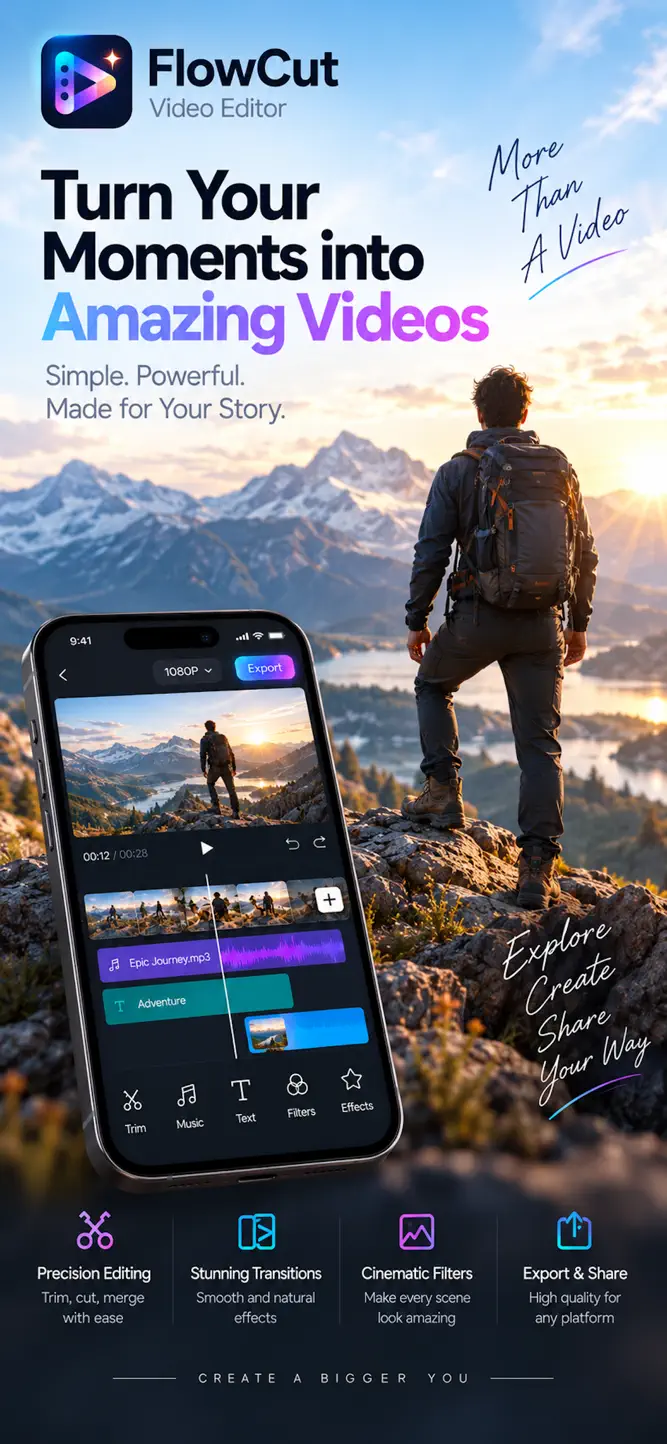
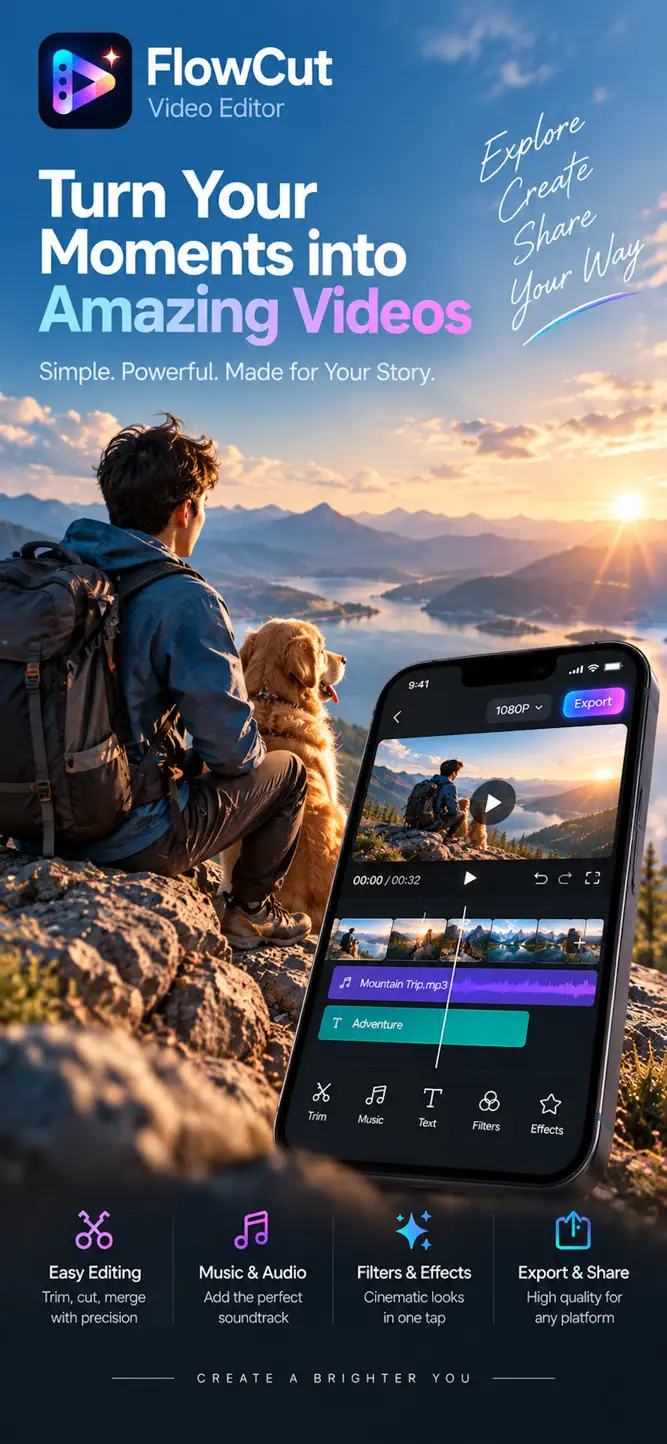
Turn everyday moments into videos worth keeping with FlowCut — a beautifully designed video editor that makes powerful editing feel simple.
Whether you’re capturing family memories, travel adventures, pets, sports, everyday life, or your next creative project, FlowCut gives you the essential tools to shape your footage into a story that’s truly yours.
EDIT WITH PRECISION
• Trim, split, cut, duplicate, and rearrange clips
• Merge multiple clips into one seamless video
• Adjust playback speed and reverse video
• Crop, rotate, transform, and resize your footage
• Create smooth transitions between scenes
• Work with an intuitive timeline built for fast editing
MAKE EVERY FRAME LOOK BETTER
• Apply carefully crafted filters and visual effects
• Fine-tune brightness, contrast, saturation, temperature, and more
• Adjust opacity and blending for creative compositions
• Add overlays and picture-in-picture elements
• Refine the look and feel of every scene
MUSIC & AUDIO
Great video deserves great sound.
• Add music and sound effects to your videos
• Trim and arrange audio directly on the timeline
• Adjust volume and audio levels
• Extract audio from video
• Fade audio in and out for smoother transitions
• Edit audio with dedicated tools when you need more control
TEXT, STICKERS & CREATIVE DETAILS
• Add titles and text to tell your story
• Personalize videos with stickers and graphic elements
• Layer creative elements directly over your footage
• Build everything from clean everyday edits to expressive visual stories
MADE FOR THE MOMENTS THAT MATTER
A weekend trip.
Your child’s first steps.
A day with your pet.
A family celebration.
An unforgettable adventure.
Or simply something worth remembering.
FlowCut is designed to help you spend less time figuring out the editor — and more time creating.
FROM FIRST CUT TO FINAL EXPORT
Preview your work as you edit, fine-tune every detail, and export your finished video in high quality when you’re ready to share it or keep it for yourself.
No clutter. No complicated workflow. Just the tools you need, where you expect them.
Your moments. Your story. Your cut.
FlowCut.
Privacy Policy:
https://aivimora.com/privacy
Terms of Use:
https://www.apple.com/legal/internet-services/itunes/dev/stdeula/
How to download FlowCut - Video Editor & Maker?
- Tap the Google Play button (Android) or the App Store button (iPhone / iPad) in the download section.
- The official store page of FlowCut - Video Editor & Maker opens in a new tab.
- Tap Install or Get and wait until the download finishes.
- Open FlowCut - Video Editor & Maker from your home screen and start playing.
FAQ
Is FlowCut - Video Editor & Maker free to play?
Yes, FlowCut - Video Editor & Maker is free to download.
Is FlowCut - Video Editor & Maker available for iPhone?
Yes, FlowCut - Video Editor & Maker is available on the Apple App Store and needs iOS 15.0 or later.
Is it safe to download FlowCut - Video Editor & Maker?
Yes. GameZone does not host any files — the download buttons open the official Google Play and App Store pages.
Download the App
Similar Games


Disclaimer
1. GameZone does not represent any developer, nor is it the developer of any app or game listed on this website.
2. Game details such as icons, screenshots, ratings and descriptions are collected from the public Google Play and App Store listings so players can compare games before installing.
3. All trademarks, registered trademarks, product names, company names and logos are the property of their respective owners.
4. GameZone does not host APK or IPA files. Every download button opens the official Google Play Store or Apple App Store page of the game.
5. GameZone respects the Digital Millennium Copyright Act (DMCA). If you are the owner of any content shown here and want it removed, please contact us at contact@shresult.com.