


GPUFieldDiag
Sanjay Korde
Category
Content Rating
4+
Developer
Sanjay Korde
Version
1.0
Updated
Oct 5, 2026
Requires
iOS 17.0 or later
Price
Free
Size (iOS)
1.1 MB
Advertisement
Screenshots


Advertisement
Editor Reviews
GPUFieldDiag is an action game developed by Sanjay Korde for iPhone & iPad.
GPUFieldDiag is free to download. The latest version 1.0 was released on Oct 5, 2026. Content rating: 4+.
About GPUFieldDiag
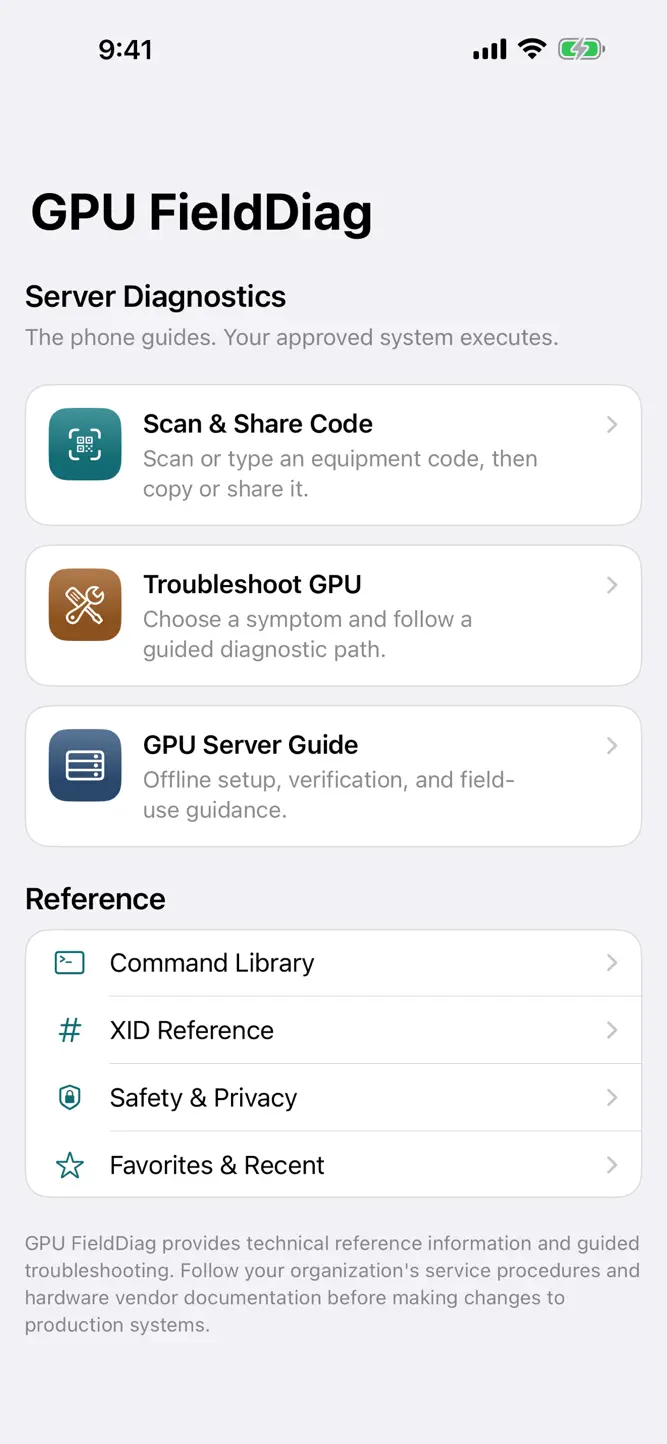
GPU FieldDiag is an offline GPU field reference. The iPhone guides the work. Commands run only on the console your organization already approves. The app does not connect to the GPU server and does not upload logs.
Scan a barcode or QR code on a GPU, CPU, or chassis label, or type the code. The scanner reads QR, Data Matrix, Code 128, Code 39, PDF417, EAN, UPC, and other common barcodes. Copy the code or share it with the iOS share sheet. The app does not look the code up.
Start from a GPU symptom, such as a missing GPU, an XID, ECC, thermals, power, containers, or a job that cannot see the GPU. Each step shows the command, why it exists, the risk, and what to compare. You read the result on the approved terminal and tap the closest observation.
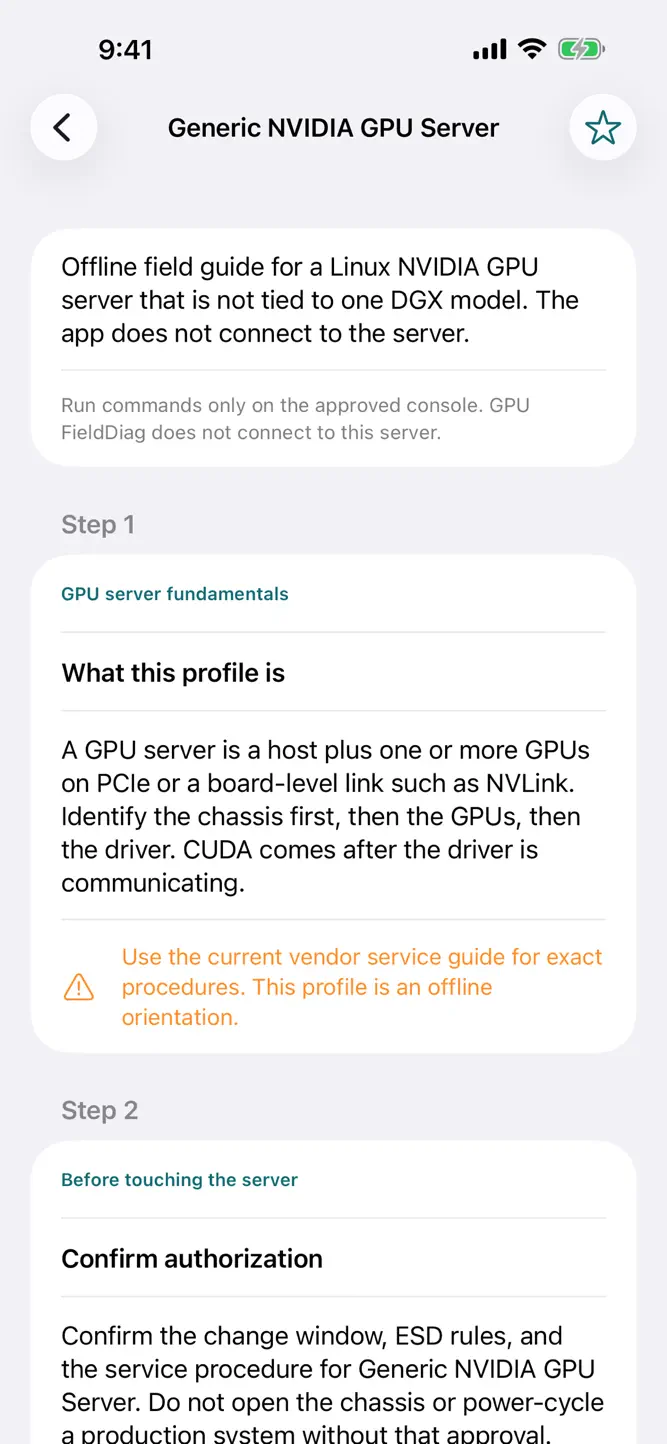
Read GPU server guides for a generic NVIDIA GPU server, DGX H100, DGX H200, DGX B200, and a generic AMD Instinct server. Guides cover identity, power-on, driver and software checks, thermals, topology, shutdown, evidence, and escalation.
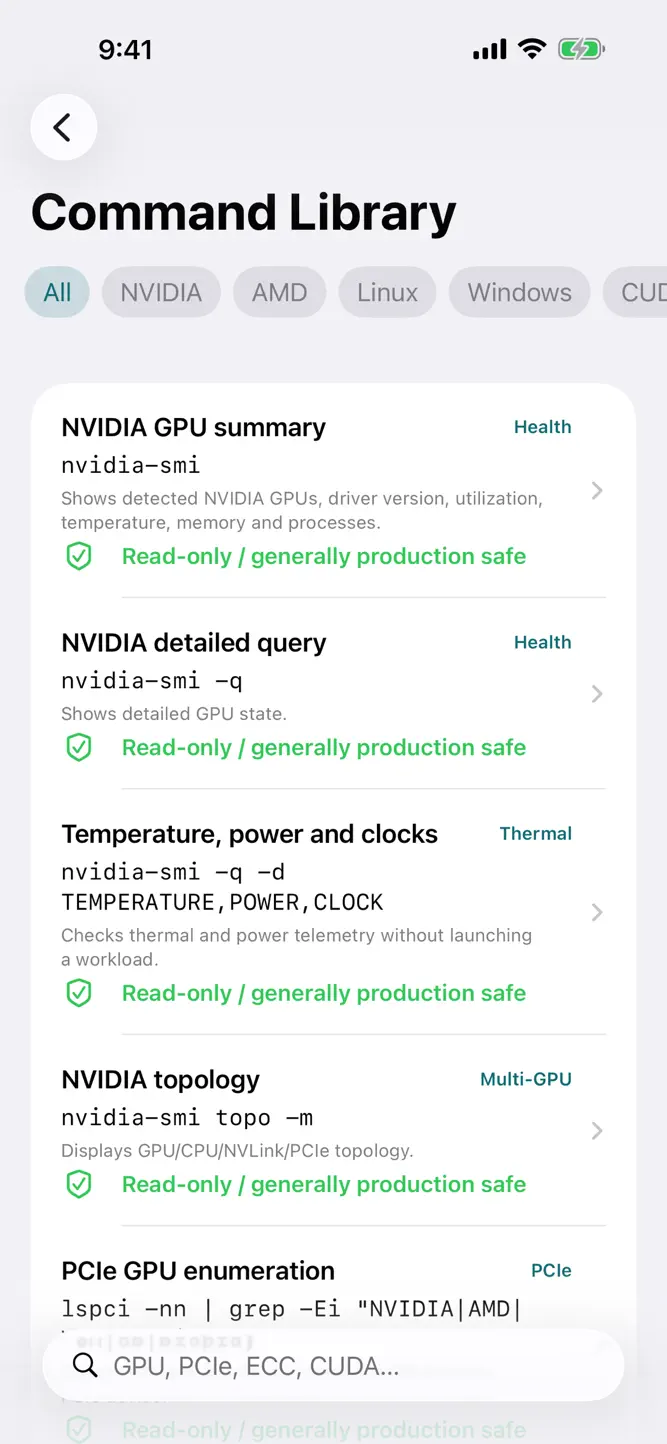
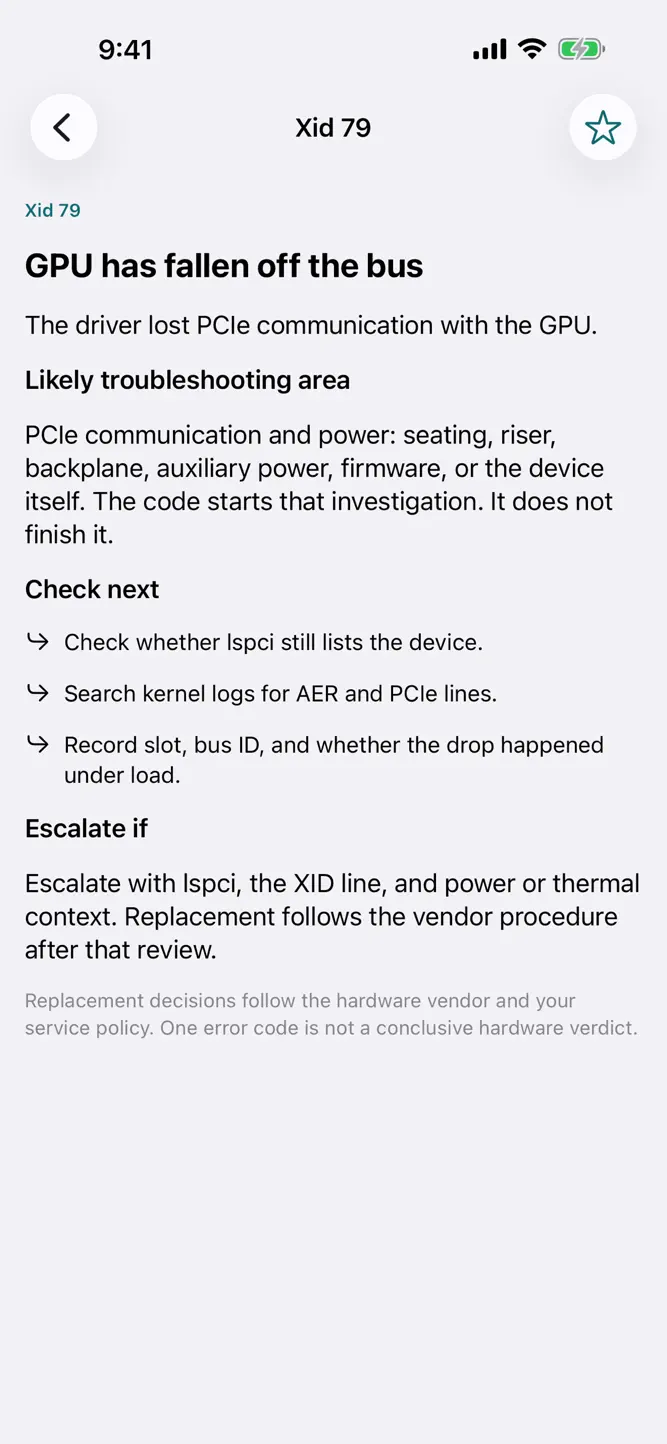
The GPU command library, glossary, field checklists, and XID reference stay on the device. Search covers the bundled library only. An XID points to a troubleshooting area. It does not decide that a GPU should be replaced. Checklist ticks stay on the device and are not uploaded.
NVIDIA, CUDA, DGX, NVLink, AMD, Instinct, and related names are trademarks of their owners. GPU FieldDiag is an independent reference and is not affiliated with or endorsed by those companies.
GPU FieldDiag provides technical reference information and guided troubleshooting. Follow your organization's service procedures and hardware vendor documentation before making changes to production systems.
How to download GPUFieldDiag?
- Tap the Google Play button (Android) or the App Store button (iPhone / iPad) in the download section.
- The official store page of GPUFieldDiag opens in a new tab.
- Tap Install or Get and wait until the download finishes.
- Open GPUFieldDiag from your home screen and start playing.
FAQ
Is GPUFieldDiag free to play?
Yes, GPUFieldDiag is free to download.
Is GPUFieldDiag available for iPhone?
Yes, GPUFieldDiag is available on the Apple App Store and needs iOS 17.0 or later.
Is it safe to download GPUFieldDiag?
Yes. GameZone does not host any files — the download buttons open the official Google Play and App Store pages.
Download the App
Similar Games


Disclaimer
1. GameZone does not represent any developer, nor is it the developer of any app or game listed on this website.
2. Game details such as icons, screenshots, ratings and descriptions are collected from the public Google Play and App Store listings so players can compare games before installing.
3. All trademarks, registered trademarks, product names, company names and logos are the property of their respective owners.
4. GameZone does not host APK or IPA files. Every download button opens the official Google Play Store or Apple App Store page of the game.
5. GameZone respects the Digital Millennium Copyright Act (DMCA). If you are the owner of any content shown here and want it removed, please contact us at contact@shresult.com.