


JCE Chess Studio
Jeff Rosengarden
Category
Content Rating
4+
Developer
Jeff Rosengarden
Version
1.0.0
Updated
Oct 15, 2026
Requires
iOS 18.6 or later
Price
$4.99
Size (iOS)
6.4 MB
Advertisement
Screenshots


Advertisement
Editor Reviews
JCE Chess Studio is a board game developed by Jeff Rosengarden for iPhone & iPad.
JCE Chess Studio is a paid game ($4.99). The latest version 1.0.0 was released on Oct 15, 2026. Content rating: 4+.
About JCE Chess Studio
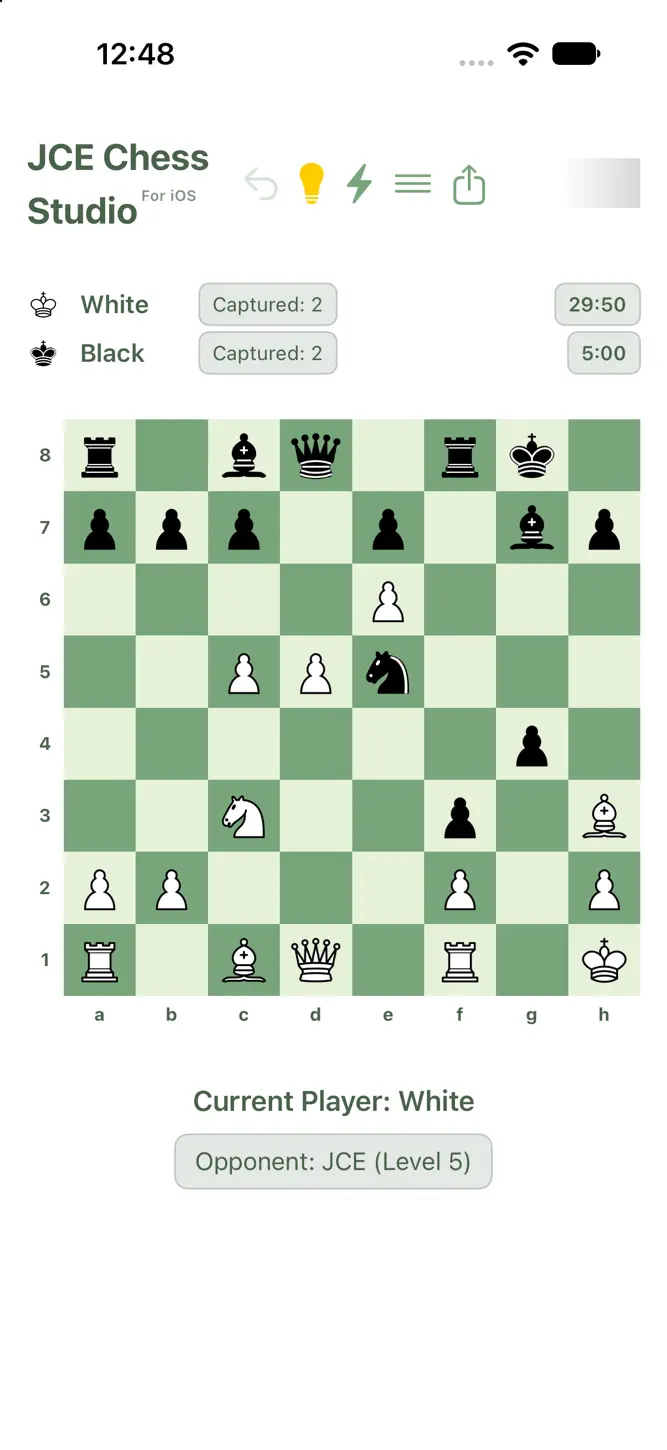
JCE Chess Studio is a powerful, feature-rich chess app for iPhone and iPad that combines beautiful design with serious functionality. Whether you're learning the game or preparing for tournament play, JCE Chess Studio gives you the tools to study, practice and improve.
WHAT MAKES JCE CHESS STUDIO SPECIAL
• Play Anywhere, Anytime – The built-in JCE engine (Jeff Chess Engine) runs entirely on your device, so you can play offline with no internet connection.
• Challenging AI – JCE, an original engine written for this app, offers 21 skill levels, from beginner up to full strength.
• Watch JCE Play Itself – Set JCE to play both sides, pick a level, then sit back and watch. Analyze the saved game later.
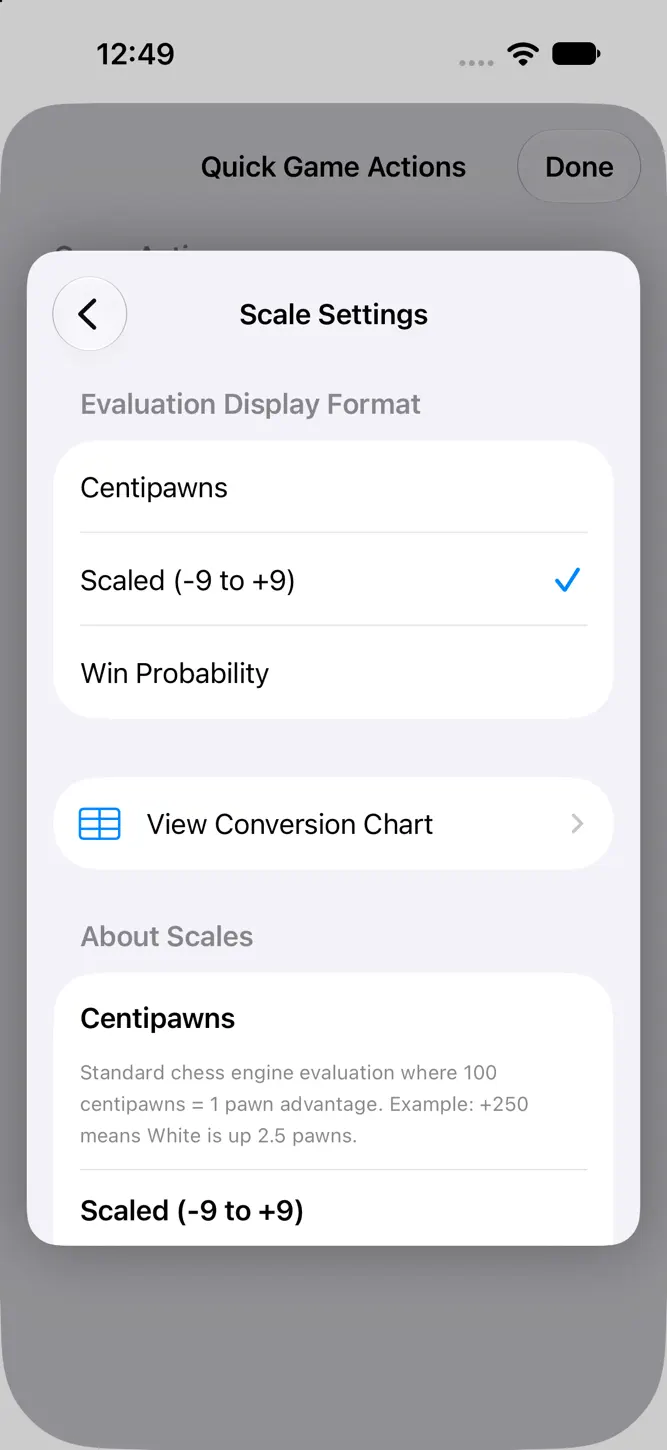
• Professional Analysis – Real-time position evaluation and move hints help you understand the game.
• Study Tools – Set up any position to practice specific scenarios, openings or endgames. The built-in FEN parser accepts only fully legal positions.
• Time Controls – Practice with realistic tournament time settings, including increments.
• Save Games – Save complete or partial games to continue or review later, send to friends, or open in other chess apps.
• Share Games – Share any game at any point using the standard iOS share sheet, as a FEN string or as PGN text or a PGN file.
• Import Games – Reopen your saved games to continue play or review them exactly as they were. Bring in FEN or PGN files from anywhere by dropping them into the JCE Chess folder in the Files app.
• Classical Openings – 12 classical opening files included for study.
• Tactical Positions – 12 common tactical positions included for study.
• Famous Player Games – Over 1,700 complete games by 9 famous players. Step forwards and backwards through any game, or take over and play it yourself from any point.
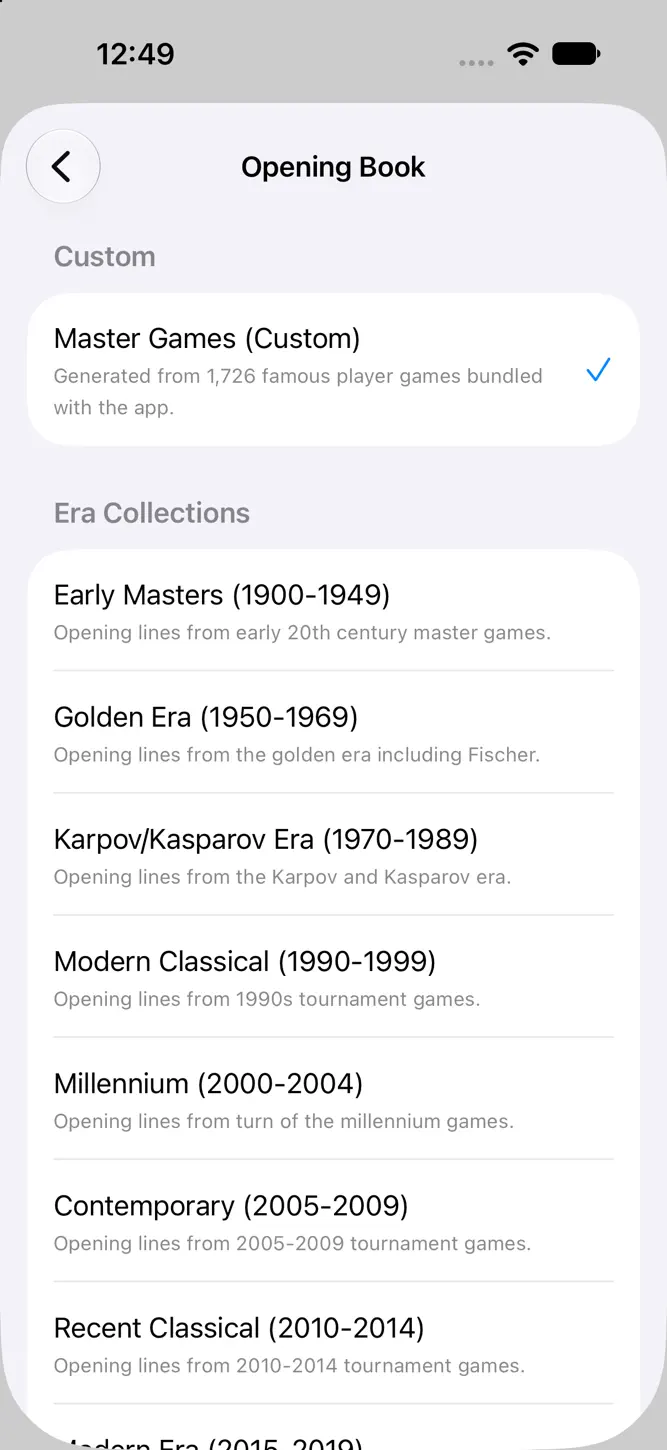
• Opening Books – A custom book built from those 1,700+ games plus 15 "Era Collection" books, so the engine plays standard openings quickly. A red LED shows when a move or hint came from the book.
• Animations – Smooth piece and capture animations, each of which can be turned on or off.
• Hint System – Can be turned off at the start of a game for more disciplined play.
PRIVACY
JCE Chess Studio collects no data. No accounts, no ads, no tracking.
How to download JCE Chess Studio?
- Tap the Google Play button (Android) or the App Store button (iPhone / iPad) in the download section.
- The official store page of JCE Chess Studio opens in a new tab.
- Tap Install or Get and wait until the download finishes.
- Open JCE Chess Studio from your home screen and start playing.
FAQ
Is JCE Chess Studio free to play?
No, JCE Chess Studio is a paid game. Current price: $4.99.
Is JCE Chess Studio available for iPhone?
Yes, JCE Chess Studio is available on the Apple App Store and needs iOS 18.6 or later.
Is it safe to download JCE Chess Studio?
Yes. GameZone does not host any files — the download buttons open the official Google Play and App Store pages.
Download the App
Similar Games
Ludo King®
Vita Mahjong
MONOPOLY GO!
Happy Color®: Color by Number
Chess - Play and Learn Online
Color by Number:Coloring Games
Mahjong Blast
Chess - Offline Board Game
Bingo Blitz™️ - Bingo Games
Yalla Ludo - Ludo&Jackaroo
Chess
Coloring Book: Color by Number
Ludo STAR: Online Dice Game
Parchisi STAR Online
Ludo Club - Fun Dice Game
Disclaimer
1. GameZone does not represent any developer, nor is it the developer of any app or game listed on this website.
2. Game details such as icons, screenshots, ratings and descriptions are collected from the public Google Play and App Store listings so players can compare games before installing.
3. All trademarks, registered trademarks, product names, company names and logos are the property of their respective owners.
4. GameZone does not host APK or IPA files. Every download button opens the official Google Play Store or Apple App Store page of the game.
5. GameZone respects the Digital Millennium Copyright Act (DMCA). If you are the owner of any content shown here and want it removed, please contact us at contact@shresult.com.