


Kinhop: Trip&Event Planner
Jing Guo
Category
Content Rating
12+
Developer
Jing Guo
Version
1.0
Updated
Oct 10, 2026
Requires
iOS 17.0 or later
Price
Free
Size (iOS)
17.5 MB
Advertisement
Screenshots

Advertisement
Editor Reviews
Kinhop: Trip&Event Planner is an action game developed by Jing Guo for iPhone & iPad.
Kinhop: Trip&Event Planner is free to download. The latest version 1.0 was released on Oct 10, 2026. Content rating: 12+.
About Kinhop: Trip&Event Planner
Kinhop is for families and friends going places together: weekend trips, family dinners, birthdays, reunions, weddings. Plan the schedule, invite everyone, and when something changes, know that it actually reached them.
CHANGES THAT REACH EVERYONE
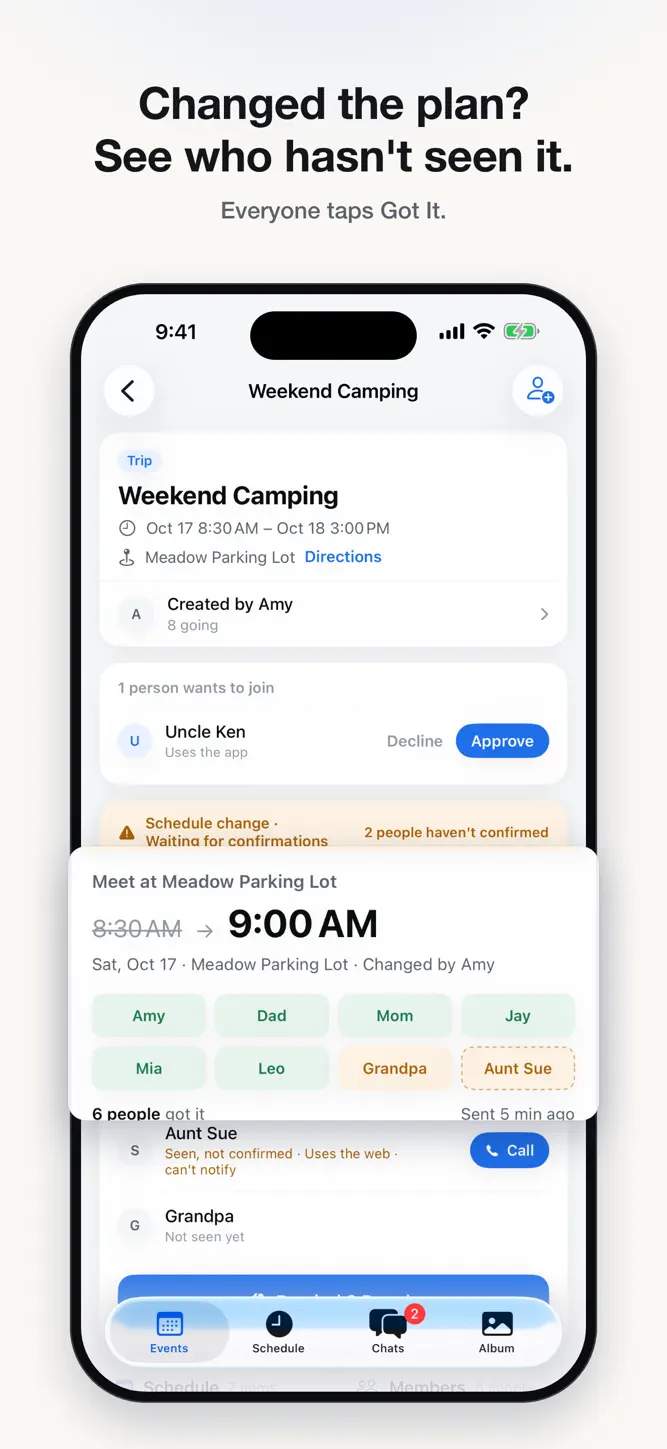
• Change the time or place, or cancel an item, and everyone gets a change to confirm with one tap: Got It.
• See who's confirmed, who's seen it but not confirmed, and who hasn't seen it yet. People without the app are marked separately.
• Remind them in one tap, or call right from the list. Phone numbers are visible only to organizers and the same family.
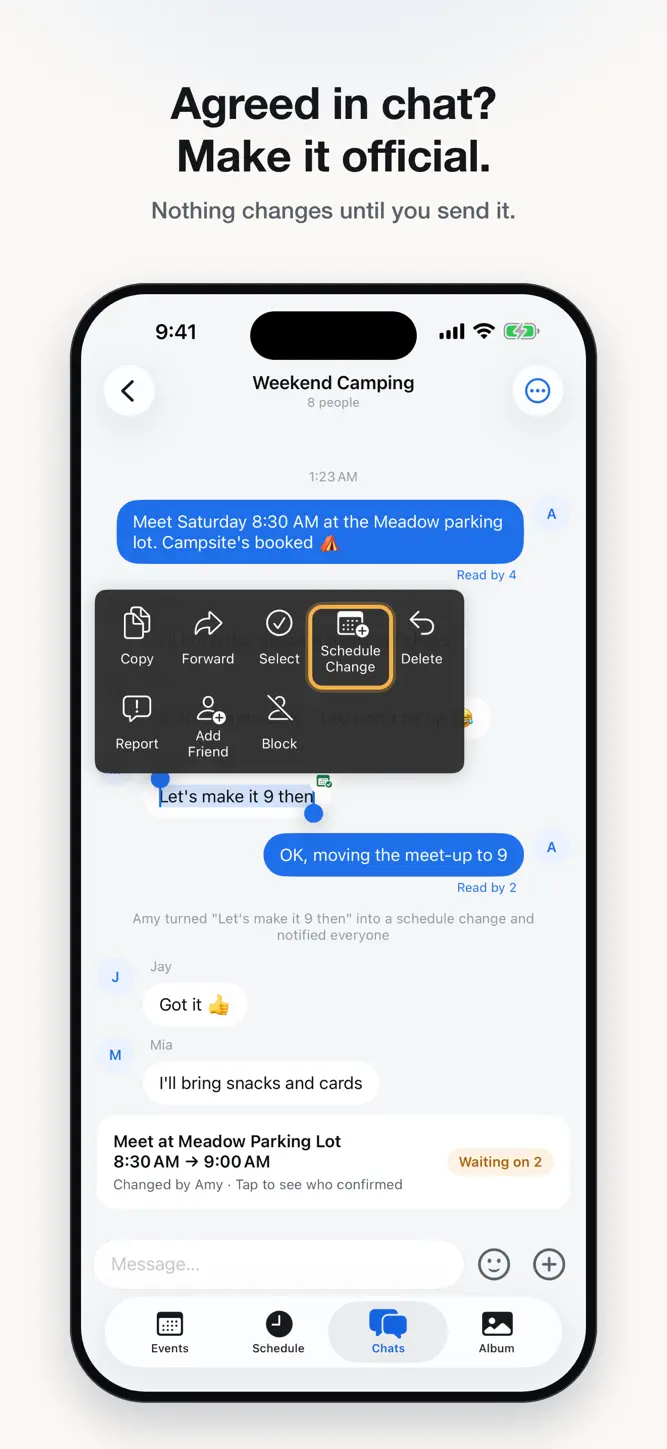
• Agreed on something in the group chat? Long-press the message to turn it into an official change. Nothing changes until you send it.
NO ONE LEFT OUT
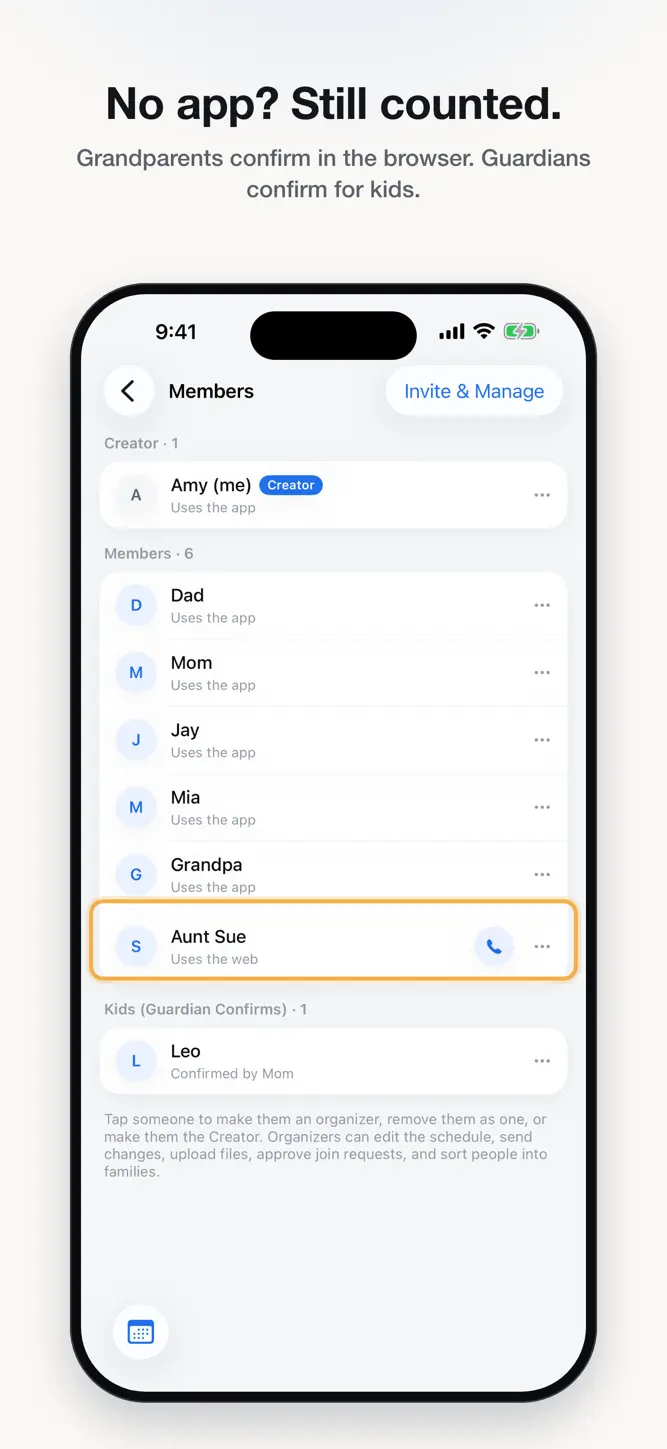
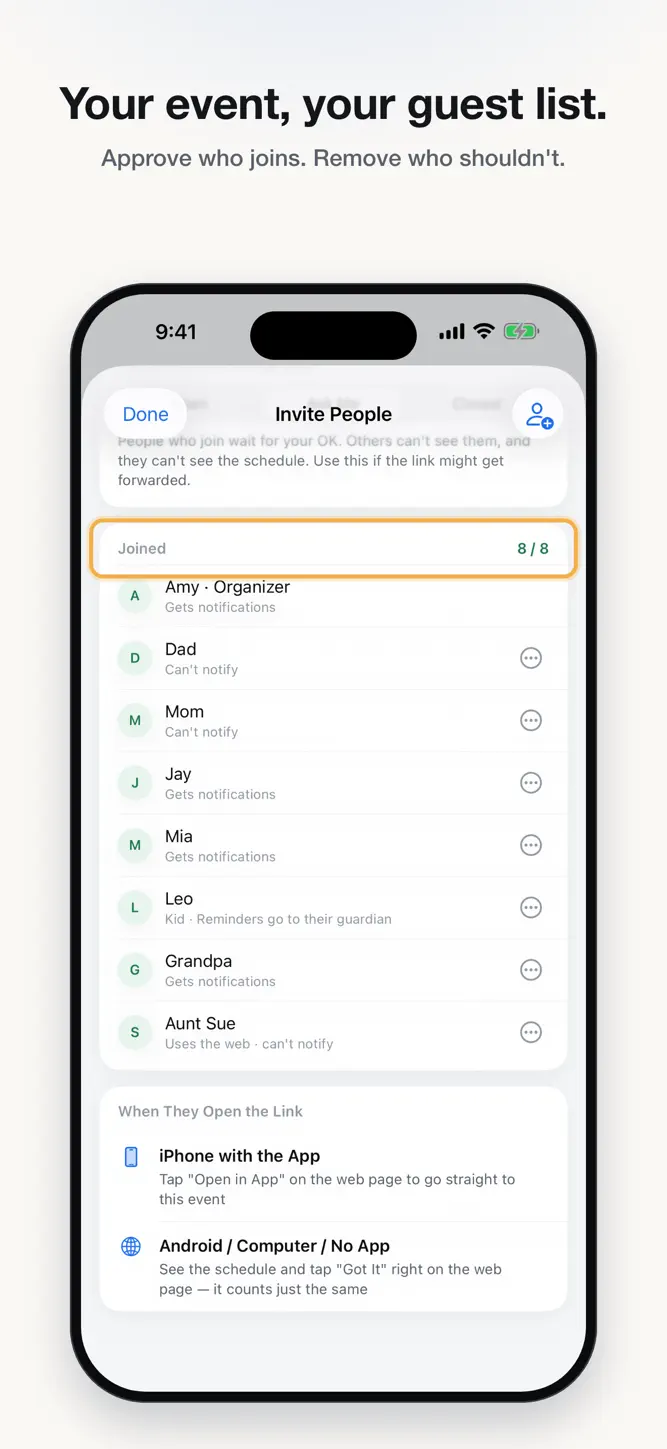
• Grandparents can confirm from a personal link in their browser. No app, no sign-up.
• Kids don't need an account. Changes that affect them go to a guardian, who confirms for them.
• The web page is available in English, Simplified Chinese, and Traditional Chinese.
PLAN TOGETHER
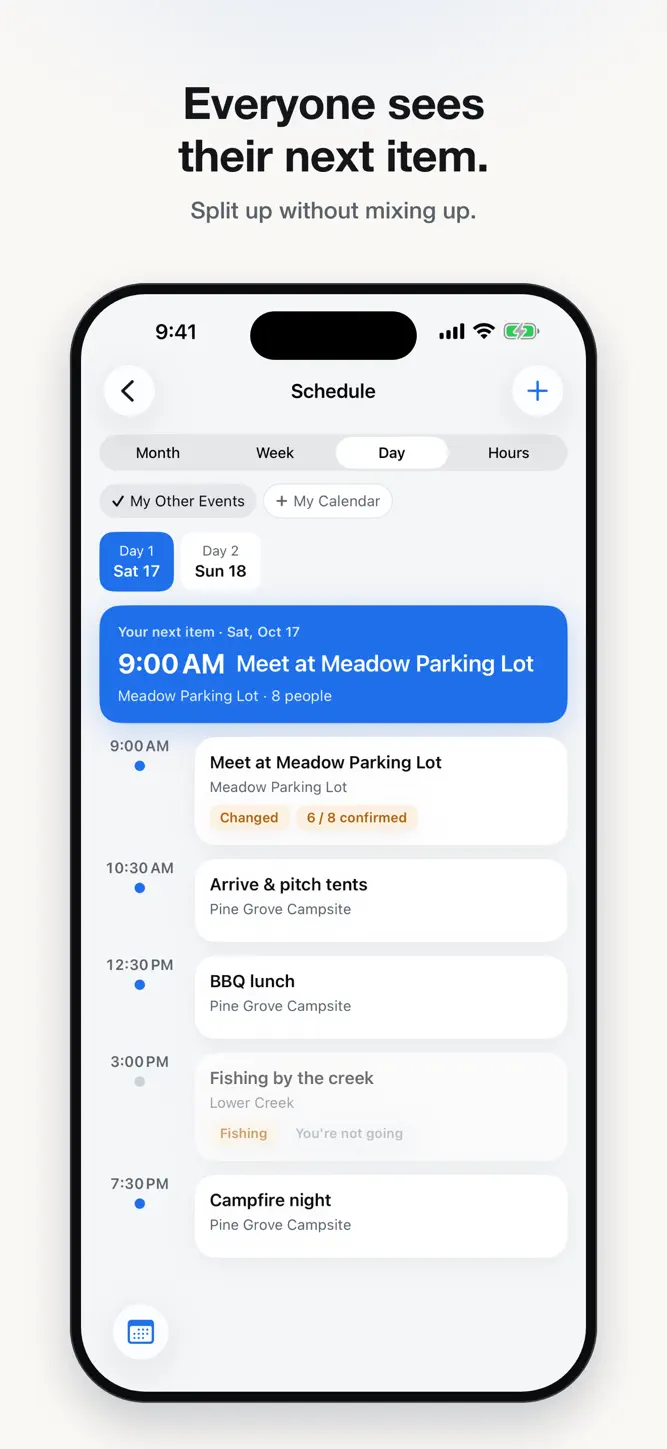
• Schedule calendar with month, week, day, and hour views. Your next item is always at the top, in the event's local time.
• Invite with a cover card, and choose who gets in: Open, Ask Me, or Closed.
• Group and private chats with photos, videos, and files.
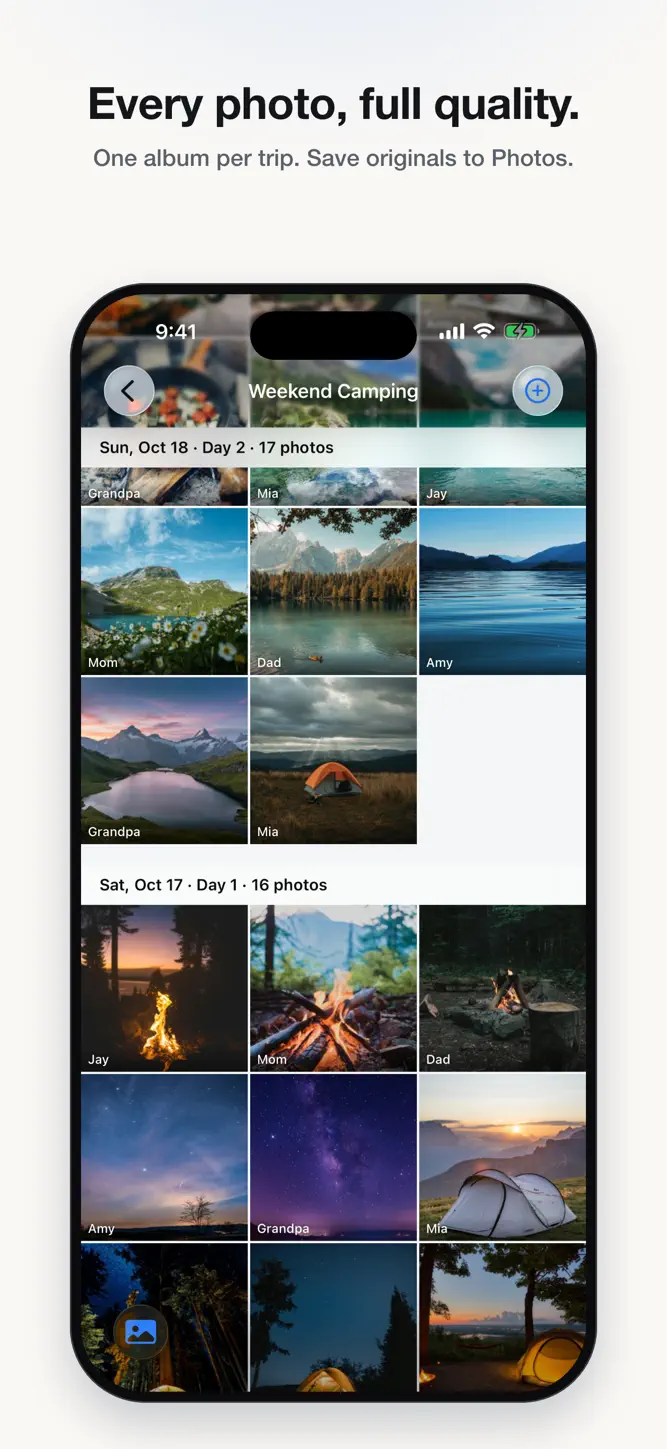
• A shared, full-quality photo album for each event. Like, comment, and save originals. Location data is removed before upload.
• Keep event files like itineraries and safety notes in one place, visible to everyone or organizers only.
MADE FOR FAMILIES
• English, Simplified Chinese, and Traditional Chinese. Switch any time.
• Large Text Mode makes text and buttons bigger.
• Report and block. Reports are reviewed within 24 hours.
• Works on iPhone and Mac with one account.
Sign in with Apple or with your email.
How to download Kinhop: Trip&Event Planner?
- Tap the Google Play button (Android) or the App Store button (iPhone / iPad) in the download section.
- The official store page of Kinhop: Trip&Event Planner opens in a new tab.
- Tap Install or Get and wait until the download finishes.
- Open Kinhop: Trip&Event Planner from your home screen and start playing.
FAQ
Is Kinhop: Trip&Event Planner free to play?
Yes, Kinhop: Trip&Event Planner is free to download.
Is Kinhop: Trip&Event Planner available for iPhone?
Yes, Kinhop: Trip&Event Planner is available on the Apple App Store and needs iOS 17.0 or later.
Is it safe to download Kinhop: Trip&Event Planner?
Yes. GameZone does not host any files — the download buttons open the official Google Play and App Store pages.
Download the App
Similar Games


Disclaimer
1. GameZone does not represent any developer, nor is it the developer of any app or game listed on this website.
2. Game details such as icons, screenshots, ratings and descriptions are collected from the public Google Play and App Store listings so players can compare games before installing.
3. All trademarks, registered trademarks, product names, company names and logos are the property of their respective owners.
4. GameZone does not host APK or IPA files. Every download button opens the official Google Play Store or Apple App Store page of the game.
5. GameZone respects the Digital Millennium Copyright Act (DMCA). If you are the owner of any content shown here and want it removed, please contact us at contact@shresult.com.