


mySudoku: Learn & Play
Miroslav Perovic
Category
Content Rating
4+
Developer
Miroslav Perovic
Version
1.0.0
Updated
Sep 26, 2026
Requires
iOS 26.0 or later
Price
Free
Size (iOS)
10.2 MB
Advertisement
Screenshots

Advertisement
Editor Reviews
mySudoku: Learn & Play is a puzzle game developed by Miroslav Perovic for iPhone & iPad.
mySudoku: Learn & Play is free to download. The latest version 1.0.0 was released on Sep 26, 2026. Content rating: 4+.
About mySudoku: Learn & Play
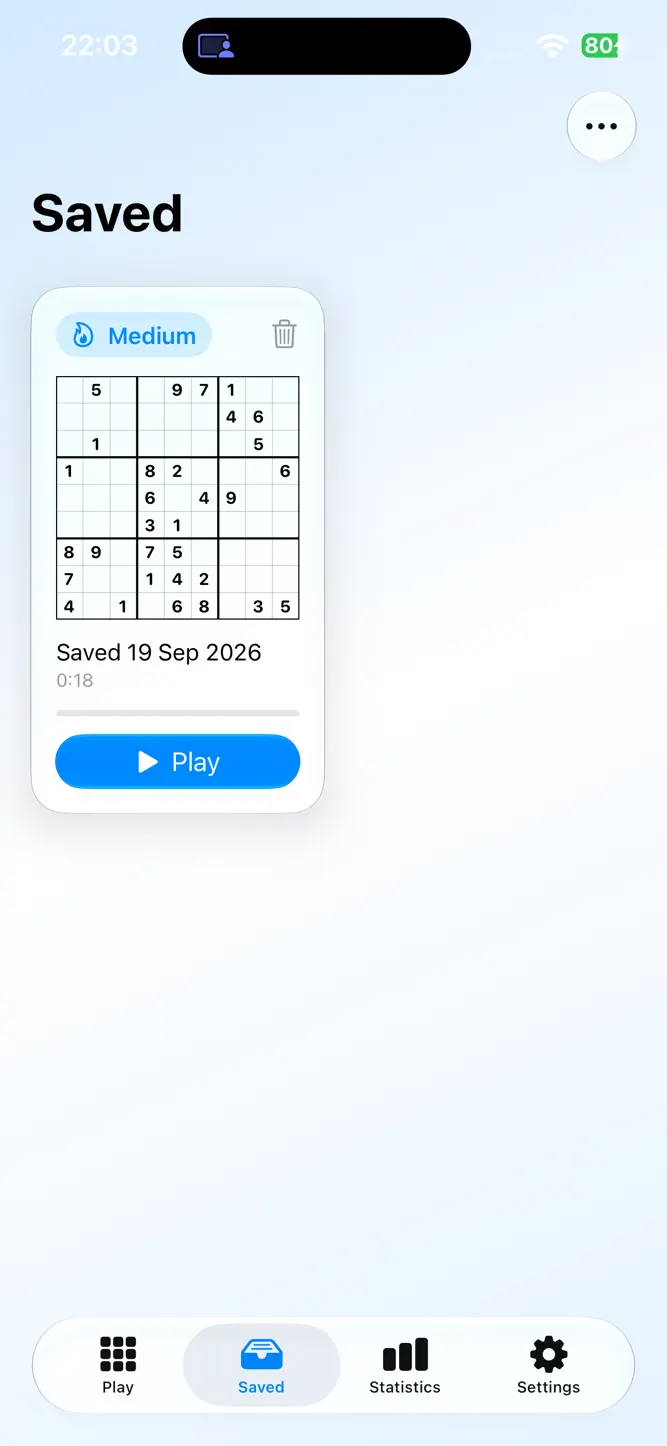
mySudoku is Sudoku for people who want to get better at it.
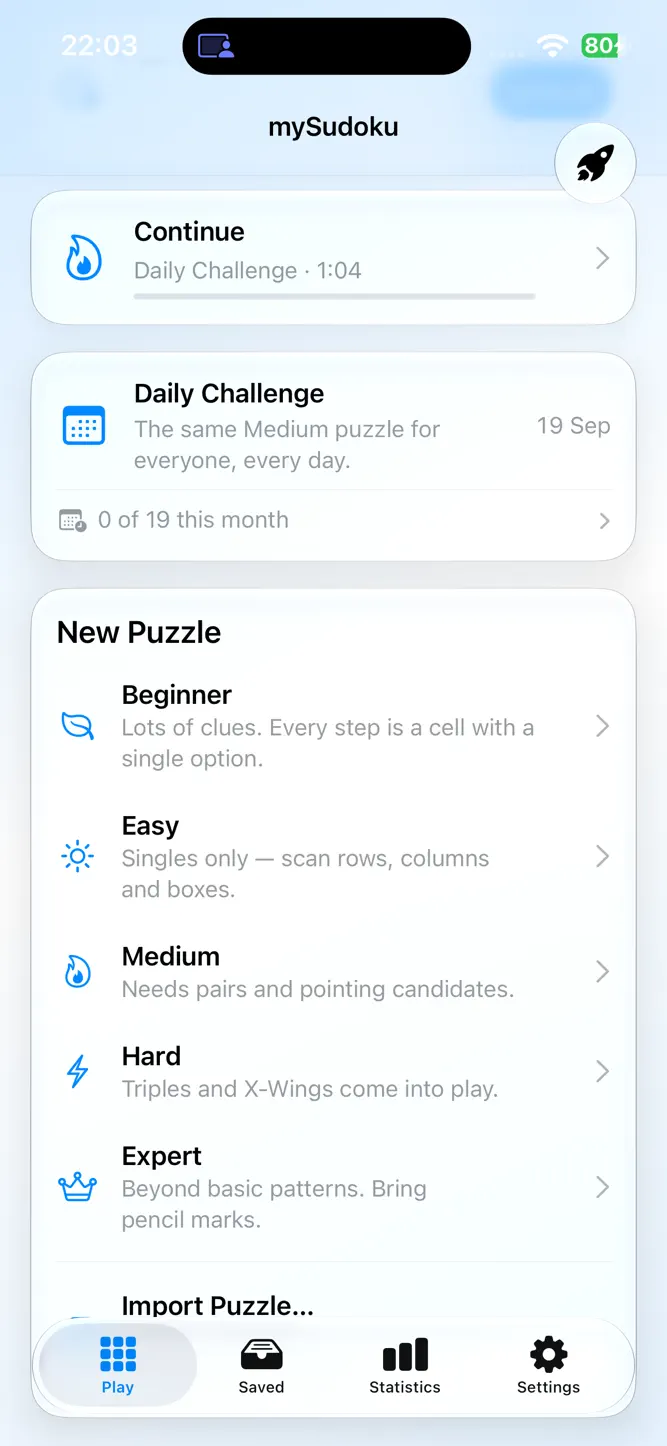
Every puzzle has exactly one solution and is rated by the solving technique it needs, not by how many clues it shows. Beginner puzzles fall to singles; Expert puzzles need Swordfish, Y-Wing or coloring. You always know what a level asks of you.
HINTS THAT TEACH
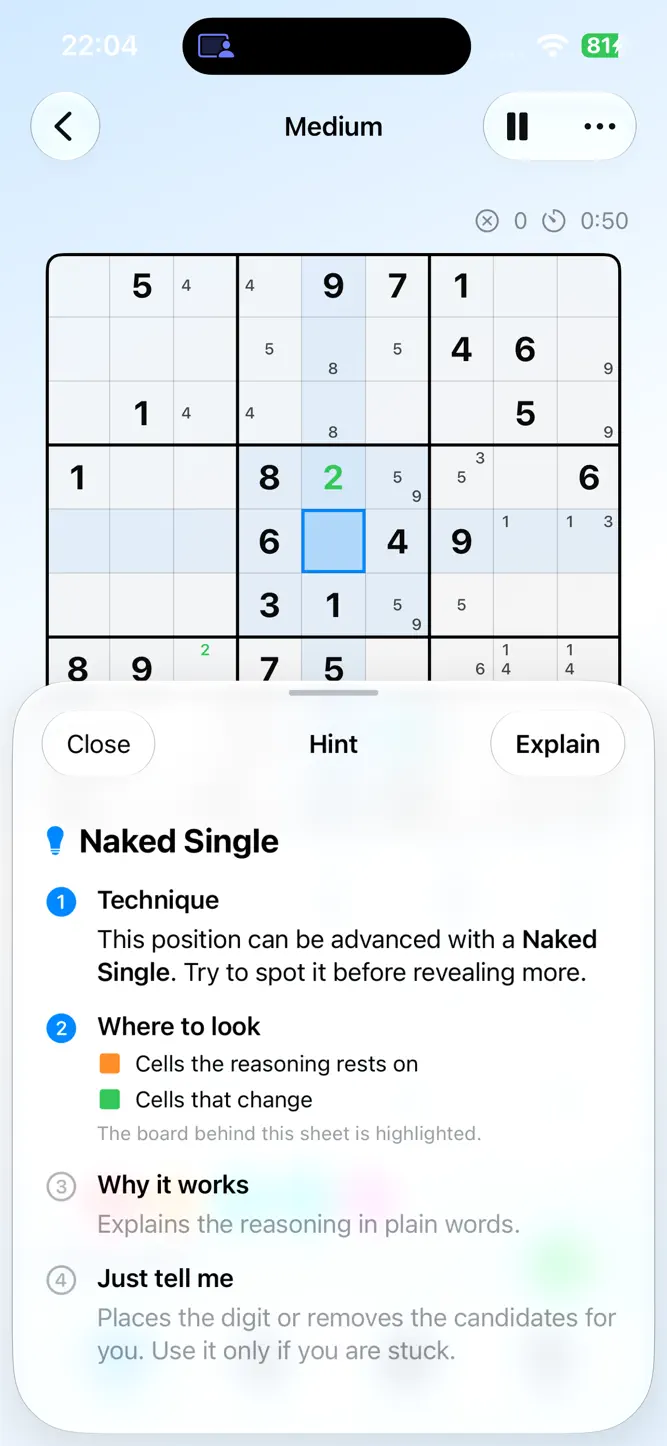
A hint never just fills in a cell. It names the technique first, then shows you where to look, then explains why, and only places the digit if you ask. Hints are limited per level, so they stay a lesson rather than a crutch.
LEARN THE TECHNIQUES
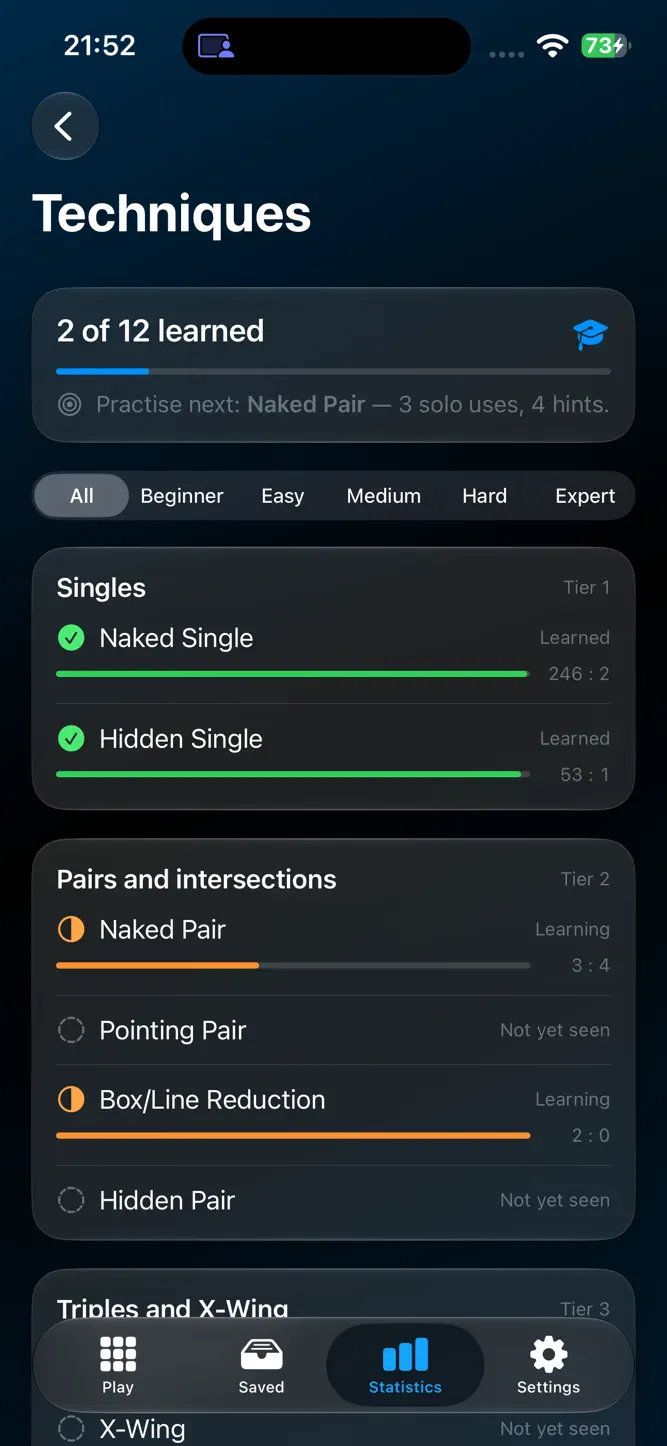
Twelve techniques, from Naked Single to Simple Coloring, each with an interactive lesson on a real board. Watch the step unfold, try the position yourself, or generate a fresh puzzle that needs exactly that technique. Statistics keeps track of which techniques you spot on your own.
DAILY CHALLENGE
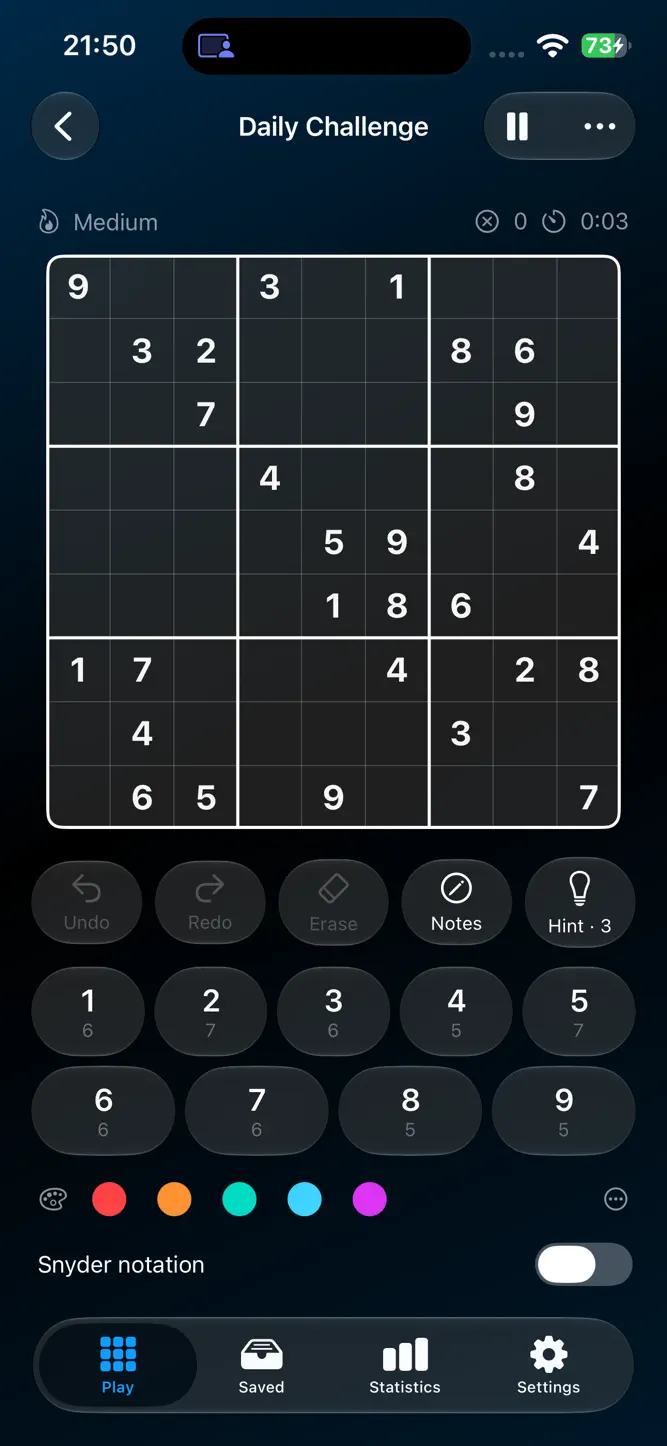
The same Medium puzzle for everyone, every day, with a calendar of past days, a medal for every solve, a trophy for a complete month and a daily leaderboard.
PLAY YOUR WAY
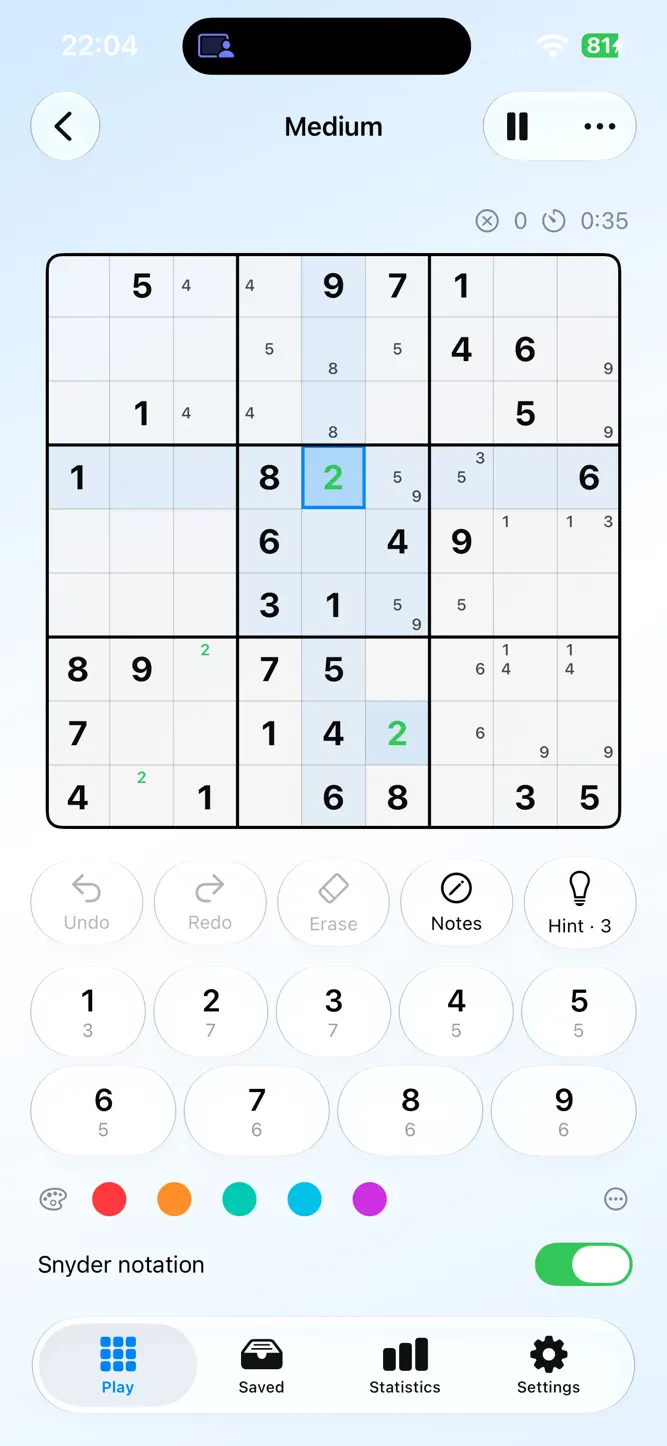
• Pencil marks, Snyder notation and candidate colouring in five colours
• Cell-first or digit-first input
• Highlight matching digits and conflicts, optional auto-check
• Relaxed Mode: hide the timer, set your own mistake limit or none at all
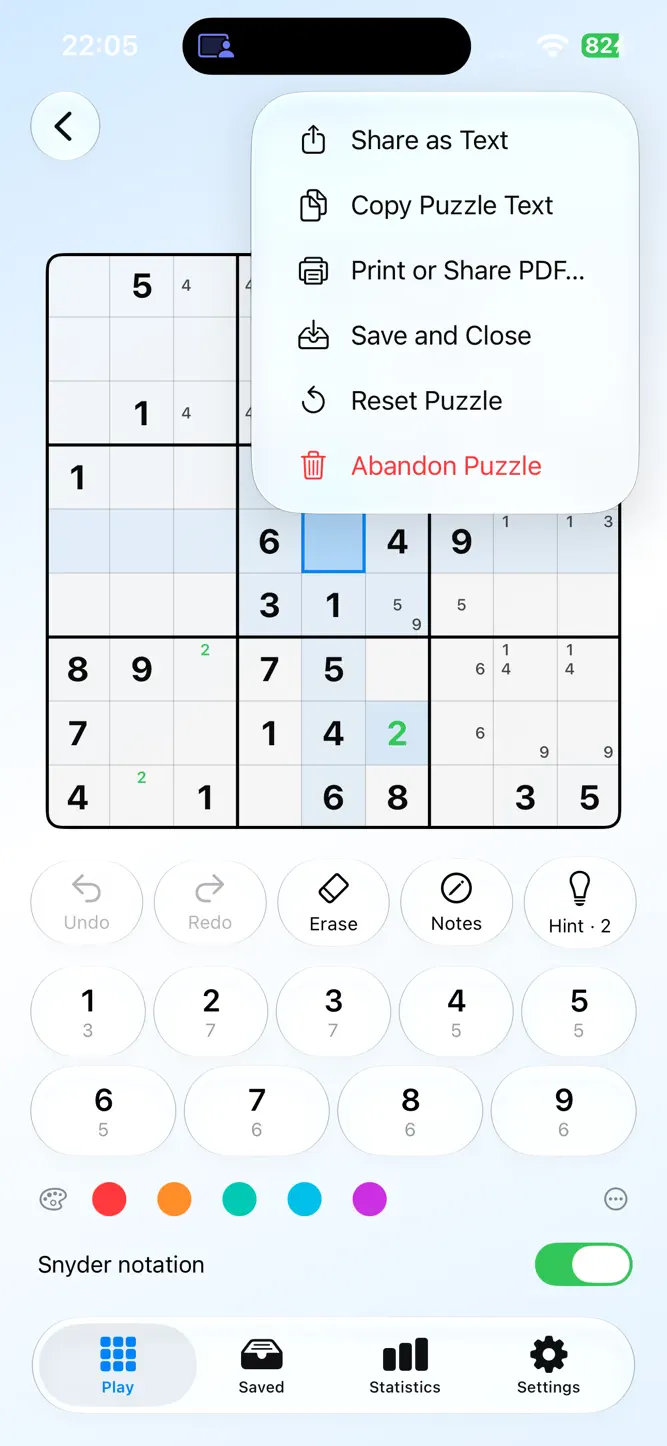
• Undo, redo, pause, reset
• Sounds and haptics, each with its own switch
On the Mac: full keyboard control, menu commands, printing, and a menu bar puzzle that is always one click away.
STATISTICS AND GAME CENTER
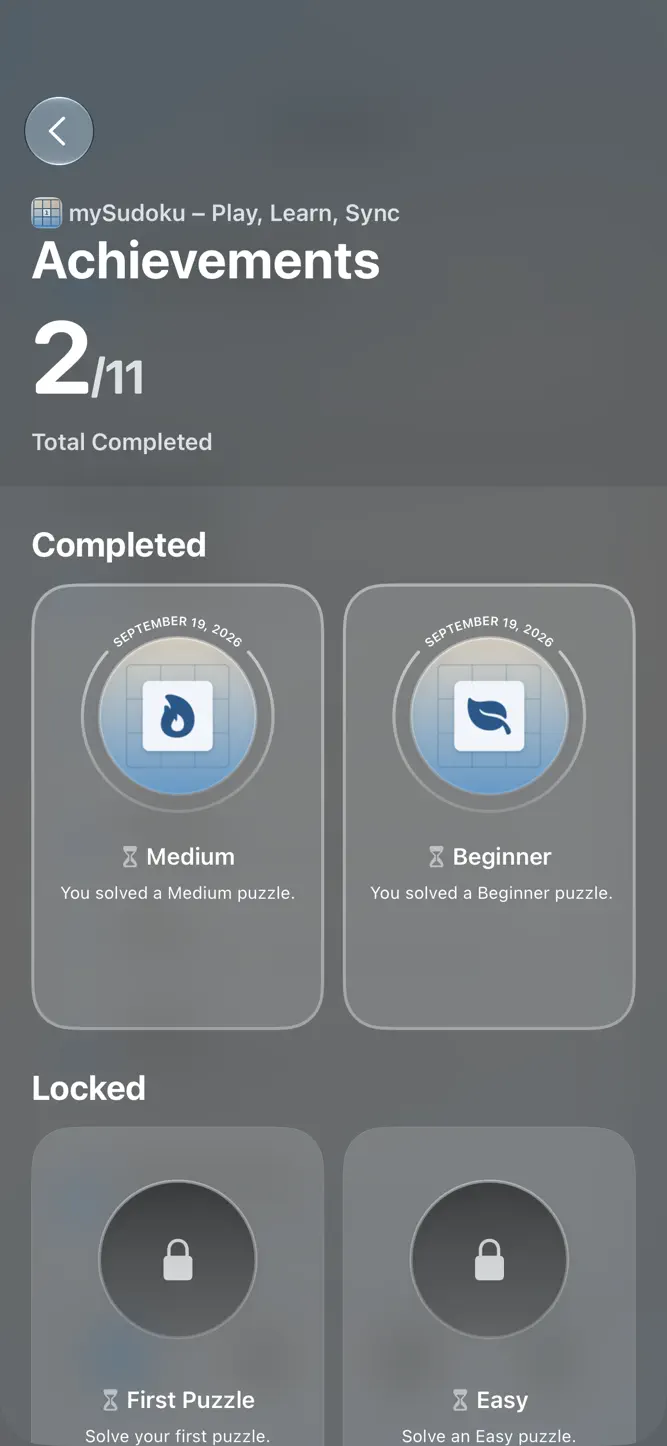
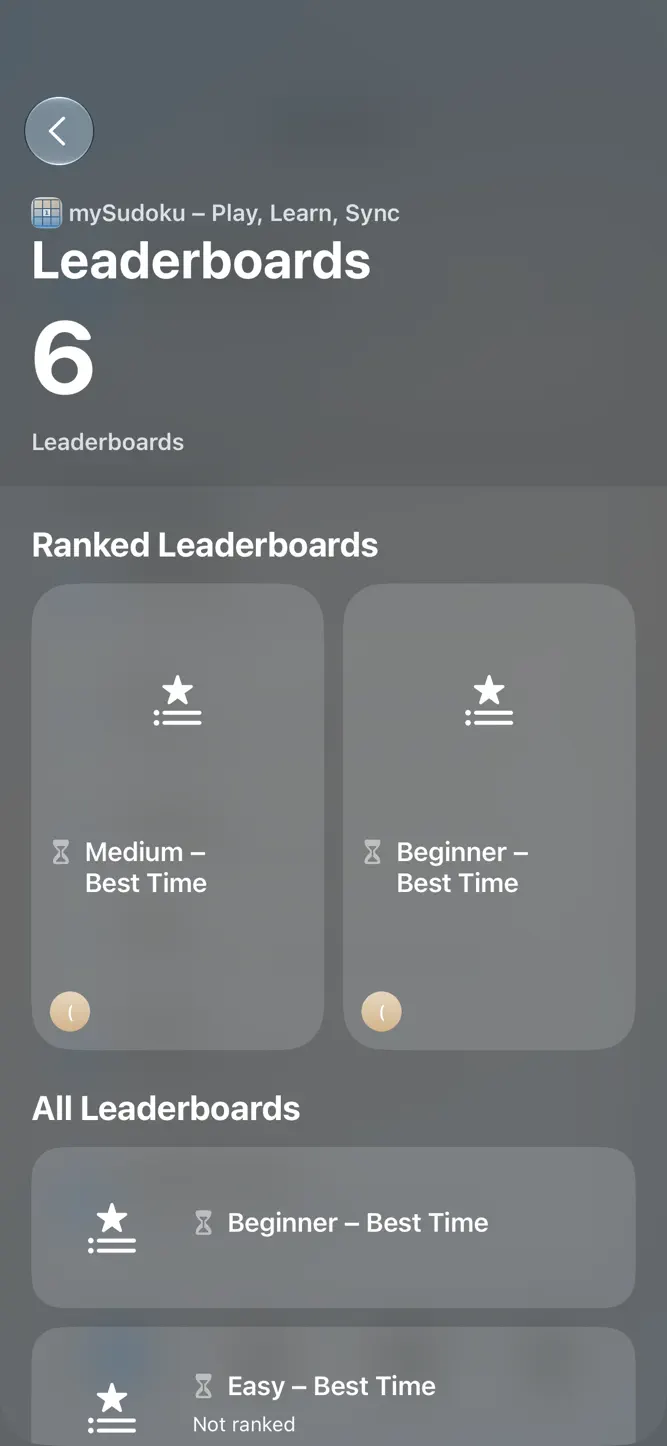
Solves per day and week, time trends per level, clean-solve rates, streaks. Leaderboards for every level and for today's challenge, and eleven achievements.
PRICING
Try everything free for 30 days. After that, Beginner puzzles stay free forever. One purchase unlocks the rest on iPhone, iPad and Mac, with Family Sharing. No subscription, no ads.
Designed for VoiceOver, Dynamic Type, Reduce Motion and Increase Contrast.
How to download mySudoku: Learn & Play?
- Tap the Google Play button (Android) or the App Store button (iPhone / iPad) in the download section.
- The official store page of mySudoku: Learn & Play opens in a new tab.
- Tap Install or Get and wait until the download finishes.
- Open mySudoku: Learn & Play from your home screen and start playing.
FAQ
Is mySudoku: Learn & Play free to play?
Yes, mySudoku: Learn & Play is free to download.
Is mySudoku: Learn & Play available for iPhone?
Yes, mySudoku: Learn & Play is available on the Apple App Store and needs iOS 26.0 or later.
Is it safe to download mySudoku: Learn & Play?
Yes. GameZone does not host any files — the download buttons open the official Google Play and App Store pages.
Download the App
Similar Games
Block Blast!
Royal Match
Arrows – Puzzle Escape
Royal Kingdom
Sudoku.com - Sudoku Puzzle
Amaze GO!
Arrow Puzzle: Tap Puzzle Games
Sudoku - Classic Sudoku Puzzle
Toon Blast
Gossip Harbor: Merge & Story
Blockudoku®: Block Puzzle Game
Ball Sort Puzzle - Color Game
Jigsaw Puzzles - Puzzle Games
Tile Explorer - Triple Match
Number Match - Number Games
Disclaimer
1. GameZone does not represent any developer, nor is it the developer of any app or game listed on this website.
2. Game details such as icons, screenshots, ratings and descriptions are collected from the public Google Play and App Store listings so players can compare games before installing.
3. All trademarks, registered trademarks, product names, company names and logos are the property of their respective owners.
4. GameZone does not host APK or IPA files. Every download button opens the official Google Play Store or Apple App Store page of the game.
5. GameZone respects the Digital Millennium Copyright Act (DMCA). If you are the owner of any content shown here and want it removed, please contact us at contact@shresult.com.