


Nazori: Envelope Calligraphy
泽轩 王
Category
Content Rating
4+
Developer
泽轩 王
Version
1.0
Updated
Oct 9, 2026
Requires
iOS 17.0 or later
Price
Free
Size (iOS)
26.3 MB
Advertisement
Screenshots

Advertisement
Editor Reviews
Nazori: Envelope Calligraphy is an action game developed by 泽轩 王 for iPhone & iPad.
Nazori: Envelope Calligraphy is free to download. The latest version 1.0 was released on Oct 9, 2026. Content rating: 4+.
About Nazori: Envelope Calligraphy
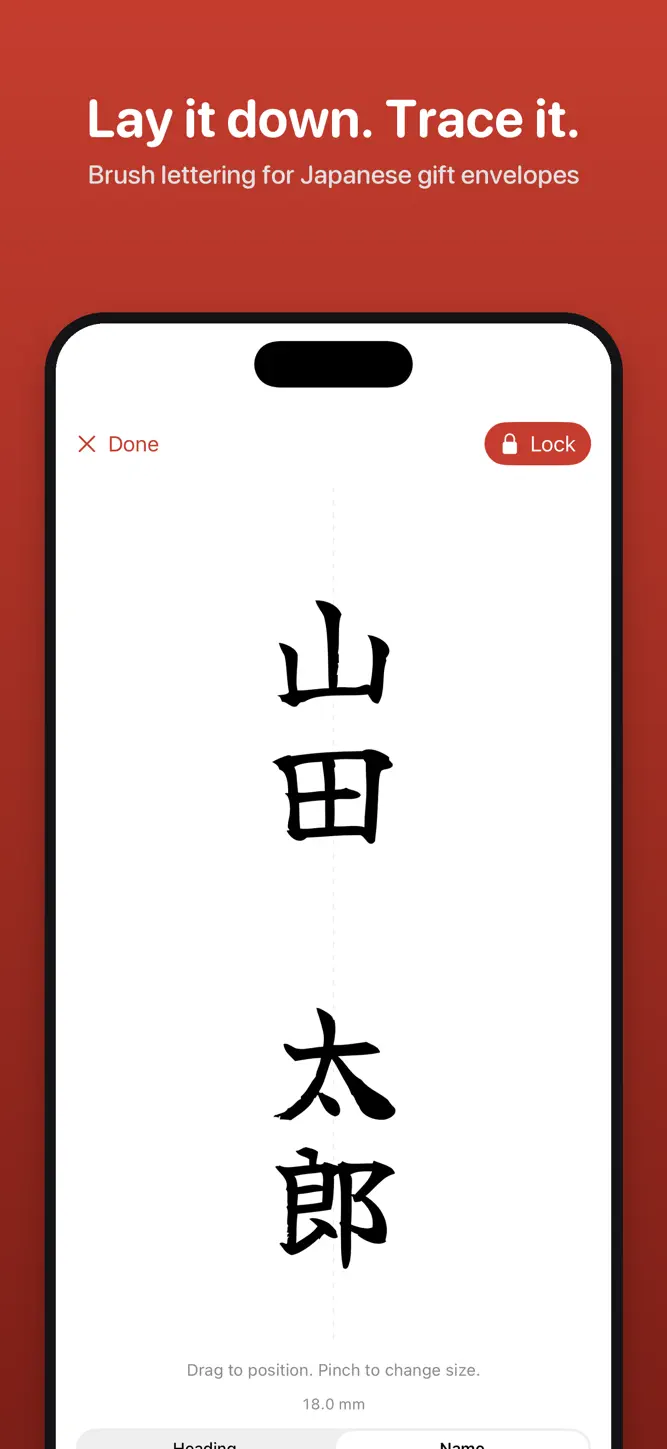
Writing names on Japanese money envelopes (goshugi-bukuro, koden-bukuro) by hand is stressful. Nazori shows your text in brush script at true size; lay the envelope on the screen and trace it with a brush pen.
TRUE-SIZE VERTICAL LAYOUT
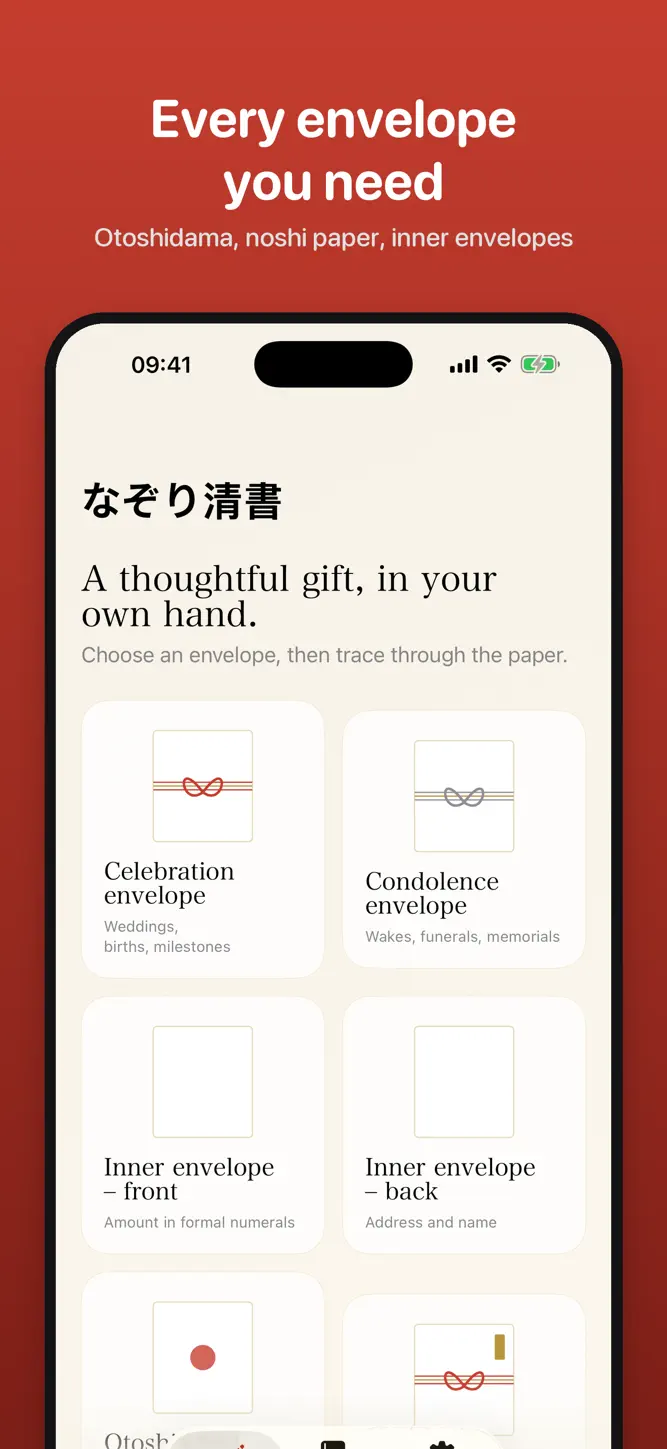
• Celebration and condolence envelopes, inner envelopes (front and back), otoshidama envelopes, noshi paper, free text
• Heading, name, amount and address shown part by part at their real size
• Calibrate with a credit card; set character height in millimetres
MADE FOR TRACING
• Screen lock: touches through the paper won't move anything
• Full brightness and no sleep while you trace
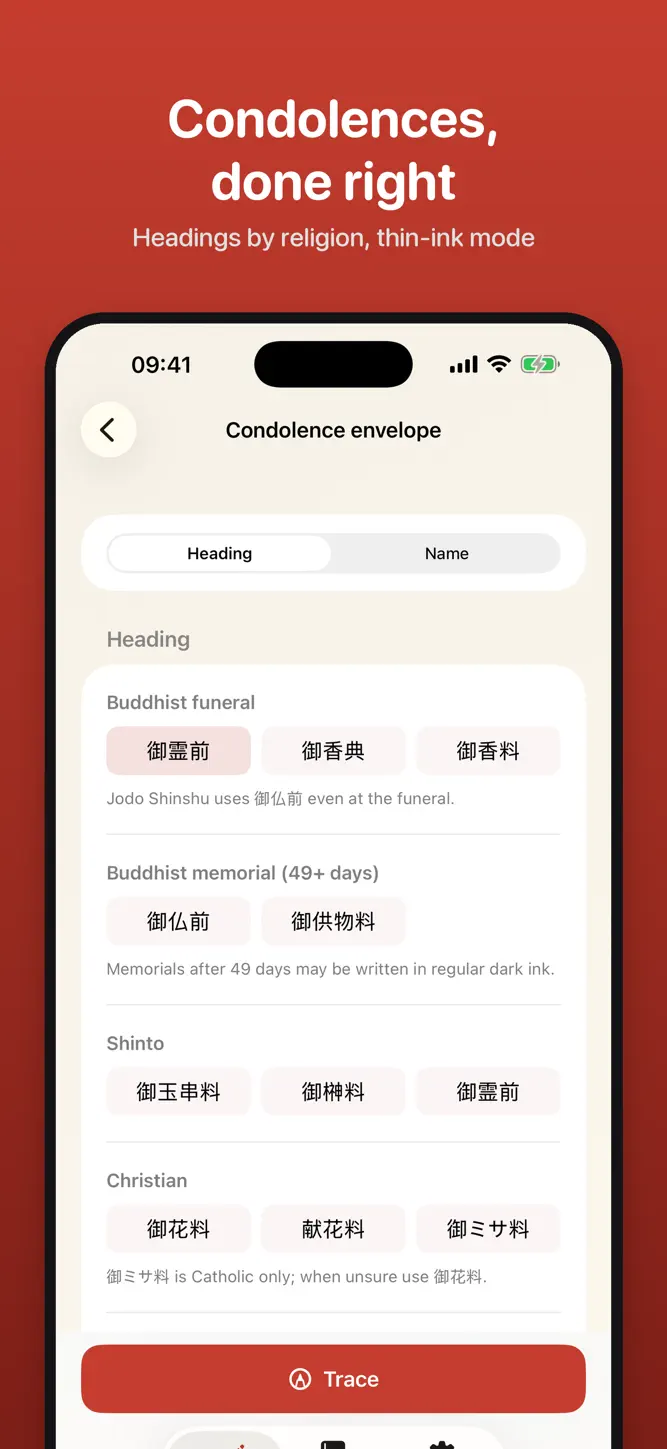
• Thin grey ink (usuzumi) mode for condolences
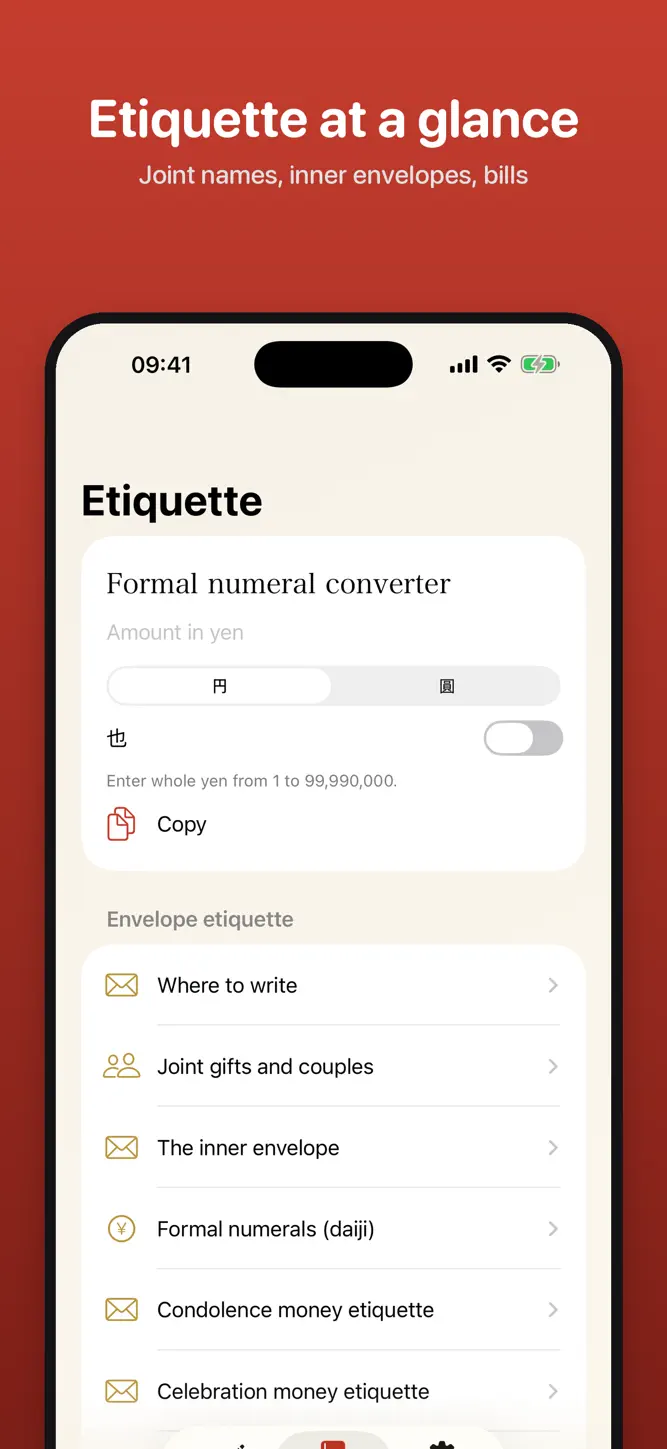
ETIQUETTE BUILT IN
• Headings by occasion: weddings, births, new homes, thanks and more
• Condolence headings for Buddhist, Shinto and Christian services
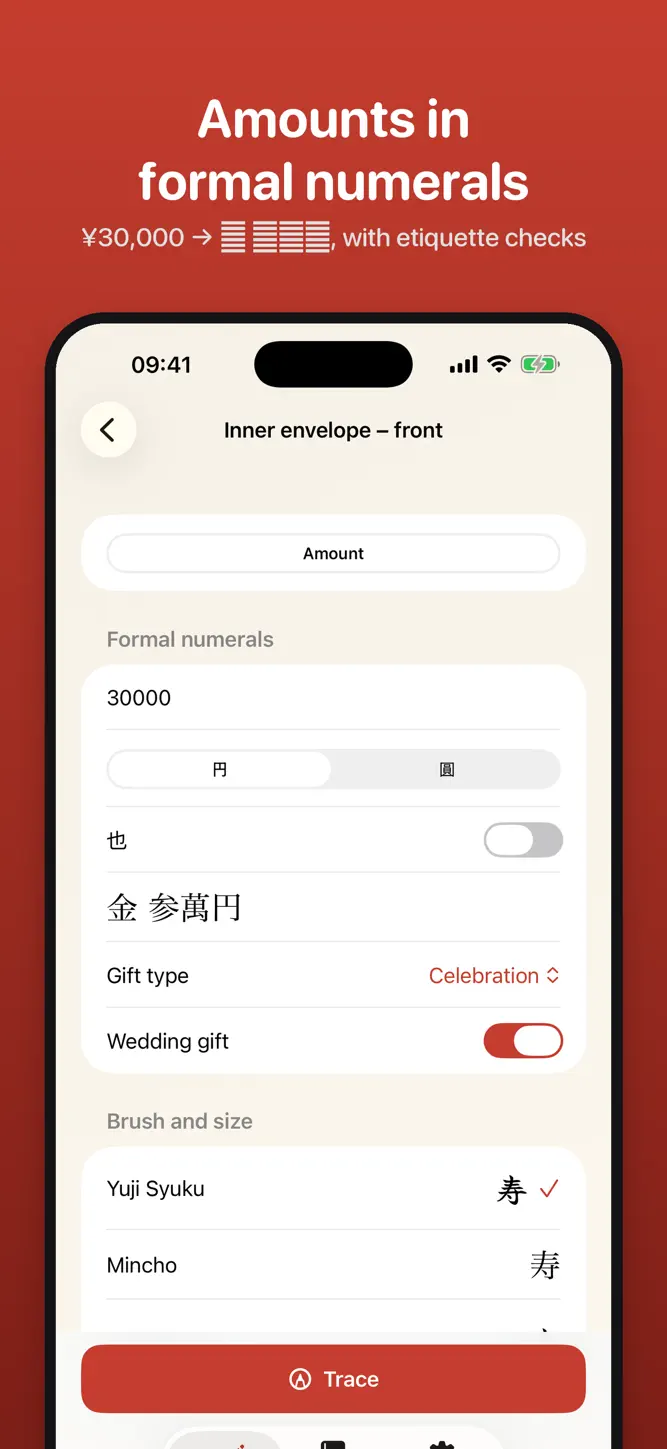
• Amounts converted to formal numerals (¥30,000 → 金 参萬円)
• Instant checks for unlucky amounts (4, 9, even numbers for weddings)
• Guides for joint gifts, couples, inner envelopes and otoshidama
PRO: ONE-TIME PURCHASE, NO SUBSCRIPTION
Joint names (up to 3, couples, 外一同), inner-envelope address, two more brush fonts, outline style, unlimited saved envelopes.
No ads, no sign-up, no data collection.
Fonts: Yuji Syuku, Yuji Boku, Yuji Mai (SIL Open Font License 1.1).
How to download Nazori: Envelope Calligraphy?
- Tap the Google Play button (Android) or the App Store button (iPhone / iPad) in the download section.
- The official store page of Nazori: Envelope Calligraphy opens in a new tab.
- Tap Install or Get and wait until the download finishes.
- Open Nazori: Envelope Calligraphy from your home screen and start playing.
FAQ
Is Nazori: Envelope Calligraphy free to play?
Yes, Nazori: Envelope Calligraphy is free to download.
Is Nazori: Envelope Calligraphy available for iPhone?
Yes, Nazori: Envelope Calligraphy is available on the Apple App Store and needs iOS 17.0 or later.
Is it safe to download Nazori: Envelope Calligraphy?
Yes. GameZone does not host any files — the download buttons open the official Google Play and App Store pages.
Download the App
Similar Games


Disclaimer
1. GameZone does not represent any developer, nor is it the developer of any app or game listed on this website.
2. Game details such as icons, screenshots, ratings and descriptions are collected from the public Google Play and App Store listings so players can compare games before installing.
3. All trademarks, registered trademarks, product names, company names and logos are the property of their respective owners.
4. GameZone does not host APK or IPA files. Every download button opens the official Google Play Store or Apple App Store page of the game.
5. GameZone respects the Digital Millennium Copyright Act (DMCA). If you are the owner of any content shown here and want it removed, please contact us at contact@shresult.com.