


Nestra: Private Photo Vault
Snir Tam
Category
Content Rating
4+
Developer
Snir Tam
Version
1.0
Updated
Oct 6, 2026
Requires
iOS 17.0 or later
Price
Free
Size (iOS)
3.3 MB
Advertisement
Screenshots

Advertisement
Editor Reviews
Nestra: Private Photo Vault is an action game developed by Snir Tam for iPhone & iPad.
Nestra: Private Photo Vault is free to download. The latest version 1.0 was released on Oct 6, 2026. Content rating: 4+.
About Nestra: Private Photo Vault
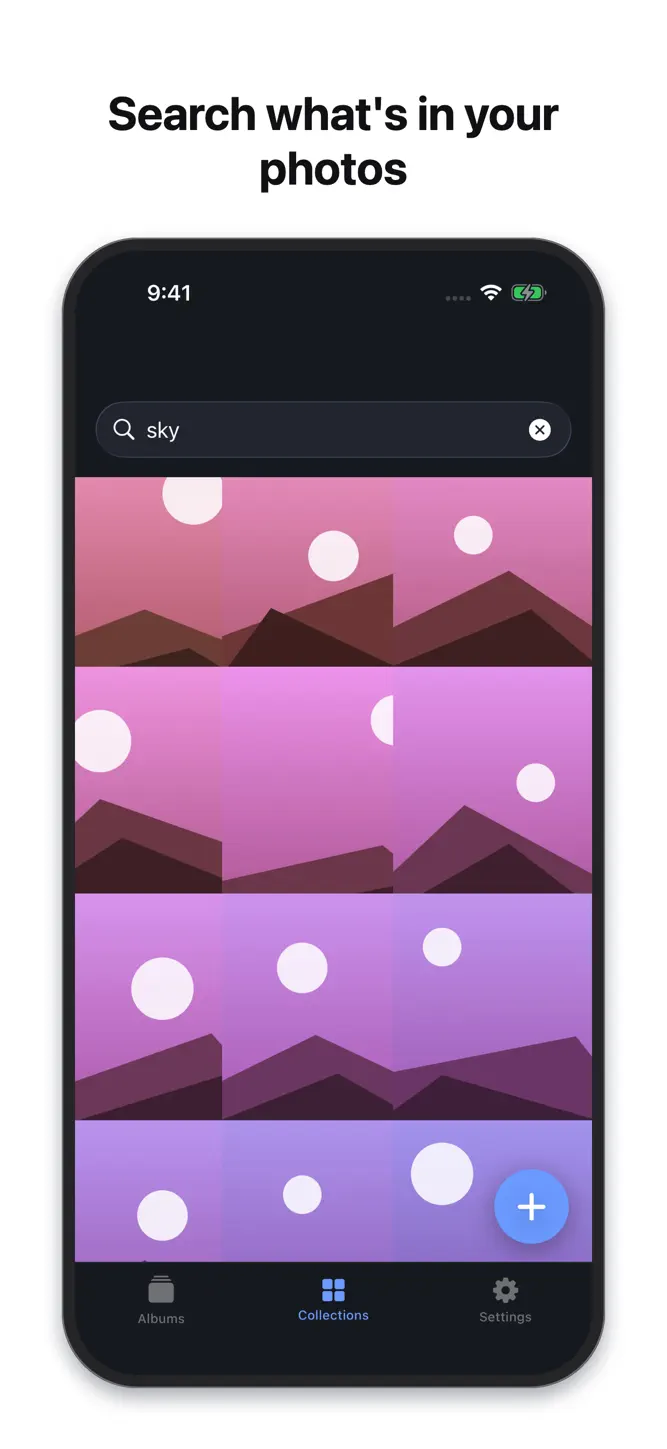
SEARCH WHAT IS INSIDE
Nestra reads your photos on this iPhone so you can find them again — by what is in them, or by words printed on them. A receipt, a beach, a screenshot. Nothing is uploaded to do it, and there is no account and no server.
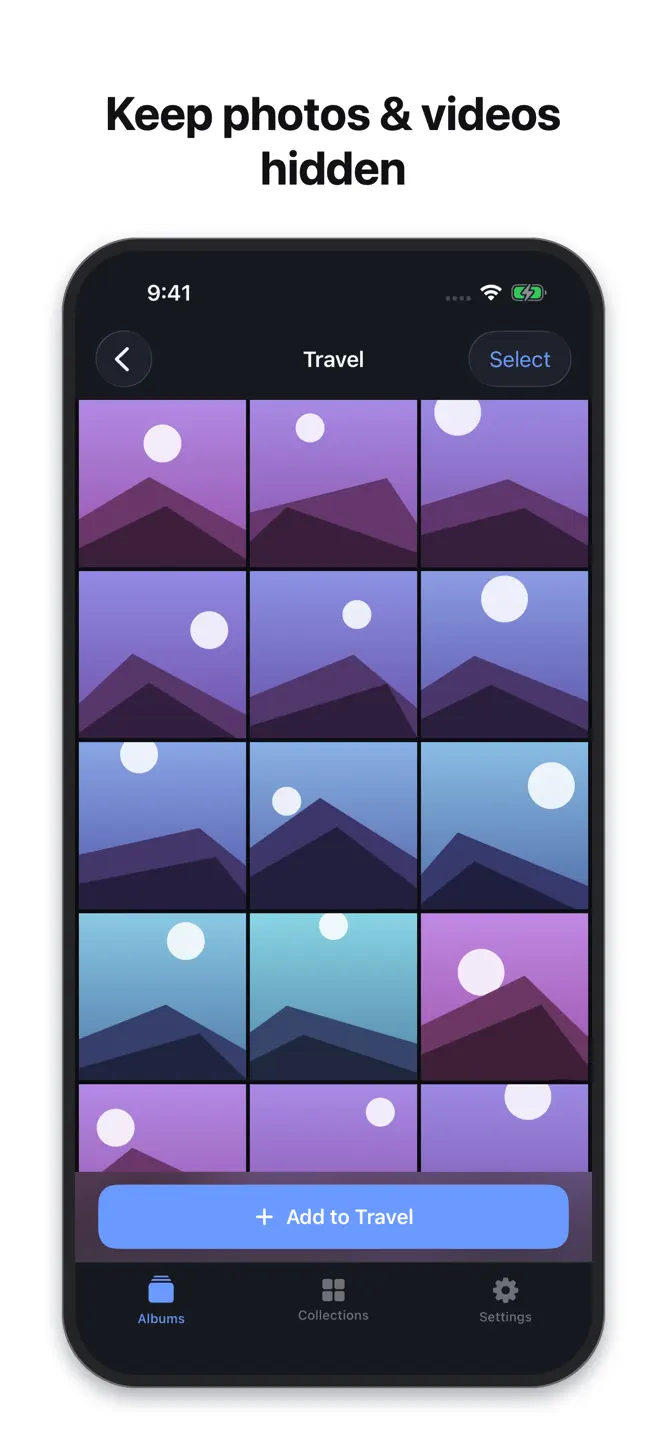
Your phone gets handed around: showing a picture, passing it to a kid, sharing a screen. Nestra gives your private photos and videos a place of their own, locked behind Face ID.
Everything stays on your iPhone. There is no account, no server, and no cloud. Nothing you add is ever uploaded.
Nestra is a paid app. A purchase is required to use the vault.
**Locking**
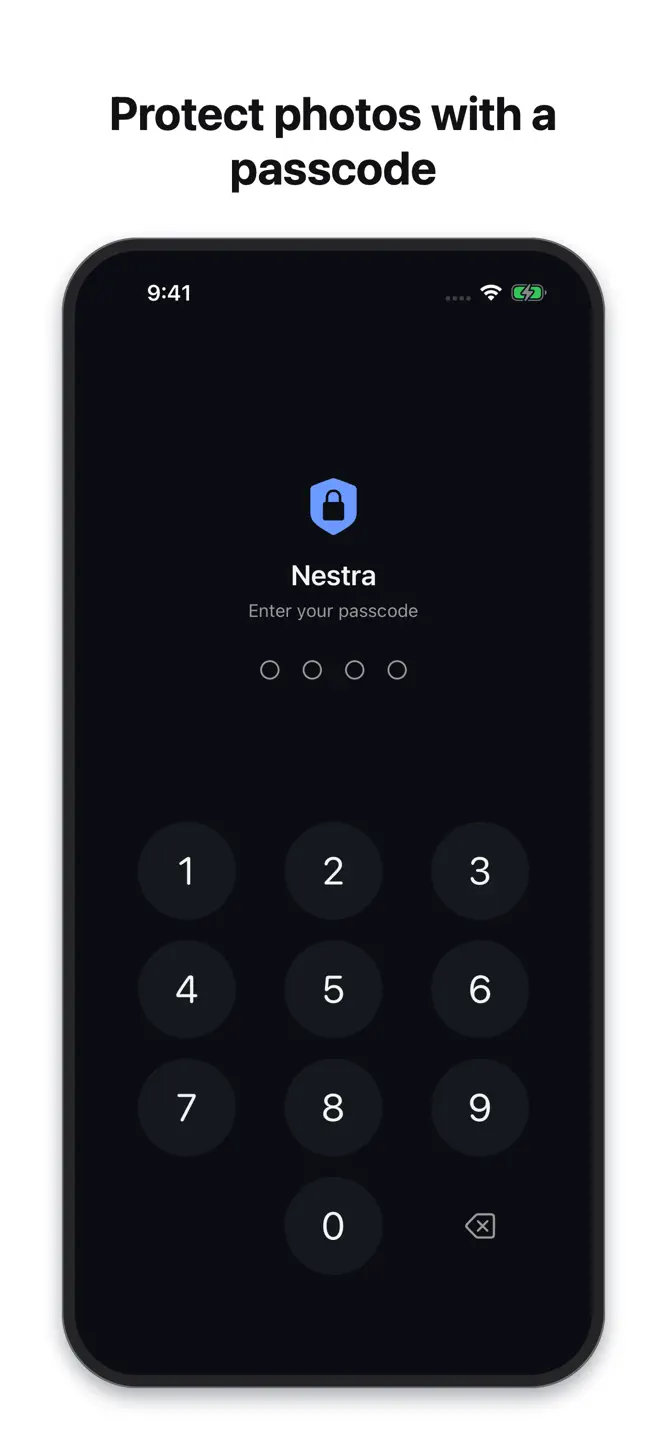
- Face ID or Touch ID opens the vault, with a 4-digit passcode you choose as a fallback.
- Five wrong passcode attempts lock the app for 30 seconds.
- Auto-lock when you leave the app: immediately, after 30 seconds, 1 minute, or 5 minutes.
- The app switcher preview is blurred, so your vault does not show up in the multitasking snapshot.
**Importing and organizing**
- Bring photos and videos in from your photo library, into albums you create.
- After an import, the app offers to delete the original copies from your library in one step.
- It then reminds you that iOS keeps deleted items in Photos › Albums › Recently Deleted for 30 days, and that you should empty that album — the step most people miss.
- Full-screen viewer with pinch to zoom, and playback for videos.
- Export anything back to Photos whenever you want. Your files are never held hostage.
**Privacy, stated plainly**
- No account, no login, no sync.
- No third-party SDKs, no analytics, no tracking. The App Store privacy label reads "Data Not Collected".
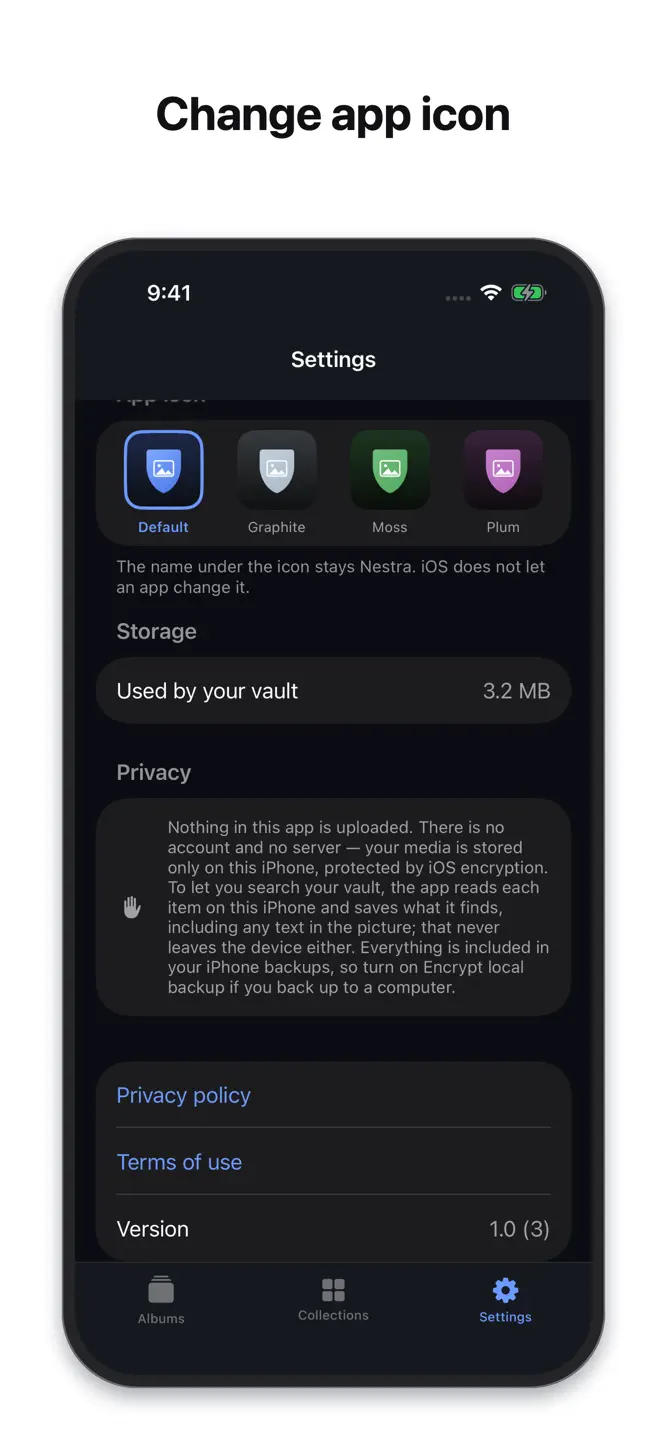
- Files are stored using iOS Data Protection: hardware-backed encryption tied to your device passcode.
- Your vault is included in your iPhone backups, so replacing your phone does not mean losing it. If you back up to a computer, turn on Encrypt local backup.
**Pricing**
An annual subscription with a 3-day free trial, or a single payment for lifetime access. The exact price for your country is shown in the App Store before you buy.
Built and maintained by an independent developer.
Privacy Policy: https://snirtam.github.io/photo-vault-legal/privacy.html
Terms of Use (EULA): https://www.apple.com/legal/internet-services/itunes/dev/stdeula/
How to download Nestra: Private Photo Vault?
- Tap the Google Play button (Android) or the App Store button (iPhone / iPad) in the download section.
- The official store page of Nestra: Private Photo Vault opens in a new tab.
- Tap Install or Get and wait until the download finishes.
- Open Nestra: Private Photo Vault from your home screen and start playing.
FAQ
Is Nestra: Private Photo Vault free to play?
Yes, Nestra: Private Photo Vault is free to download.
Is Nestra: Private Photo Vault available for iPhone?
Yes, Nestra: Private Photo Vault is available on the Apple App Store and needs iOS 17.0 or later.
Is it safe to download Nestra: Private Photo Vault?
Yes. GameZone does not host any files — the download buttons open the official Google Play and App Store pages.
Download the App
Similar Games


Disclaimer
1. GameZone does not represent any developer, nor is it the developer of any app or game listed on this website.
2. Game details such as icons, screenshots, ratings and descriptions are collected from the public Google Play and App Store listings so players can compare games before installing.
3. All trademarks, registered trademarks, product names, company names and logos are the property of their respective owners.
4. GameZone does not host APK or IPA files. Every download button opens the official Google Play Store or Apple App Store page of the game.
5. GameZone respects the Digital Millennium Copyright Act (DMCA). If you are the owner of any content shown here and want it removed, please contact us at contact@shresult.com.