


PDF Compressor
Jeny Goentoro
Category
Content Rating
4+
Developer
Jeny Goentoro
Version
1.0
Updated
Sep 30, 2026
Requires
iOS 17.0 or later
Price
Free
Size (iOS)
3.0 MB
Advertisement
Screenshots

Advertisement
Editor Reviews
PDF Compressor is an action game developed by Jeny Goentoro for iPhone & iPad.
PDF Compressor is free to download. The latest version 1.0 was released on Sep 30, 2026. Content rating: 4+.
About PDF Compressor
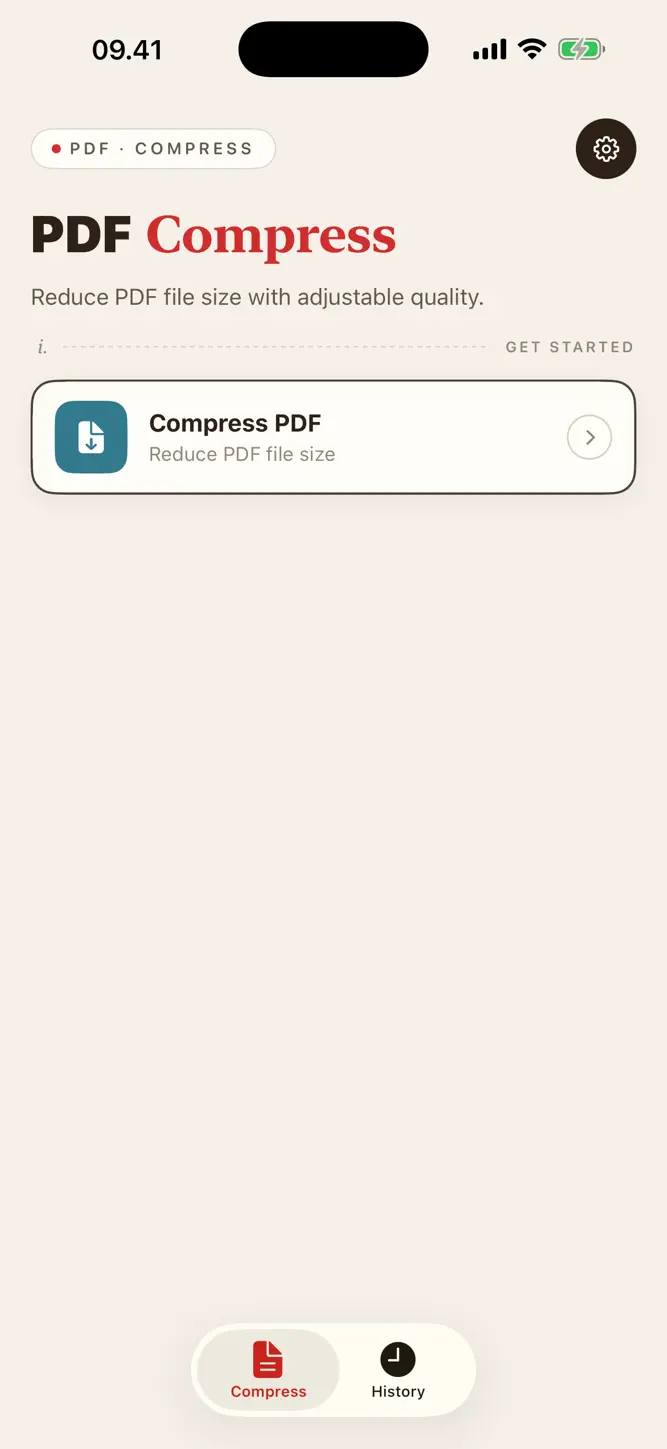
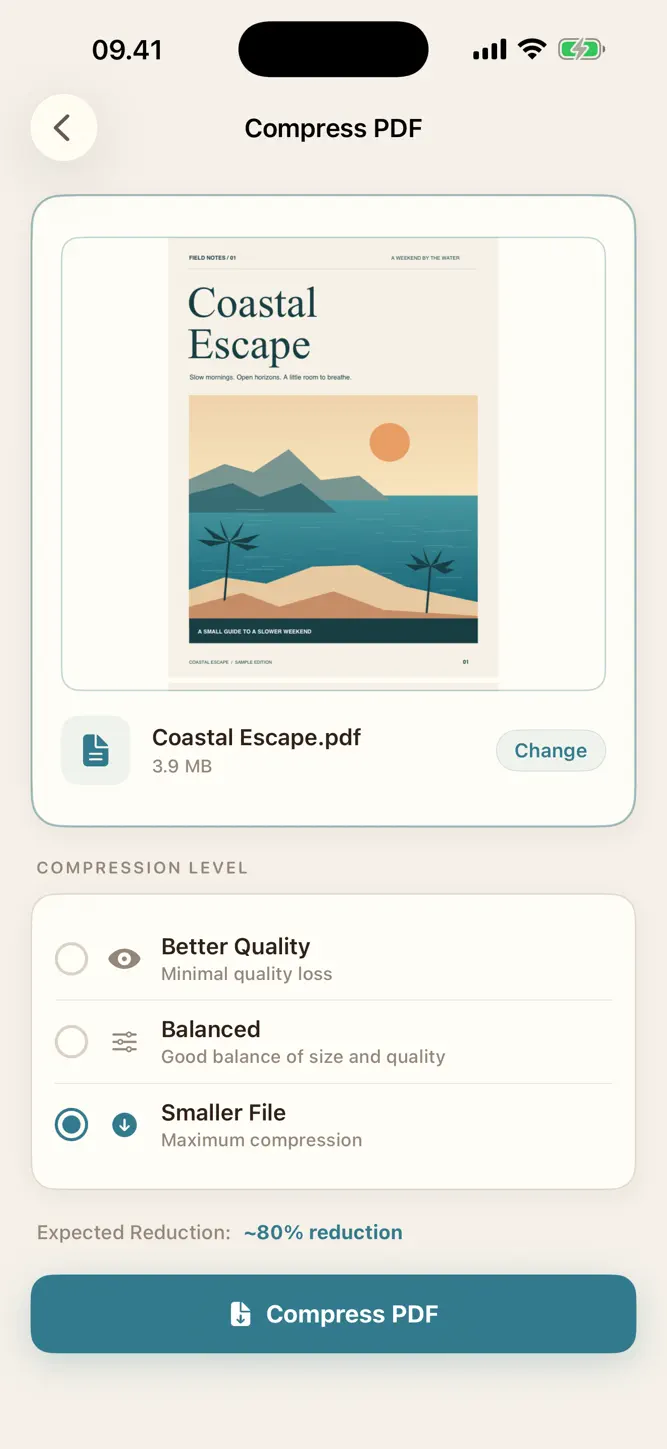
PDF Compressor helps you reduce PDF file size for sharing, uploading, and keeping smaller copies of your documents. Select a PDF, choose a compression level, and check the result before saving or sharing it.
Choose your compression level
Pick Better Quality, Balanced, or Smaller File to prioritize visual quality or a smaller output. The amount of reduction depends on the original document.
Check the result
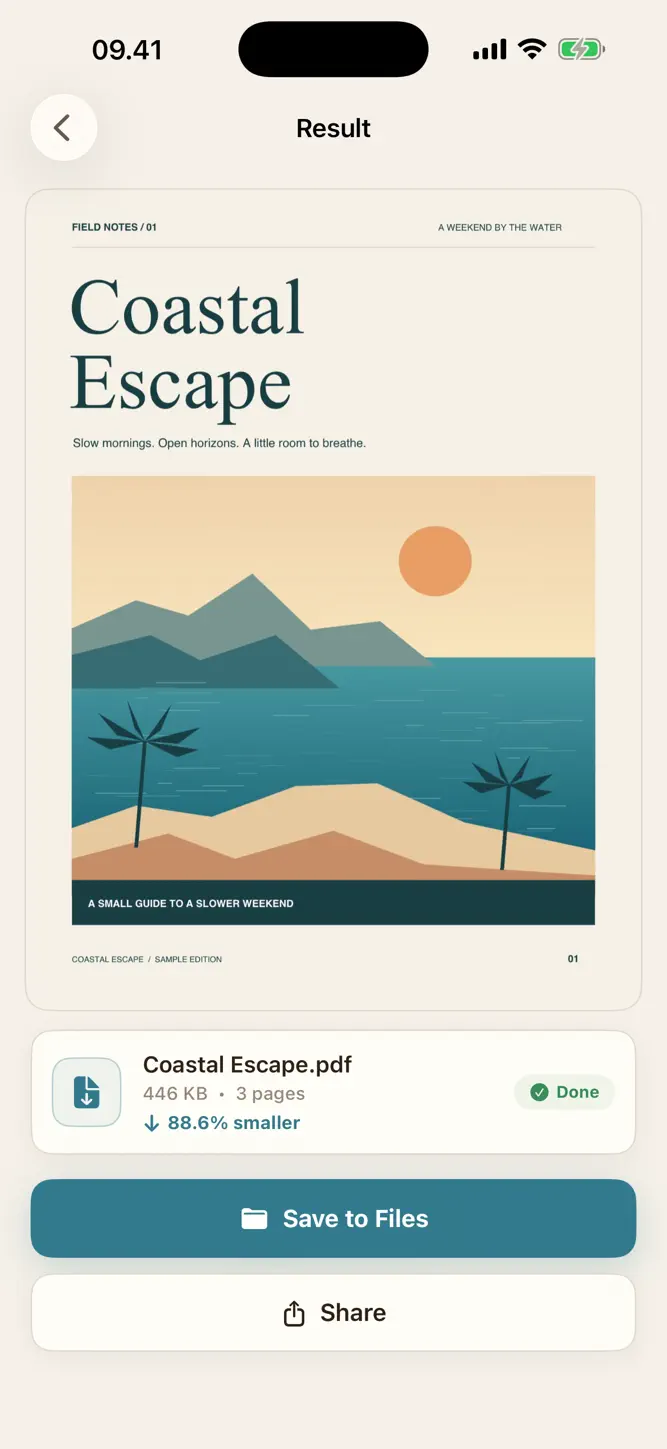
Preview your compressed PDF and see its file size, page count, and percentage reduction. Your original PDF stays unchanged, so you can review the compressed copy before using it.
Save, share, and find it again
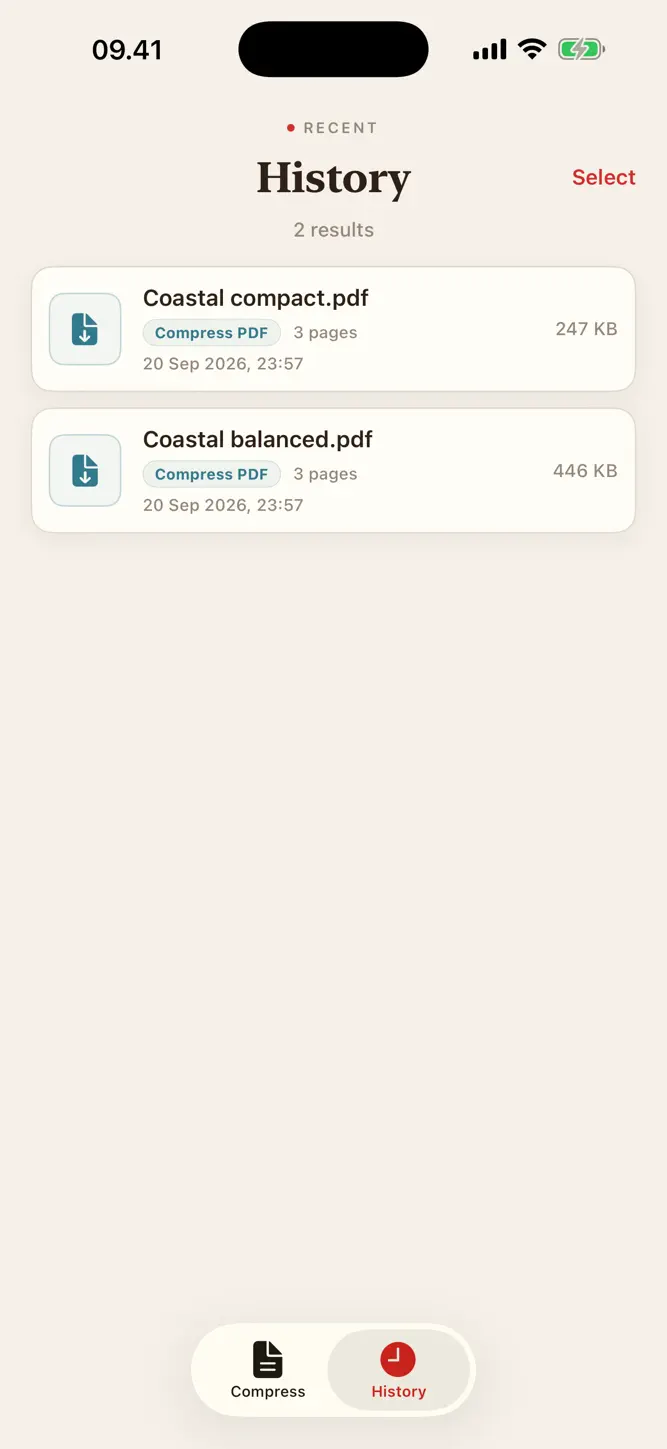
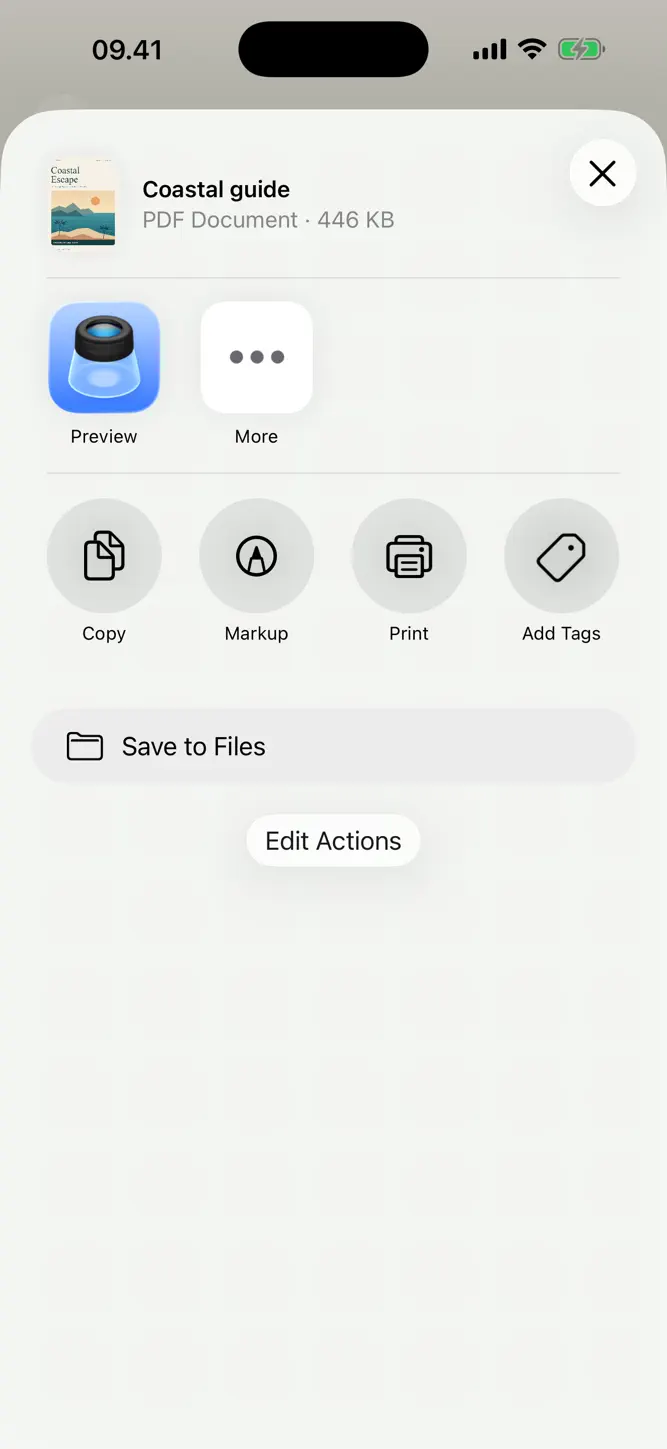
Save the result to Files or send it through the share sheet. Saved results remain available in History for previewing, sharing, renaming, or deleting later.
Process your PDFs locally
Compression runs locally without uploading your documents to a processing server. No account is required, and the app contains no advertising, in-app purchases, or subscriptions.
Before you compress
Compression converts each page into an image within the output PDF. Visual quality may decrease, and text in the compressed copy will no longer be selectable or searchable. Some PDFs may not become smaller, and a specific output size is not guaranteed.
Privacy Policy: https://alderpathstudio.github.io/PDF-Compressor/privacy-policy.html
Terms of Use: https://alderpathstudio.github.io/PDF-Compressor/term-of-use.html
How to download PDF Compressor?
- Tap the Google Play button (Android) or the App Store button (iPhone / iPad) in the download section.
- The official store page of PDF Compressor opens in a new tab.
- Tap Install or Get and wait until the download finishes.
- Open PDF Compressor from your home screen and start playing.
FAQ
Is PDF Compressor free to play?
Yes, PDF Compressor is free to download.
Is PDF Compressor available for iPhone?
Yes, PDF Compressor is available on the Apple App Store and needs iOS 17.0 or later.
Is it safe to download PDF Compressor?
Yes. GameZone does not host any files — the download buttons open the official Google Play and App Store pages.
Download the App
Similar Games


Disclaimer
1. GameZone does not represent any developer, nor is it the developer of any app or game listed on this website.
2. Game details such as icons, screenshots, ratings and descriptions are collected from the public Google Play and App Store listings so players can compare games before installing.
3. All trademarks, registered trademarks, product names, company names and logos are the property of their respective owners.
4. GameZone does not host APK or IPA files. Every download button opens the official Google Play Store or Apple App Store page of the game.
5. GameZone respects the Digital Millennium Copyright Act (DMCA). If you are the owner of any content shown here and want it removed, please contact us at contact@shresult.com.