


Quadrille: QR Scanner & Maker
Grisu Studio LLC
Category
Content Rating
4+
Developer
Grisu Studio LLC
Version
1.0.0
Updated
Sep 29, 2026
Requires
iOS 16.4 or later
Price
Free
Size (iOS)
54.1 MB
Advertisement
Screenshots
Advertisement
Editor Reviews
Quadrille: QR Scanner & Maker is an action game developed by Grisu Studio LLC for iPhone & iPad.
Quadrille: QR Scanner & Maker is free to download. The latest version 1.0.0 was released on Sep 29, 2026. Content rating: 4+.
About Quadrille: QR Scanner & Maker
Quadrille makes QR codes you would actually put on something, and reads the ones you meet.
MAKE A CODE
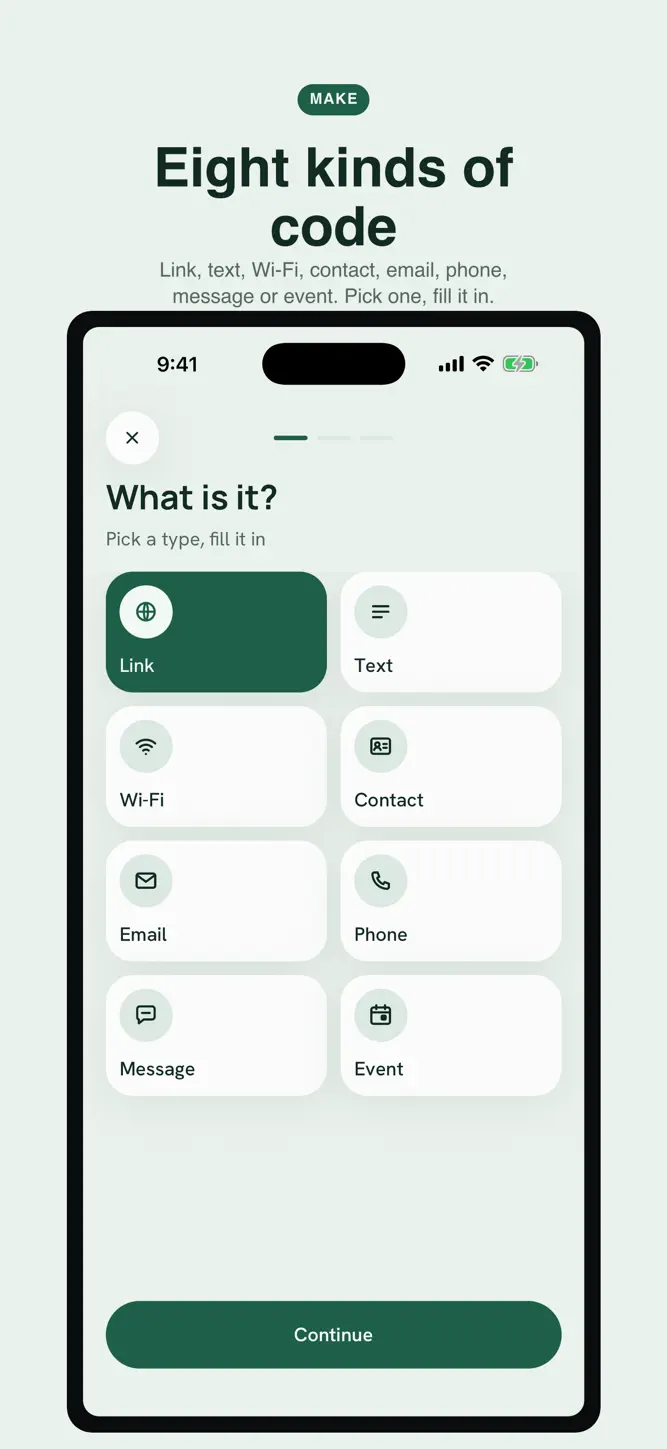
Pick what it says — a link, some text, a Wi-Fi network, a contact card, an email address, a phone number, a message or a calendar event — and the code draws itself as you type. Wi-Fi codes join the network, contact codes save the person, event codes go straight into a calendar: every type is encoded in the format phones already understand.
STYLE IT
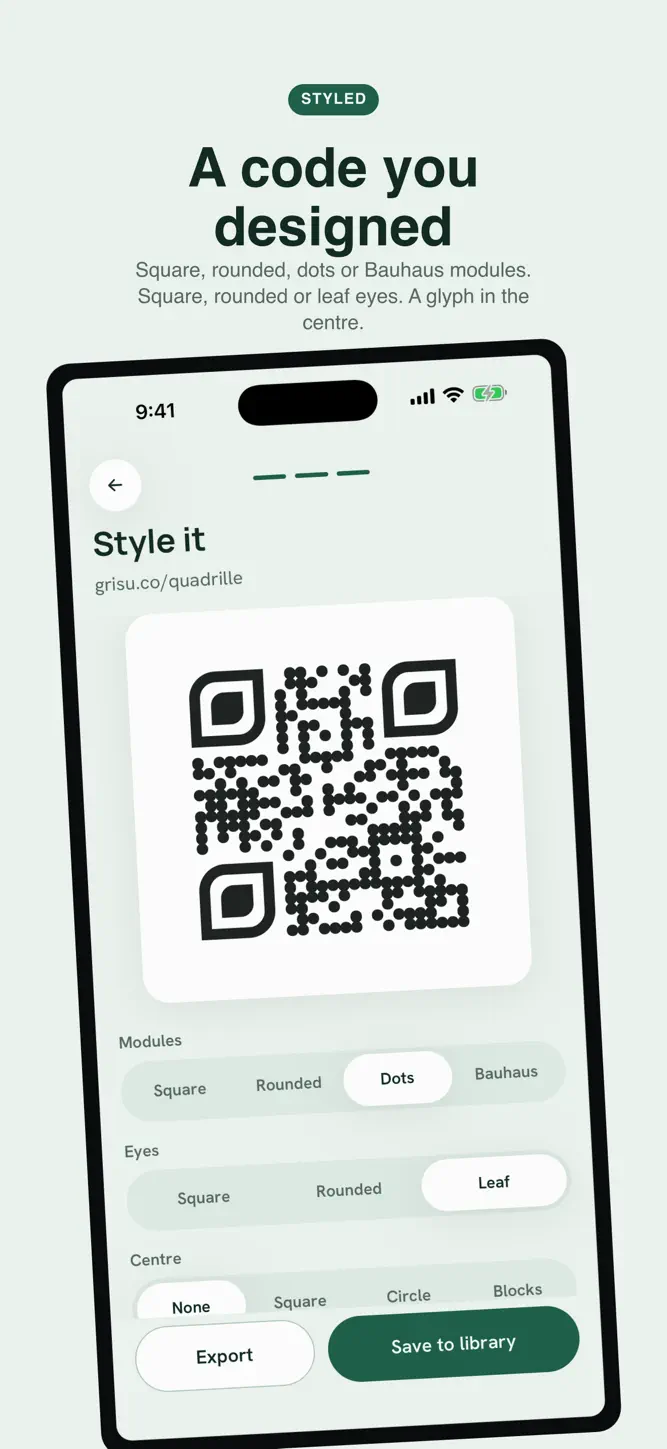
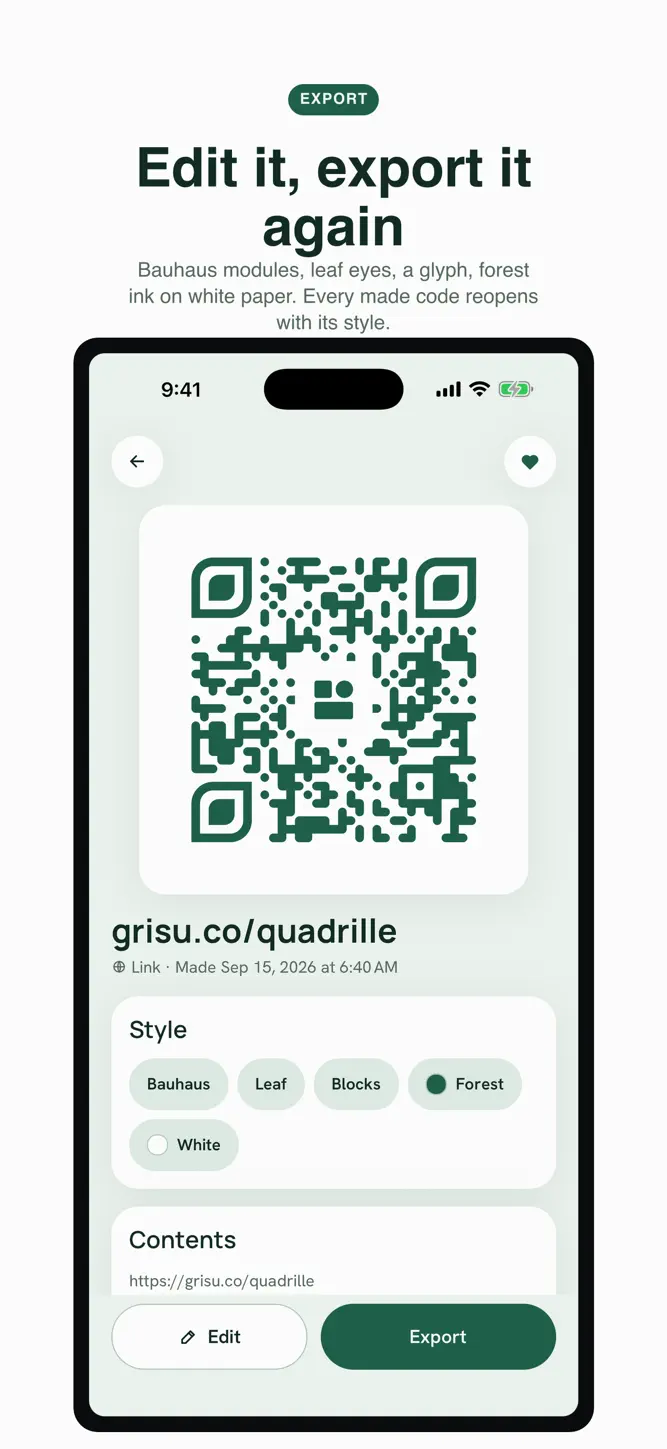
Square, rounded, dot or Bauhaus modules. Square, rounded or leaf eyes. A glyph in the middle with its own quiet zone. Ink and paper from a curated palette. The app raises the error correction when you add a glyph, and it tells you plainly when a colour pair will not scan, so the code you export is one a camera can read.
EXPORT IT
Save a PNG at 1024 or 2048 pixels to Photos. Share an SVG for print. Share a card with the code on it. Copy the text. Export your whole library as CSV, TXT or JSON.
SCAN, THEN ACT
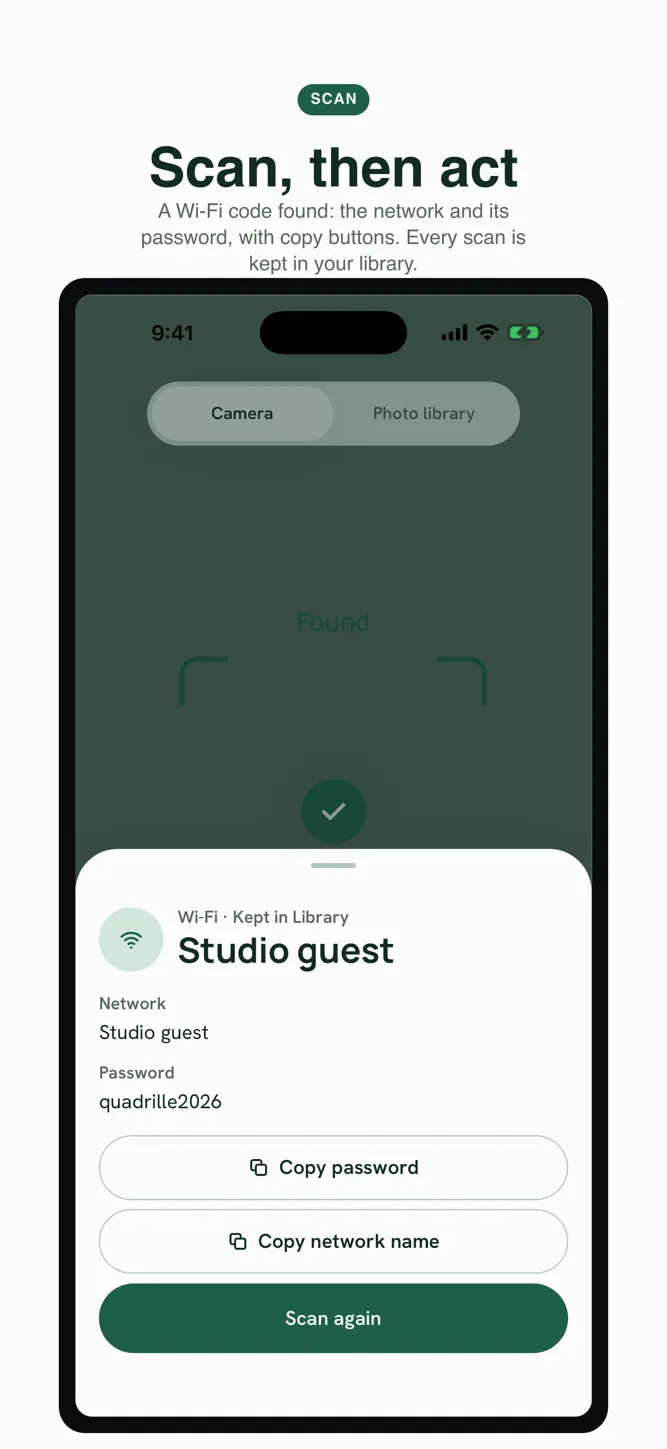
Point the camera or pick a photo. A link opens, a Wi-Fi network shows its name and password with copy buttons, a contact saves as a card, an event goes to your calendar. Every scan is kept with its type. The camera reads QR codes on your phone; no frame is stored or sent anywhere.
A LIBRARY OF MADE AND SCANNED
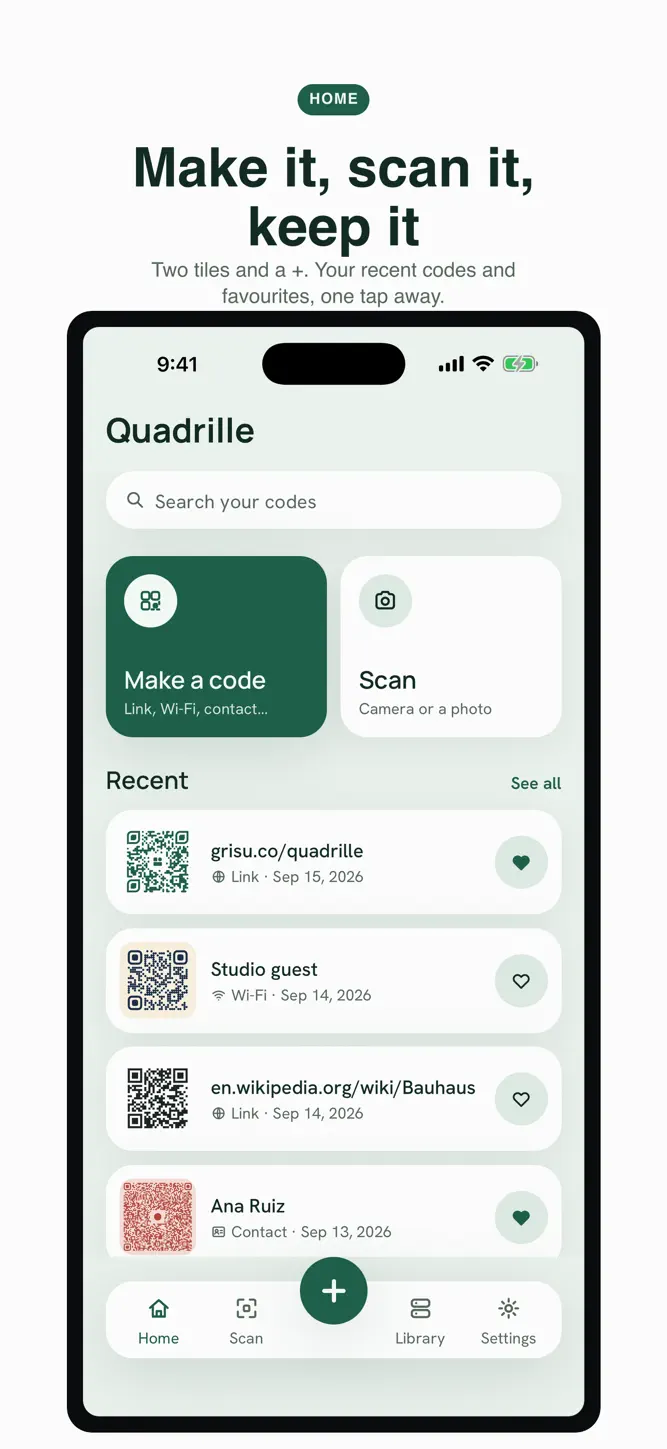
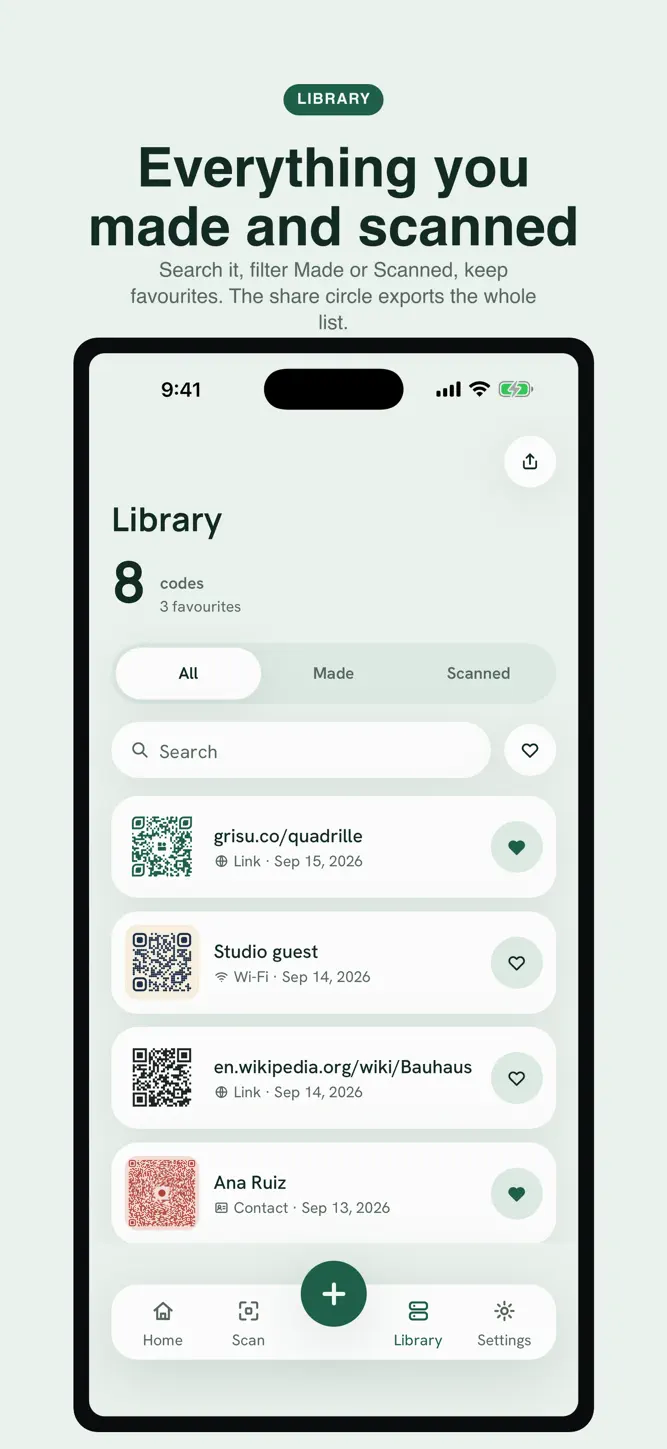
Everything you make and everything you scan, drawn as cards you can search, favourite and swipe away. Reopen a made code to edit it and export it again.
ON YOUR PHONE, FULL STOP
No account, no login, no server of ours. Your codes live in local storage and can be deleted in one tap. Works offline. Five languages: English, Spanish, Portuguese, French, German.
Quadrille is free with ads: a banner under the Library and Settings screens, and now and then a full-screen ad after an export. Never on the camera.
How to download Quadrille: QR Scanner & Maker?
- Tap the Google Play button (Android) or the App Store button (iPhone / iPad) in the download section.
- The official store page of Quadrille: QR Scanner & Maker opens in a new tab.
- Tap Install or Get and wait until the download finishes.
- Open Quadrille: QR Scanner & Maker from your home screen and start playing.
FAQ
Is Quadrille: QR Scanner & Maker free to play?
Yes, Quadrille: QR Scanner & Maker is free to download.
Is Quadrille: QR Scanner & Maker available for iPhone?
Yes, Quadrille: QR Scanner & Maker is available on the Apple App Store and needs iOS 16.4 or later.
Is it safe to download Quadrille: QR Scanner & Maker?
Yes. GameZone does not host any files — the download buttons open the official Google Play and App Store pages.
Download the App
Similar Games


Disclaimer
1. GameZone does not represent any developer, nor is it the developer of any app or game listed on this website.
2. Game details such as icons, screenshots, ratings and descriptions are collected from the public Google Play and App Store listings so players can compare games before installing.
3. All trademarks, registered trademarks, product names, company names and logos are the property of their respective owners.
4. GameZone does not host APK or IPA files. Every download button opens the official Google Play Store or Apple App Store page of the game.
5. GameZone respects the Digital Millennium Copyright Act (DMCA). If you are the owner of any content shown here and want it removed, please contact us at contact@shresult.com.