


Quick PDF Tools
Emir ORKCU
Category
Content Rating
4+
Developer
Emir ORKCU
Version
1.0.1
Updated
Oct 6, 2026
Requires
iOS 15.0 or later
Price
Free
Size (iOS)
28.4 MB
Advertisement
Screenshots


Advertisement
Editor Reviews
Quick PDF Tools is an action game developed by Emir ORKCU for iPhone & iPad.
Quick PDF Tools is free to download. The latest version 1.0.1 was released on Oct 6, 2026. Content rating: 4+.
About Quick PDF Tools
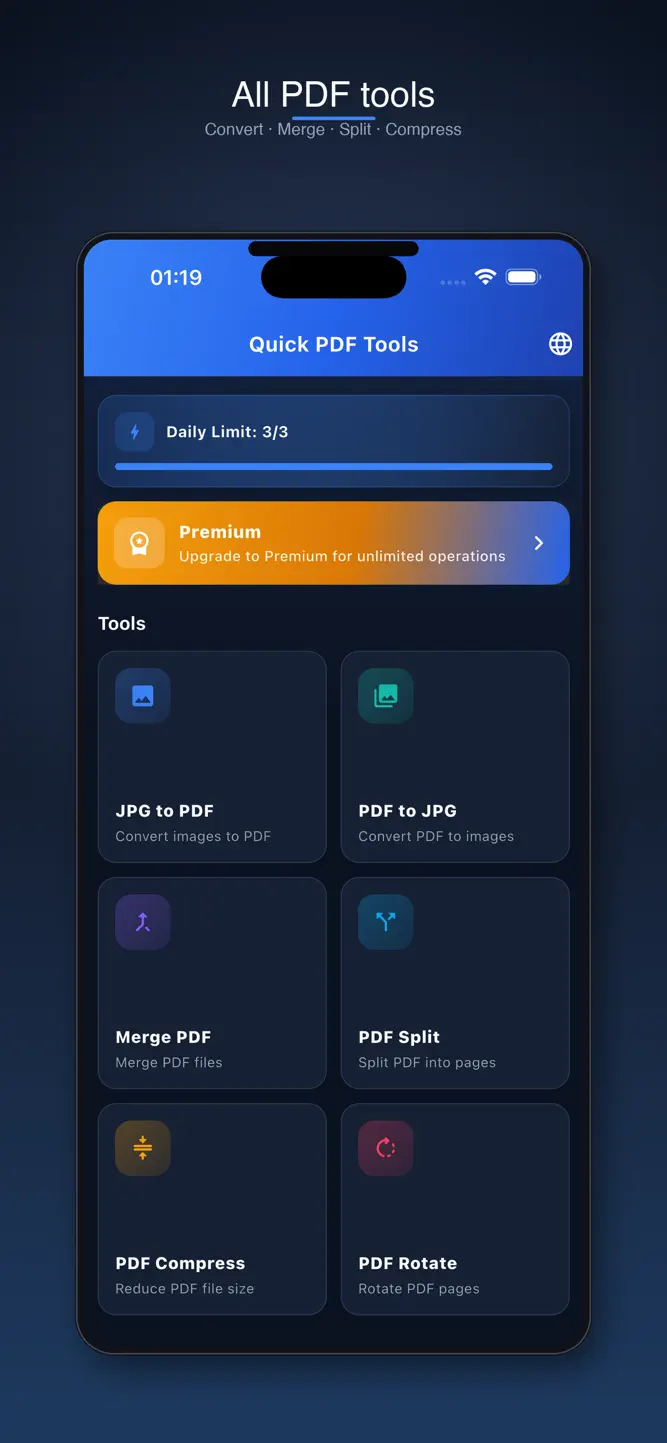
Quick PDF Tools gets your PDF tasks done in seconds. Merge, split, compress and rotate PDFs, turn photos into PDFs and export PDF pages as JPG. Everything is processed on your device, so your files are never uploaded to a server.
ALL YOUR PDF TOOLS IN ONE APP
• Merge PDF: Combine several PDFs into one document
• Split PDF: Separate pages or extract the ones you need
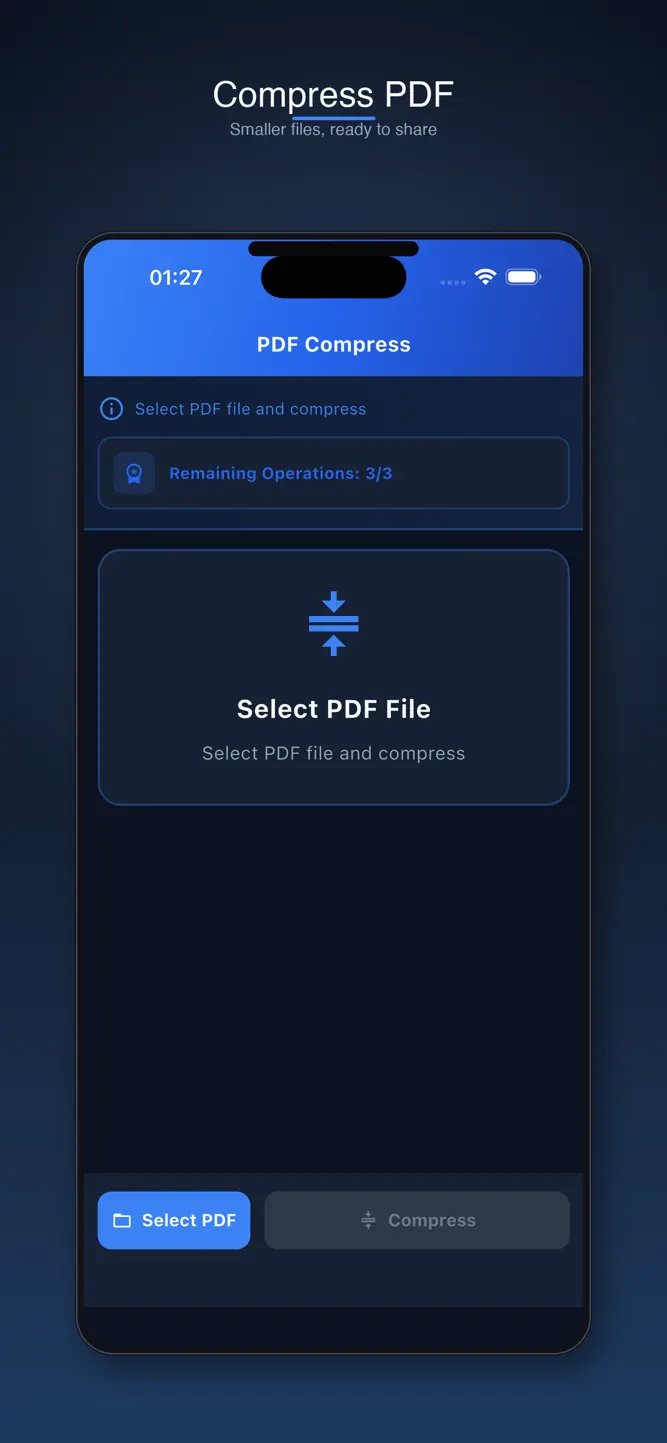
• Compress PDF: Reduce file size for easy sharing
• Rotate PDF: Fix page orientation in one tap
• JPG to PDF: Create a clean PDF from photos and images
• PDF to JPG: Export PDF pages as images
WHY QUICK PDF TOOLS?
• Fast and simple: No cluttered menus, results in a few taps
• Privacy first: Your files are processed on your device
• Easy sharing: Open, save or share the result right away
• Available in English, Turkish, Spanish and French
Great for students, freelancers and anyone who handles documents on their phone.
FREE AND PREMIUM
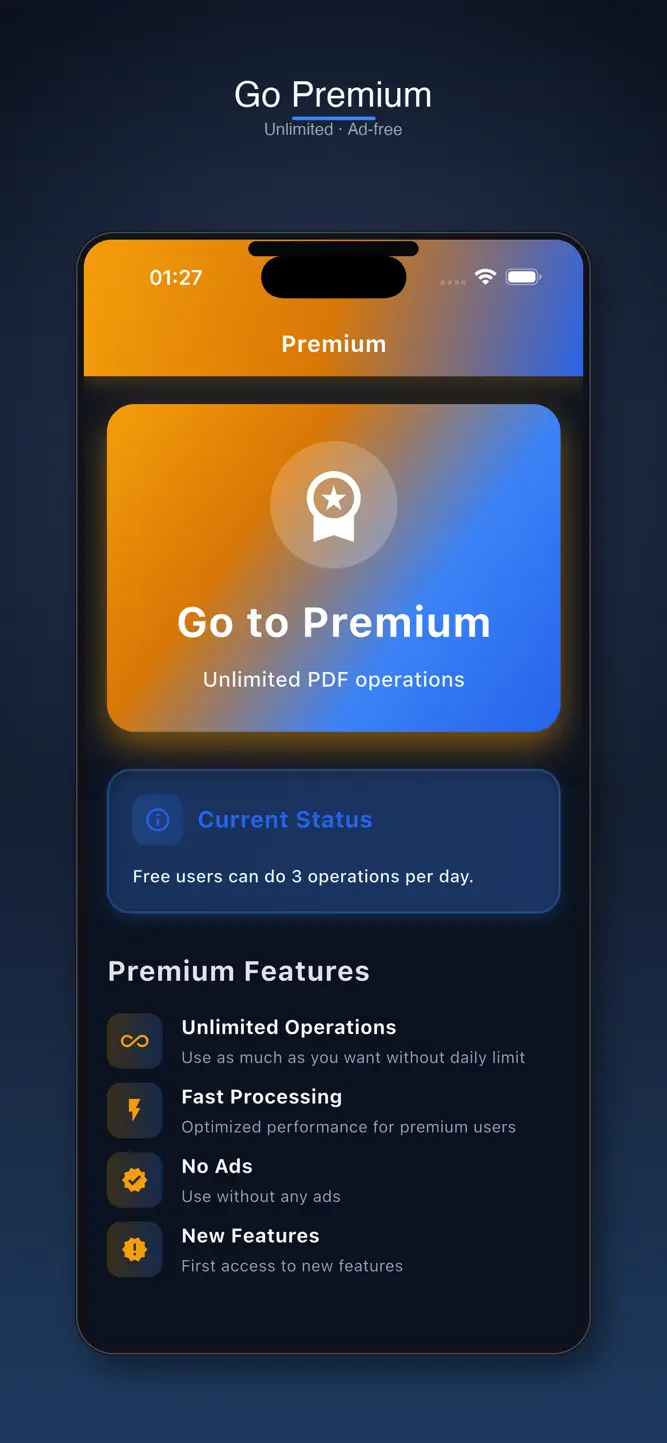
Do 3 PDF operations for free every day. Premium removes the daily limit and ads.
• Premium Monthly and Premium Yearly are auto-renewable subscriptions.
• Payment is charged to your Apple ID account at confirmation of purchase.
• Your subscription renews automatically unless cancelled at least 24 hours before the end of the current period.
• You can manage and cancel your subscription in your App Store account settings.
Terms of Use (EULA): https://www.apple.com/legal/internet-services/itunes/dev/stdeula/
Privacy Policy: https://emir-orkcu.github.io/privacy-policy.html
Support: https://emir-orkcu.github.io/support.html
What's New
• Improved texts on the Premium screen • More reliable loading of subscription options • Updated ad infrastructure • New support and privacy pages • Minor bug fixes and improvements
How to download Quick PDF Tools?
- Tap the Google Play button (Android) or the App Store button (iPhone / iPad) in the download section.
- The official store page of Quick PDF Tools opens in a new tab.
- Tap Install or Get and wait until the download finishes.
- Open Quick PDF Tools from your home screen and start playing.
FAQ
Is Quick PDF Tools free to play?
Yes, Quick PDF Tools is free to download.
Is Quick PDF Tools available for iPhone?
Yes, Quick PDF Tools is available on the Apple App Store and needs iOS 15.0 or later.
Is it safe to download Quick PDF Tools?
Yes. GameZone does not host any files — the download buttons open the official Google Play and App Store pages.
Download the App
Similar Games


Disclaimer
1. GameZone does not represent any developer, nor is it the developer of any app or game listed on this website.
2. Game details such as icons, screenshots, ratings and descriptions are collected from the public Google Play and App Store listings so players can compare games before installing.
3. All trademarks, registered trademarks, product names, company names and logos are the property of their respective owners.
4. GameZone does not host APK or IPA files. Every download button opens the official Google Play Store or Apple App Store page of the game.
5. GameZone respects the Digital Millennium Copyright Act (DMCA). If you are the owner of any content shown here and want it removed, please contact us at contact@shresult.com.