



Quiet Lab: DJ Beat Maker
SYNAPPS AI LTD
Category
Content Rating
4+
Developer
SYNAPPS AI LTD
Version
1.3
Updated
Oct 17, 2026
Requires
iOS 17.0 or later
Price
Free
Size (iOS)
36.3 MB
Advertisement
Screenshots



Advertisement
Editor Reviews
Quiet Lab: DJ Beat Maker is a simulation game developed by SYNAPPS AI LTD for iPhone & iPad.
Quiet Lab: DJ Beat Maker is free to download. The latest version 1.3 was released on Oct 17, 2026. Content rating: 4+.
About Quiet Lab: DJ Beat Maker
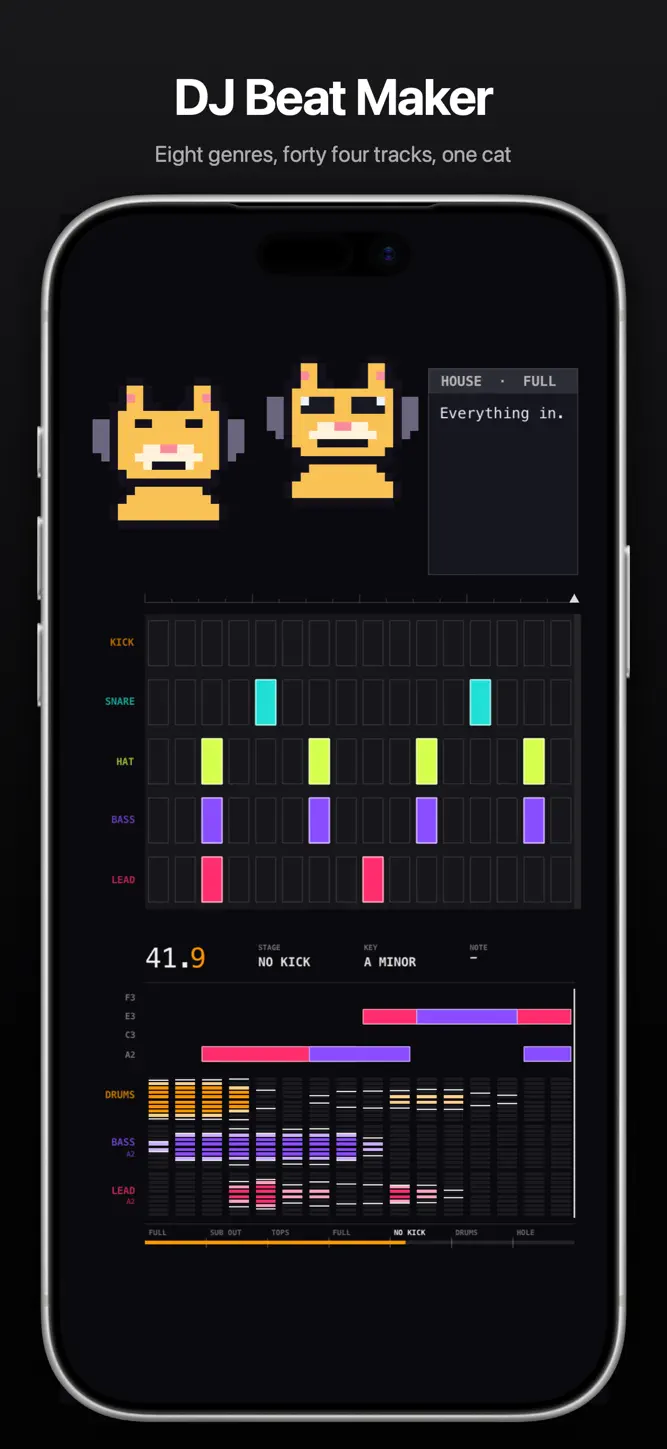
A cat in headphones builds a track in front of you.
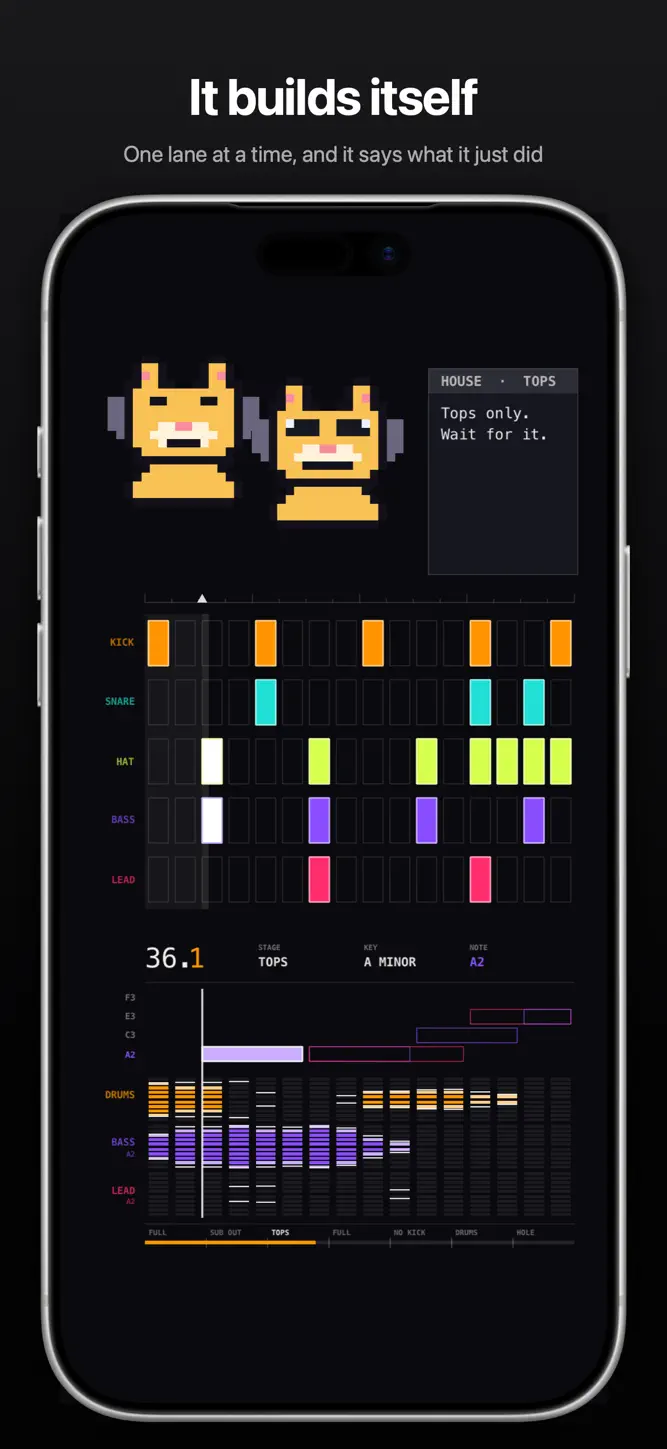
It starts with a kick. Then a hat, a snare, a bass line, a lead, one lane at a time, and it says what it just did as it goes. By the end the whole grid is lit and the cats are dancing. Then it starts again on different music.
MAKE YOUR OWN
Switch to Build and the grid is yours. Tap the cells you want, press play, and it plays exactly what you put there. Every cell makes a sound.
EIGHT GENRES, FORTY EIGHT TRACKS
House, techno, dubstep, drum and bass, rock, trap, disco and lofi. Six tracks in each. Every one is its own pattern, its own key and sometimes its own tempo, so a genre is not one song on repeat.
House and lofi are free, with all twelve of their tracks and both modes, so you hear exactly what you would be paying for before you pay for it.
NOTHING HERE IS A RECORDING
Every kick, snare, hat, bass note and lead note is generated in code as it plays. There are no samples and no music files. Nothing is licensed from anybody, and the tempo slider changes the music instead of changing its pitch.
TWENTY THREE MACHINES THAT RUN THEMSELVES
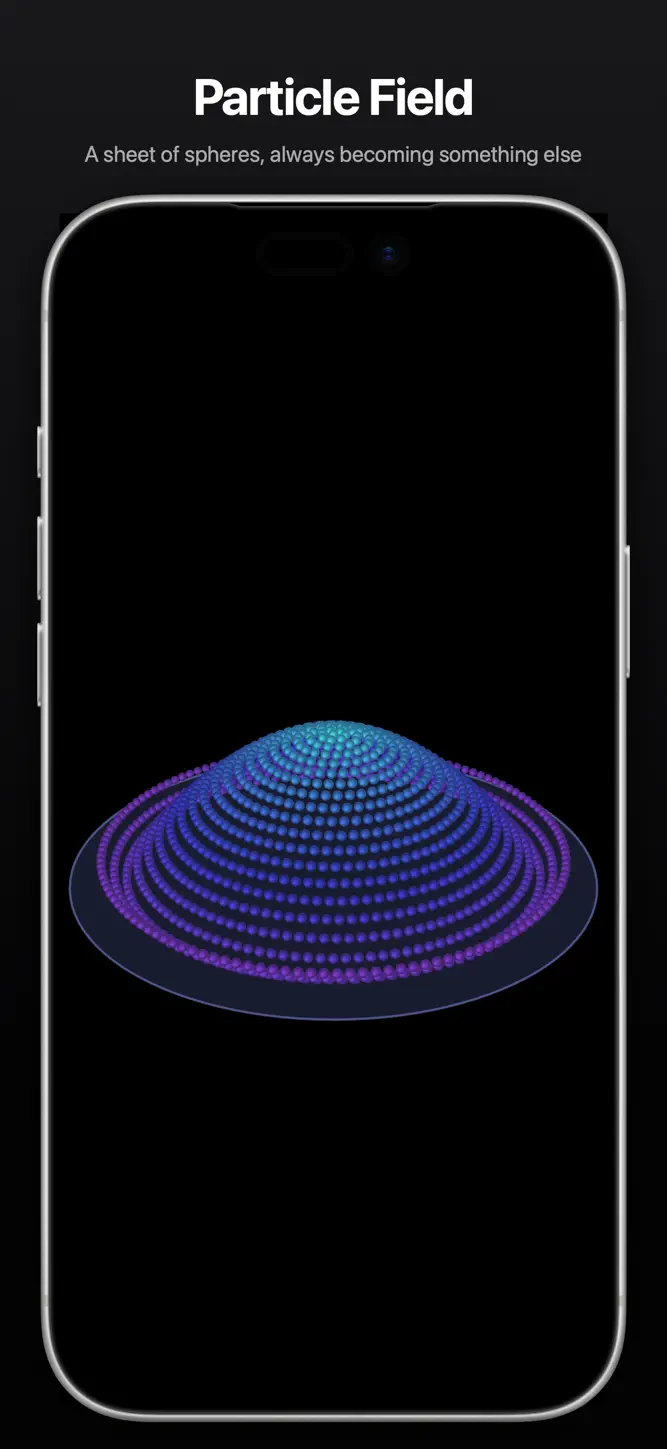
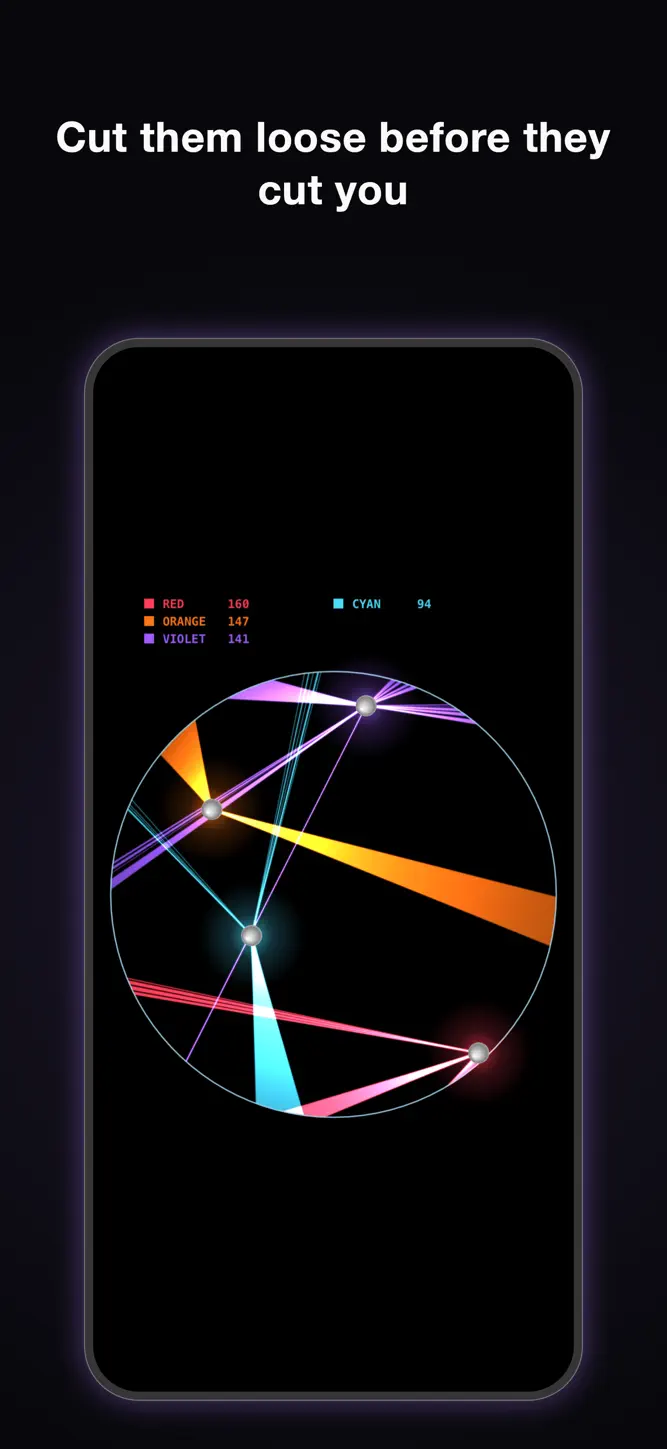
The other half of the app is the Simulations tab. Nobody aims, nobody scores, nothing is lost. You set a few numbers, press Play, and watch what the rules do.
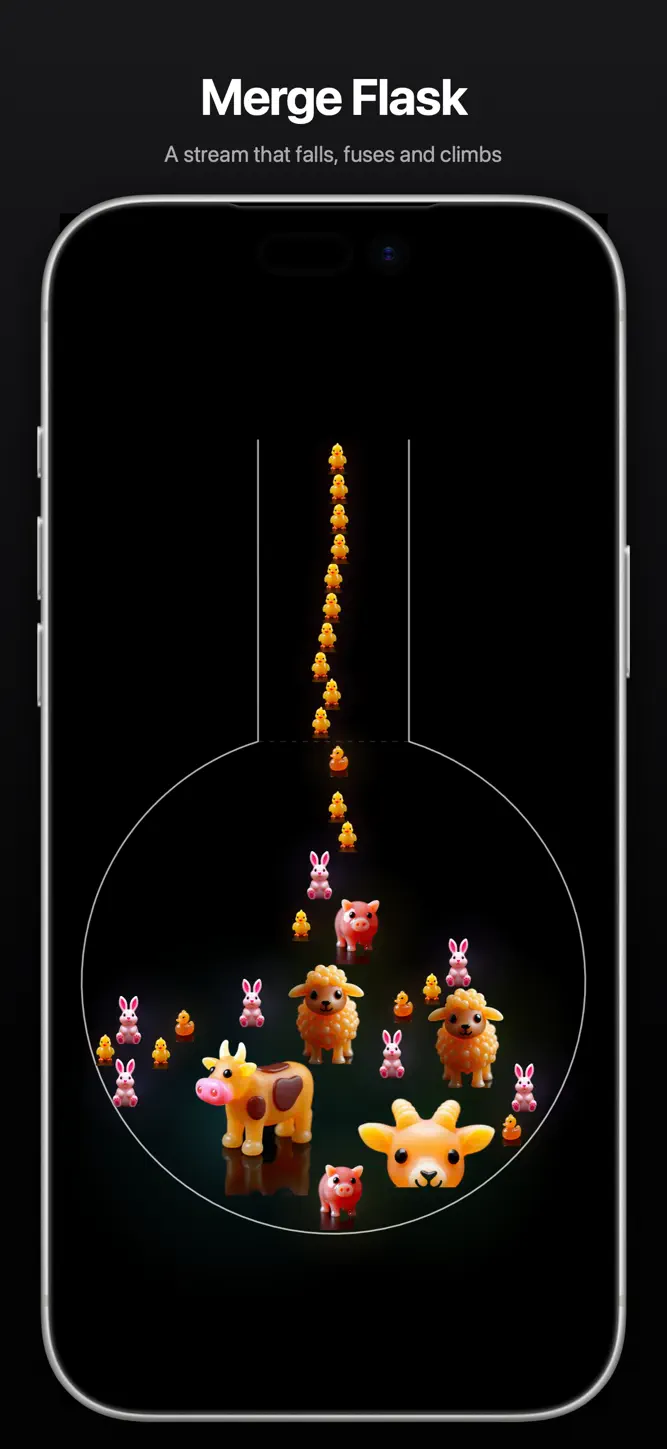
Merge Flask. A stream that falls, fuses and climbs.
Crusher. Two arms press, and everything they squeeze makes more.
Ray Optics. Falling dots, one mirror, one focus.
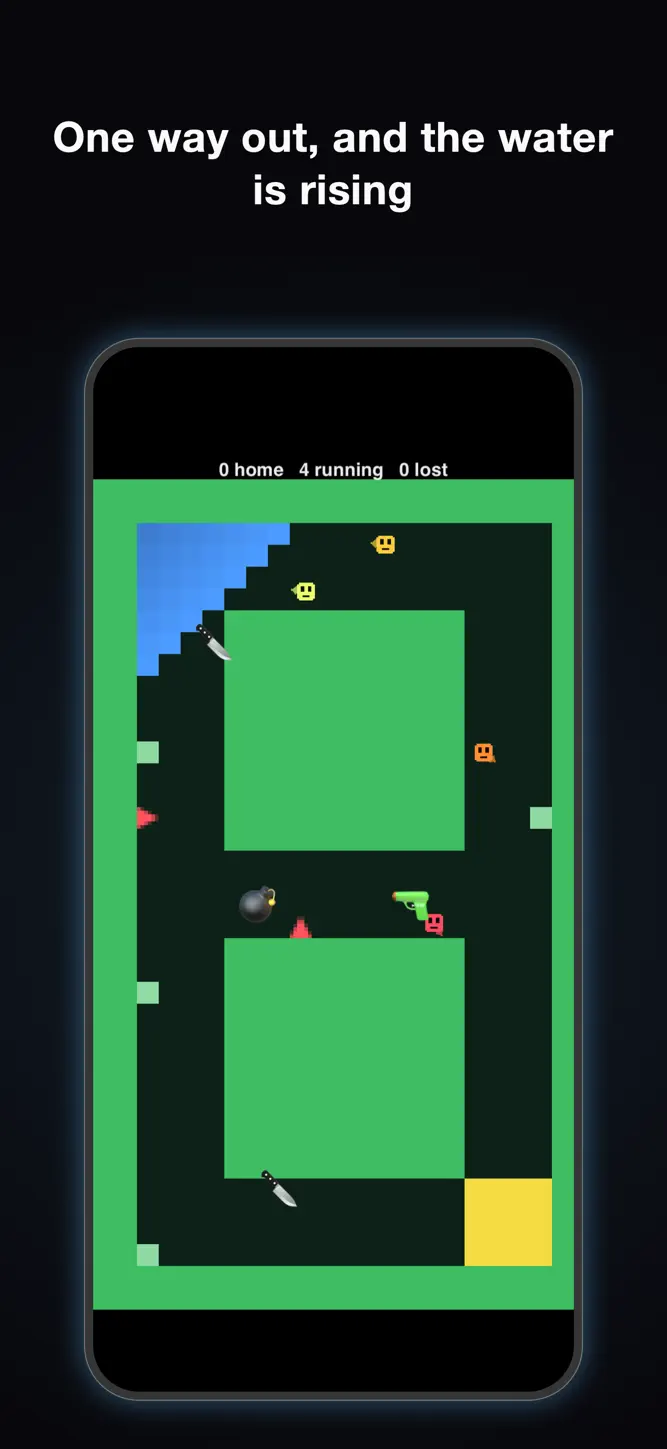
Flood Race. One way down, a tide behind them.
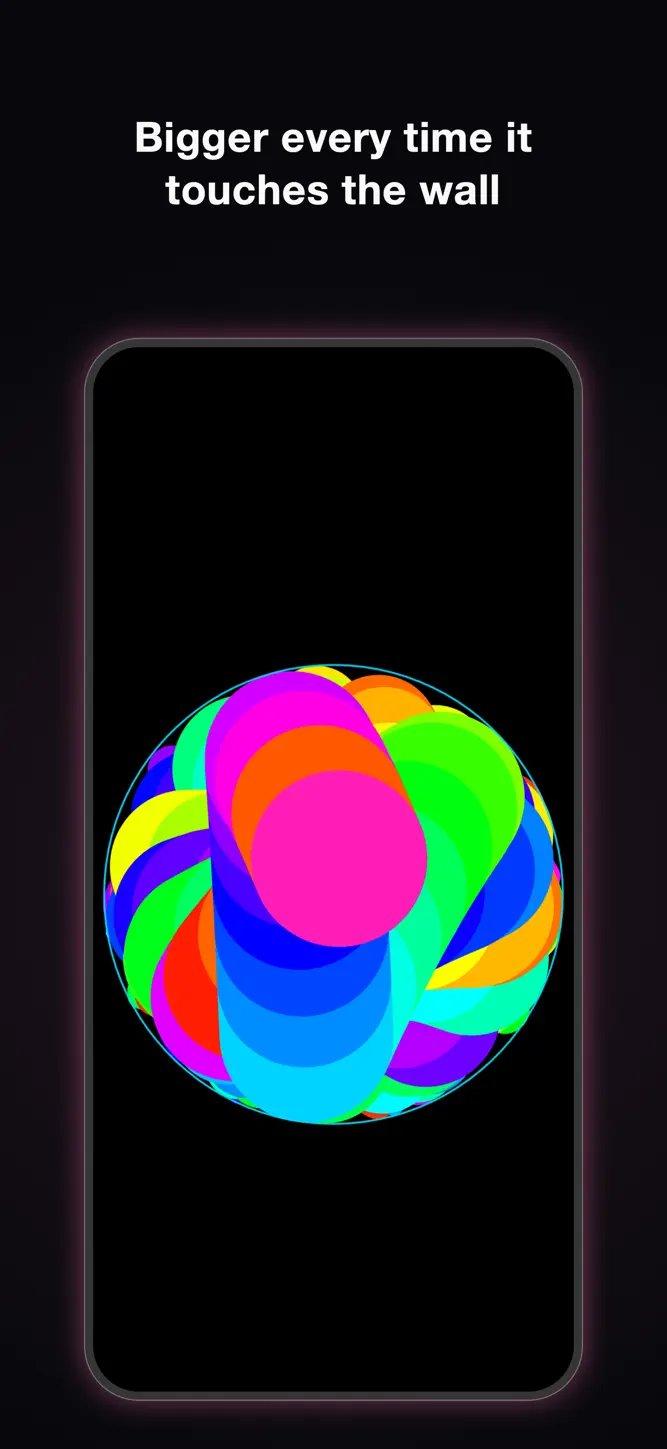
Growth Chamber. It gets bigger every time it touches the wall.
Chord Web. Thousands of points off one circle, drawing as they go.
And seventeen more.
MADE BY HAND
The physics is a solver written for this app, not an off the shelf engine, which is why a pile of soft things settles the way a pile of soft things settles.
MAKE A CLIP
Any machine records a whole run at the settings on screen, with its sound. Watch it back, then save it to Photos or share it. No extra purchase.
HOW IT IS PAID FOR
Merge Flask is free forever. Any other simulation is a one time purchase that opens it for good on your device, or you can open all twenty three at once.
DJ Beat Maker is sold on its own. House and lofi stay free. The other six genres are either a one time payment or a yearly plan, whichever suits you. No account, no sign in.
SUBSCRIPTION
DJ Beat Maker, yearly. One year, renewing. The price is shown in the app in your own currency before you buy anything. It renews automatically unless cancelled at least 24 hours before the period ends, and it can be managed or cancelled at any time in your Apple Account settings.
Sound plays even when your ring switch is silent, because the sound is the point.
What's New
Pixel Cat got a studio. - 44 tracks across eight genres, with their own kits and voices. Four of them brand new in House and Techno. - A deck under the grid: bar counter, key and note readouts, a piano roll of what the bass and lead are playing, and three live equalizers. - Pixel Cat talks over the music now, with a lot more to say, instead of stopping the beat to say it. - Ghost notes, stab leads and tempo-synced wobble in the sound. - Clips open straight on the title, keep every setting you chose, and carry the new deck. Terms of Use: https://www.apple.com/legal/internet-services/itunes/dev/stdeula/ Privacy Policy: https://synappsai-web.web.app/privacy
How to download Quiet Lab: DJ Beat Maker?
- Tap the Google Play button (Android) or the App Store button (iPhone / iPad) in the download section.
- The official store page of Quiet Lab: DJ Beat Maker opens in a new tab.
- Tap Install or Get and wait until the download finishes.
- Open Quiet Lab: DJ Beat Maker from your home screen and start playing.
FAQ
Is Quiet Lab: DJ Beat Maker free to play?
Yes, Quiet Lab: DJ Beat Maker is free to download.
Is Quiet Lab: DJ Beat Maker available for iPhone?
Yes, Quiet Lab: DJ Beat Maker is available on the Apple App Store and needs iOS 17.0 or later.
Is it safe to download Quiet Lab: DJ Beat Maker?
Yes. GameZone does not host any files — the download buttons open the official Google Play and App Store pages.
Download the App
Similar Games
Melon Sandbox
Solar Smash
Pizza Ready!
Teacher Simulator: Exam Time
Kick & Break The Ragdoll Games
Vehicle Masters
Klondike Adventures: Farm Game
Annoying Uncle Punch Game®
Episode - Choose Your Story
Lamar - Idle Vlogger
My Supermarket Simulator 3D®
BitLife - Life Simulator
I Am Cat
Scary Teacher 3D
The Baby In Yellow
Disclaimer
1. GameZone does not represent any developer, nor is it the developer of any app or game listed on this website.
2. Game details such as icons, screenshots, ratings and descriptions are collected from the public Google Play and App Store listings so players can compare games before installing.
3. All trademarks, registered trademarks, product names, company names and logos are the property of their respective owners.
4. GameZone does not host APK or IPA files. Every download button opens the official Google Play Store or Apple App Store page of the game.
5. GameZone respects the Digital Millennium Copyright Act (DMCA). If you are the owner of any content shown here and want it removed, please contact us at contact@shresult.com.