


Smile ID
Smile Identity, Inc.
Category
Content Rating
4+
Developer
Smile Identity, Inc.
Version
20260925.1211.138
Updated
Sep 25, 2026
Requires
iOS 17.0 or later
Price
Free
Size (iOS)
13.6 MB
Advertisement
Screenshots
Advertisement
Editor Reviews
Smile ID is an action game developed by Smile Identity, Inc. for iPhone & iPad.
Smile ID is free to download. The latest version 20260925.1211.138 was released on Sep 25, 2026. Content rating: 4+.
About Smile ID
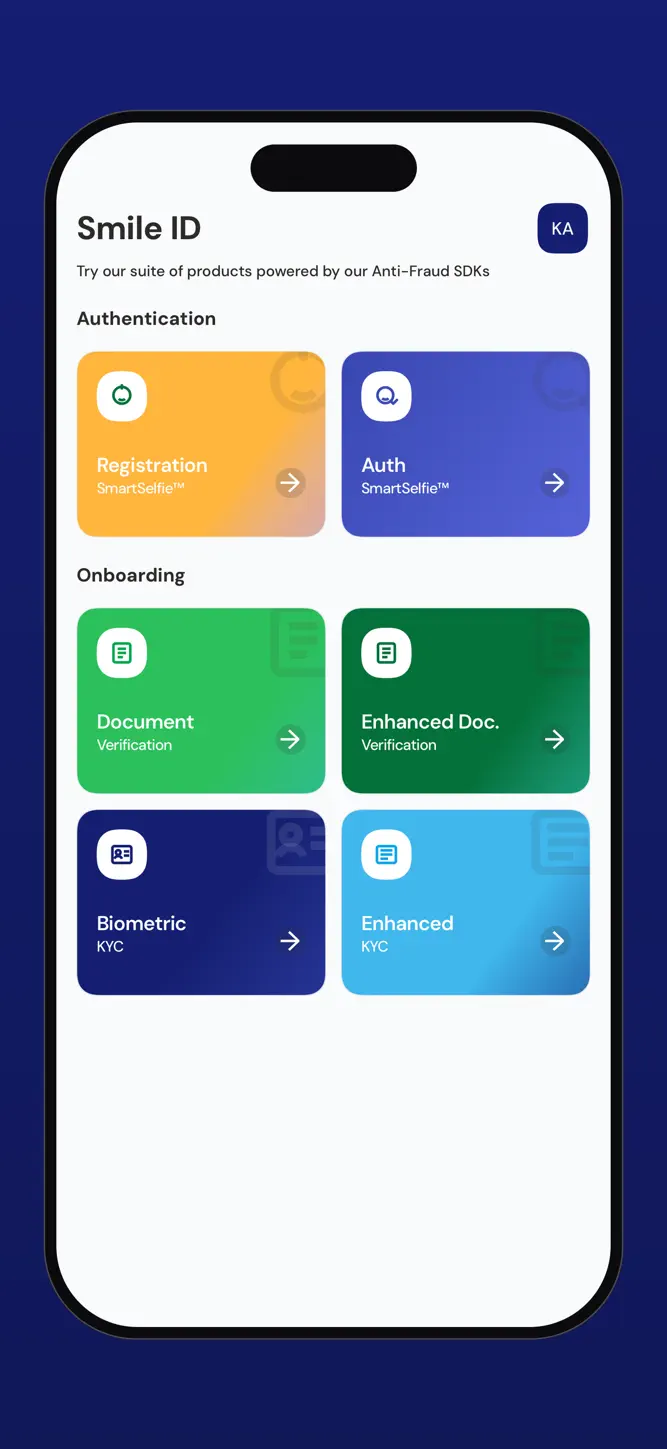
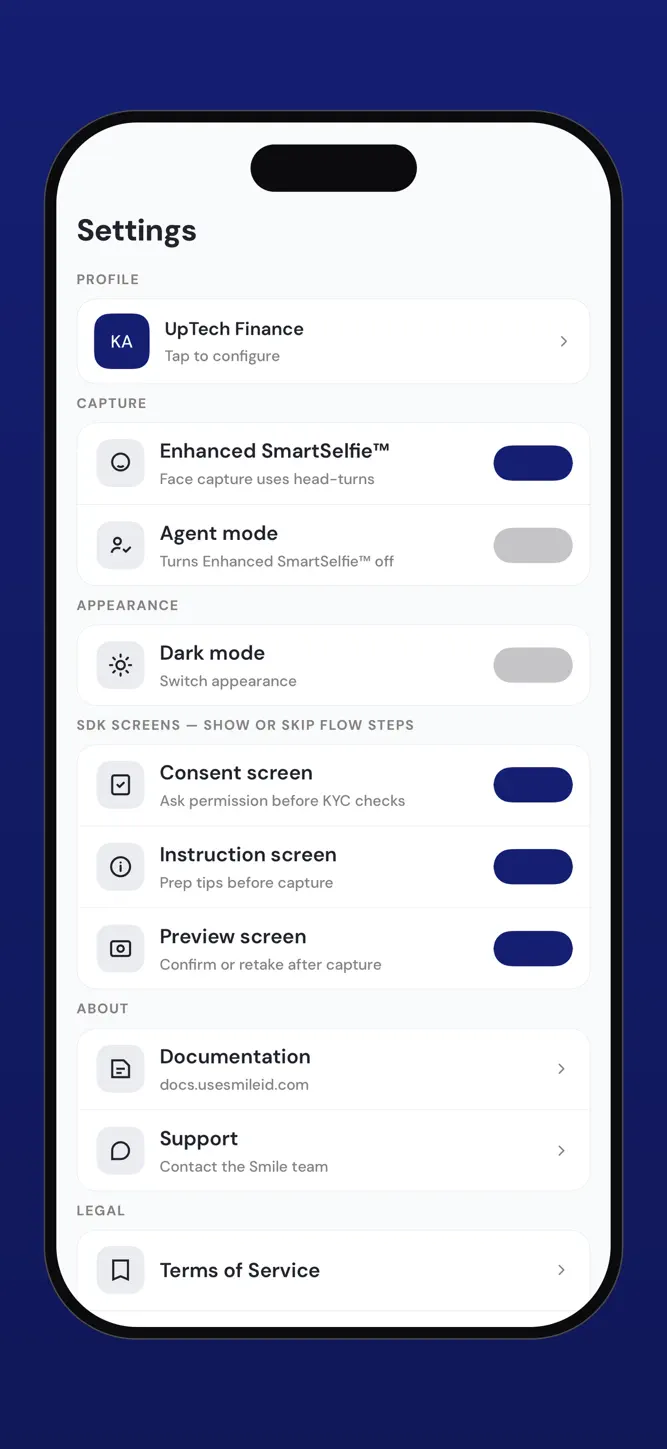
Smile ID is the reference app for the Smile ID mobile SDKs. It runs the same verification flows a Smile ID integration ships, so each product can be seen end to end before any code is written.
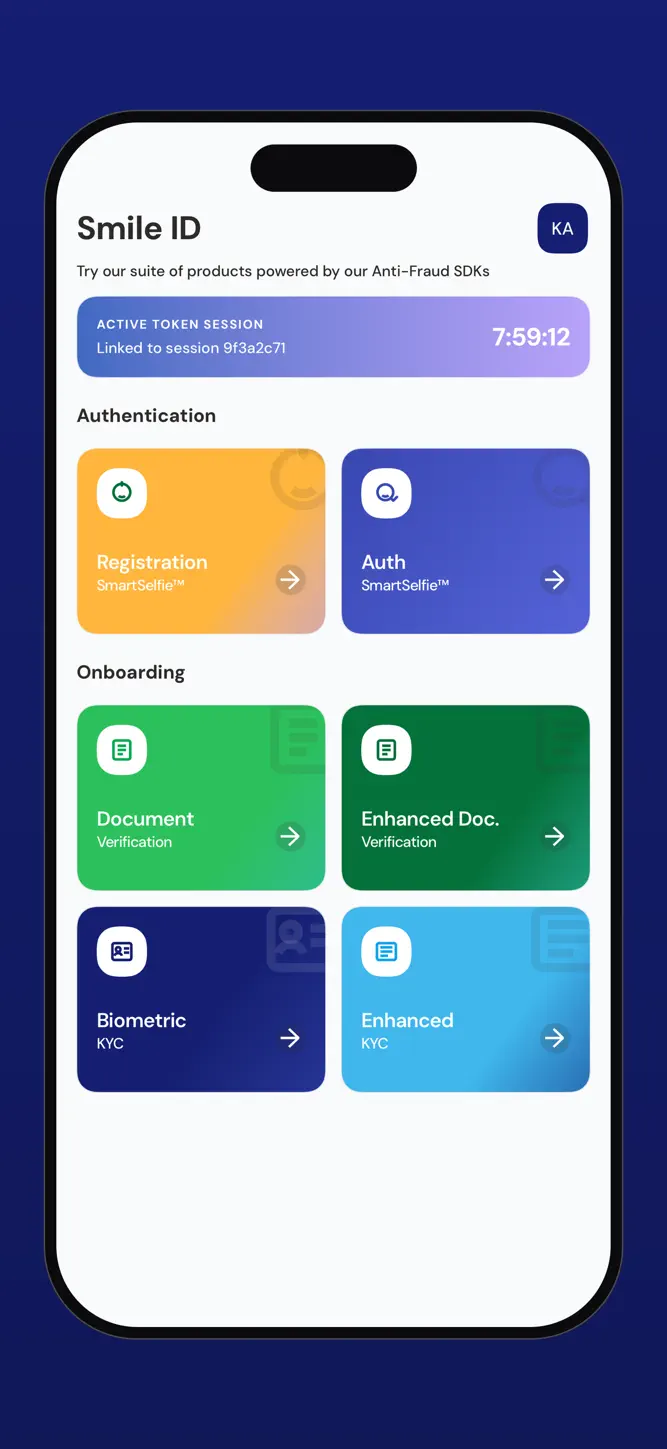
Verification runs use the Smile ID sandbox unless a linked session token specifies another environment.
PRODUCTS
SmartSelfie™ Enrollment
SmartSelfie™ Authentication
Document Verification
Enhanced Document Verification
Biometric KYC
Enhanced KYC
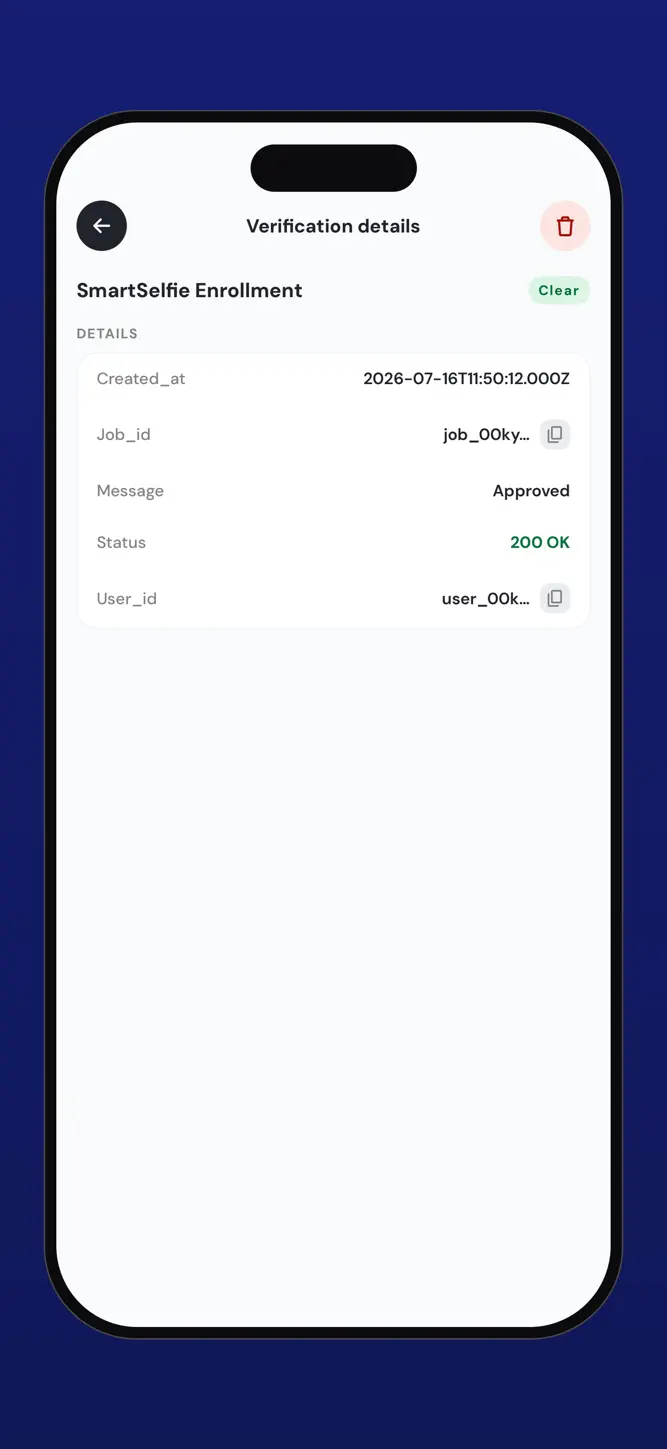
Each product runs end to end: the SDK's own capture screens, where that product uses them, and the verification result it returns. What each product checks, and the identity documents and countries it covers, is documented at docs.smileidentity.com.
IN THIS APP
• Each product's capture flow, as the SDK presents it
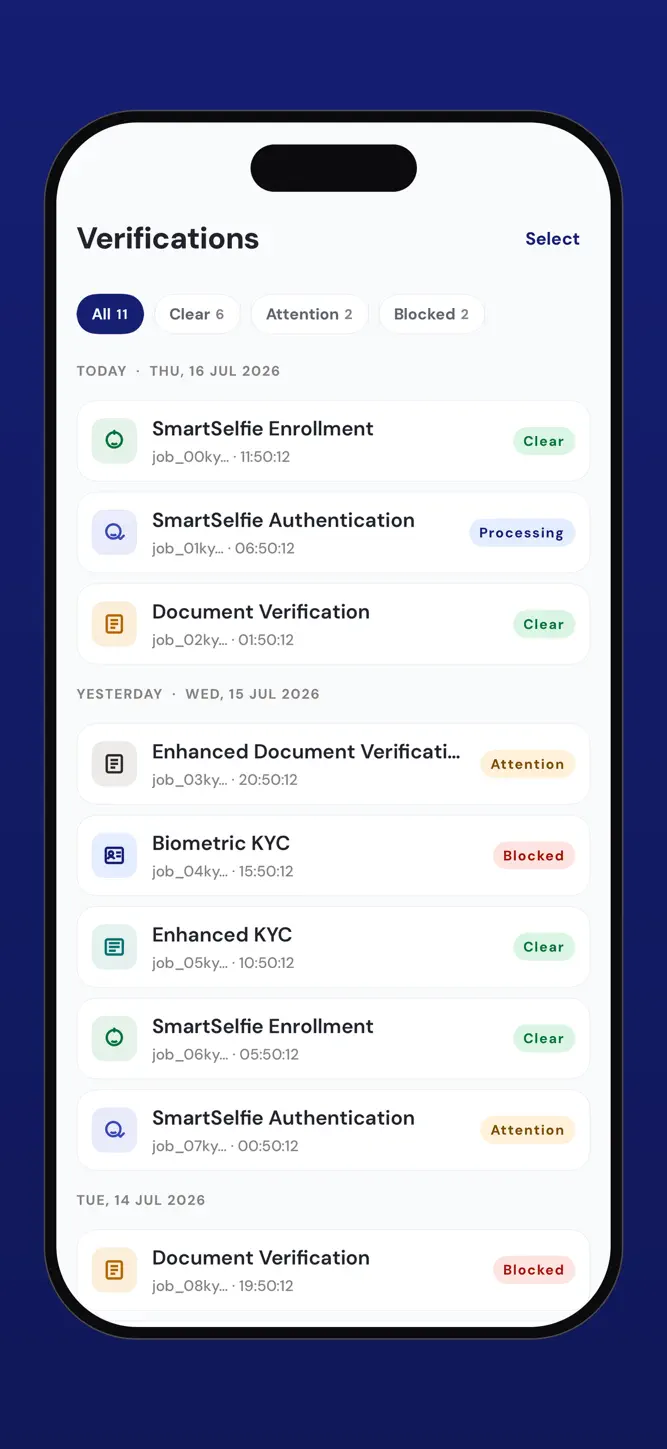
• The outcome of every run, with its status, result code and job ID
• A history of previous runs, kept on the device
• Light and dark themes, and the SDK's theming options
Smile ID provides digital KYC, identity verification and onboarding across Africa.
What's New
Profiles are saved on your device, encrypted. A fresh install has no profile: the details you type for your first job create one, and the form fills itself from it next time. Switch or add a profile straight from the details form, so each demo runs as the right person. Every run now starts with empty ID details, so an ID number never carries over from the last run.
How to download Smile ID?
- Tap the Google Play button (Android) or the App Store button (iPhone / iPad) in the download section.
- The official store page of Smile ID opens in a new tab.
- Tap Install or Get and wait until the download finishes.
- Open Smile ID from your home screen and start playing.
FAQ
Is Smile ID free to play?
Yes, Smile ID is free to download.
Is Smile ID available for iPhone?
Yes, Smile ID is available on the Apple App Store and needs iOS 17.0 or later.
Is it safe to download Smile ID?
Yes. GameZone does not host any files — the download buttons open the official Google Play and App Store pages.
Download the App
Similar Games


Disclaimer
1. GameZone does not represent any developer, nor is it the developer of any app or game listed on this website.
2. Game details such as icons, screenshots, ratings and descriptions are collected from the public Google Play and App Store listings so players can compare games before installing.
3. All trademarks, registered trademarks, product names, company names and logos are the property of their respective owners.
4. GameZone does not host APK or IPA files. Every download button opens the official Google Play Store or Apple App Store page of the game.
5. GameZone respects the Digital Millennium Copyright Act (DMCA). If you are the owner of any content shown here and want it removed, please contact us at contact@shresult.com.