


SmoothTrack: Head Tracker
John Goering
Installs
250 ratings
Category
Content Rating
4+
Developer
John Goering
Version
2.01
Updated
Oct 25, 2025
Requires
iOS 16.0 or later
Price
$14.99
Size (iOS)
10.0 MB
Advertisement
Screenshots
Advertisement
Editor Reviews
SmoothTrack: Head Tracker is an action game developed by John Goering for iPhone & iPad. It holds an average rating of 4.7 out of 5 from 250 players.
SmoothTrack: Head Tracker is a paid game ($14.99). The latest version 2.01 was released on Oct 25, 2025. Content rating: 4+.
About SmoothTrack: Head Tracker
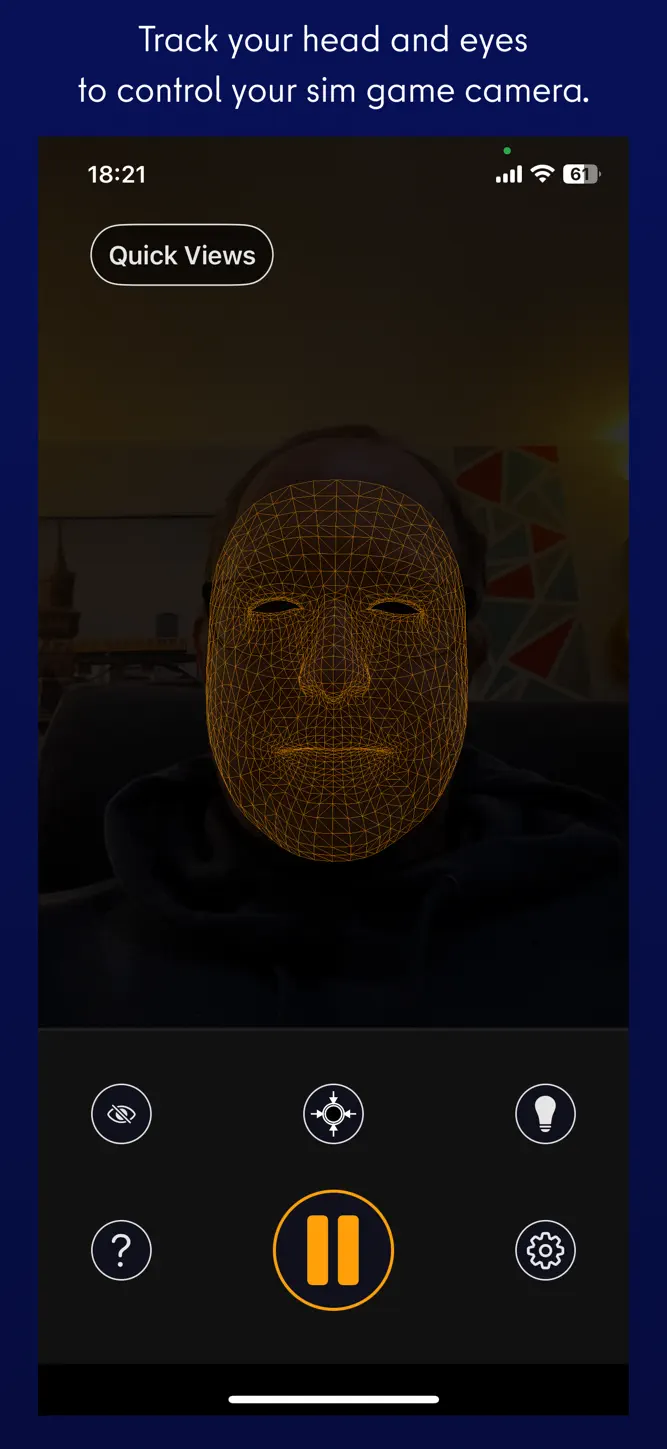
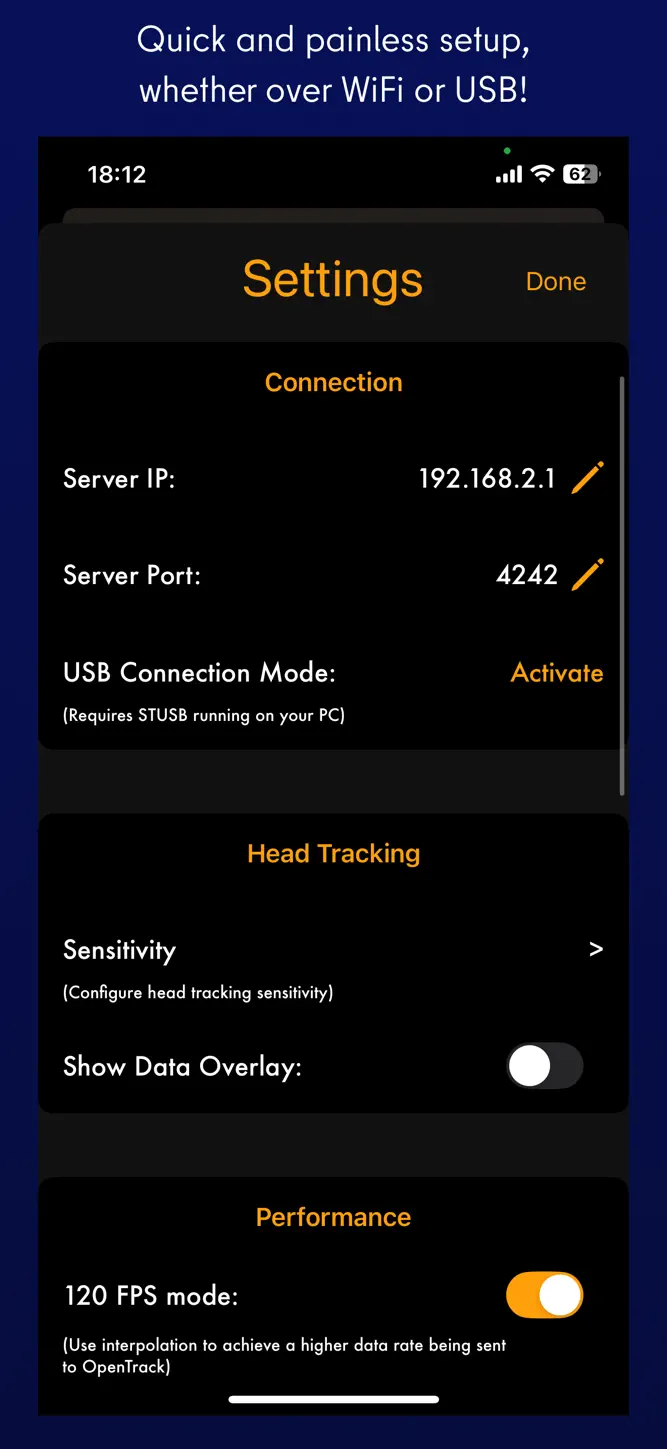
SmoothTrack 2.0 uses the head and eye tracking AR capabilities of your phone to provide the simplest and best head tracker for 6 degrees-of-freedom head movements in your sim games.
-----
"The best new controller on the market." - Charlie Hall, Polygon
Customer reviews:
"SmoothTrack just works. Less than 5 minutes to install, setup and fly. Love not being tethered to my desk! 5 stars!!"
"This worked perfectly and way better than expected! Totally enhanced my experience with MFS 2020!"
---
It's a near magical experience to seamlessly slightly move your head and have your game perspective immediately play along (the movements in the game are exaggerated so that you only have to make slight movements of your head to control the camera). Additionally, since version 2, your eyes are also optionally tracked and will nudge the camera based on where you're glancing on screen!
- Simply lean forward to get a closer look at your Flight Simulator cockpit!
- Look a bit up to see the overhead panel of your A320!
- Simply shift your head a bit to the right to see the direction of the space station you're approaching in Elite: Dangerous!
- Look a bit left before a hard left turn in Euro Truck Simulator 2!
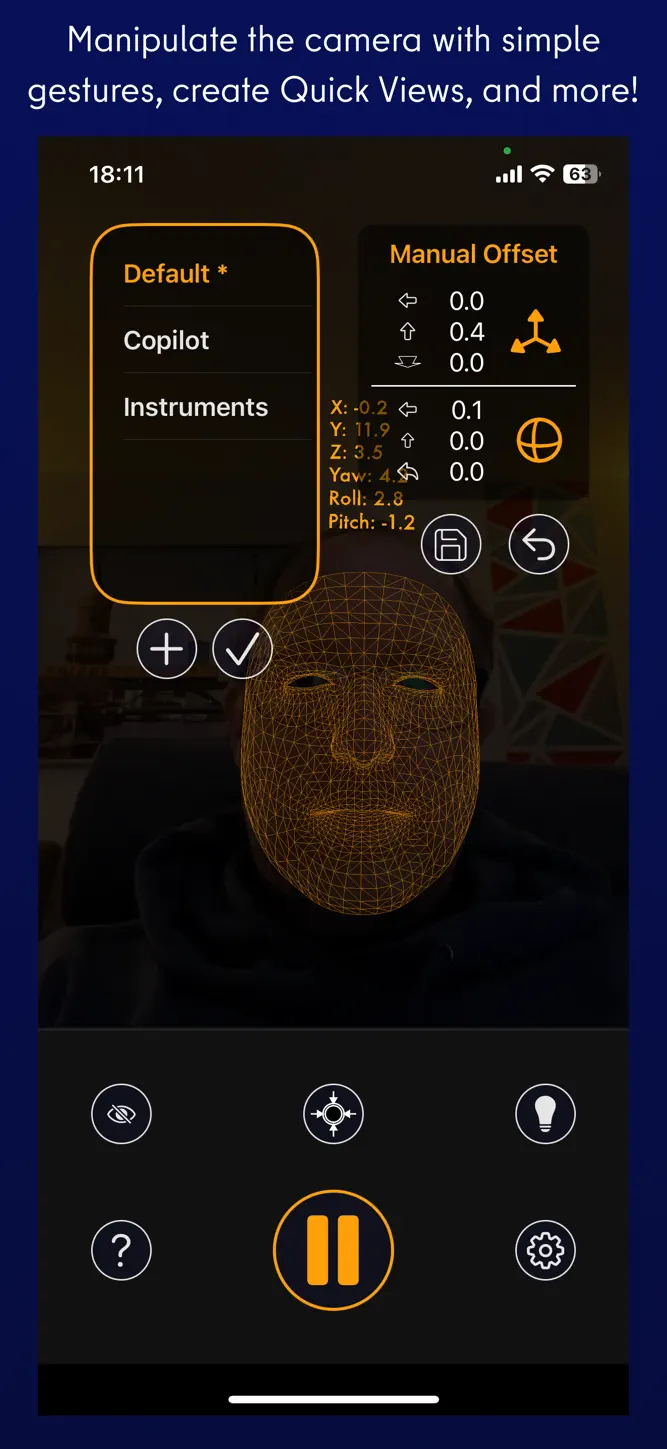
No headset or extra equipment of any kind is required! Simply set up your device so that it can see your face. Using simple camera gestures, you can shift your perspective in-game. Also, if you want, you can store views (say, a copilot angle, or a cockpit closeup) as Quick Views for easy access later.
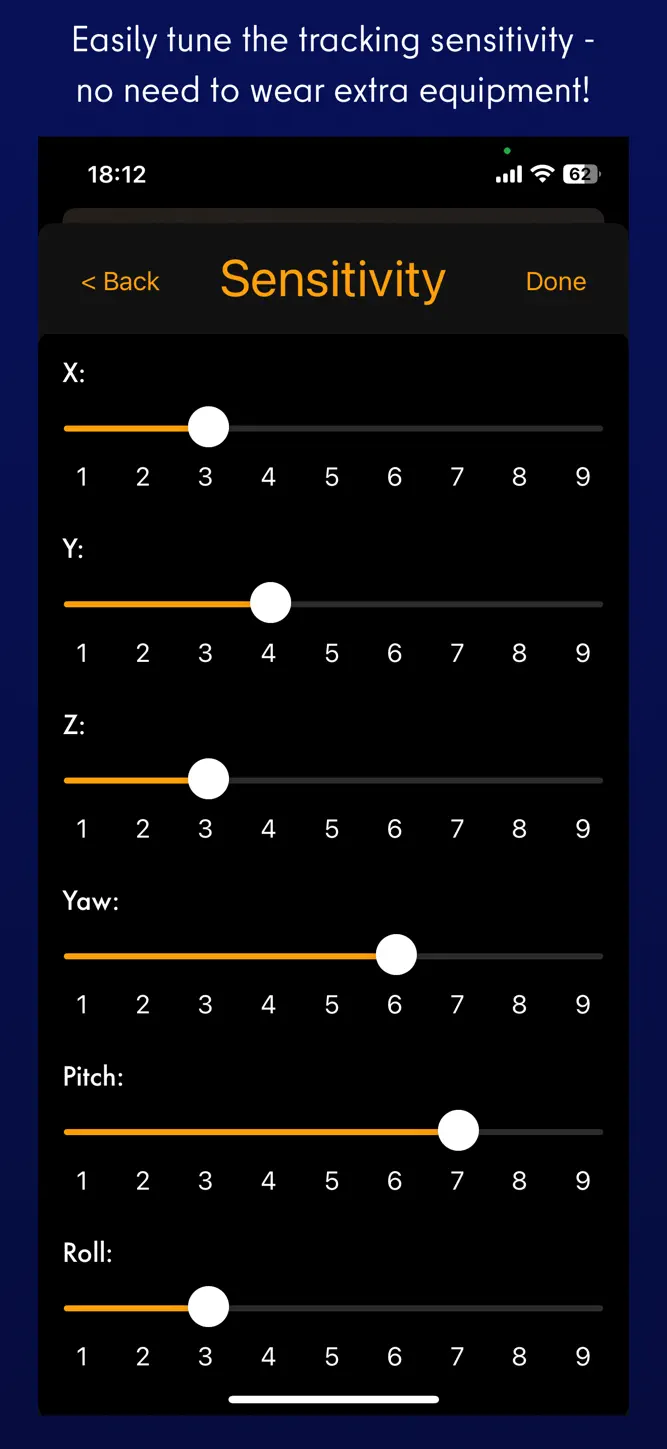
Your head movements are slightly exaggerated which enables you to look out of a cockpit side window with just a slight movement of your head to the left.
Any game that supports the FreeTrack or TrackIR protocol will work with this, including:
- Microsoft Flight Simulator
- Microsoft FSX
- DCS World
- Elite: Dangerous
- IL2: Sturmovik
- Euro Truck Simulator 2
- Kerbal Space Program
- ...and many, many others!
Email and Discord support is provided if there are any issues (or if you have any ideas for new features!).
What's New
2.01 - New App Clip for trying out a simplified version of SmoothTrack with yaw axis tracking! - Fixed QuickViews not persisting between app launches - Fixed eye tracking settings not persisting between app launches - Fixed AirPods Pro mode to work whether or not tracking was set to on. Added a button to show the AirPods Pro mode capability. 2.0 was a HUGE update of SmoothTrack: * Brand new and improved UI, rewritten from the ground up to be 93% less ugly! * Added eye tracking capabilities for nudging the view when glancing around! Activate eye tracking by tapping the eye button, and set up eye tracking sensitivity in the settings. * You can now easily create camera offsets with camera control gestures: panning with one, two, or three fingers on the screen. * Easily save, choose, and delete offset quick views right on the main screen. I really hope you enjoy SmoothTrack! If you do, you can support it by leaving an App Store review and by spreading the word to your sim communities! Join us on Discord https://discord.gg/smkbp6p and let me know if you have any feedback or run into any issues. Thanks!
How to download SmoothTrack: Head Tracker?
- Tap the Google Play button (Android) or the App Store button (iPhone / iPad) in the download section.
- The official store page of SmoothTrack: Head Tracker opens in a new tab.
- Tap Install or Get and wait until the download finishes.
- Open SmoothTrack: Head Tracker from your home screen and start playing.
FAQ
Is SmoothTrack: Head Tracker free to play?
No, SmoothTrack: Head Tracker is a paid game. Current price: $14.99.
Is SmoothTrack: Head Tracker available for iPhone?
Yes, SmoothTrack: Head Tracker is available on the Apple App Store and needs iOS 16.0 or later.
Is it safe to download SmoothTrack: Head Tracker?
Yes. GameZone does not host any files — the download buttons open the official Google Play and App Store pages.
Download the App
Similar Games


Disclaimer
1. GameZone does not represent any developer, nor is it the developer of any app or game listed on this website.
2. Game details such as icons, screenshots, ratings and descriptions are collected from the public Google Play and App Store listings so players can compare games before installing.
3. All trademarks, registered trademarks, product names, company names and logos are the property of their respective owners.
4. GameZone does not host APK or IPA files. Every download button opens the official Google Play Store or Apple App Store page of the game.
5. GameZone respects the Digital Millennium Copyright Act (DMCA). If you are the owner of any content shown here and want it removed, please contact us at contact@shresult.com.