


TennisDraw: Video Analysis
David Balderston
Category
Content Rating
4+
Developer
David Balderston
Version
1.0
Updated
Oct 5, 2026
Requires
iOS 17.6 or later
Price
$7.99
Size (iOS)
24.5 MB
Advertisement
Screenshots
Advertisement
Editor Reviews
TennisDraw: Video Analysis is a sports game developed by David Balderston for iPhone & iPad.
TennisDraw: Video Analysis is a paid game ($7.99). The latest version 1.0 was released on Oct 5, 2026. Content rating: 4+.
About TennisDraw: Video Analysis
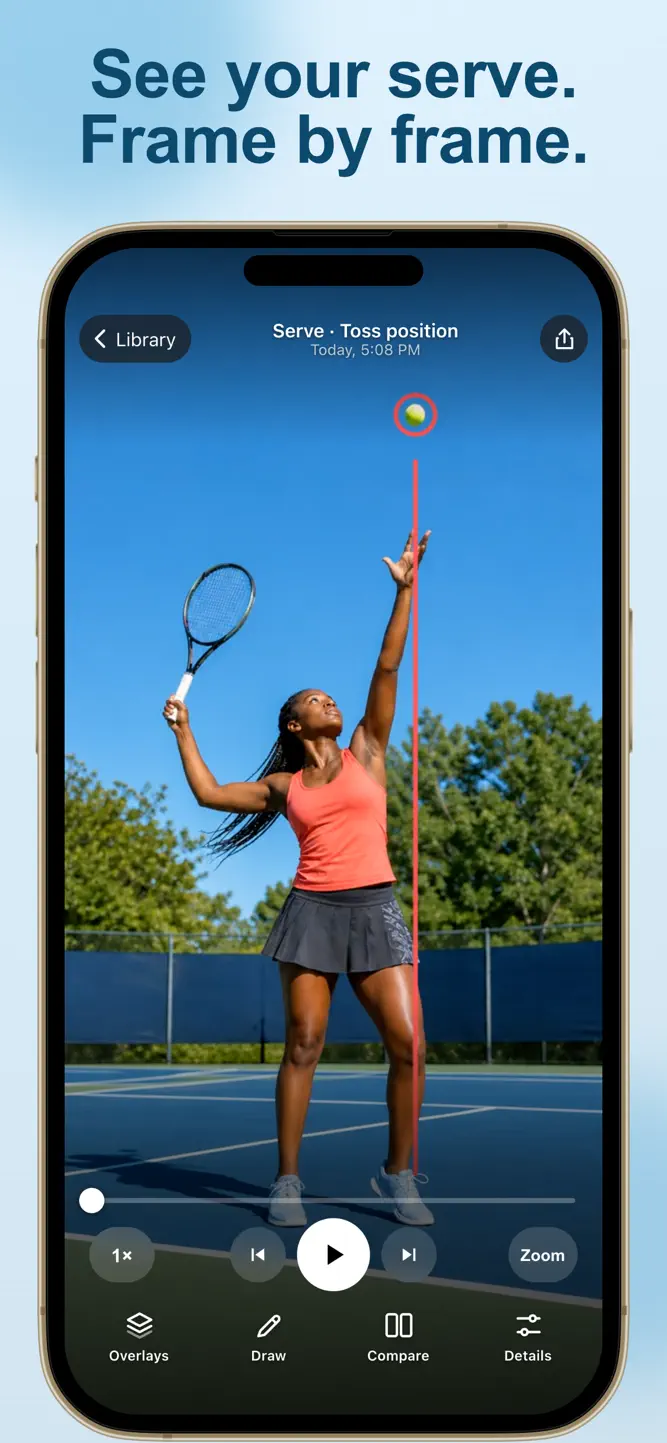
Study your tennis serve and strokes frame by frame. TennisDraw helps players, parents, and coaches review practice videos, spot changes, and share useful feedback.
Record a video in the app or import from Photos. Use slow-motion playback and move through the video one frame at a time to review the player’s movement.
DRAW ON YOUR VIDEO
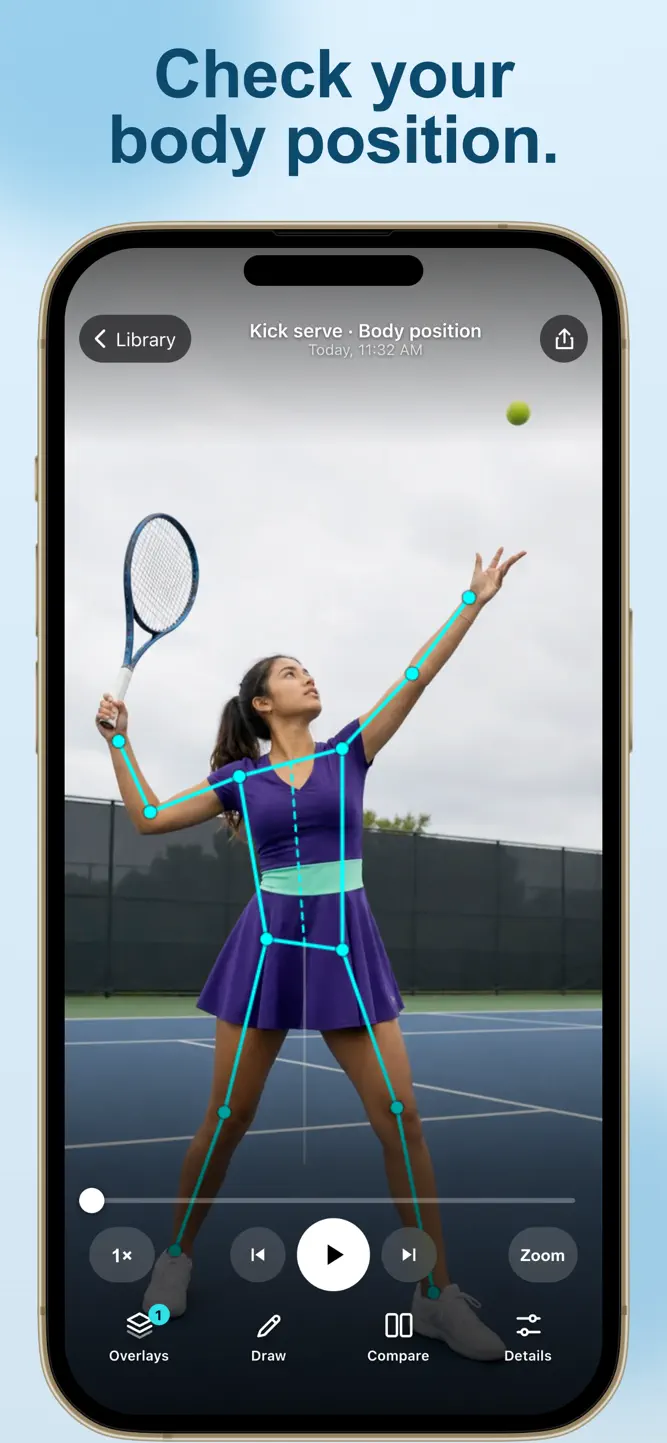
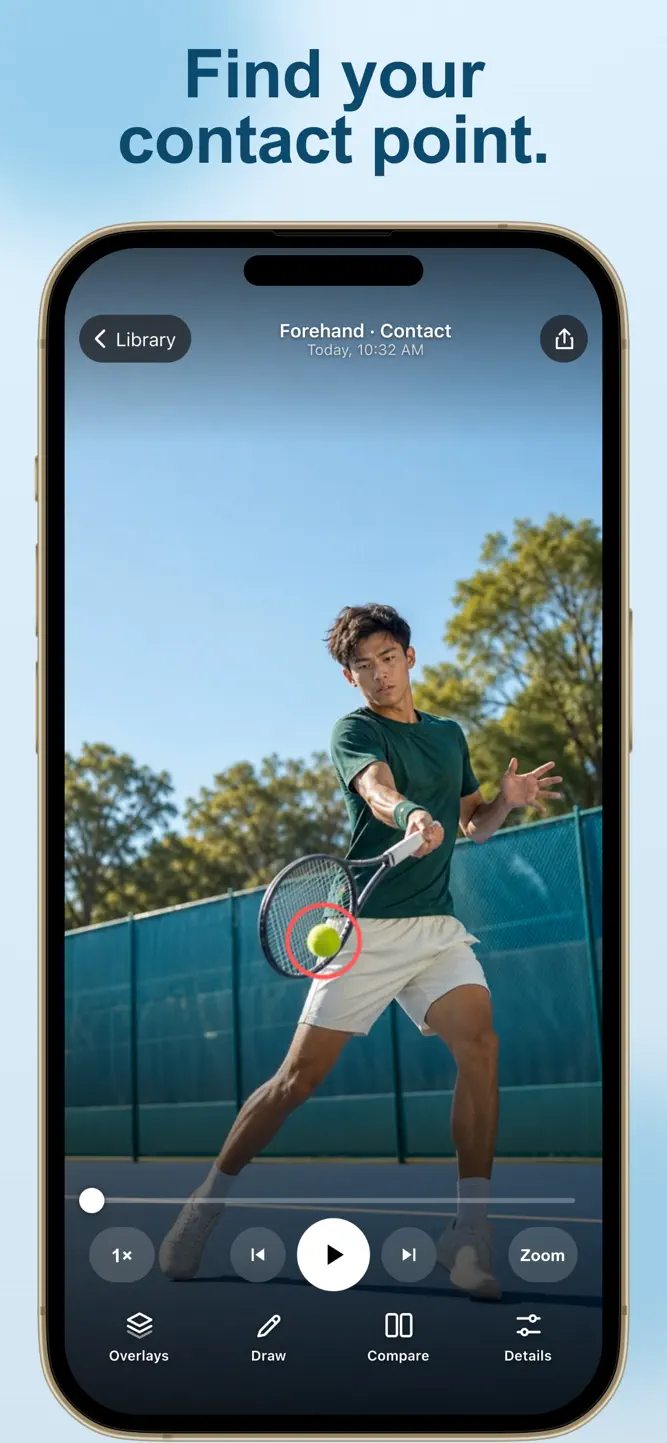
Use lines, circles, and guides to mark posture, balance, footwork, and the point where the racket meets the ball. View on-device body-pose overlays alongside your own observations.
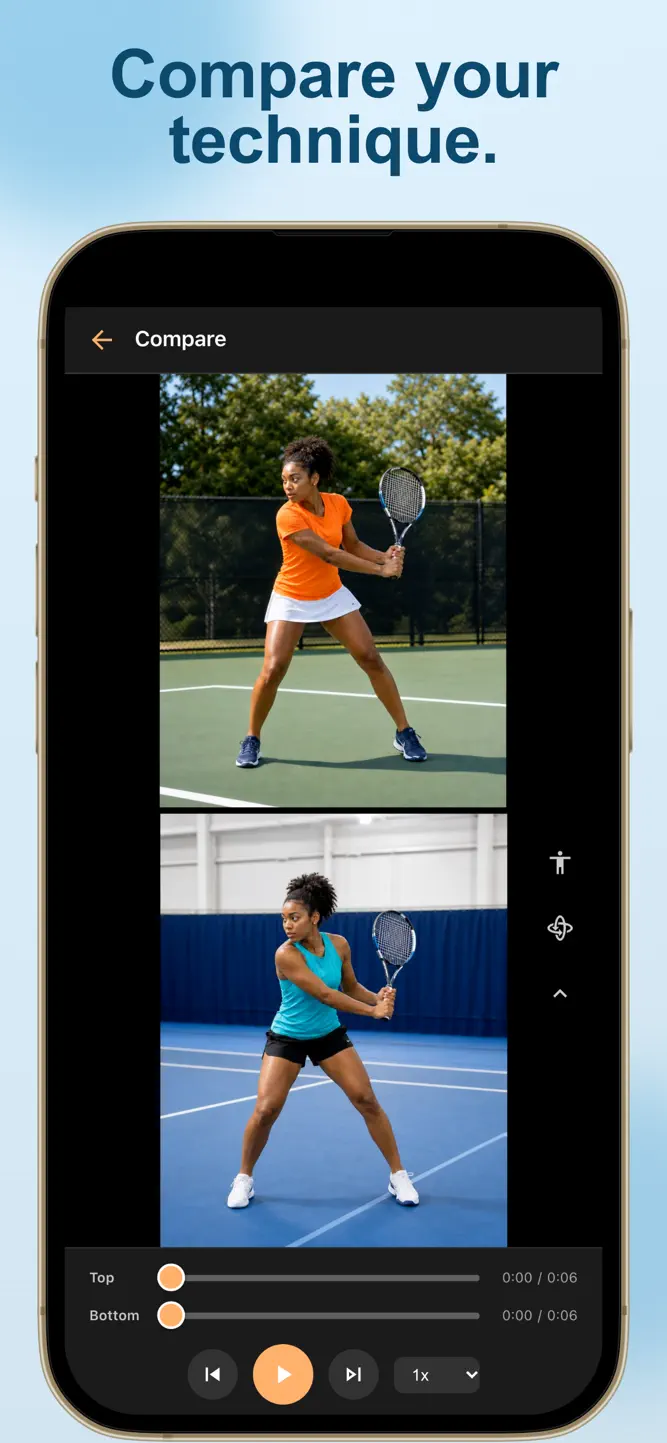
COMPARE TWO CLIPS
Put two practice videos side by side to study timing and body position. Compare sessions as you work on a specific part of your game.
KEEP YOUR COACHING NOTES
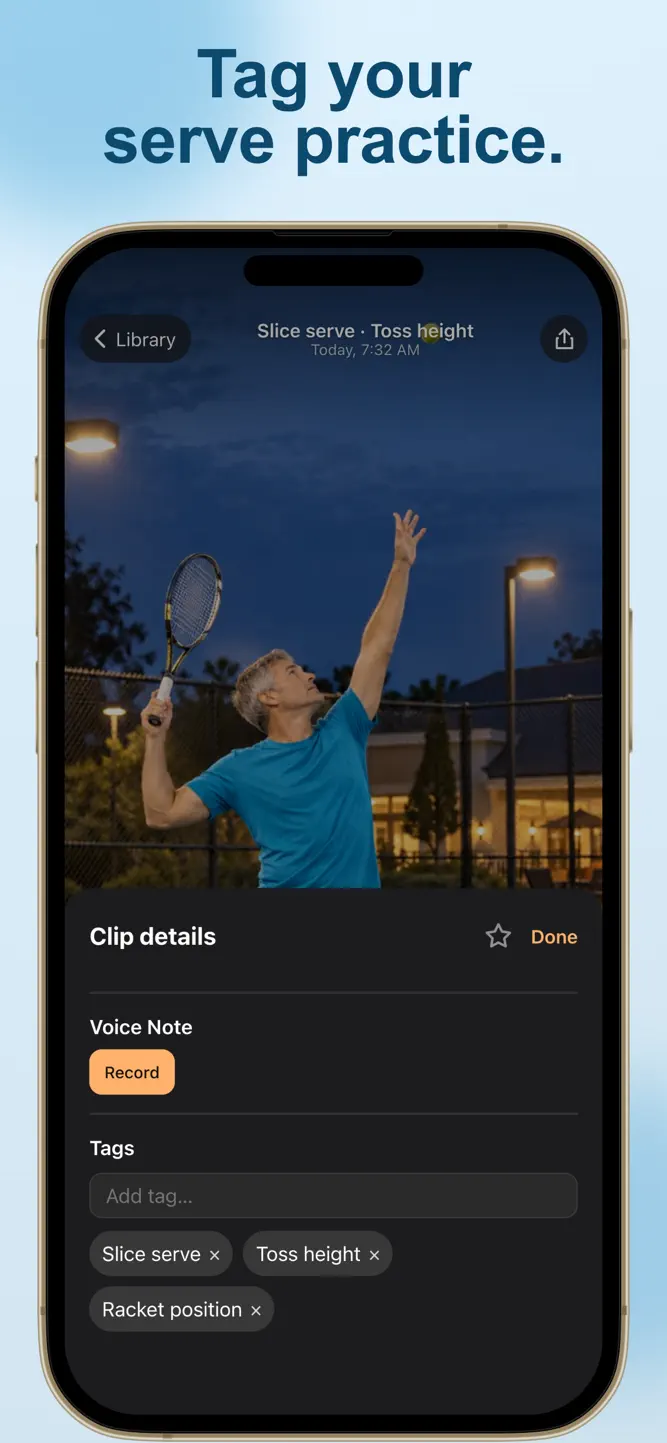
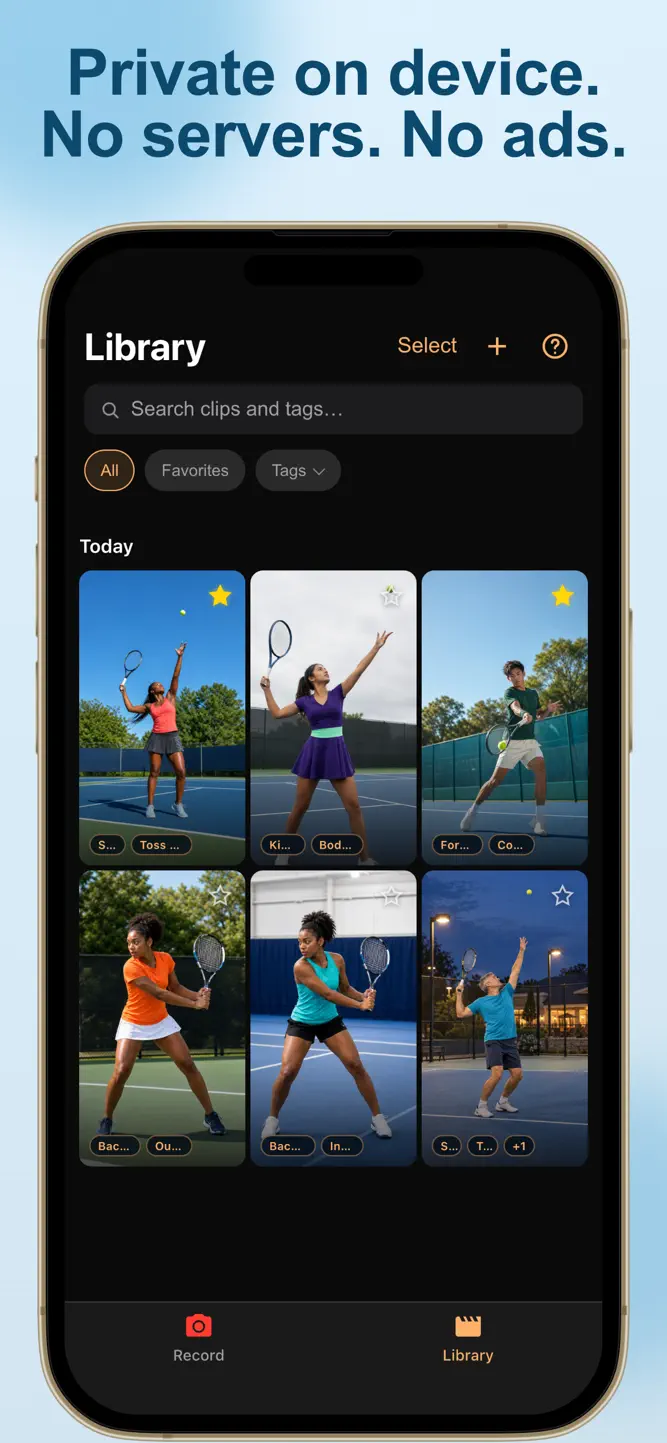
Add voice notes and tags to a clip. Keep your practice library organized and your feedback close to the video.
SAVE AND SHARE
Save annotated photos or videos and share them with your coach, player, or practice partner.
ONE PURCHASE. EVERY TOOL.
Pay once for the complete app. No subscriptions, in-app purchases, ads, or account required. Your videos and analysis stay on your device unless you choose to share or export them.
TennisDraw is a video-review tool. It does not measure ball speed, spin, racket speed, or shot placement, and it does not provide automatic coaching.
Privacy Policy: https://davidb.app/tennisdraw/privacy/
Terms of Use: https://davidb.app/tennisdraw/terms/
How to download TennisDraw: Video Analysis?
- Tap the Google Play button (Android) or the App Store button (iPhone / iPad) in the download section.
- The official store page of TennisDraw: Video Analysis opens in a new tab.
- Tap Install or Get and wait until the download finishes.
- Open TennisDraw: Video Analysis from your home screen and start playing.
FAQ
Is TennisDraw: Video Analysis free to play?
No, TennisDraw: Video Analysis is a paid game. Current price: $7.99.
Is TennisDraw: Video Analysis available for iPhone?
Yes, TennisDraw: Video Analysis is available on the Apple App Store and needs iOS 17.6 or later.
Is it safe to download TennisDraw: Video Analysis?
Yes. GameZone does not host any files — the download buttons open the official Google Play and App Store pages.
Download the App
Similar Games


Disclaimer
1. GameZone does not represent any developer, nor is it the developer of any app or game listed on this website.
2. Game details such as icons, screenshots, ratings and descriptions are collected from the public Google Play and App Store listings so players can compare games before installing.
3. All trademarks, registered trademarks, product names, company names and logos are the property of their respective owners.
4. GameZone does not host APK or IPA files. Every download button opens the official Google Play Store or Apple App Store page of the game.
5. GameZone respects the Digital Millennium Copyright Act (DMCA). If you are the owner of any content shown here and want it removed, please contact us at contact@shresult.com.