


TextbookShelf - PDF Reader
献慧 陈
Category
Content Rating
4+
Developer
献慧 陈
Version
1.0
Updated
Oct 14, 2026
Requires
iOS 16.0 or later
Price
Free
Size (iOS)
2.9 MB
Advertisement
Screenshots
Advertisement
Editor Reviews
TextbookShelf - PDF Reader is an educational game developed by 献慧 陈 for iPhone & iPad.
TextbookShelf - PDF Reader is free to download. The latest version 1.0 was released on Oct 14, 2026. Content rating: 4+.
About TextbookShelf - PDF Reader
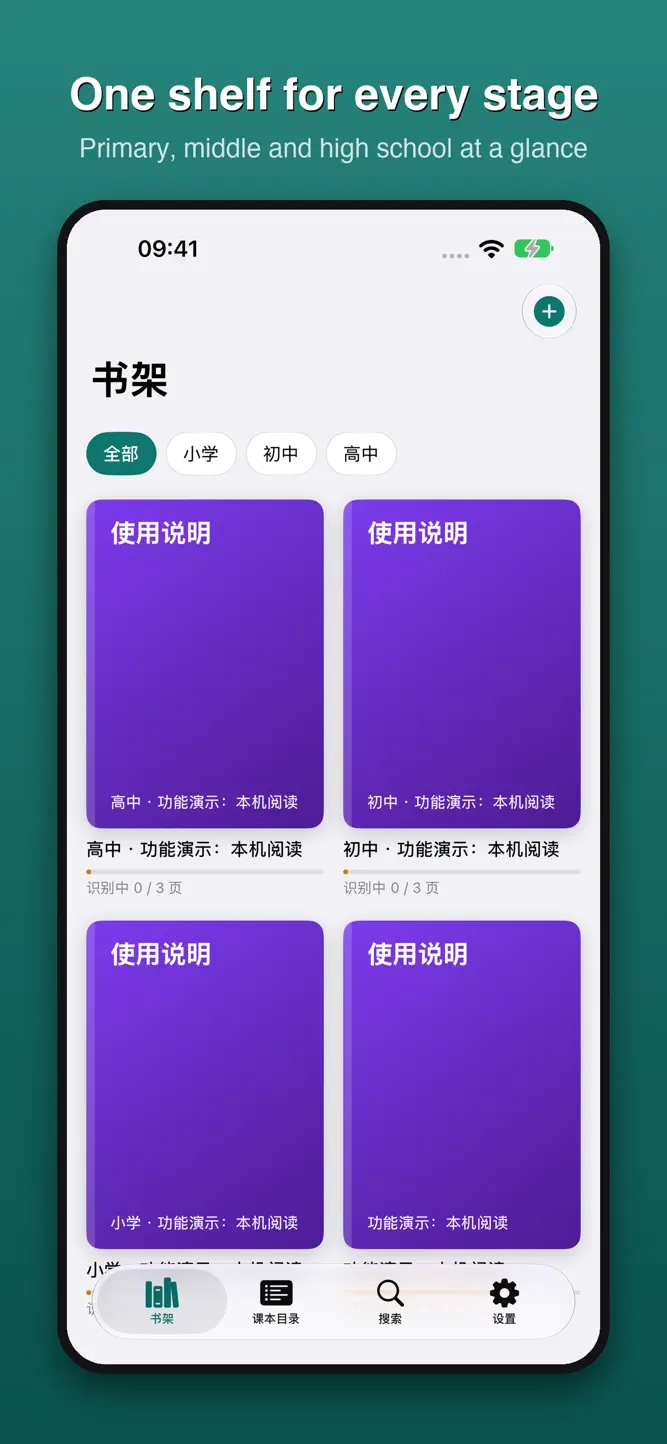
TextbookShelf turns the Chinese textbooks you already have into comfortable, readable text, and keeps them organized by school stage, subject and edition on one shelf. The app interface is in Chinese (Simplified and Traditional).
IMPORT AND AUTO-SORT
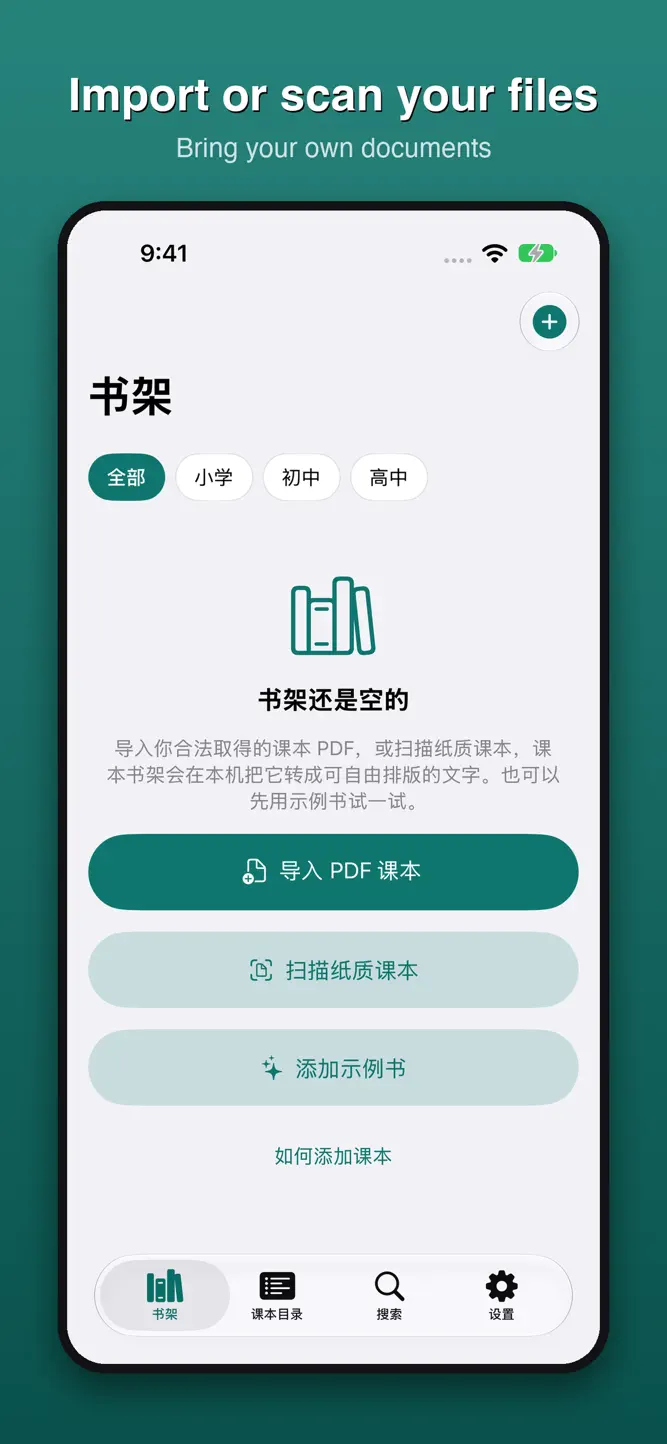
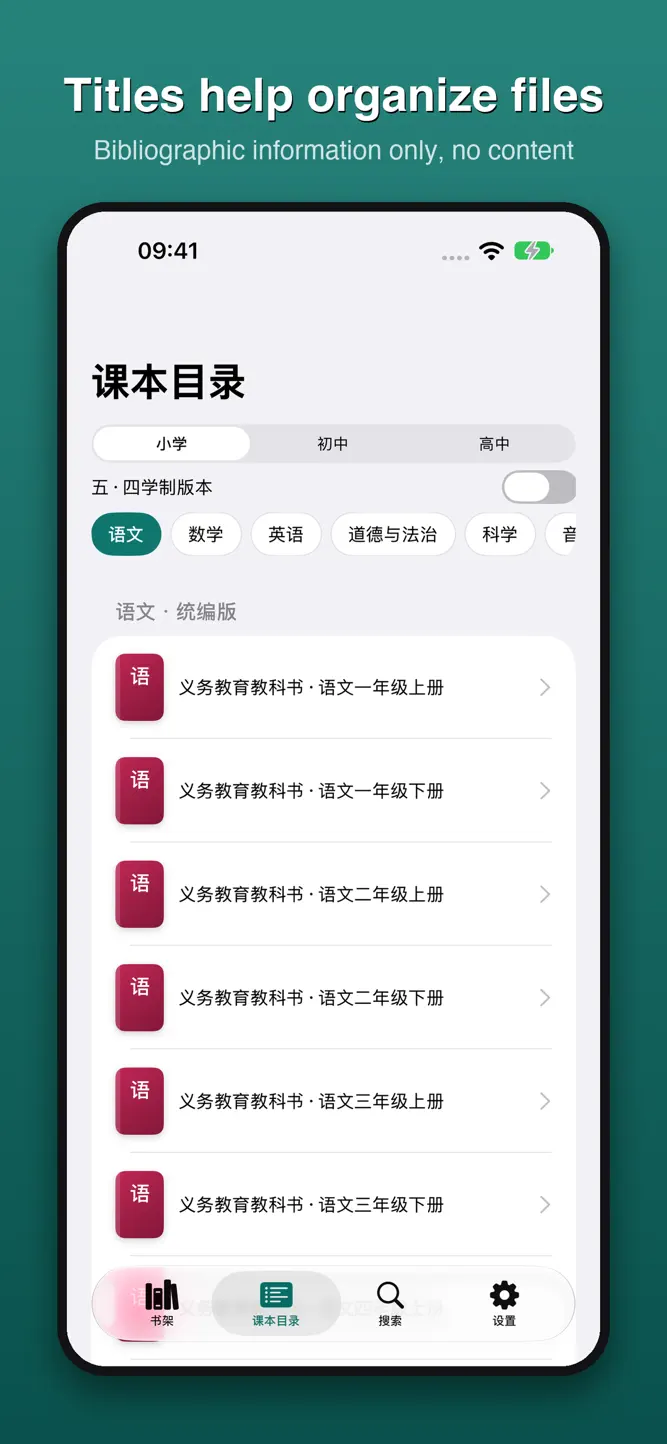
A built-in catalog lists 2,000+ primary, middle and high school textbook titles (titles only, no textbook content). Import a textbook PDF you obtained legally, or scan your own paper book with the camera, and TextbookShelf files it under the right stage, subject and edition.
ON-DEVICE TEXT RECOGNITION
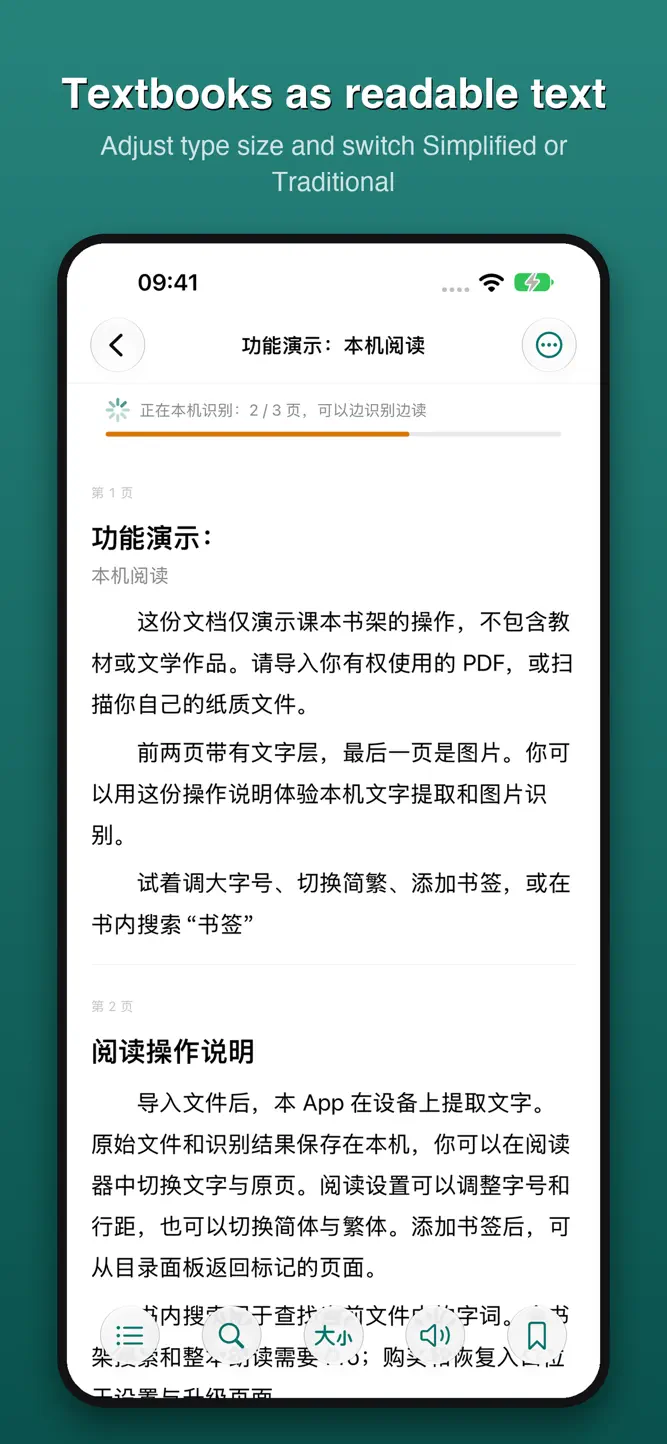
PDFs with a text layer are extracted directly; scanned pages are recognized on your device with iOS text recognition. Everything stays offline and nothing is uploaded. Formulas, figures and tables are kept as images you can tap to zoom. Start reading while recognition is still running; it resumes where it left off.
COMFORTABLE READING
• Adjustable font size and line spacing, light and dark mode
• Switch between text and the original page
• Convert body text between Simplified and Traditional Chinese
• Contents, chapters and bookmarks; your position is saved
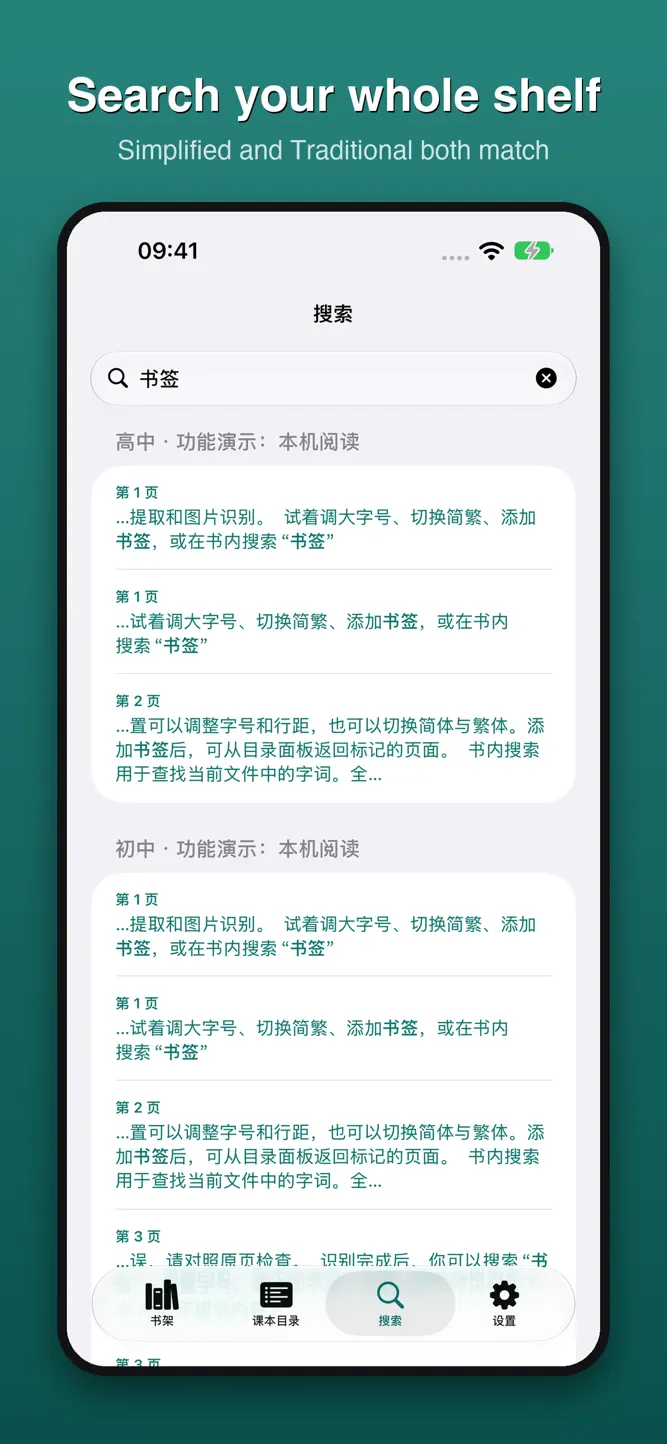
• In-book search that matches both scripts
• Share a page excerpt with its source
PRO, ONE-TIME PURCHASE
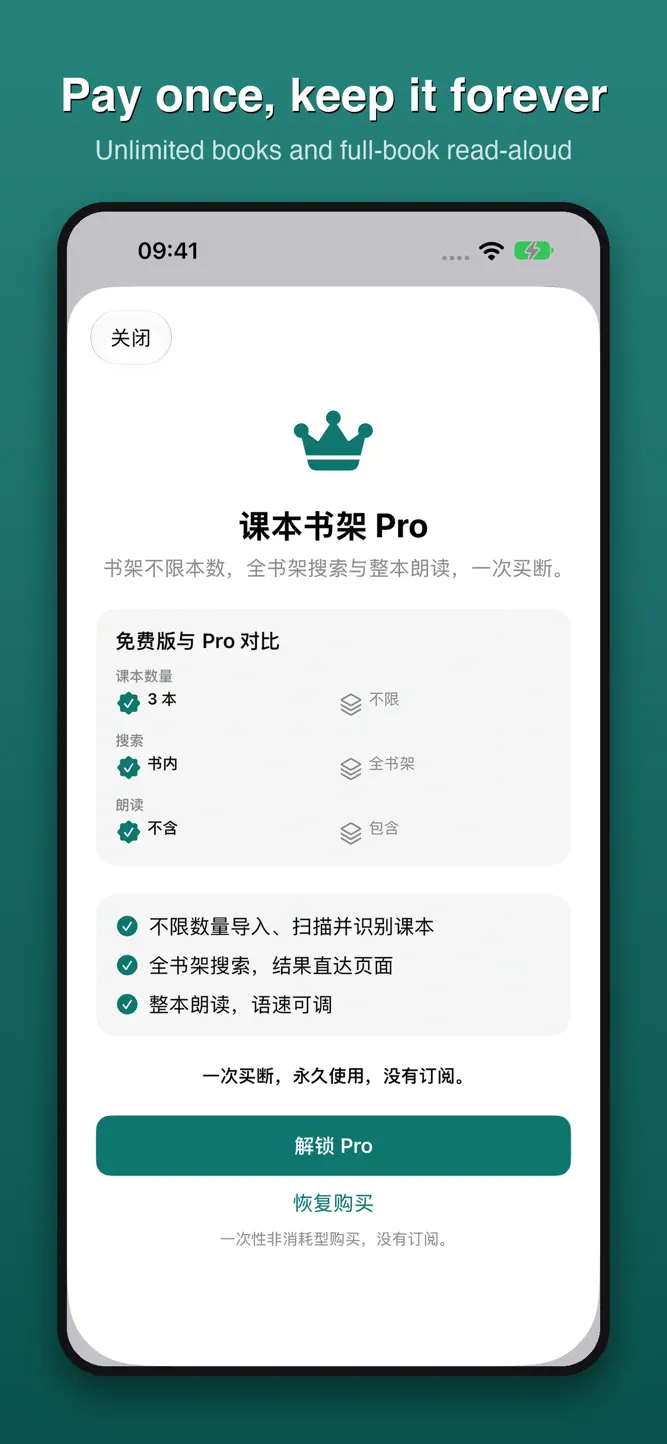
• Import, scan and recognize unlimited textbooks (3 in the basic version)
• Search across your whole shelf and jump straight to the page
• Read whole books aloud with adjustable speed
No subscription, no ads, no account.
COPYRIGHT
TextbookShelf does not supply textbooks, poems, books or magazines, offer content downloads, or export whole books. The included functional demonstration only explains app controls. Textbook copyrights belong to their publishers. Only import or scan books you have the right to use, for personal study. Publisher names are used only to identify editions; the app is not affiliated with any publisher.
How to download TextbookShelf - PDF Reader?
- Tap the Google Play button (Android) or the App Store button (iPhone / iPad) in the download section.
- The official store page of TextbookShelf - PDF Reader opens in a new tab.
- Tap Install or Get and wait until the download finishes.
- Open TextbookShelf - PDF Reader from your home screen and start playing.
FAQ
Is TextbookShelf - PDF Reader free to play?
Yes, TextbookShelf - PDF Reader is free to download.
Is TextbookShelf - PDF Reader available for iPhone?
Yes, TextbookShelf - PDF Reader is available on the Apple App Store and needs iOS 16.0 or later.
Is it safe to download TextbookShelf - PDF Reader?
Yes. GameZone does not host any files — the download buttons open the official Google Play and App Store pages.
Download the App
Similar Games
Toca Boca World
Toca Boca Jr: Fun Kids Games
Fluvsies - Cute Virtual Pets
Coloring Games: Color & Paint
Aha World & Gabby's Dollhouse
Dentist games
Baby Panda's School Bus
ABC Kids - Tracing & Phonics
Kids Games: For Toddlers 3-5
Toca Boca Hair Salon 4
Cooking Mama: Let's cook!
Baby Games: Piano & Baby Phone
Math Kids: Math Games For Kids
Coloring & Learn
Pepi City: Hospital Life
Disclaimer
1. GameZone does not represent any developer, nor is it the developer of any app or game listed on this website.
2. Game details such as icons, screenshots, ratings and descriptions are collected from the public Google Play and App Store listings so players can compare games before installing.
3. All trademarks, registered trademarks, product names, company names and logos are the property of their respective owners.
4. GameZone does not host APK or IPA files. Every download button opens the official Google Play Store or Apple App Store page of the game.
5. GameZone respects the Digital Millennium Copyright Act (DMCA). If you are the owner of any content shown here and want it removed, please contact us at contact@shresult.com.