


Tuck: Screenshots & Receipts
ICHUN WU
Category
Content Rating
4+
Developer
ICHUN WU
Version
1.0.0
Updated
Oct 14, 2026
Requires
iOS 26.0 or later
Price
Free
Size (iOS)
5.4 MB
Advertisement
Screenshots

Advertisement
Editor Reviews
Tuck: Screenshots & Receipts is an action game developed by ICHUN WU for iPhone & iPad.
Tuck: Screenshots & Receipts is free to download. The latest version 1.0.0 was released on Oct 14, 2026. Content rating: 4+.
About Tuck: Screenshots & Receipts
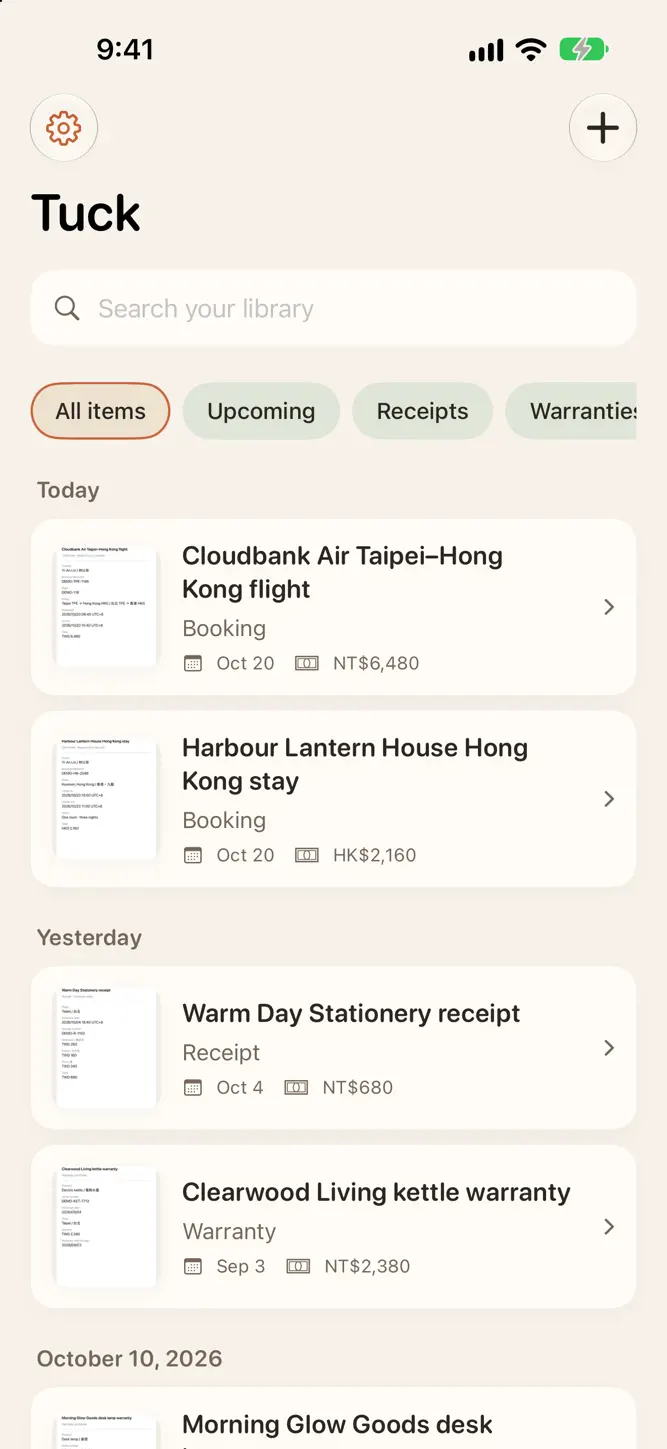
Find your booking before you leave, your receipt when it's time to claim expenses, and your warranty when something needs fixing. Tuck keeps screenshots and documents together, ready for the moment you need them.
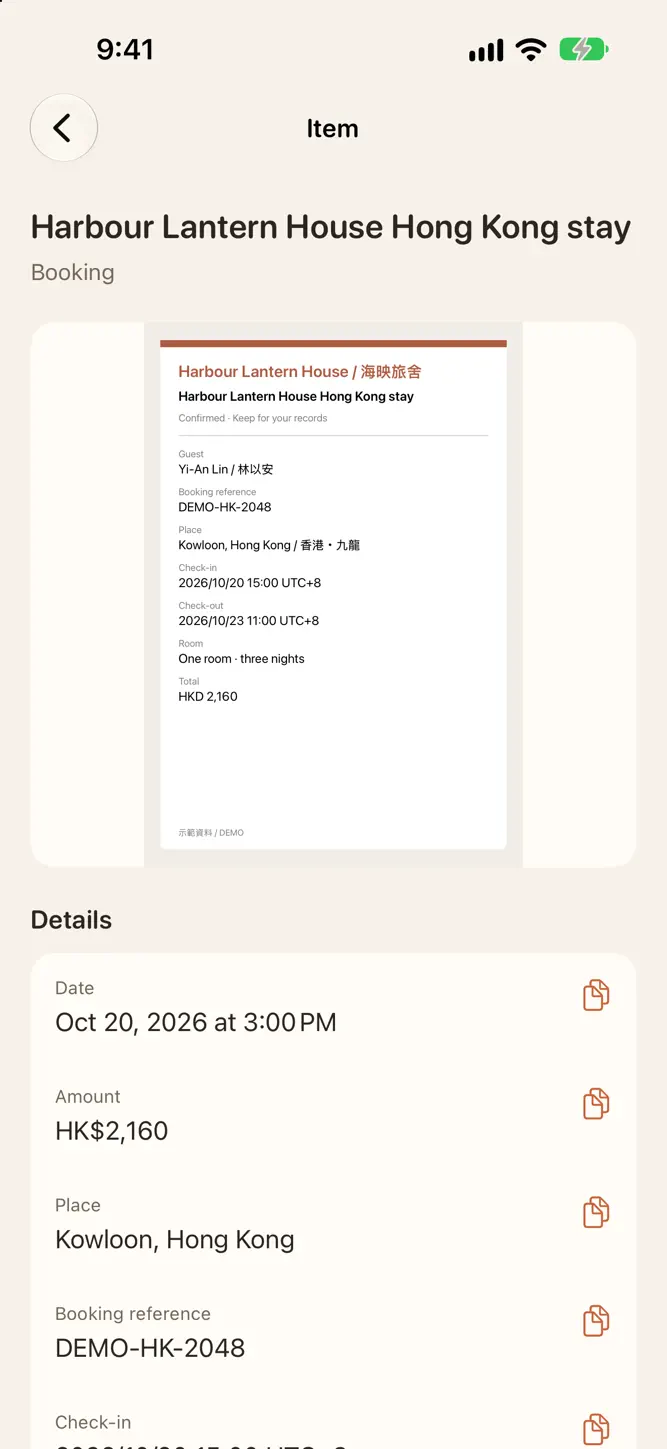
Share something to Tuck and it's saved right away. Add photos, scan a document, import a file or paste a link or text. Tuck reads it on your device and picks out useful details, such as dates, amounts and addresses. Your originals are kept too.
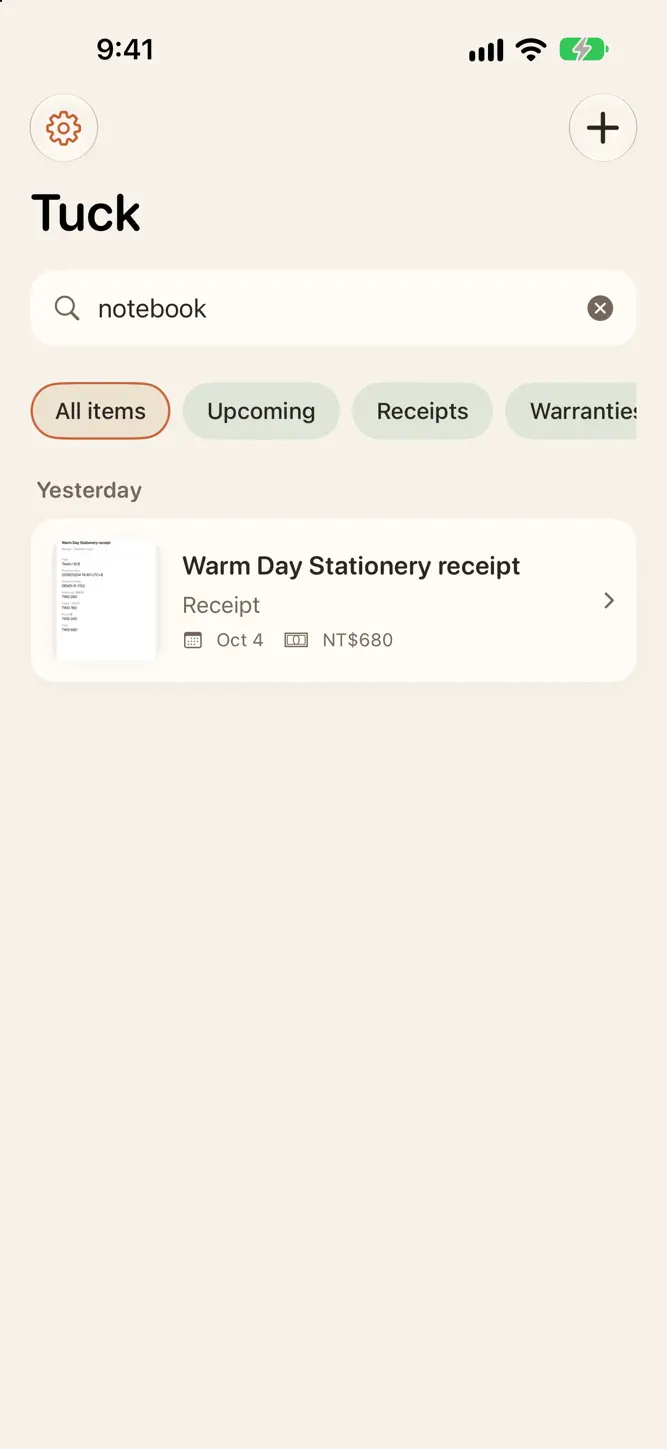
Search for a shop name or a few words you remember. Open the original, copy a detail or confirm a reminder for an important date.
• Save images, PDFs, links and text; add several photos at once
• Search titles, text in images and extracted details, including through iPhone system search
• Organize items into collections you can rename or merge, and move items between them
• Browse Upcoming, Receipts and Warranties smart collections
• Zoom into originals, view PDFs and copy dates, amounts or addresses
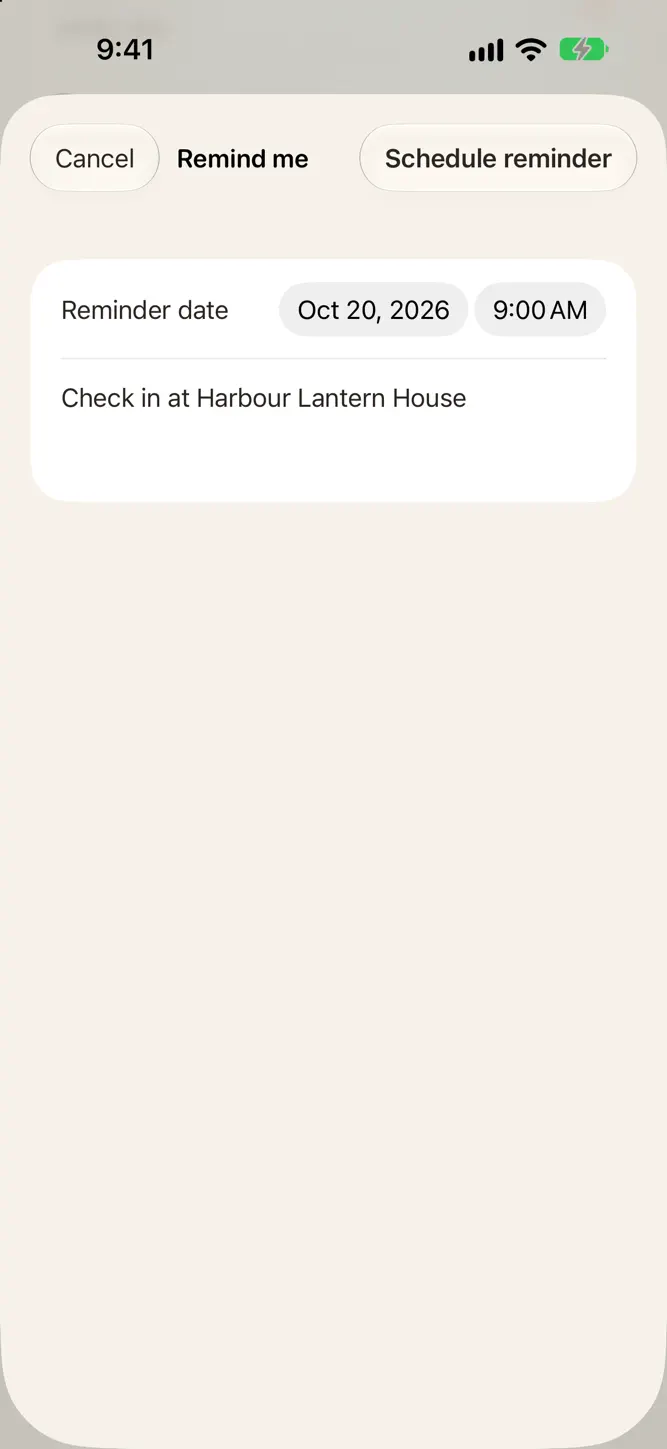
• Set a local reminder with a date and message ready to confirm
No account or login needed.
Tuck includes ads, shown only at natural breaks.
How to download Tuck: Screenshots & Receipts?
- Tap the Google Play button (Android) or the App Store button (iPhone / iPad) in the download section.
- The official store page of Tuck: Screenshots & Receipts opens in a new tab.
- Tap Install or Get and wait until the download finishes.
- Open Tuck: Screenshots & Receipts from your home screen and start playing.
FAQ
Is Tuck: Screenshots & Receipts free to play?
Yes, Tuck: Screenshots & Receipts is free to download.
Is Tuck: Screenshots & Receipts available for iPhone?
Yes, Tuck: Screenshots & Receipts is available on the Apple App Store and needs iOS 26.0 or later.
Is it safe to download Tuck: Screenshots & Receipts?
Yes. GameZone does not host any files — the download buttons open the official Google Play and App Store pages.
Download the App
Similar Games


Disclaimer
1. GameZone does not represent any developer, nor is it the developer of any app or game listed on this website.
2. Game details such as icons, screenshots, ratings and descriptions are collected from the public Google Play and App Store listings so players can compare games before installing.
3. All trademarks, registered trademarks, product names, company names and logos are the property of their respective owners.
4. GameZone does not host APK or IPA files. Every download button opens the official Google Play Store or Apple App Store page of the game.
5. GameZone respects the Digital Millennium Copyright Act (DMCA). If you are the owner of any content shown here and want it removed, please contact us at contact@shresult.com.