


VibeRoom: Party Game
Secure Lanes
Category
Content Rating
12+
Developer
Secure Lanes
Version
1.0
Updated
Oct 1, 2026
Requires
iOS 27.0 or later
Price
$1.99
Size (iOS)
8.3 MB
Advertisement
Screenshots





Advertisement
Editor Reviews
VibeRoom: Party Game is a word game developed by Secure Lanes for iPhone & iPad.
VibeRoom: Party Game is a paid game ($1.99). The latest version 1.0 was released on Oct 1, 2026. Content rating: 12+.
About VibeRoom: Party Game
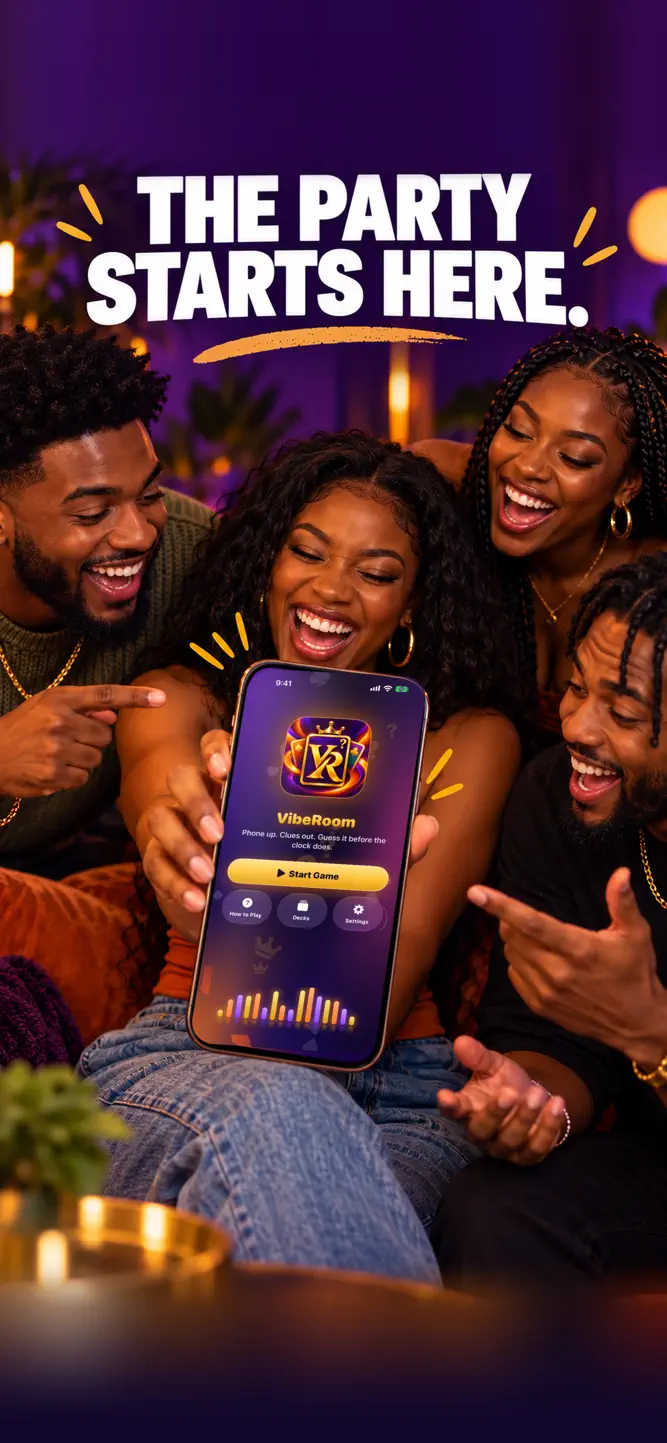
VibeRoom is the party guessing game made for kickbacks, cookouts, game night, and homecoming weekend.
HOW IT WORKS
• Split into teams.
• One player holds the iPhone on their forehead, screen facing the room.
• Teammates give clues, act it out, or sing it. Just don't say the word!
• Tilt down when you get it. Tilt up to pass.
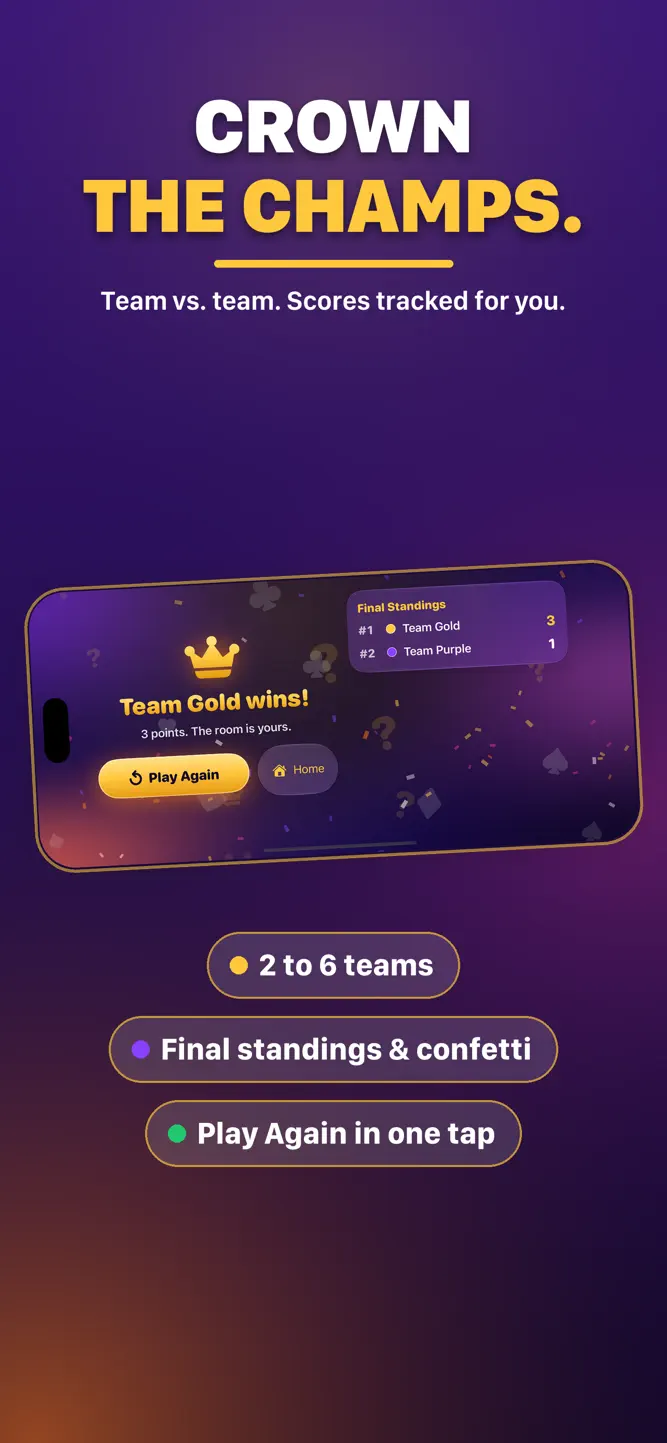
• Beat the clock, rack up points, and take the crown.
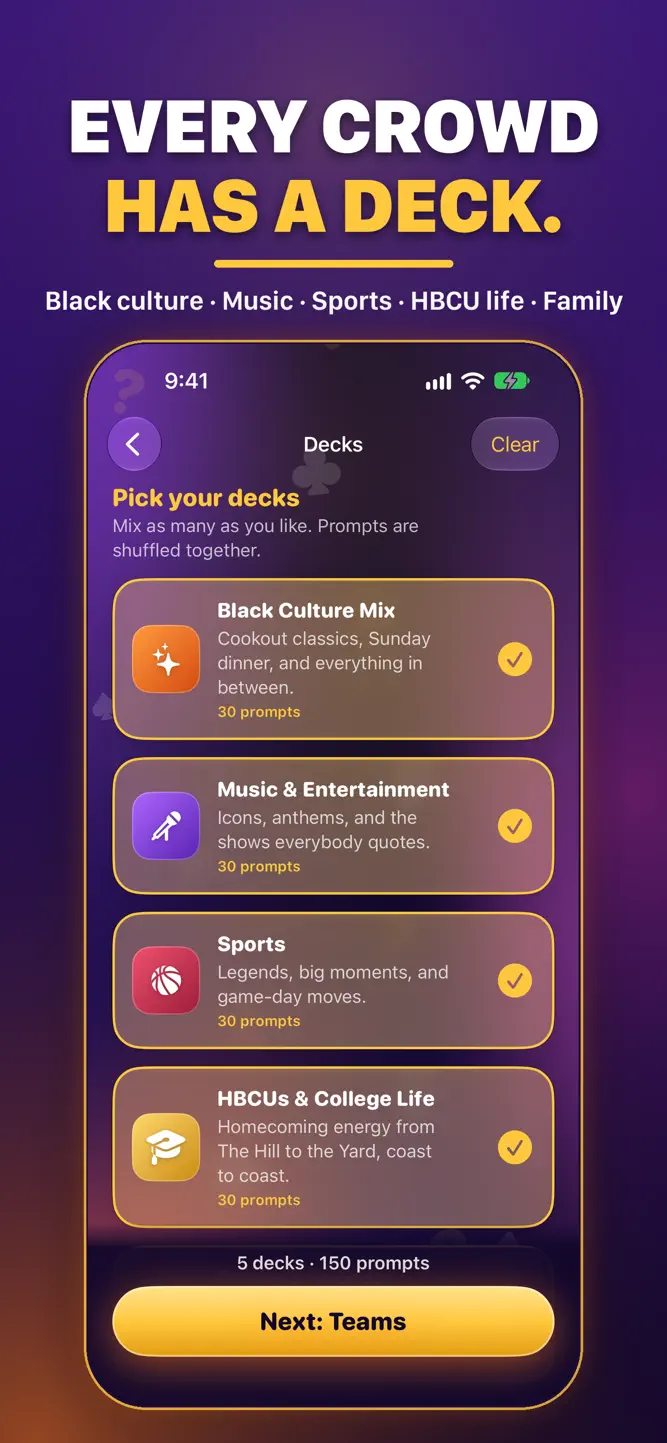
FIVE DECKS INCLUDED – 150 PROMPTS
• Black Culture Mix – cookout classics, Sunday dinner, and everything in between
• Music & Entertainment – icons, anthems, and the shows everybody quotes
• Sports – legends, big moments, and game-day moves
• HBCUs & College Life – homecoming energy from The Hill to the Yard, coast to coast
• Family & Friends – reunions, group chats, and the kids' table
BUILT FOR THE PARTY
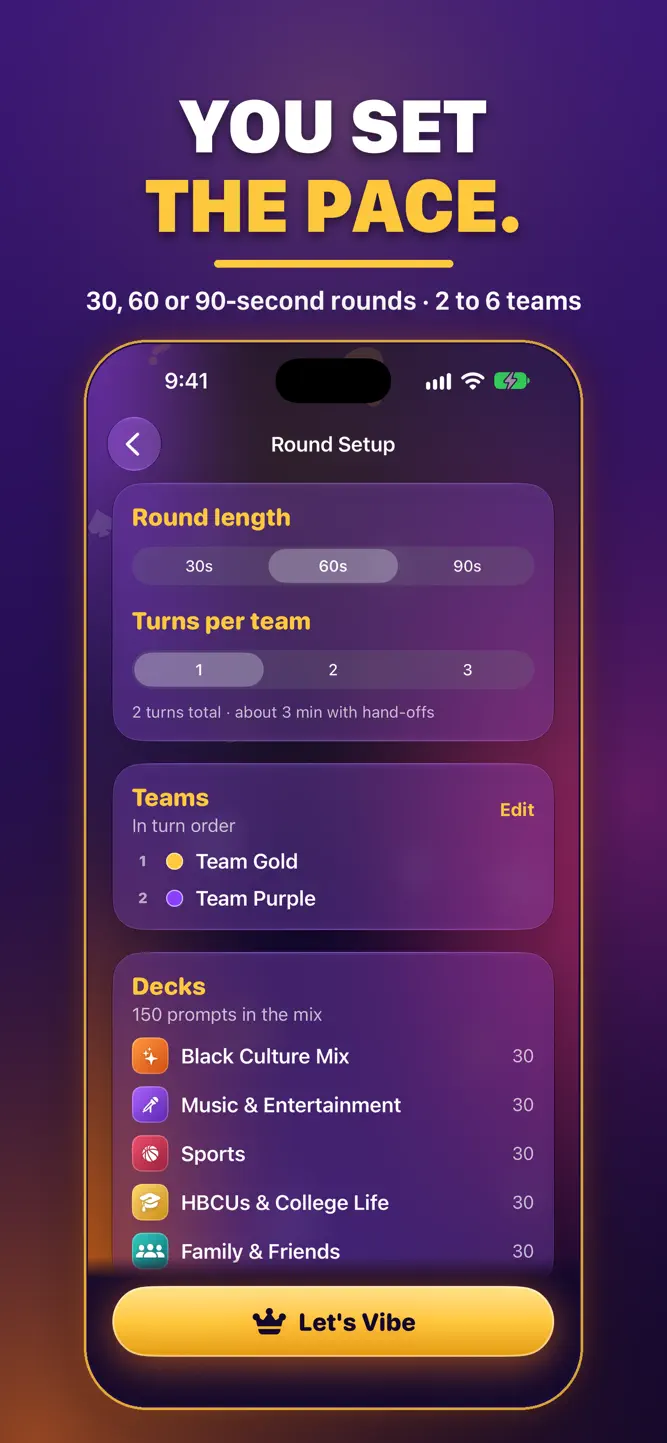
• 2 to 6 teams with custom names and turn order
• 30, 60, or 90 second rounds
• Big Correct and Pass buttons if you'd rather tap than tilt
• Tilt calibration and sensitivity settings
• Sound effects and haptics you can turn off
• Works completely offline. No accounts, no ads, no tracking.
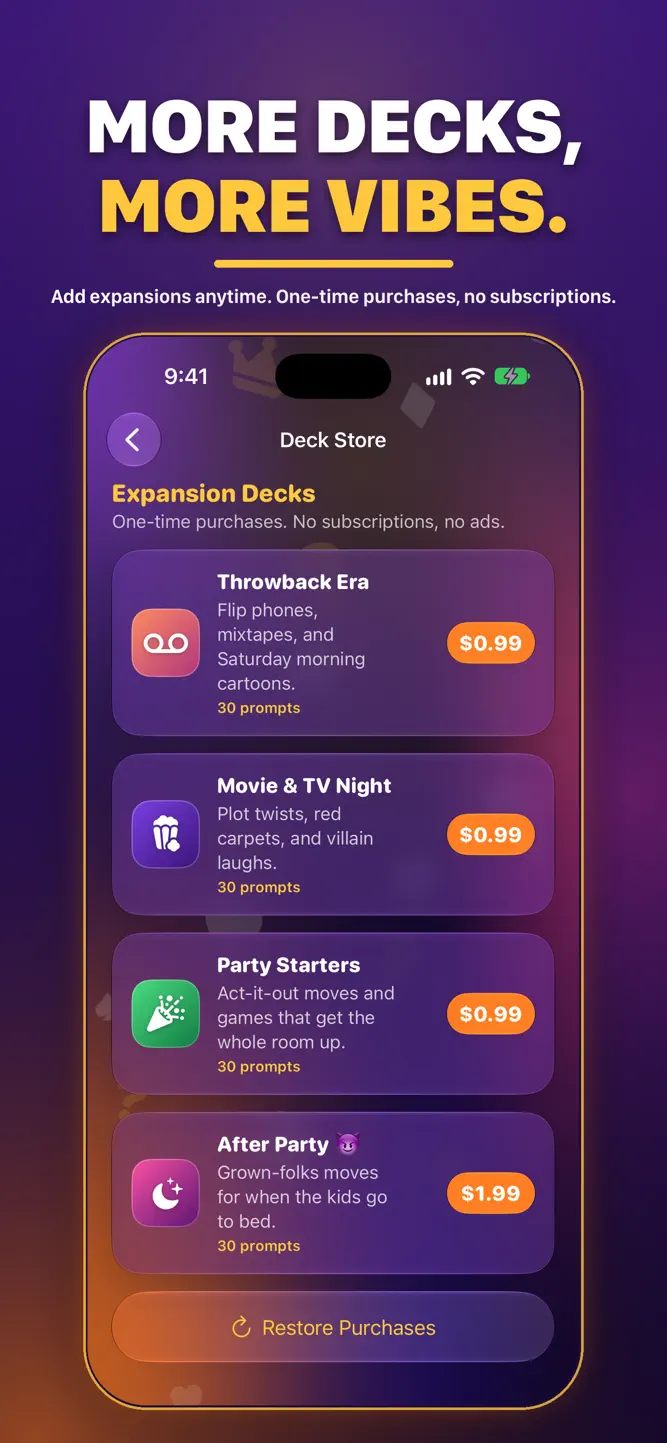
WANT MORE?
Add optional expansion decks like Throwback Era, Movie & TV Night, Party Starters and After Party. One-time purchases, never a subscription.
Terms of Use (EULA): https://www.apple.com/legal/internet-services/itunes/dev/stdeula/
How to download VibeRoom: Party Game?
- Tap the Google Play button (Android) or the App Store button (iPhone / iPad) in the download section.
- The official store page of VibeRoom: Party Game opens in a new tab.
- Tap Install or Get and wait until the download finishes.
- Open VibeRoom: Party Game from your home screen and start playing.
FAQ
Is VibeRoom: Party Game free to play?
No, VibeRoom: Party Game is a paid game. Current price: $1.99.
Is VibeRoom: Party Game available for iPhone?
Yes, VibeRoom: Party Game is available on the Apple App Store and needs iOS 27.0 or later.
Is it safe to download VibeRoom: Party Game?
Yes. GameZone does not host any files — the download buttons open the official Google Play and App Store pages.
Download the App
Similar Games
Words of Wonders: Crossword
Word Search Explorer
Wordscapes: Word puzzle game
Word Search - Word Puzzle Game
Zen Word® - Relax Puzzle Game
Word Connect
Word Search Quest - Puzzles
Word Cookies! ®
Crossword Master - Word Puzzle
Fillwords: Word Search Puzzles
CodyCross: Crossword Puzzles
Classic Words With Friends
Solitaire Associations Journey
كلمات كراش - لعبة تسلية وتحدي
Wordscapes Search: Word Games
Disclaimer
1. GameZone does not represent any developer, nor is it the developer of any app or game listed on this website.
2. Game details such as icons, screenshots, ratings and descriptions are collected from the public Google Play and App Store listings so players can compare games before installing.
3. All trademarks, registered trademarks, product names, company names and logos are the property of their respective owners.
4. GameZone does not host APK or IPA files. Every download button opens the official Google Play Store or Apple App Store page of the game.
5. GameZone respects the Digital Millennium Copyright Act (DMCA). If you are the owner of any content shown here and want it removed, please contact us at contact@shresult.com.