


VidAi: AI Video Editor
Salim BAKHOUCH
Category
Content Rating
4+
Developer
Salim BAKHOUCH
Version
1.0
Updated
Oct 6, 2026
Requires
iOS 17.0 or later
Price
Free
Size (iOS)
3.4 MB
Advertisement
Screenshots
Advertisement
Editor Reviews
VidAi: AI Video Editor is an action game developed by Salim BAKHOUCH for iPhone & iPad.
VidAi: AI Video Editor is free to download. The latest version 1.0 was released on Oct 6, 2026. Content rating: 4+.
About VidAi: AI Video Editor
VidAi edits your talking-head videos for you and helps you sell on TikTok Shop.
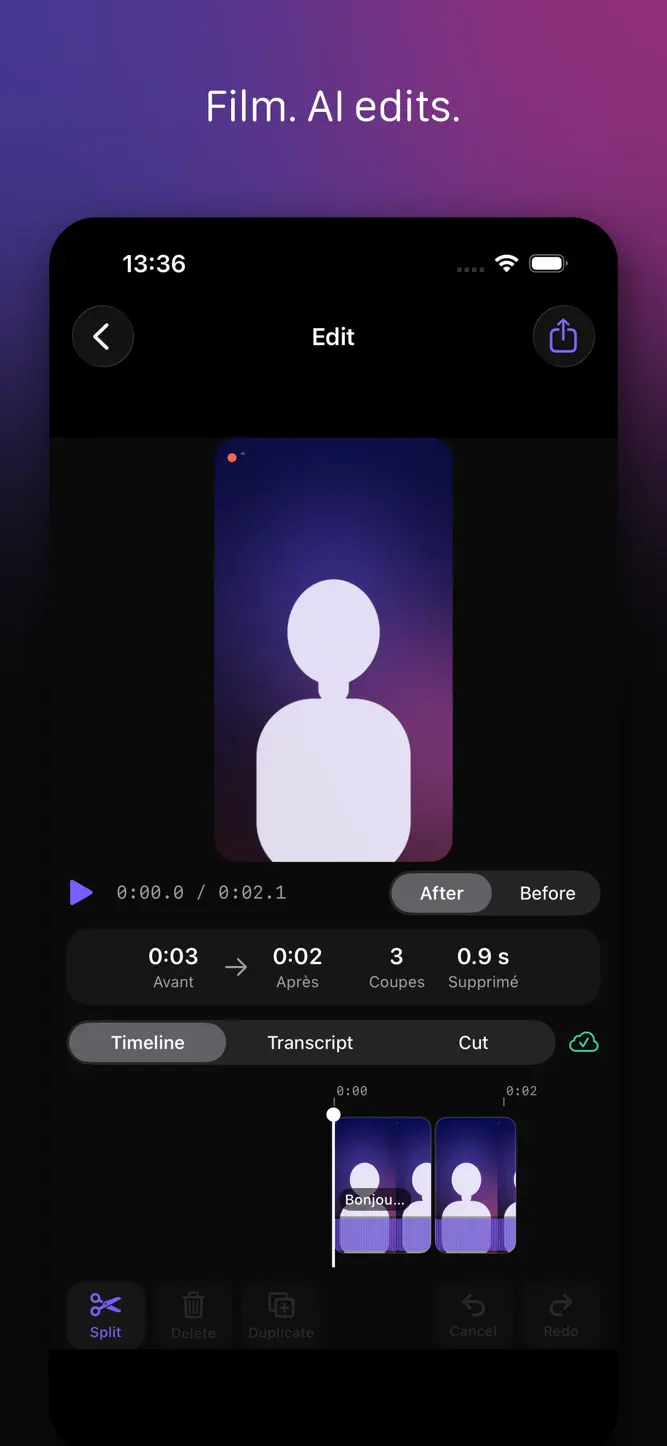
FILM, AI EDITS
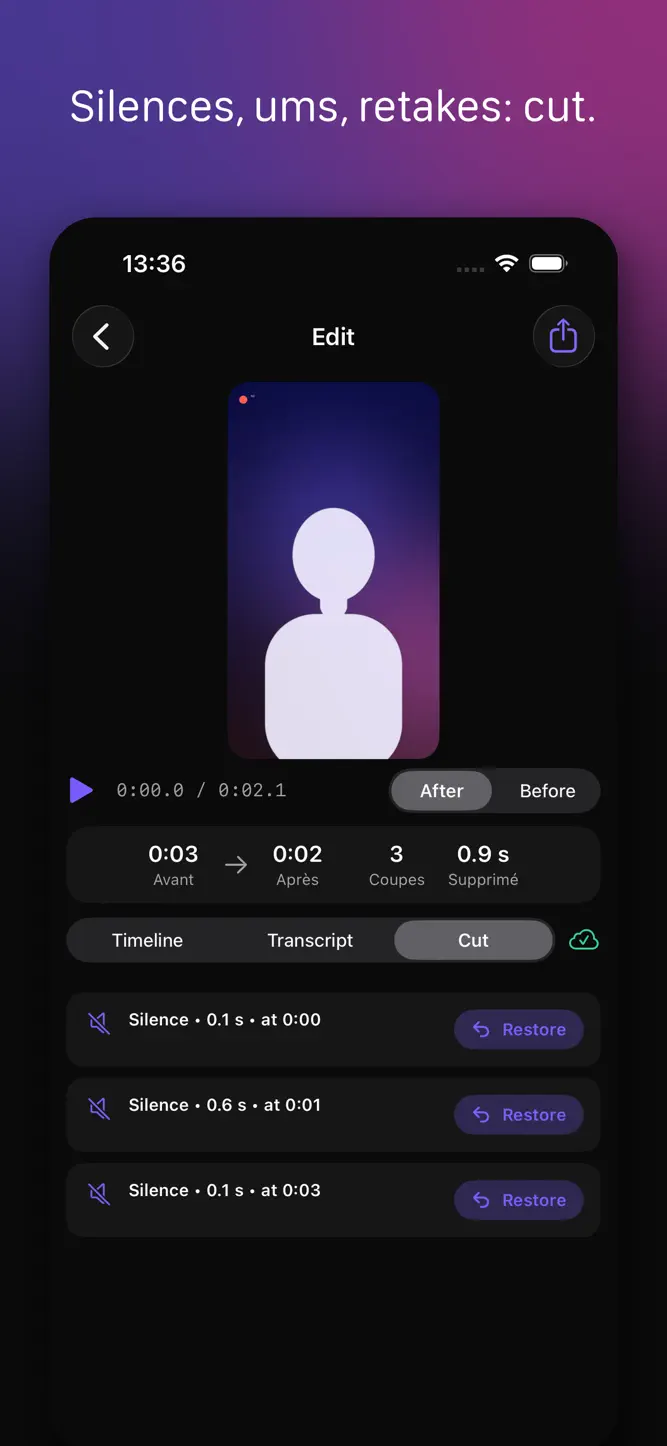
• Automatically cuts silences, “ums” and hesitations
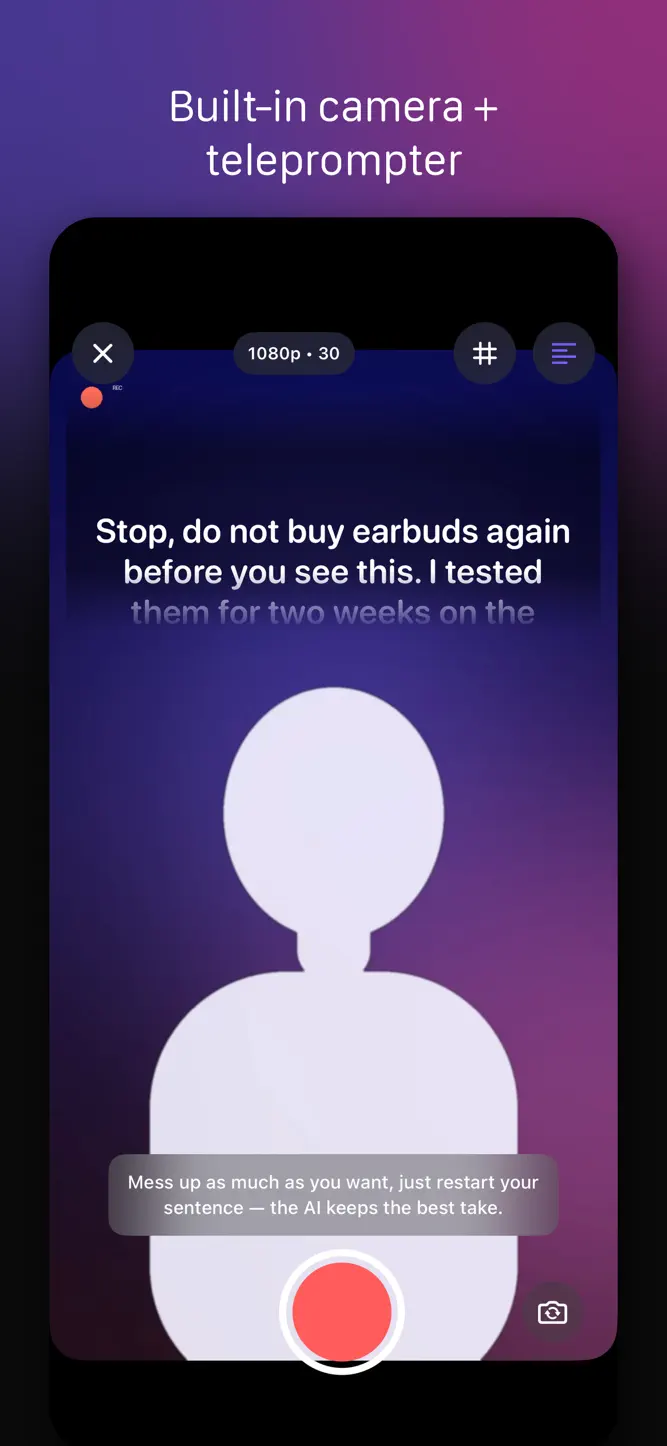
• Detects retakes: start a sentence again, VidAi keeps the best take
• Built-in camera with teleprompter, countdown, 1080p or 4K
• Timeline editor to trim, cut, reorder or restore a passage
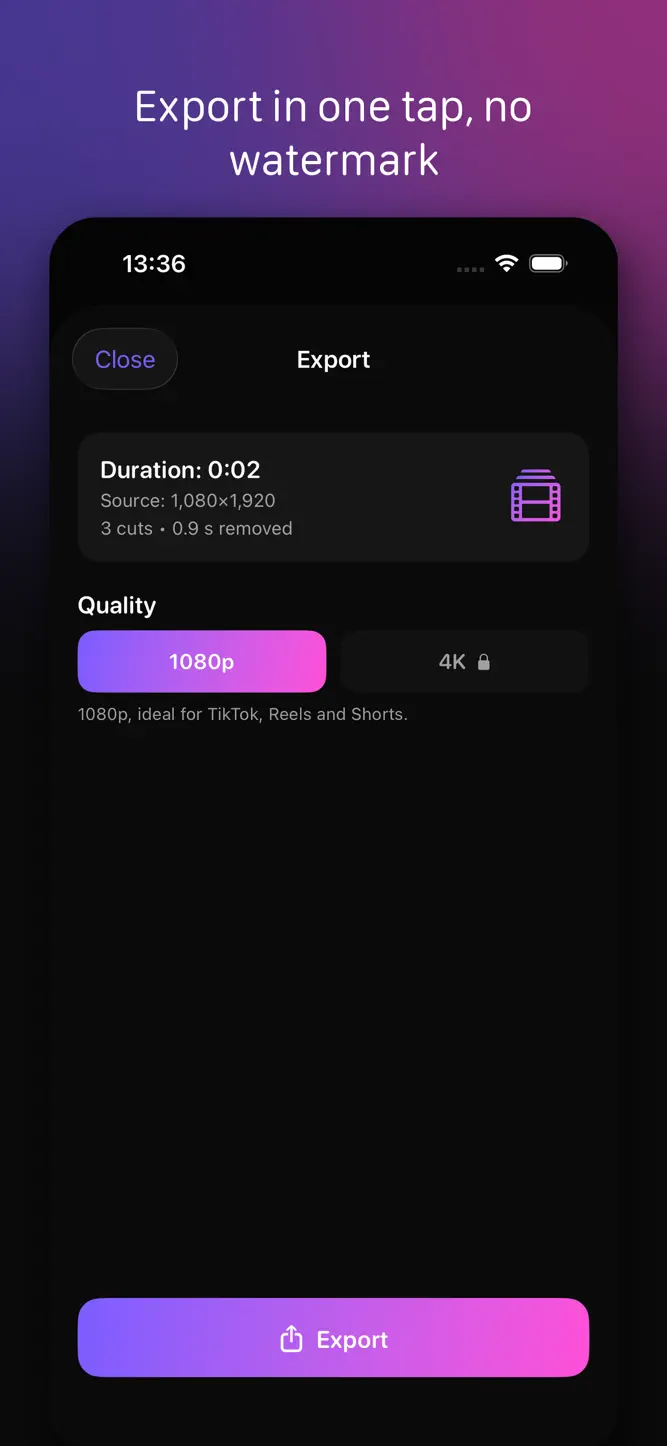
• Watermark-free vertical export, ready for TikTok, Reels and Shorts
• Import from your library, scheduled batch editing (Pro)
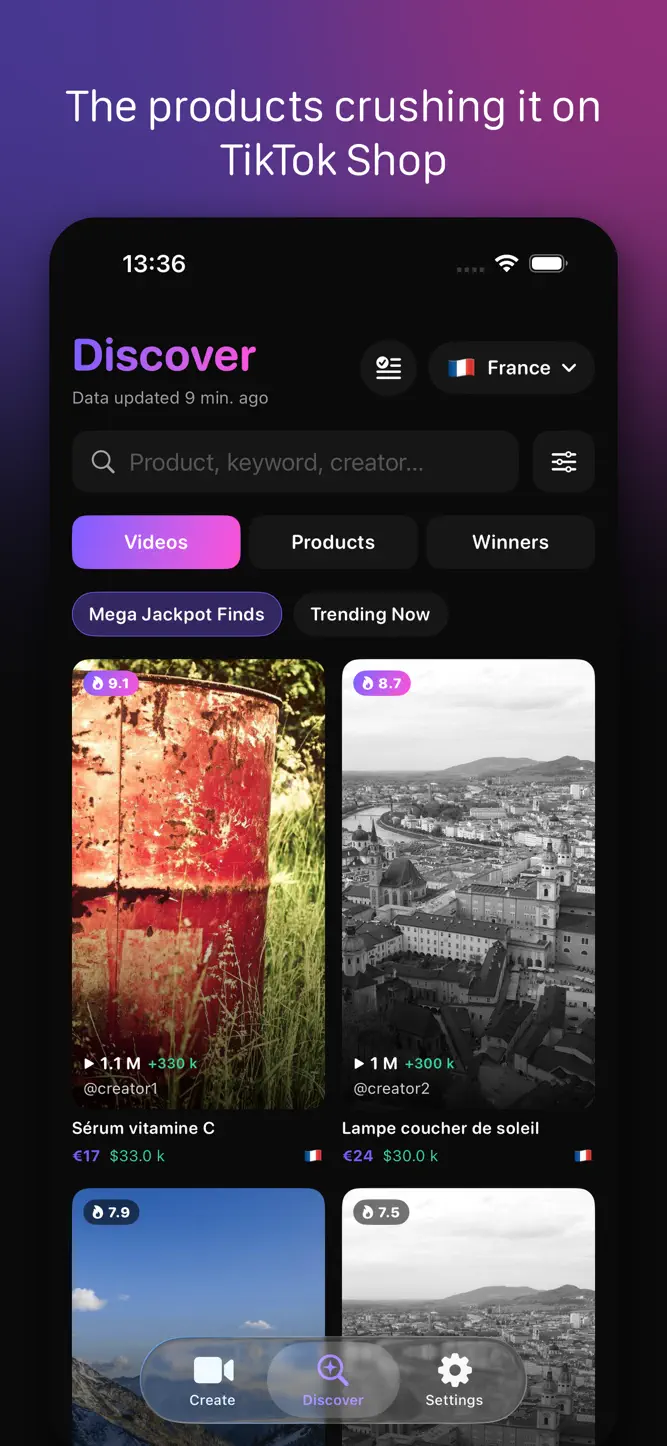
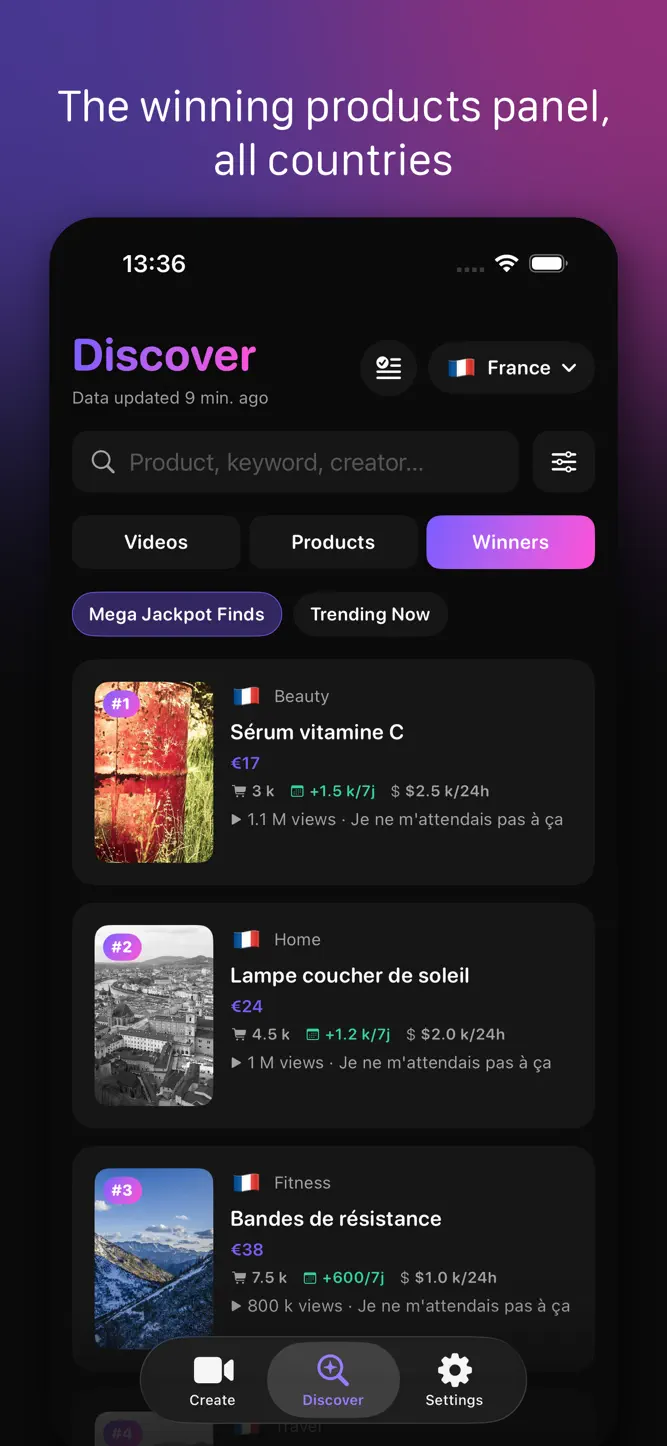
DISCOVER: THE PRODUCTS THAT ARE CRUSHING IT (Pro and Ultimate)
• Feed of exploding TikTok Shop videos, refreshed several times a day
• Winning products panel across countries
• Filters: country, category, period, views, likes, shares, followers, engagement
• Video sheet: hook, metrics, linked product, similar videos
• Product sheet: price, sales, estimated revenue, promoting videos
• Favorites to build your shortlist
AI SCRIPTS (Ultimate)
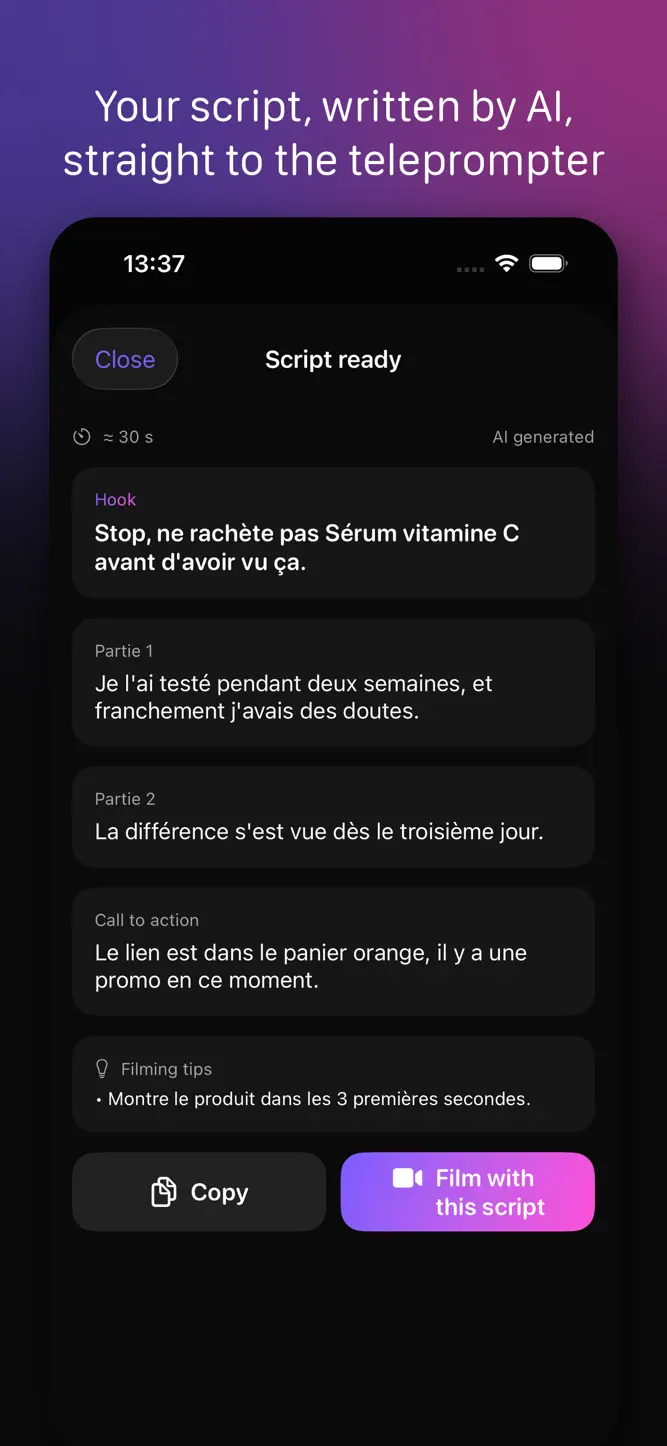
• Generate a talking-head script inspired by a video that works: hook, body, call to action
• Pick the tone, length and language
• “Film with this script”: the text lands in the teleprompter and you shoot
WHO IT'S FOR
TikTok Shop affiliates, sellers, brands, UGC creators, coaches and educators: anyone who talks to camera and wants to post faster.
SUBSCRIPTIONS
Starter: AI editing, 100 edits per month.
Pro: + Discover, J-cut, scheduled batches, 4K export, 300 edits per month.
Ultimate: + AI scripts and hooks, 600 edits per month.
Monthly or yearly, auto-renewing, cancel anytime in your Apple account settings.
Terms: https://vidai.fly.dev/legal/terms
Privacy: https://vidai.fly.dev/legal/privacy
VidAi is not affiliated with TikTok.
How to download VidAi: AI Video Editor?
- Tap the Google Play button (Android) or the App Store button (iPhone / iPad) in the download section.
- The official store page of VidAi: AI Video Editor opens in a new tab.
- Tap Install or Get and wait until the download finishes.
- Open VidAi: AI Video Editor from your home screen and start playing.
FAQ
Is VidAi: AI Video Editor free to play?
Yes, VidAi: AI Video Editor is free to download.
Is VidAi: AI Video Editor available for iPhone?
Yes, VidAi: AI Video Editor is available on the Apple App Store and needs iOS 17.0 or later.
Is it safe to download VidAi: AI Video Editor?
Yes. GameZone does not host any files — the download buttons open the official Google Play and App Store pages.
Download the App
Similar Games


Disclaimer
1. GameZone does not represent any developer, nor is it the developer of any app or game listed on this website.
2. Game details such as icons, screenshots, ratings and descriptions are collected from the public Google Play and App Store listings so players can compare games before installing.
3. All trademarks, registered trademarks, product names, company names and logos are the property of their respective owners.
4. GameZone does not host APK or IPA files. Every download button opens the official Google Play Store or Apple App Store page of the game.
5. GameZone respects the Digital Millennium Copyright Act (DMCA). If you are the owner of any content shown here and want it removed, please contact us at contact@shresult.com.