


Virtual Stop Light
Lionheart Software LLC
Installs
57 ratings
Category
Content Rating
4+
Developer
Lionheart Software LLC
Version
1.0.1
Updated
Oct 1, 2018
Requires
iOS 11.4 or later
Price
$0.99
Size (iOS)
8.2 MB
Advertisement
Screenshots
Advertisement
Editor Reviews
Virtual Stop Light is a simulation game developed by Lionheart Software LLC for iPhone & iPad. It holds an average rating of 4.1 out of 5 from 57 players.
Virtual Stop Light is a paid game ($0.99). The latest version 1.0.1 was released on Oct 1, 2018. Content rating: 4+.
About Virtual Stop Light
The Virtual Stop Light is the perfect tool to learn how traffic signals work (and it's pretty fun, too!). It's a great app for babies, toddlers, and little kids (I made it for my 2 year old son :) ).
If you have a group, here's a fun game to try:
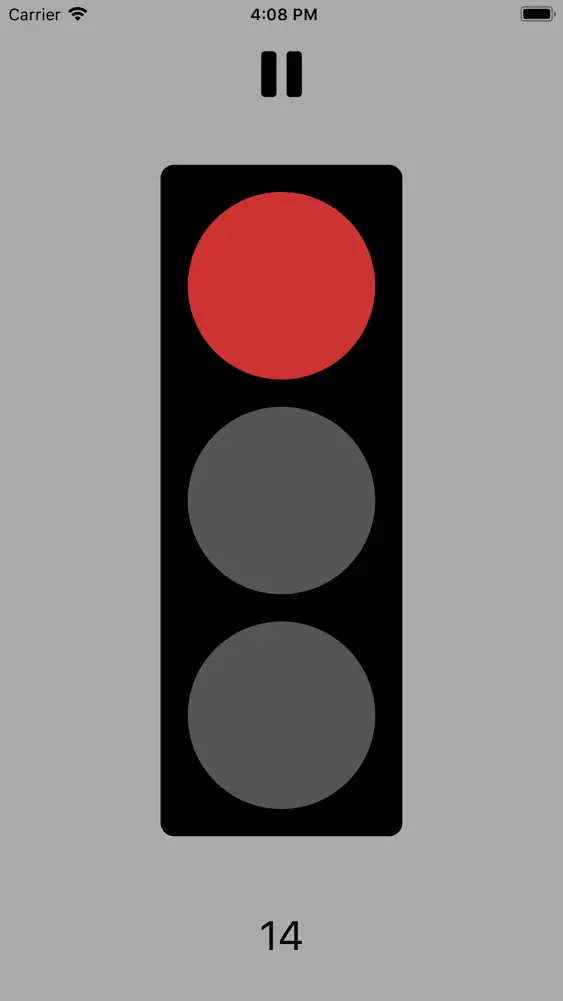
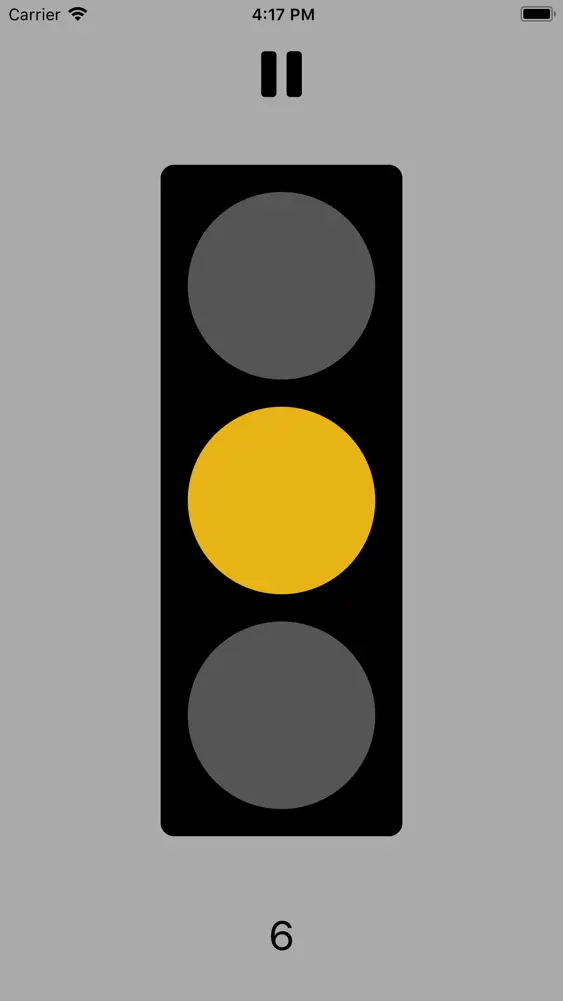
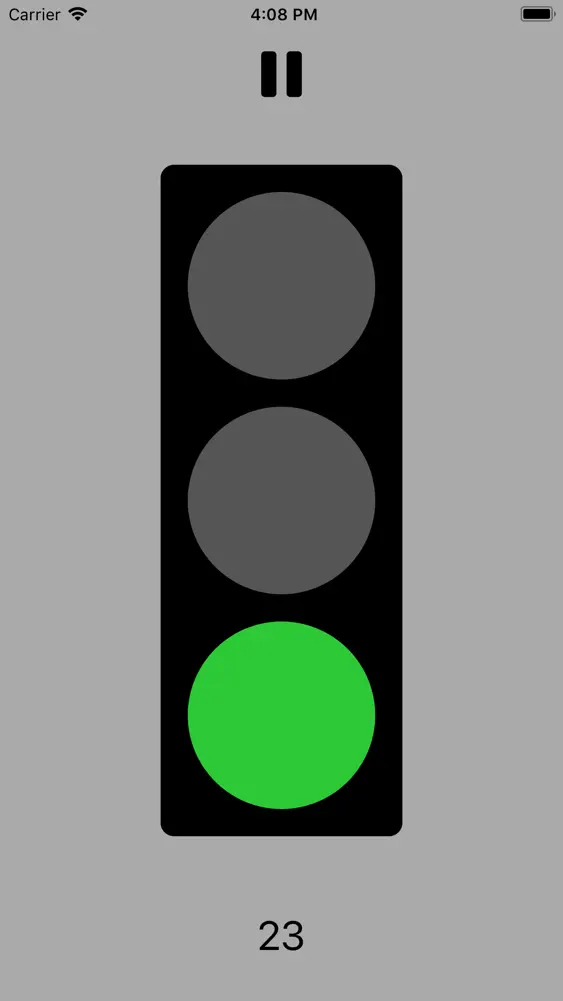
Open the app, prop it up where everyone can see the light, and just follow the prompts: red means stop, yellow means move arms but not legs, and green means walk.
All you need to do to get started is open the app (which begins with a red light), and wait until it turns green to GO!
A counter appears at the bottom of the screen which shows you how much time is left until the light changes, and once 5 seconds are left, little beeps lets you know to start revving your engines. You can also force a light change by just tapping the top, middle, or bottom of the screen.
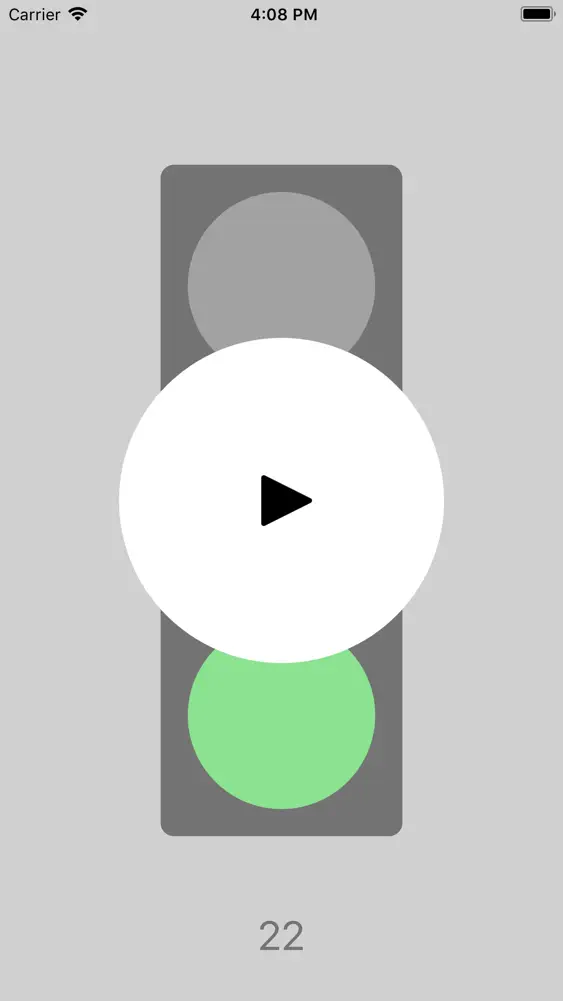
If you want the Virtual Stop Light to take a break, just press the pause button at the top of the screen.
Have fun!
What's New
‣ Minor bug fixes and assorted behind-the-scenes improvements. Love Virtual Stop Light? Write us an App Store review! Have an idea? Something not working? Shoot us an email at support@lionheartsw.com.
How to download Virtual Stop Light?
- Tap the Google Play button (Android) or the App Store button (iPhone / iPad) in the download section.
- The official store page of Virtual Stop Light opens in a new tab.
- Tap Install or Get and wait until the download finishes.
- Open Virtual Stop Light from your home screen and start playing.
FAQ
Is Virtual Stop Light free to play?
No, Virtual Stop Light is a paid game. Current price: $0.99.
Is Virtual Stop Light available for iPhone?
Yes, Virtual Stop Light is available on the Apple App Store and needs iOS 11.4 or later.
Is it safe to download Virtual Stop Light?
Yes. GameZone does not host any files — the download buttons open the official Google Play and App Store pages.
Download the App
Similar Games
Melon Sandbox
Solar Smash
Pizza Ready!
Teacher Simulator: Exam Time
Fishing Clash: Sport Simulator
Kick & Break The Ragdoll Games
Vehicle Masters
BitLife - Life Simulator
Annoying Uncle Punch Game®
My Supermarket Simulator 3D®
Lamar - Idle Vlogger
Episode - Choose Your Story
Klondike Adventures: Farm Game
The Baby In Yellow
Plague Inc.
Disclaimer
1. GameZone does not represent any developer, nor is it the developer of any app or game listed on this website.
2. Game details such as icons, screenshots, ratings and descriptions are collected from the public Google Play and App Store listings so players can compare games before installing.
3. All trademarks, registered trademarks, product names, company names and logos are the property of their respective owners.
4. GameZone does not host APK or IPA files. Every download button opens the official Google Play Store or Apple App Store page of the game.
5. GameZone respects the Digital Millennium Copyright Act (DMCA). If you are the owner of any content shown here and want it removed, please contact us at contact@shresult.com.