


Word Search Ultimate +
Havos
Installs
37 ratings
Category
Content Rating
4+
Developer
Havos
Version
3.2.2
Updated
Nov 21, 2023
Requires
iOS 12.0 or later
Price
$4.99
Size (iOS)
71.8 MB
Advertisement
Screenshots
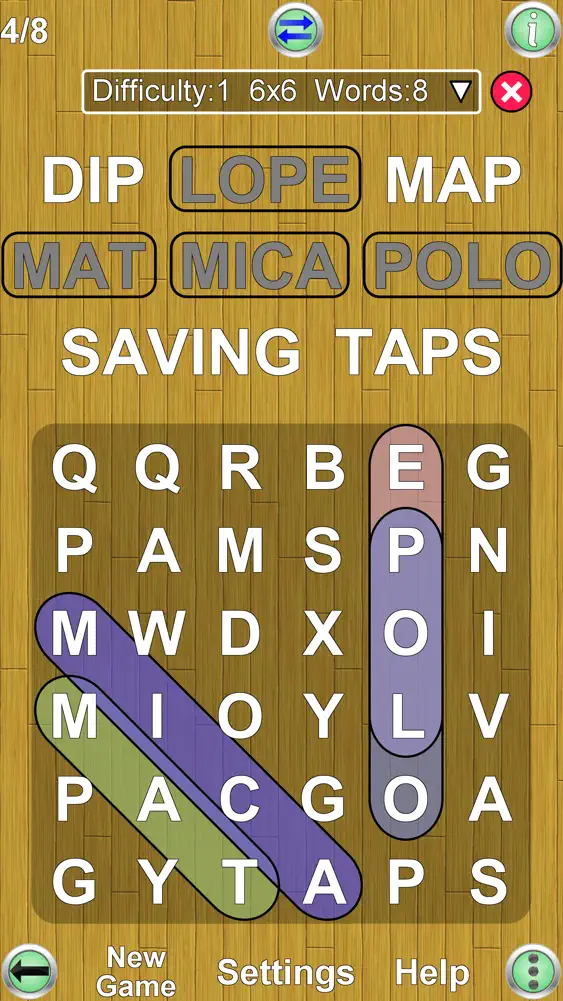


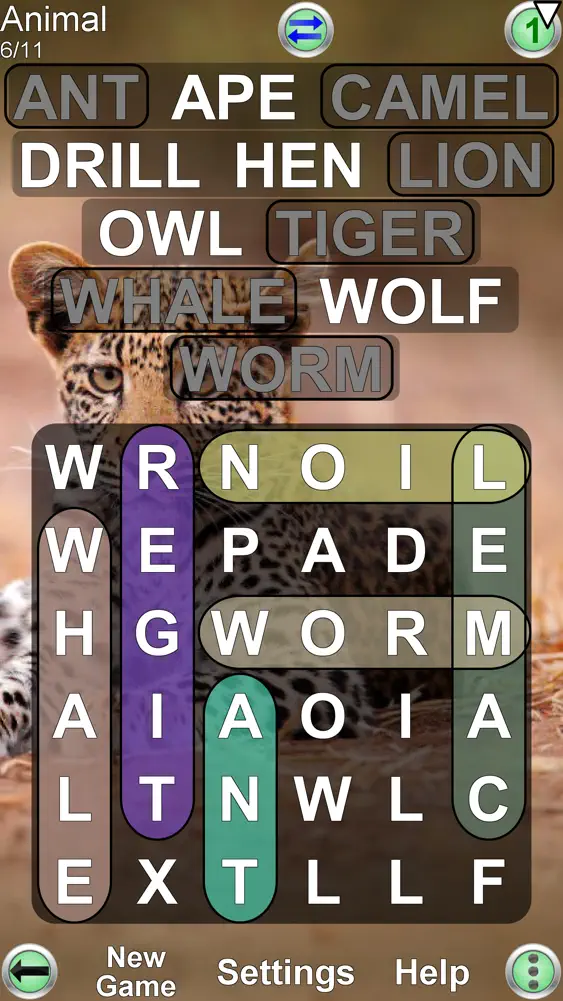


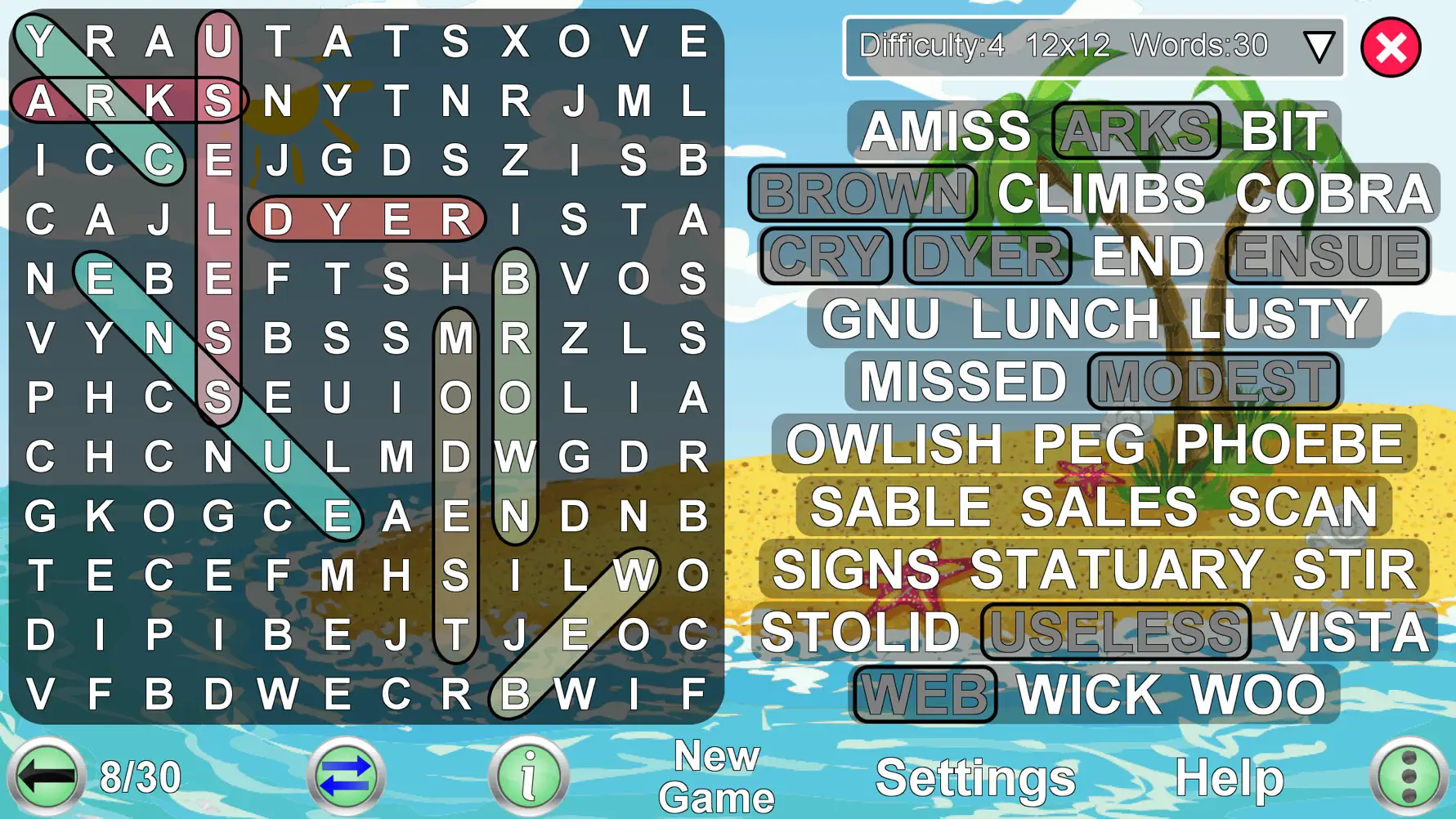
Advertisement
Editor Reviews
Word Search Ultimate + is a word game developed by Havos for iPhone & iPad. It holds an average rating of 4.7 out of 5 from 37 players.
Word Search Ultimate + is a paid game ($4.99). The latest version 3.2.2 was released on Nov 21, 2023. Content rating: 4+.
About Word Search Ultimate +
This is by far the most flexible word search app on the market. Multiple configuration options create a game that exactly corresponds to your device and your expertise.
Play with an English word list or choose one of 25 other languages.
Bored of seeing the same words appear repeatedly? Frustrated at looking for bizarre words that are not even English? Struggled with grids that are inappropriate for your device or difficult to read? Word Search Ultimate solves all these problems.
You can configure:
1) Grid size
Specify exactly how many columns and rows to use (from 3 to 20). Even non square grids (e.g. 12x15) are possible.
2) Screen layout
Choose how much screen space for the grid and how much for the word list, using our unique movable split bar.
3) Difficulty of the game
Specify approximate proportion of words that are written diagonally, backwards or vertically (e.g. allow no diagonal or backwards words, ideal for introducing children to Word Search).
4) Difficulty of the words
Specify the size of the dictionary to generate a game, from the 500 most common words (good for kids and language students), up to 80,000 words.
5) Maximum # of words
Choose the maximum number of words to find in one game, from 1 to 150. This will provide enough words to fill a 20x20 grid.
6) Minimum & Maximum word length
This helps avoid searching for many small words (a common problem in word apps). Also useful for specifying really difficult games (e.g. set both minimum and maximum word length to three).
7) Highlighting
Mark the already found words, or keep the grid unmarked and easy to read.
8) Word list layout
The word list can be arranged in columns for easy reading, or close to each other to minimize screen space.
9) Language
Choose the language of the word list, from a large range of downloadable dictionaries. 26 languages are currently available (see below).
10) Orientation
Can be played in portrait or landscape mode. Just rotate your device and the display adjusts automatically.
11) Word categories
Choose the words to find from a range of categories; e.g. animals, food etc.
This app gives you the ultimate power to play the game just the way you want.
Each game is assigned a difficulty level from 0 (easy) to 9 (very hard). The difficulty level is determined by the settings. Each difficulty level maintains the high scores (measured by fastest time to complete the game). The game displays the best 20 scores for each difficulty level.
Other features unique to this app:
1) Two methods of selecting words: (i) the classic swipe (ii) by touching the first and last letter of the word from the grid.
2) Game aid if you are having difficulty. You can choose to reveal a word that you cannot find.
3) View the definition of the word from an online source (e.g. Wiktionary), optimized for viewing on a small screen.
4) When you play with a word list in a foreign language, the word definition will (where possible) be in your own language. This is great for language learning!
Additional Features planned for a future version of this app:
1) Blind mode. The word list is hidden. Instead you must find the words within the grid. Useful in combination with word categories.
2) Play against others.
3) Give us feedback on other features you would like to see.
Dictionaries available are English, French, German, Italian, Spanish, Portuguese, Russian, Arabic, Bulgarian, Croatian, Czech, Danish, Finnish, Greek, Hungarian, Indonesian, Polish, Norwegian, Romanian, Serbian(Latin), Serbian(Cyrillic), Slovak, Slovene, Swedish, Turkish, Ukrainian and more coming later
What's New
1) More words in our dictionaries for these languages: Norwegian(+48K), Russian(+42K), Romanian(+48K), Slovak(+35K), Finnish(+23K), Serbian(+50K) and Croatian(+48K) 2) Native support for iPhone 12, 13 and 14 family of phones 3) Improved word difficulty to reduce occurrences of hard words in easy puzzles 4) Load Game: Now simplified to show only started and unfinished games 5) Game switcher: Now only switches between started and unfinished games, making it more useful 6) New full-screen backgrounds 7) Now informational popups are dismissed by tapping anywhere on the screen 8) Bugfixes and data corrections
How to download Word Search Ultimate +?
- Tap the Google Play button (Android) or the App Store button (iPhone / iPad) in the download section.
- The official store page of Word Search Ultimate + opens in a new tab.
- Tap Install or Get and wait until the download finishes.
- Open Word Search Ultimate + from your home screen and start playing.
FAQ
Is Word Search Ultimate + free to play?
No, Word Search Ultimate + is a paid game. Current price: $4.99.
Is Word Search Ultimate + available for iPhone?
Yes, Word Search Ultimate + is available on the Apple App Store and needs iOS 12.0 or later.
Is it safe to download Word Search Ultimate +?
Yes. GameZone does not host any files — the download buttons open the official Google Play and App Store pages.
Download the App
Similar Games
Words of Wonders: Crossword
Word Search Explorer
Wordscapes: Word puzzle game
Word Search - Word Puzzle Game
Zen Word® - Relax Puzzle Game
Word Connect
Word Search Quest - Puzzles
Word Cookies! ®
Crossword Master - Word Puzzle
Fillwords: Word Search Puzzles
Classic Words With Friends
CodyCross: Crossword Puzzles
Solitaire Associations Journey
Wordle!
Wordscapes Search: Word Games
Disclaimer
1. GameZone does not represent any developer, nor is it the developer of any app or game listed on this website.
2. Game details such as icons, screenshots, ratings and descriptions are collected from the public Google Play and App Store listings so players can compare games before installing.
3. All trademarks, registered trademarks, product names, company names and logos are the property of their respective owners.
4. GameZone does not host APK or IPA files. Every download button opens the official Google Play Store or Apple App Store page of the game.
5. GameZone respects the Digital Millennium Copyright Act (DMCA). If you are the owner of any content shown here and want it removed, please contact us at contact@shresult.com.