


yDog Field Meter and Navigator
Charles Young
Category
Content Rating
4+
Developer
Charles Young
Version
3.9.0
Updated
Sep 30, 2026
Requires
iOS 15.0 or later
Price
Free
Size (iOS)
24.9 MB
Advertisement
Screenshots
Advertisement
Editor Reviews
yDog Field Meter and Navigator is an action game developed by Charles Young for iPhone & iPad.
yDog Field Meter and Navigator is free to download. The latest version 3.9.0 was released on Sep 30, 2026. Content rating: 4+.
About yDog Field Meter and Navigator
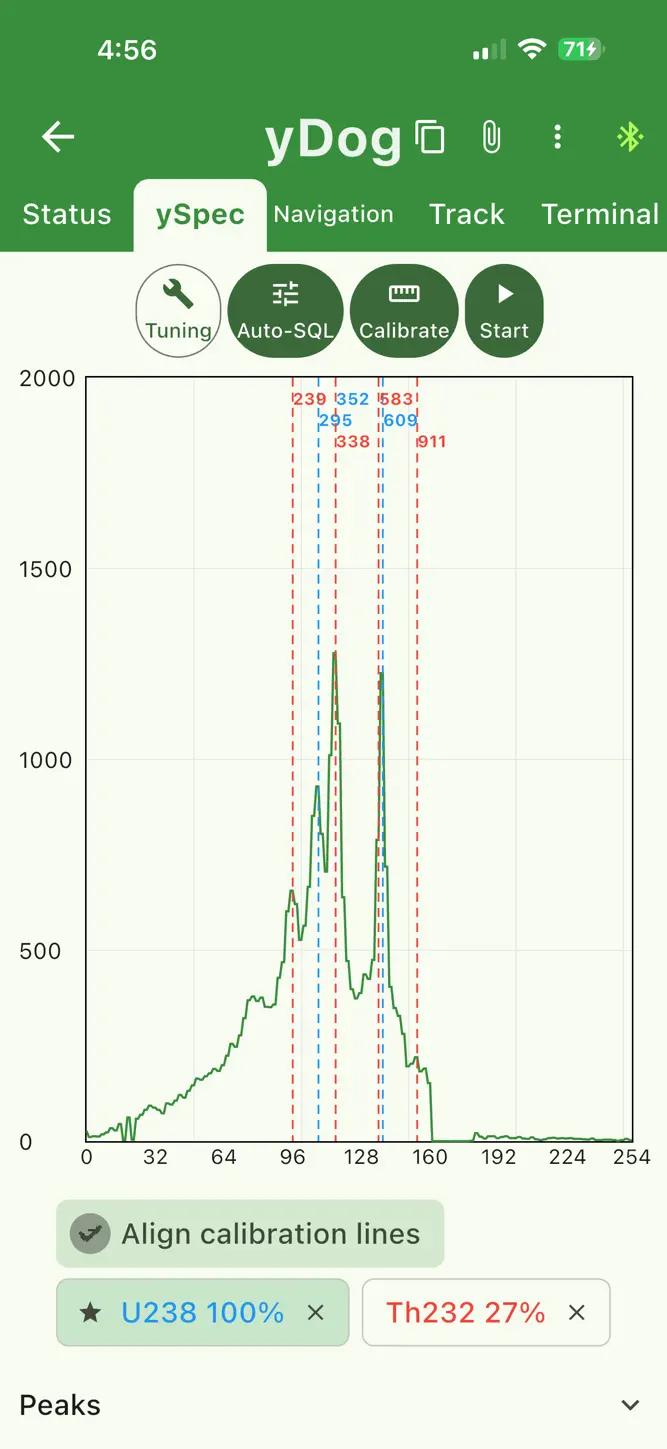
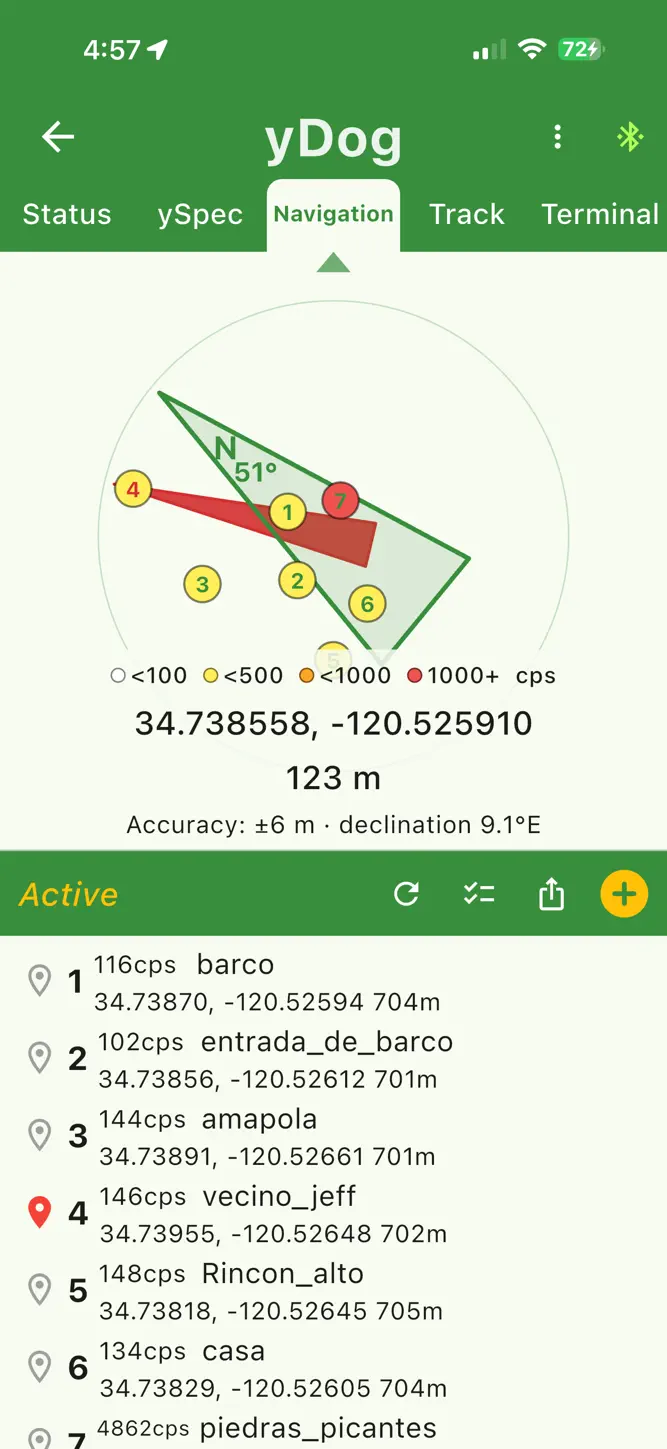
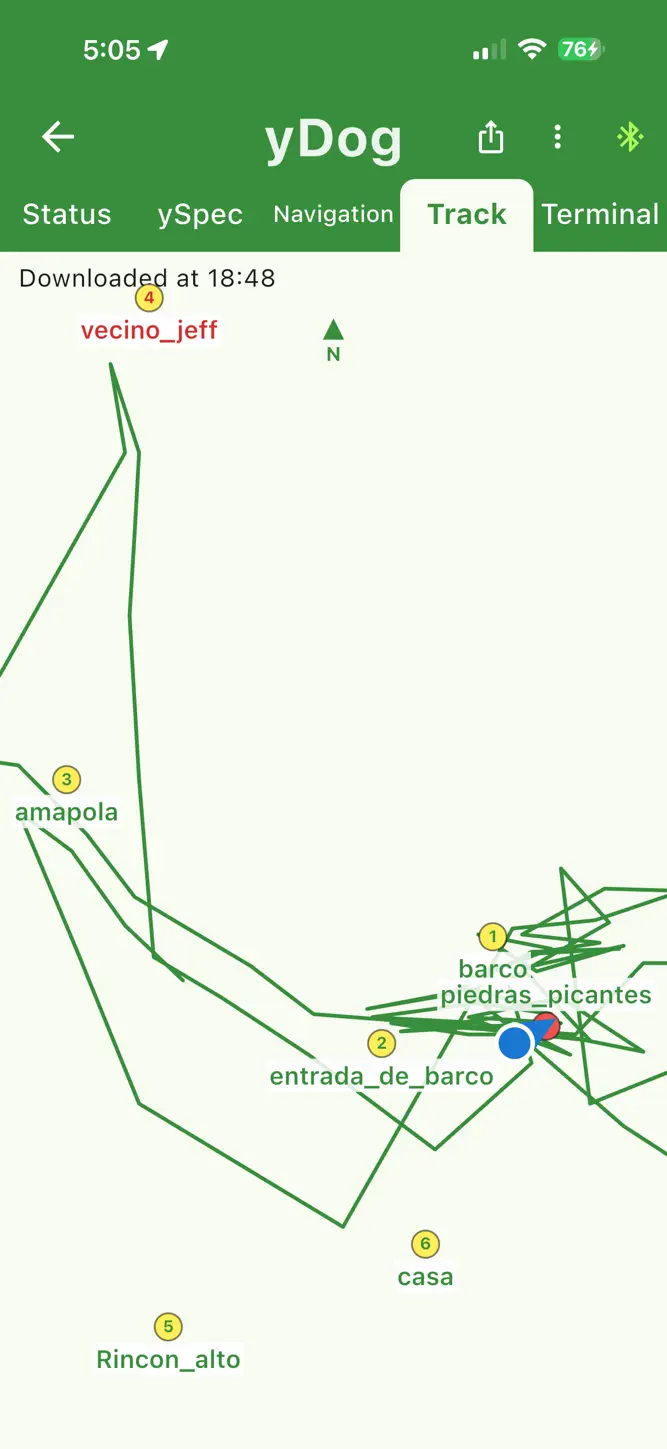
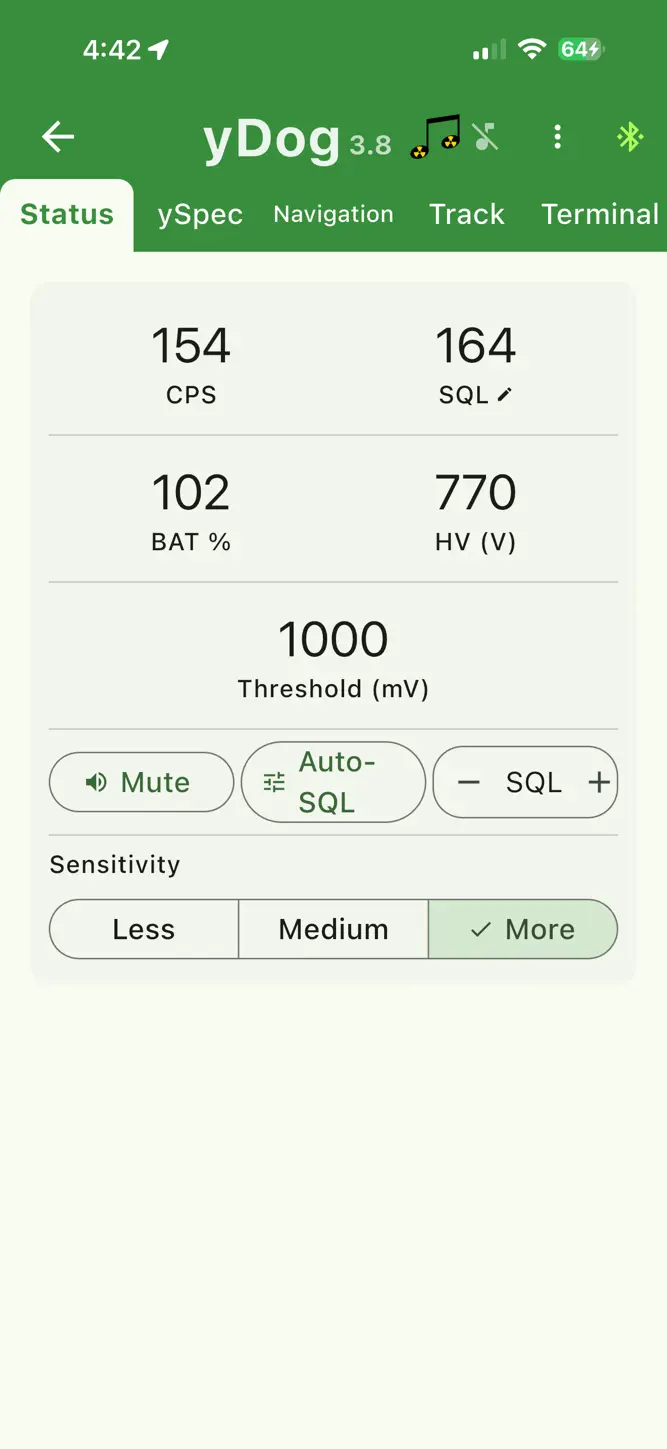
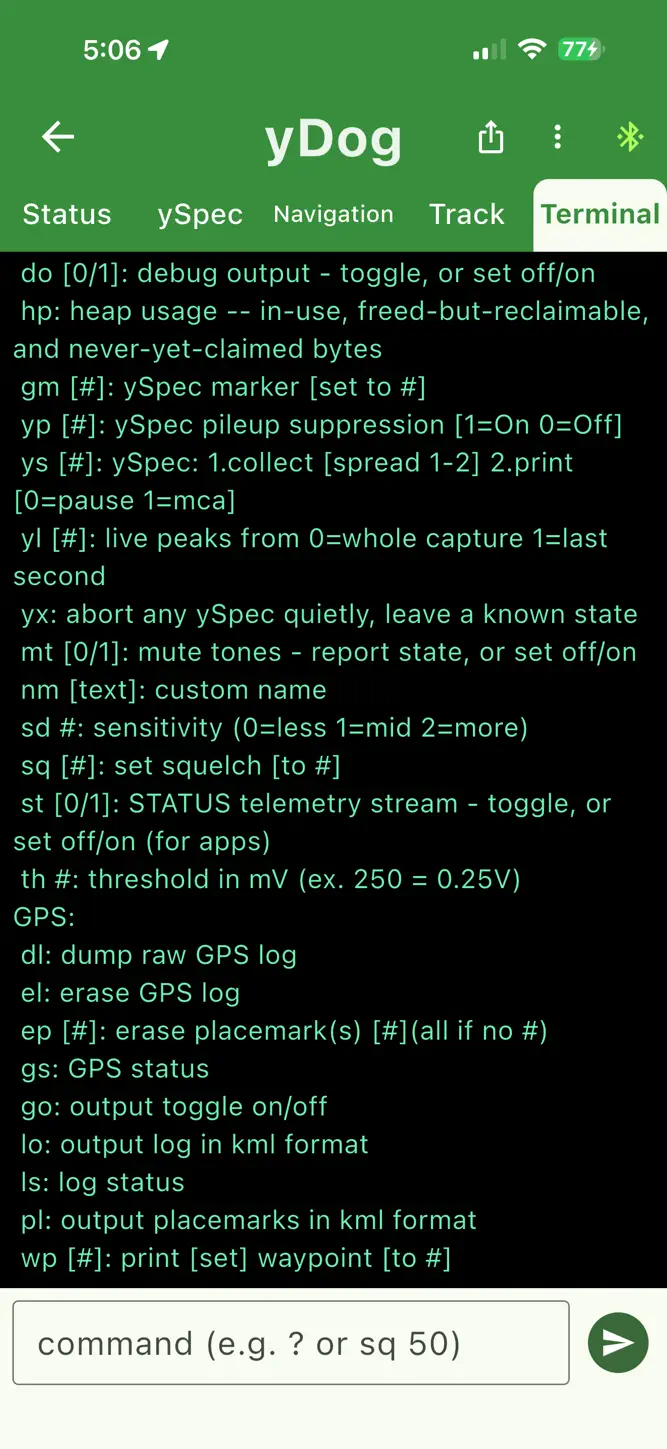
The yDog app connects to your yDog radiation field meter and fetches radiation measurements as well as GPS tracking information to facilitate prospecting for hot rocks anywhere, including wilderness where no internet is available. It converts radiation counts to tones so that the yDog meter can be muted if desired, saving battery and allowing full phone audio control. Tracking information with radiation measurements can be shared in KML format for import into a mapping application. When not connected to a yDog field meter, the count, squelch, battery level, and high voltage readings will not be displayed but the navigation functions are all available and the status will be updated with yDog data as soon as it connects.
What's New
Record — a new tab that logs everything the yDog reports, ten times a second, and draws it: the count against the squelch line, how the meter was held, and where it was pointed. It keeps recording with the screen off, so locking the phone no longer cuts a run in half. Import — bring a saved scan, recording or track back into the app, from Files or from a mail attachment. Every file the app exports now says which yDog it came from, so a capture a friend sends you arrives under his meter's name, carrying his calibration with it. Squelch — a yDog swinging from the strap could set its own squelch while you walked. It no longer does. The fix is in the firmware: accept the update the app offers when you connect. Also: restart the yDog from Settings; erase the yDog's own track log without losing the walks you have already downloaded; calibrate the compass from Settings; shorter, clearer labels on Status.
How to download yDog Field Meter and Navigator?
- Tap the Google Play button (Android) or the App Store button (iPhone / iPad) in the download section.
- The official store page of yDog Field Meter and Navigator opens in a new tab.
- Tap Install or Get and wait until the download finishes.
- Open yDog Field Meter and Navigator from your home screen and start playing.
FAQ
Is yDog Field Meter and Navigator free to play?
Yes, yDog Field Meter and Navigator is free to download.
Is yDog Field Meter and Navigator available for iPhone?
Yes, yDog Field Meter and Navigator is available on the Apple App Store and needs iOS 15.0 or later.
Is it safe to download yDog Field Meter and Navigator?
Yes. GameZone does not host any files — the download buttons open the official Google Play and App Store pages.
Download the App
Similar Games


Disclaimer
1. GameZone does not represent any developer, nor is it the developer of any app or game listed on this website.
2. Game details such as icons, screenshots, ratings and descriptions are collected from the public Google Play and App Store listings so players can compare games before installing.
3. All trademarks, registered trademarks, product names, company names and logos are the property of their respective owners.
4. GameZone does not host APK or IPA files. Every download button opens the official Google Play Store or Apple App Store page of the game.
5. GameZone respects the Digital Millennium Copyright Act (DMCA). If you are the owner of any content shown here and want it removed, please contact us at contact@shresult.com.